
Screenshots
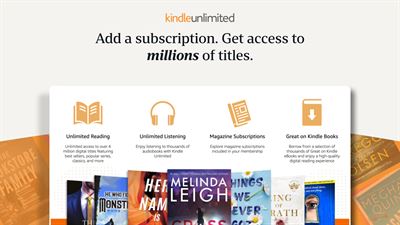


About Amazon Kindle: Reading App
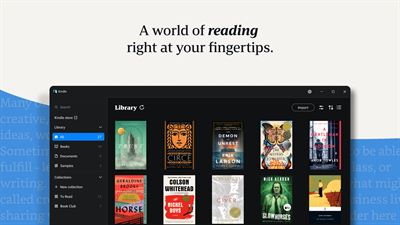
Got a Windows PC? You've got a Kindle. Kindle books you have bought on Amazon will automatically appear in your app.
Turn your PC into a book with the free Kindle app—so you can read anytime, anywhere. Explore these features in the Kindle app:
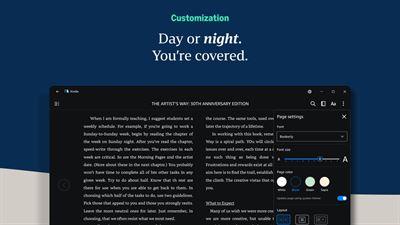
• Read your way. Customize your font type, text size, page color, margins, text alignment, layout (multiple columns, single column), and spacing. Go to the Aa menu in your book to get started.
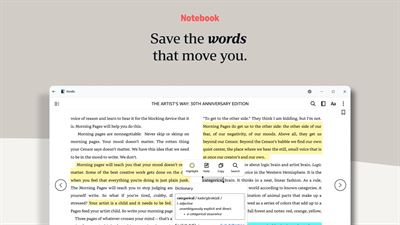
• Bookmark places you want to revisit, and make highlights and take notes throughout your book. Open your notebook to see all your notes in the same place.
• Look up words while you read. Simply select a word to view its definition.
• Track your reading progress. See what percent of the book you've read and real page numbers (for most top titles).
• Zoom in on high-definition color images in Kindle books, magazines, comics, and manga. Shift from panel to panel on applicable comics and manga titles when you enable Guided View.
• Sync across devices. The Kindle app will automatically sync where you left off—along with your bookmarks, highlights, or notes—so you can seamlessly pick up where you left off.
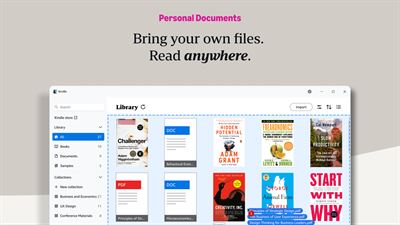
• Bring your own files, read anywhere. Drag and drop your personal documents directly into the Kindle app to read on the app or across your other Kindle apps and devices.
AVALW Coverage
Not yet mentioned in AVALW articles.
Similar apps


 BibleProfessional AI LaboratoryDaily Bible verses, devotionals, guided prayer, and scripture answers.★ 4.9 13865k


 Bible Offline-KJV Holy BibleBíblia OfflineHoly Bible KJV App for study - share verses of the day & study the words of God.★ 4.9 11673k


 Wattpad - Read & Write StoriesWattpad.comA story reading app: Read stories, novels and books, or write your own.★ 3.7 5023k


 Bible For Women-Holy Bible KJVBíblia OfflineBible verses, prayers, and daily devotionals crafted for Christian women.★ 4.9 3914k


 Al Quran IndonesiaPT Dalfindo Pustaka DigitalAl Quran dengan terjemahan Bahasa Indonesia dan terdapat Jadwal Sholat.★ 4.8 3617k


 King James Bible - Verse+AudioOzionInformative Bible KJV App. Bible study tool with audio books and daily verse.★ 4.8 2542k


 Muslim Pro: Quran Athan PrayerMD. NASAR UDDIN REDOYNurApp Muslim Pro is an all-in-one Islamic companion designed to support daily worship with accuracy, clarity, and ease of use. The app provides prayer times ba★ 4.1 1919k


 ReadEra – book reader pdf epubREADERA LLCRead books PDF, EPUB, WORD, KINDLE, MOBI! Your ebook reader among reading apps.★ 4.9 1600k