
Screenshots


About Amco CS
Bring Amco’s unique content to life using Classroom Solution. Easily screencast your books right to any screen or projector using the Amco Skybox and call up any of your saved resources, bookmarks, or complementary audio and video clips. All of this without needing a permanent internet connection.
Create new and engaging ways of presenting our content to your class. With our interactive teacher tools you can transform your iPad into a smartboard tablet and screencast whatever you draw on your own screen or make annotations right on any content you are projecting.
Classroom Solution (CS) also includes powerful tools to help you manage your class. Keep track of your student's attendance and participation, create class engagement using our random student picker, or use our timer tool to create fun new challenges for your class.
This application is only available to schools subscribing to Amco Educational Services.
Features
• Screencast and navigate easily through your Amco books.
• Make text or freehand annotations right on the page, visible to students and saved for repeated viewings.
• Playback complementary audio and video clips included in our books.
• Create and save your own custom PDF, image, audio, video, or URL resources to be used at any time. These can be attached to specific pages in any book to enhance lesson plans.
• Use “Sparks” to enrich and enhance your lessons. These are Amco-created multimedia materials included with our books.
• Customize your lessons using “Flares” by adding any of your resources to specific book pages.
• Create engaging time-based challenges using the included Timer tool.
• Use our grid, lined, or blank views to turn your iPad into a smartboard tablet and screencast anything you draw on your screen.
• Student pickers give you an easy way to engage specific or random students into participation.
• Keep track of your classes attendance and participation.
• Stay up to speed by viewing all your Web Solution Activities right in CS.
• CS works perfectly without a permanent internet connection to display any books and resources you download ahead of time.
AVALW Coverage
Not yet mentioned in AVALW articles.
Similar apps
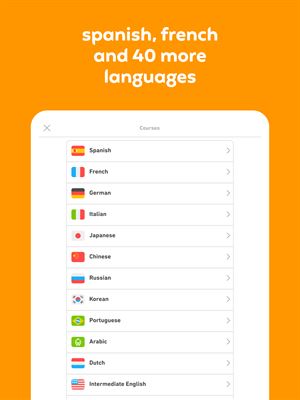
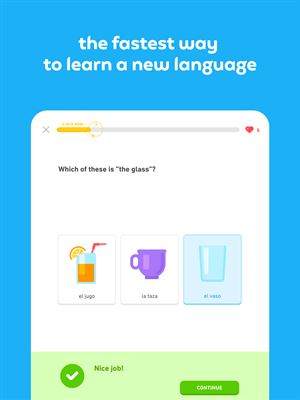
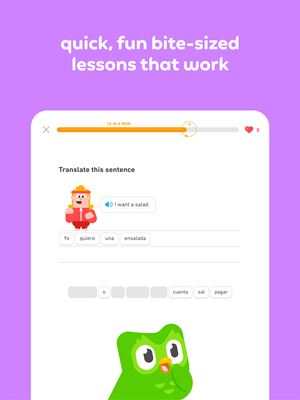
 Duolingo - Language LessonsDuolingo Inc.Learn a new language with the world’s most-downloaded education app! Duolingo is the fun, free app for learning 40+ languages through quick, bite-sized lessons.★ 4.7 5492k


 Duolingo: Language LessonsDuolingoLearn a new language, chess & more with the world's most downloaded education app! Duolingo is the fun, free app for learning 40+ languages through quick, bite-★ 4.7 5492k


 Read Along by GoogleGoogle LLCLearn to read with the magic of your voice and a friendly reading buddy★ 4.6 5287k


 Brainly: AI Homework HelperBrainlyQuick Math Helper & Science Solutions | Get Homework Answers for School Doubts★ 4.5 4470k


 Gauth: AI Study CompanionGauthTech Pte. Ltd.Ask anything, get right answer★ 4.8 2111k


 Remind: School CommunicationParentSquareRemind is a communication platform that helps every student succeed. Whether you're in the classroom, at home, or anywhere in between, Remind makes it easy to s★ 4.8 1799k


 Memrise: Fun language lessonsMemriseImprove vocabulary & learn to speak English, Spanish, German, Japanese & more!★ 4.4 1571k


 ClassDojoClassDojoClassDojo connects teachers, tutors, kids, and families★ 4.8 1341k
More by this developer


 Amco SummitInternational Education ServicesDiscover the official Amco Summit app. Experience Latin America’s biggest educational event right from your phone: access the event, participate, and capture yo-


 Amco Academic SolutionInternational Education ServicesAn Amco school’s greatest asset is its teachers. With Academic Solution (AS) you can track and evaluate your staff's development, make sure you identify possibl-


 Evo ReadingInternational Education ServicesDiscover, encourage and develop your love for reading with the app that gives you the opportunity to read stories tailored just for you! Evo is a free app that ★ 2.0 4


 Amco PayInternational Education ServicesNow you can pay more quickly, easily and safely for your children's Amco learning system. Discover the new Amco Pay app that gives you everything you need to ma★ 4.8 48