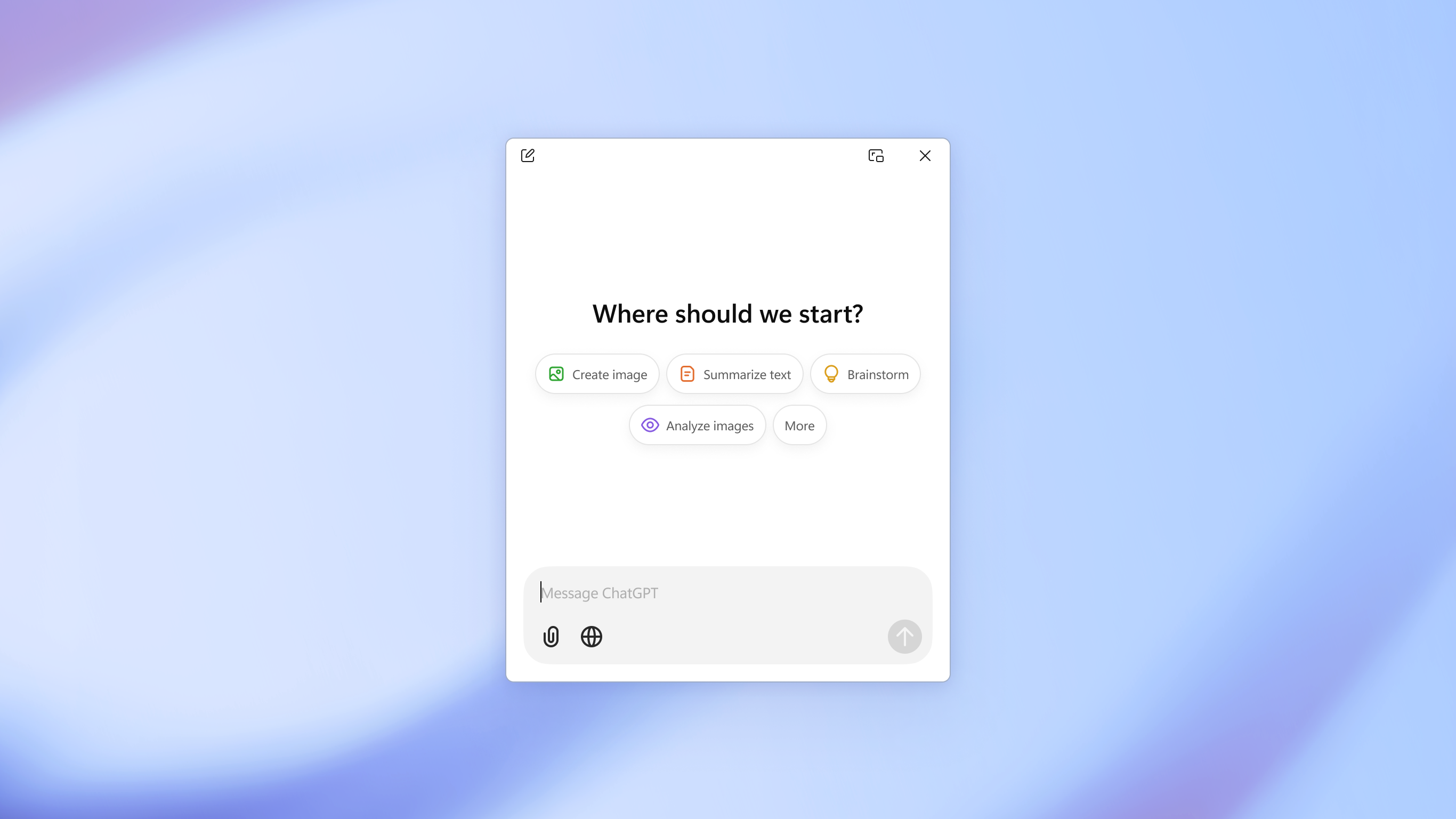
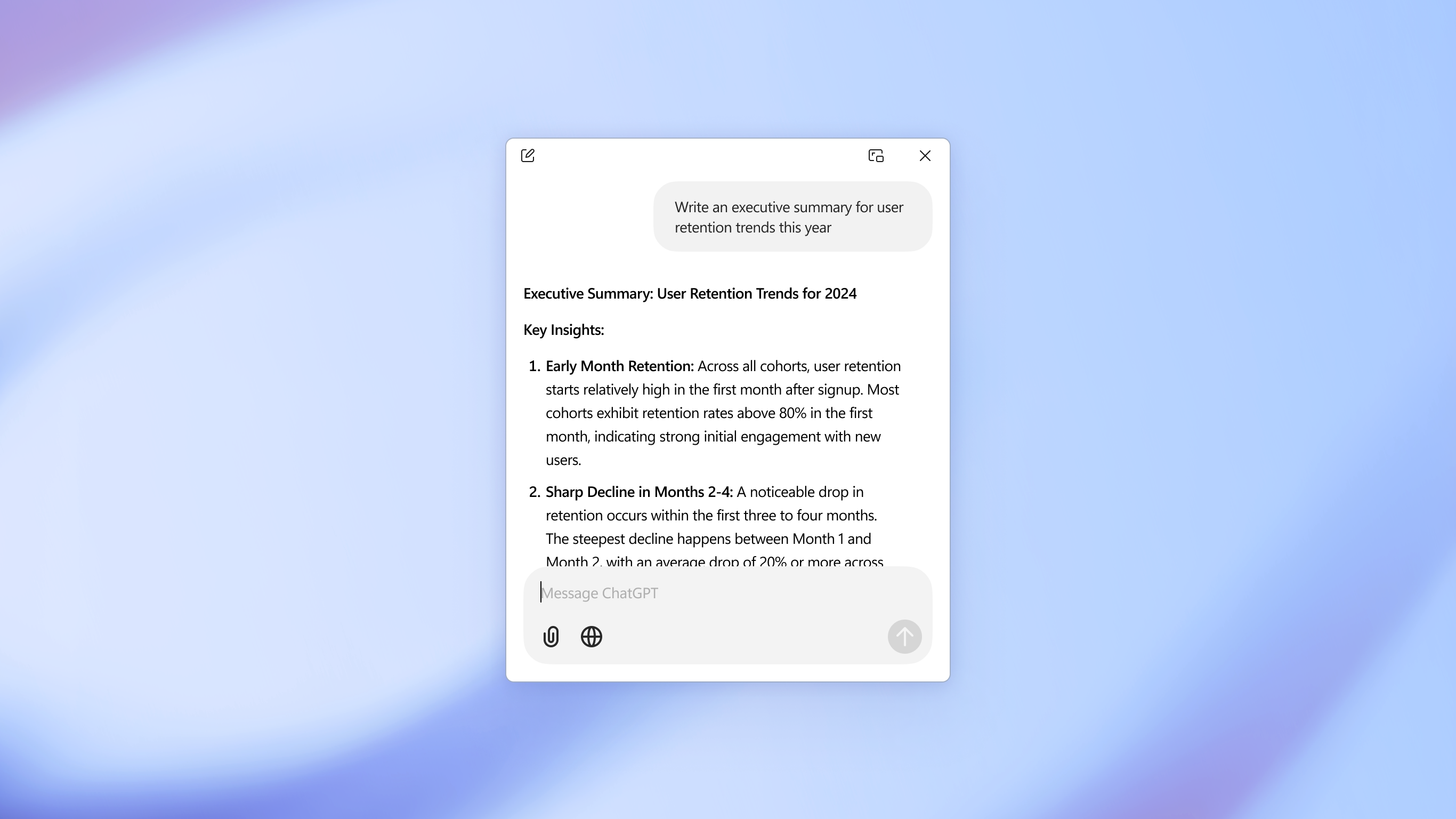
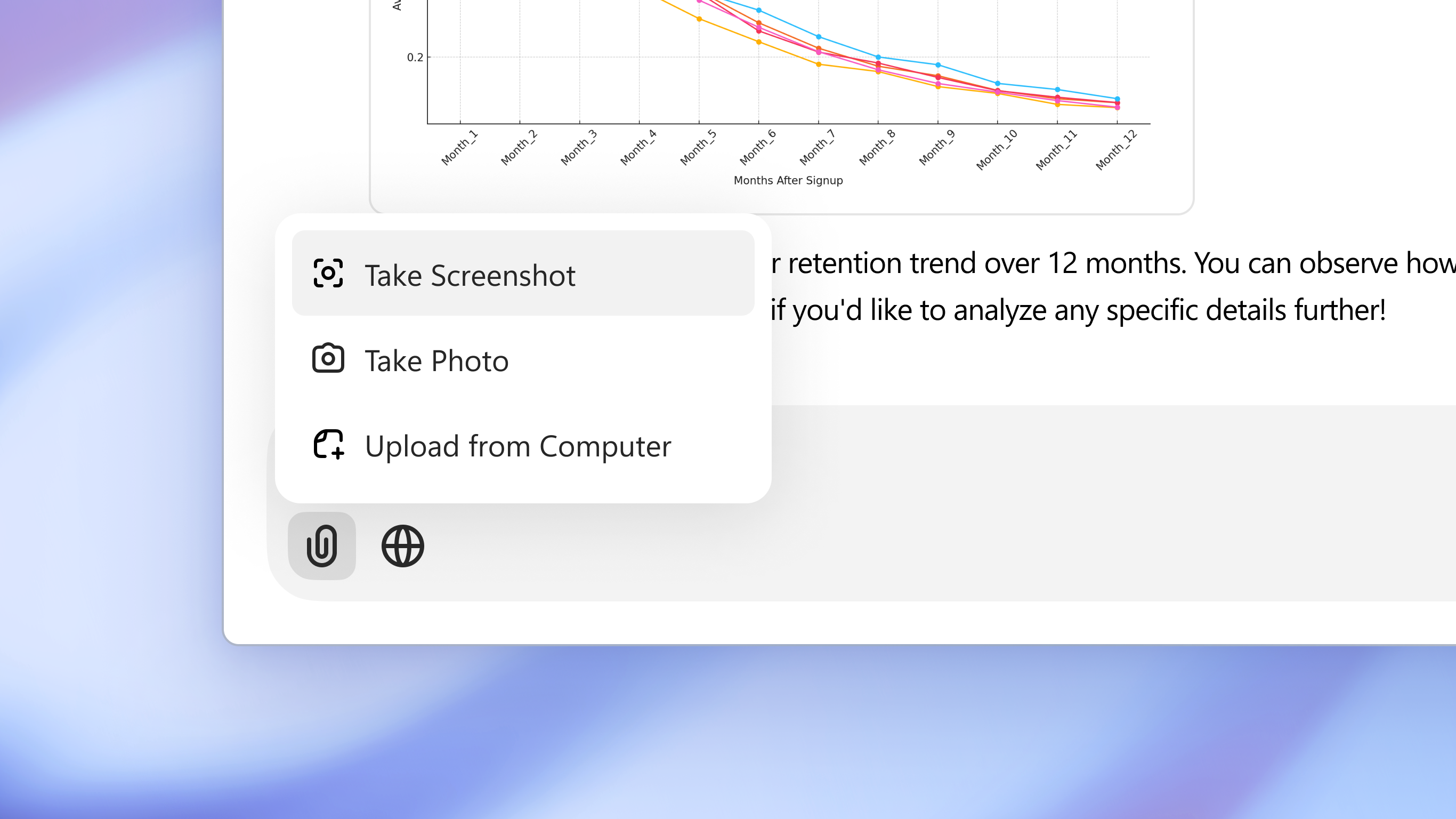
The official ChatGPT desktop app brings you the newest model improvements from OpenAI. Do more on your PC with ChatGPT: · Instant answers—Use the [Alt + Space] keyboard shortcut for faster access to ChatGPT · Chat with your computer—Use Advanced Voice to chat with your computer in real-time and get hands-free advice and answers while you work. · Search the web—Get fast, timely answers with links to relevant web sources. · Collaborate on writing and code—Use canvas to work with ChatGPT on projects that require editing and revisions. · Stay productive—Keep ChatGPT easily accessible next to your open apps with the companion window · Take and share screenshots—Ask about anything on your screen · Upload files and photos—Summarize and analyze multiple documents · Get professional input—Brainstorm marketing copy or a business plan · Creative inspiration—Get birthday gift ideas or create a personalized greeting card with DALL•E Join hundreds of millions of users and download ChatGPT today.
Productivity · Windows, iPhone, iPad, Android · Free