
Screenshots




About QuickScanPDF+
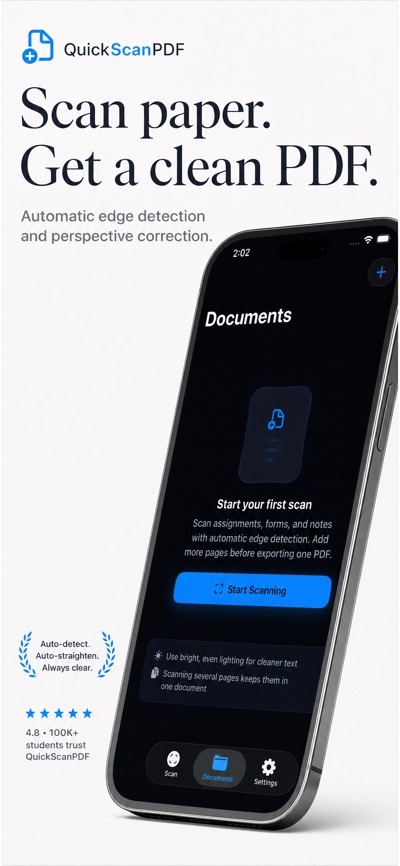
QuickScanPDF turns paper assignments, forms, notes, and receipts into clean PDFs from your phone. Scan a page, add more pages when needed, review the document, make quick fixes, then prepare one PDF to share or save.
FEATURES:
• Scan documents with automatic edge detection and perspective correction.
• Add pages to the same document with Next Page and review them together before export.
• Fine-tune page corners and perspective when a scan needs a manual boundary fix.
• Clean pages with Auto Clean, Brighten, Sharpen, or Remove Background presets.
• Choose PDF quality and optimize for balanced output, crisp text, or a smaller file.
• Prepare class submission, email, backup, or preview shares through the iOS share sheet.
• Free exports include a small "Made with QuickScanPDF" watermark; Premium removes it.
• Keep scans on device in Documents with names, page counts, file size, and export status.
SUBSCRIPTION INFORMATION:
• Free trial available - try Premium before subscribing.
• Subscription automatically renews unless canceled at least 24 hours before the end of the current period.
• Payment will be charged to your Apple ID account at the confirmation of purchase.
• Your account will be charged for renewal within 24 hours prior to the end of the current period.
• You can manage and cancel your subscriptions by going to Settings Apple ID Subscriptions.
Privacy Policy: https://hatchingpoint.com/quickscanpdf/privacypolicy
Terms of Use: https://hatchingpoint.com/quickscanpdf/terms
AVALW Coverage
Not yet mentioned in AVALW articles.
Similar apps


 Phone by GoogleGoogle LLCReliable phone calls with spam protection, caller ID and more helpful features★ 4.4 52440k


 Google Play servicesGoogle LLCGoogle Play services - Google services for Android apps★ 4.3 44573k



 Call of Duty®: Modern Warfare® 4 (Windows)Activision Publishing Inc.War erupts on the Korean Peninsula as North Korea launches a full-scale invasion that threatens to destabilize the world in Call of Duty®: Modern Warfare® 4. A ★ 4.3 16579k


 gov.brServiços e Informações do BrasilGov.br is a means of user access to digital public services.★ 4.6 14047k


 MyTelkomsel – Buy InternetTelkomselBuy credit, internet quota, streaming, game voucher & get cashback with e-wallet★ 3.8 12353k


 myIM3: Data Plan & Buy PackageIndosat Ooredoo HutchisonCheck balance & quota, detect & block spam, exchange IMPoin only on myIM3★ 4.4 11302k


 Files by GoogleGoogle LLCClean up your phone, find files, play media, and share files offline★ 4.5 9097k


 CNH do BrasilServiços e Informações do BrasilDigital driver's license and vehicle registration certificate, first driver's license, traffic violation and vehicle information.★ 4.9 8390k
More by this developer


 queDeskHatching Point LLCqueDesk helps you start one phone-free study block quickly, keep your attention on the session, and see simple progress when you finish. Choose a 15-60 minute f-


 Daywin BuddyHatching Point LLCDaywin Buddy helps you pick one small win for today and keep it connected to the bigger life you are building. Instead of managing endless habits or complicated-


 Stake SteadyHatching Point LLCStake Steady is a private streak counter for people who want a simple way to step away from gambling urges without shame, public posting, or a complicated progr-


 Widget WorkshopHatching Point LLCWidget Workshop is the fast, focused way to put a useful personal tracker on your Home Screen or Lock Screen. Choose Countdown, Counter, or Habit, add the essen-