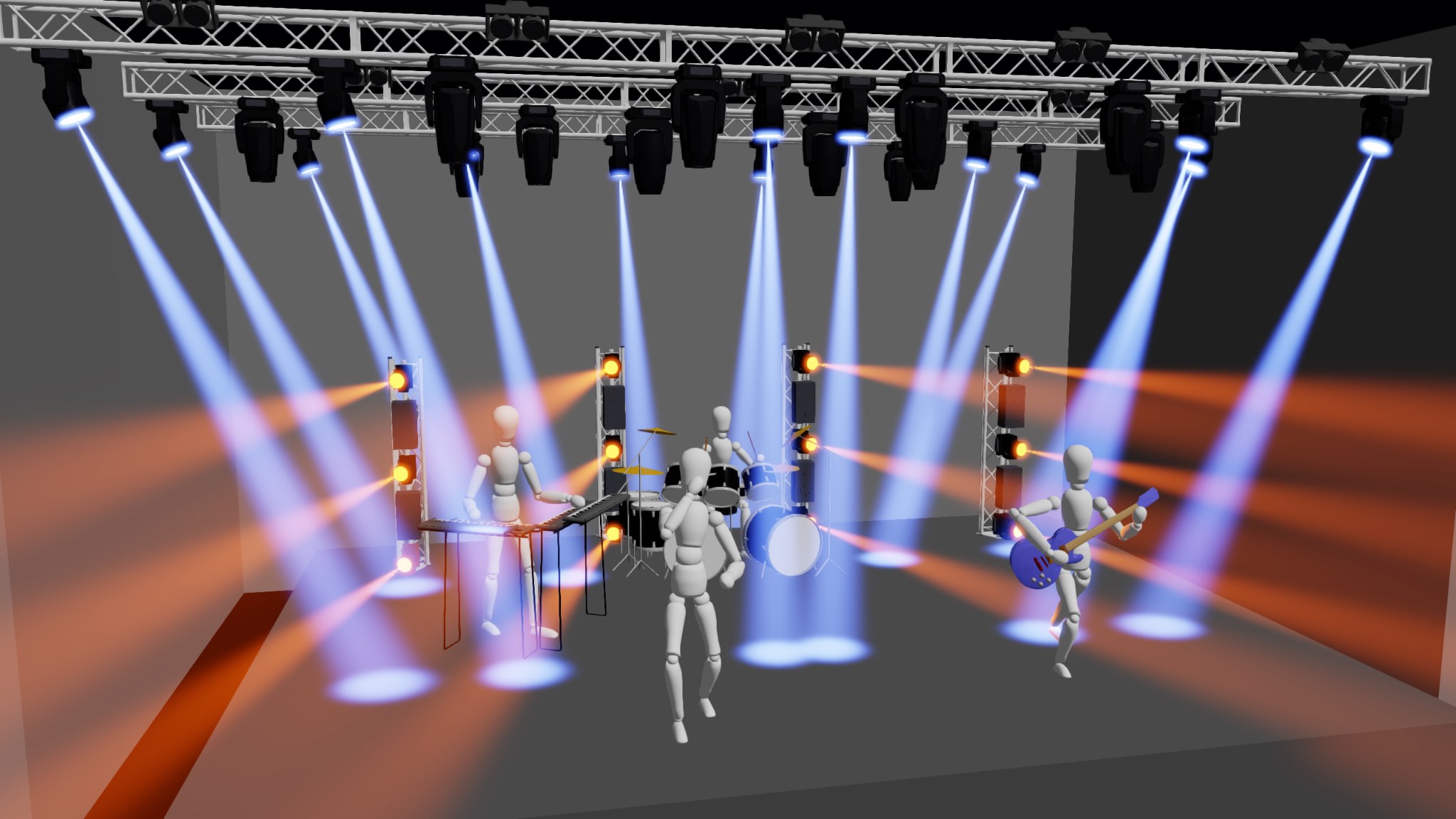
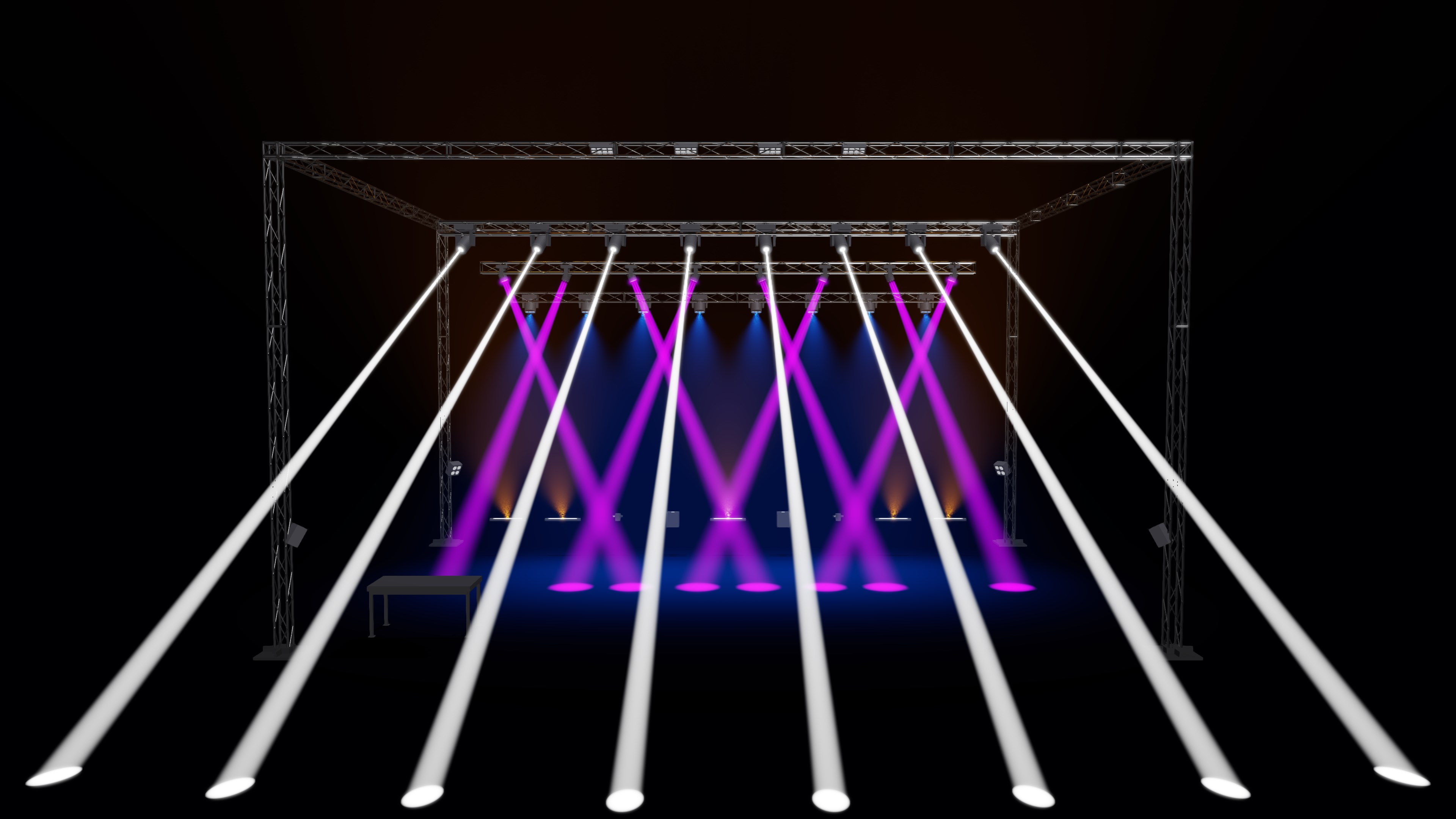
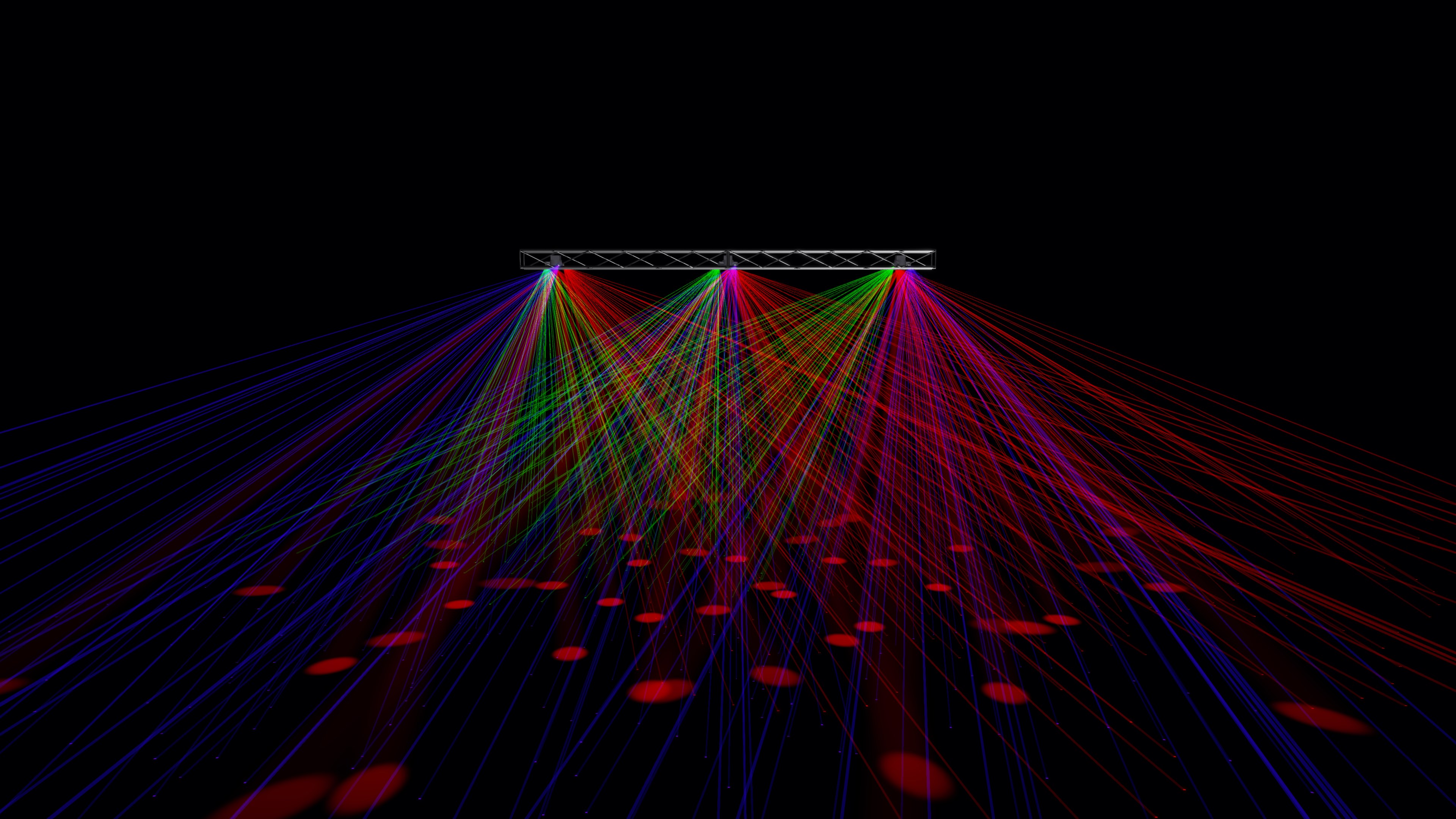
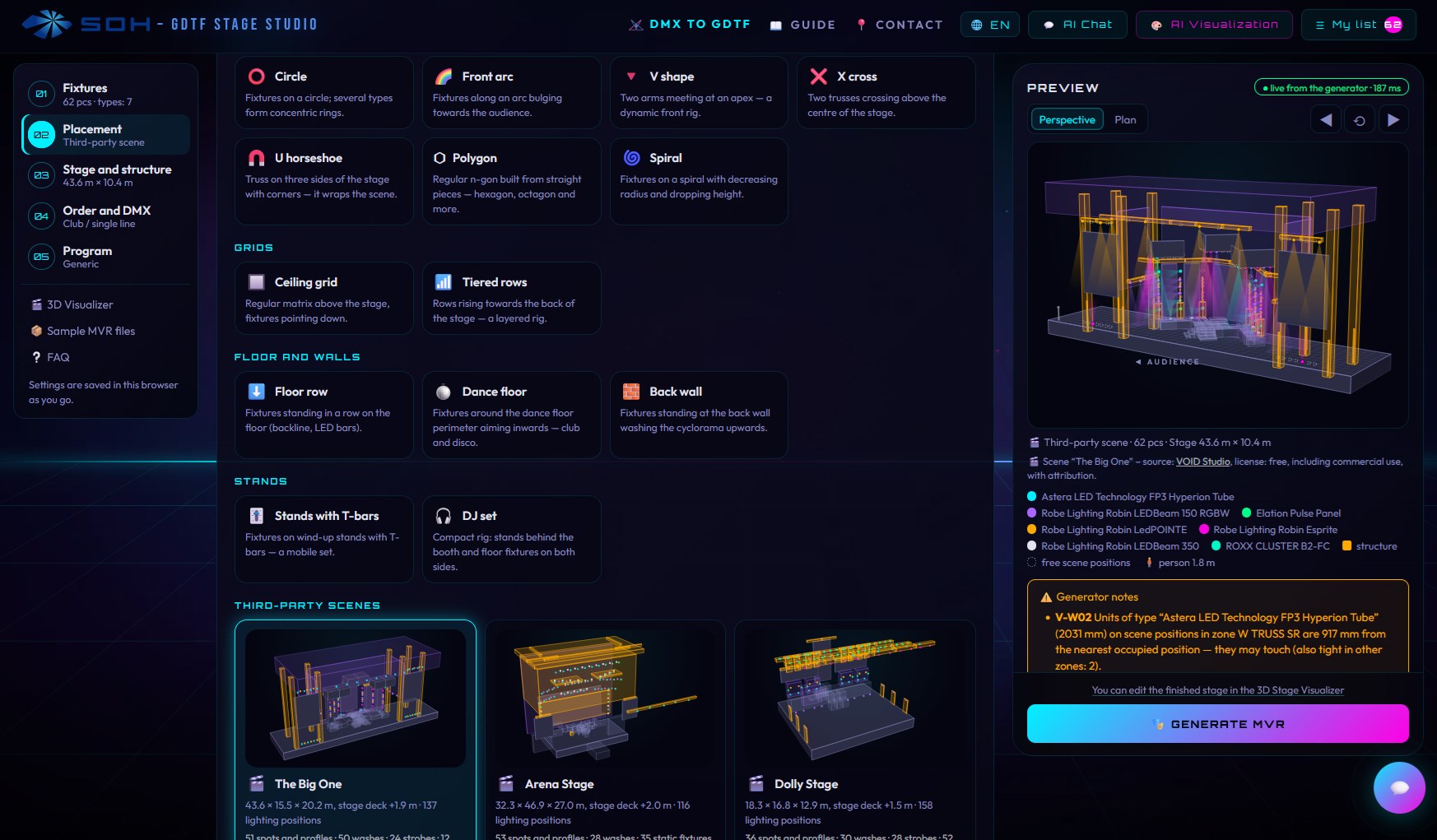
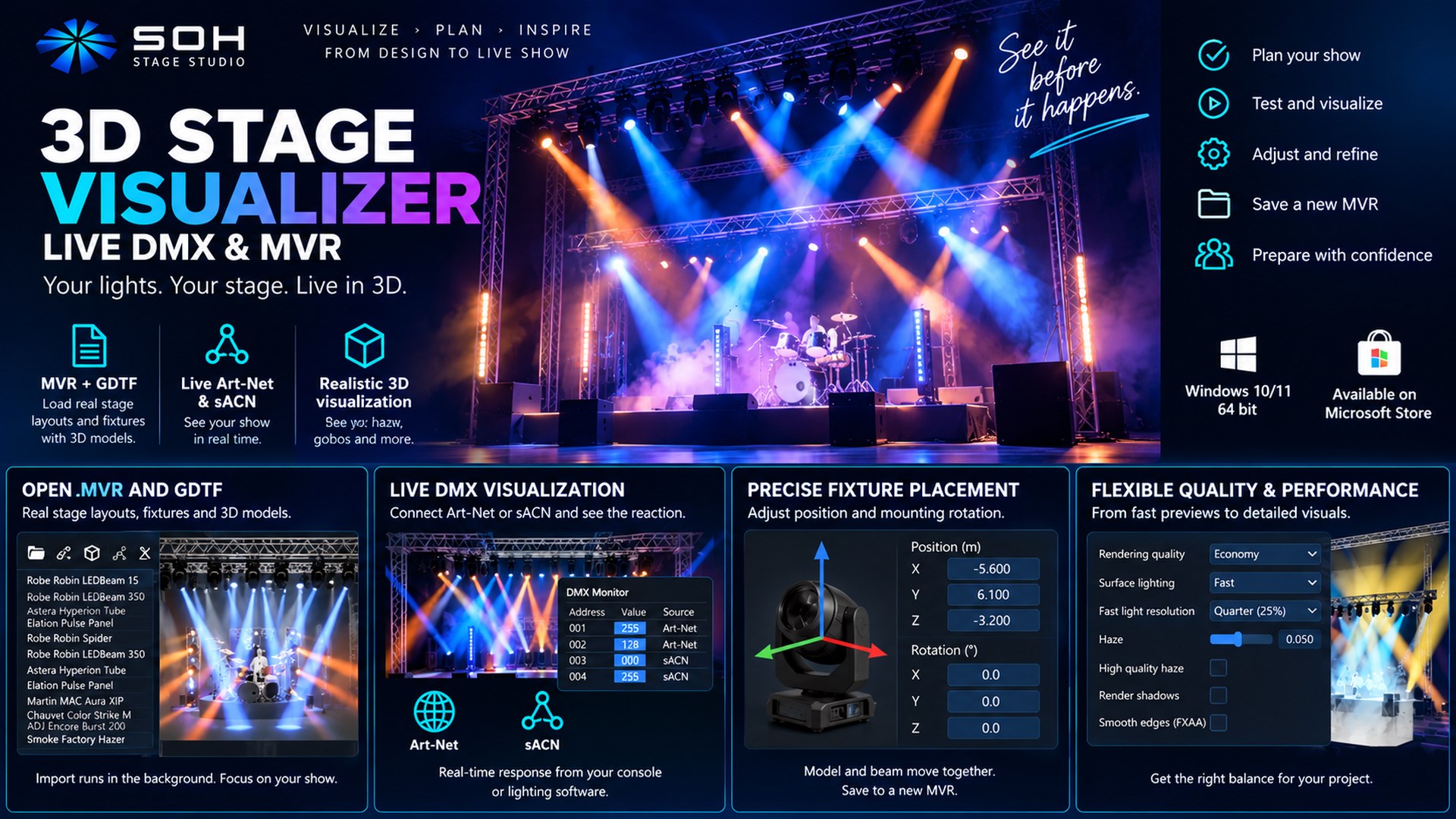
3D Stage Visualizer: Live DMX & MVR (StageViz) is a standalone Windows application for previewing stage lighting, editing fixture placement and combining MVR scenes. Open MVR files, load GDTF fixture profiles and see your lighting respond to live Art-Net or sACN data. COMBINE MULTIPLE MVR SCENES Add a lighting rig or stands to your main stage, adjust fixture XYZ positions and mounting rotations, and export the imported scenes as one MVR file. Choose the main MVR for its metadata. DMX address overlaps are reported without automatic repatching. Undo, Redo and restoring the imported placement support your edits. PREVIEW AND CHECK YOUR LIGHTS Use Local control without a console. The Art-Net tab brings together Live, All off, All on and Random previews with DMX, network and movement controls. Random creates a static lighting look with coordinated colours and white. Preview beams, colour, gobos, gobo shake, prisms and rotation, continuous colour/gobo wheels, frost and fixture reset movement where supported by the GDTF profile. Fixture diagnostics helps explain why a selected light is dark: dimmer, shutter, colour, strobe, reset, signal loss, missing GDTF or a license limit. Check its control source, DMX addresses, protocol and last packet age. Diagnostics shows the age of the displayed 3D scene. DMX Monitor provides channel values and sources. ADAPT RENDERING TO YOUR PC Choose the Fast, Balanced or Quality preset, or fine-tune Fast/Detailed haze, surface lighting, shadows, the detail and shadow limit and fixture models in Advanced rendering. Automatic 3D resolution, a separate interface update loop and Pause 3D help when scenes are demanding. Restore previous settings reverses the preset. The Clear light look keeps beam edges crisp and dims the light cast by blinders and floods to an adjustable level for programming, in the preview only; Realistic follows the fixture photometry. Surface light gain adjusts surface illumination independently of haze density. Performance depends on your hardware and scene. FREE VIEWING, EDITING AND SAVING Free includes viewing, supported scene editing and saving without license restrictions on those functions. Free live DMX input covers 1 universe, addresses 1–128. Optional permanent (lifetime) licenses expand live input: 512 Channels (B): 1 universe, addresses 1–512. 6 Universes (C): up to 6 universes, 512 channels each. Max Universes (D): the maximum supported universes, 512 channels each, within protocol and PC performance limits. The highest owned license applies. Capacities do not add together and lower tiers are not prerequisites. Manage and restore purchases in License & Upgrades. The price is shown in Microsoft Store before purchase. Save Show stores a portable .stageviz project, including separately added GDTF fixtures and the light look; opening a Show keeps the quality and network settings of this PC. Combined MVR export covers imported MVR scenes and supported placement and patch edits to their fixtures. Local control is an in-app preview and does not send DMX to physical lights. Visual results depend on the GDTF data and selected rendering quality; this is not a guarantee of exact fixture photometry. Includes the SampleMidStage example scene.
Photo & Video · Windows · Free