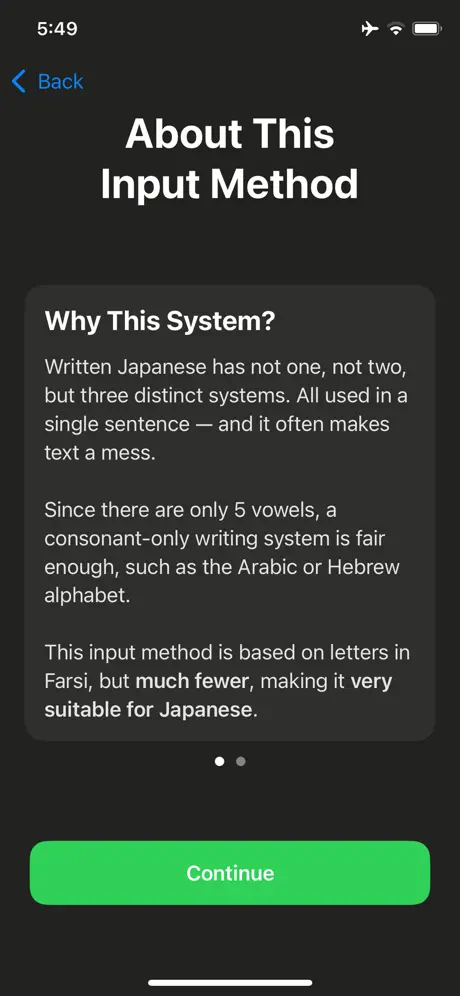
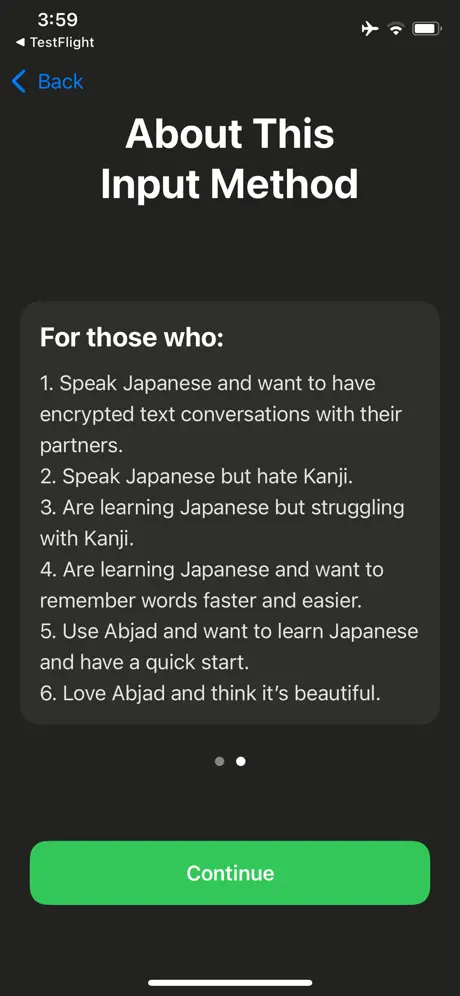
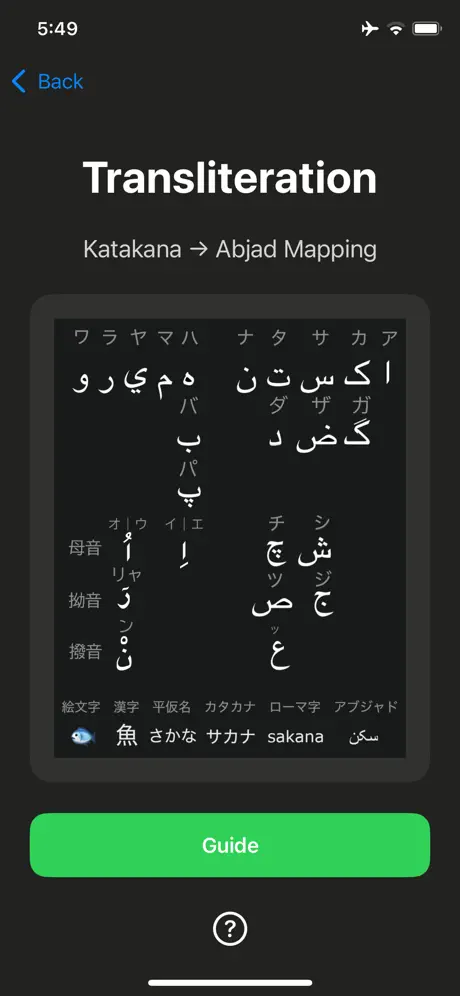
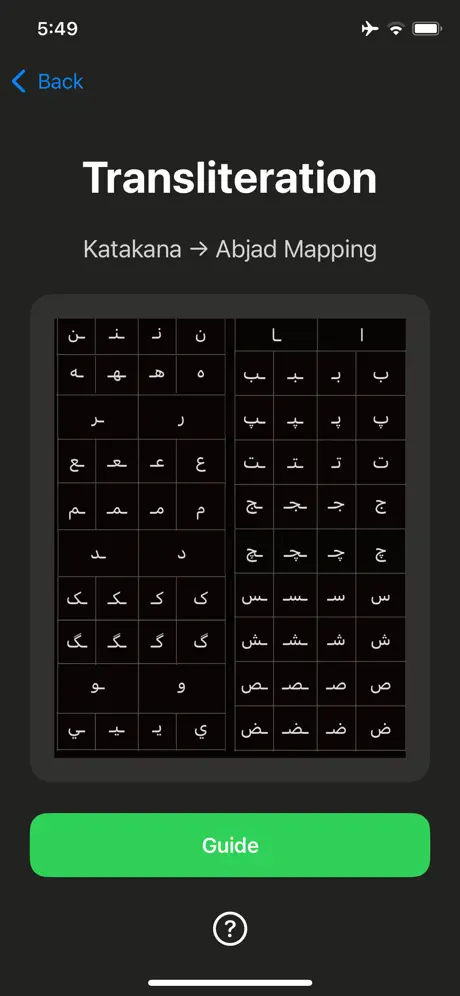
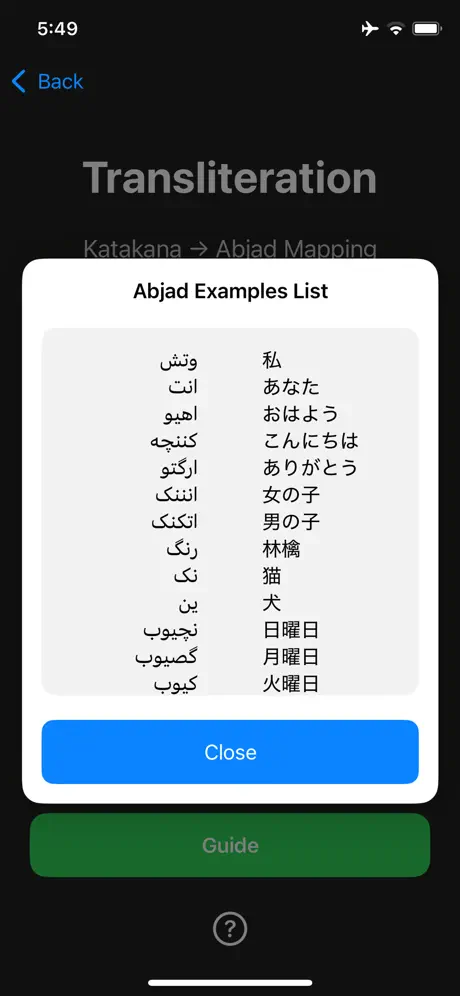
A revolutionary innovation of Japanese script and input method. Features Minimal alphabet — Fewer symbols, faster learning, less visual clutter. Smart transliteration — Type consonants first; the app intelligently maps them to correct kana combinations. Designed for mobile — Larger hit targets and concise layouts improve typing accuracy. Works with katakana & loanwords — Designed with foreign-sound transliteration in mind. Fully private — All processing happens on your device. Nothing is sent to servers. Beginner-friendly — Great for learners familiar with alphabet-based scripts but new to Japanese. Who is it for? Japanese learners who prefer alphabetic writing systems Users familiar with Arabic, Farsi, or Hebrew scripts Anyone wanting a cleaner, more efficient Japanese typing experience Creators and translators working with katakana loanwords A new way to type Japanese Solomon reduces complexity, speeds up typing, and offers a modern alternative to traditional IMEs. Whether you're messaging, taking notes, or studying Japanese, this input method brings clarity and simplicity to your keyboard.
Utilities · iPhone, iPad · Free
Rating: 5.0 out of 5, based on 1 user ratings.
I've been learning Japanese for more than 8 years and found the writing system a mess. And it's hard to remember words by hiragana, cuz there are 46 of them and it's hard to distinguish between T and D, let alone tens of thousands of kanji. I made this app originally to help myself remember words by writing consonants only. For example, sakana -> skn, the vowels are easy to guess, and the shape of abjad is easier to remember. If more and more Japanese speakers started to use this technically better writing system, I will become a history maker.