
Screenshots
About Ace Auto Clicker
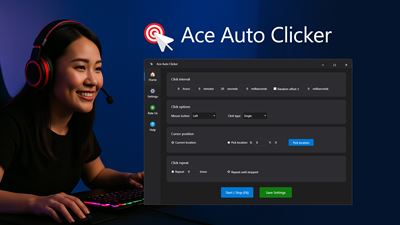
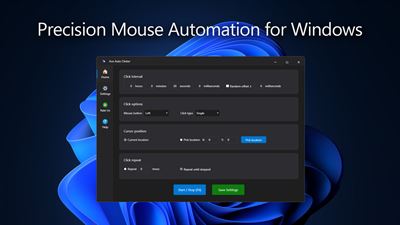
Ace Auto Clicker is a fast and reliable tool that automates mouse clicks on Windows 10 and 11. Designed for gamers, testers, and professionals, it allows you to define exact click intervals, choose which mouse button to use, and decide where and how often clicks should occur. Whether you’re performing repetitive actions, running automated tests, or enhancing gameplay, Ace Auto Clicker provides full control and accuracy.
App License:
The app provides a 1-day free trial that gives users full access to test all features and functions. To continue using Ace Auto Clicker without restrictions after the trial period, users can acquire a license to unlock full access.
Key Features:
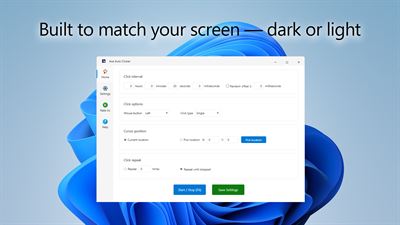
✅ Set custom click intervals in hours, minutes, seconds, and milliseconds
✅ Add randomization to create natural, human-like clicking patterns
✅ Choose between left, middle, or right mouse button with single or double clicks
✅ Pick cursor position manually or use current mouse location
✅ Repeat a set number of clicks or run continuously until stopped
✅ Assign customizable hotkeys for start/stop actions
✅ Save settings for quick reuse every time you launch the app
Ace Auto Clicker helps eliminate repetitive manual clicking and improves productivity across a wide range of tasks. With an intuitive interface and lightweight design, it delivers precision automation for work, testing, and gaming—all with just a few clicks.
AVALW Coverage
Not yet mentioned in AVALW articles.
Similar apps


 Phone by GoogleGoogle LLCReliable phone calls with spam protection, caller ID and more helpful features★ 4.4 52440k


 Google Play servicesGoogle LLCGoogle Play services - Google services for Android apps★ 4.3 44573k



 Call of Duty®: Modern Warfare® 4 (Windows)Activision Publishing Inc.War erupts on the Korean Peninsula as North Korea launches a full-scale invasion that threatens to destabilize the world in Call of Duty®: Modern Warfare® 4. A ★ 4.3 16579k


 gov.brServiços e Informações do BrasilGov.br is a means of user access to digital public services.★ 4.6 14047k


 MyTelkomsel – Buy InternetTelkomselBuy credit, internet quota, streaming, game voucher & get cashback with e-wallet★ 3.8 12353k


 myIM3: Data Plan & Buy PackageIndosat Ooredoo HutchisonCheck balance & quota, detect & block spam, exchange IMPoin only on myIM3★ 4.4 11302k


 Files by GoogleGoogle LLCClean up your phone, find files, play media, and share files offline★ 4.5 9097k


 CNH do BrasilServiços e Informações do BrasilDigital driver's license and vehicle registration certificate, first driver's license, traffic violation and vehicle information.★ 4.9 8390k
More by this developer
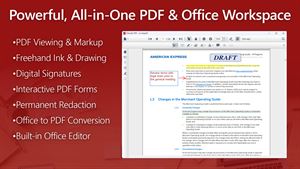
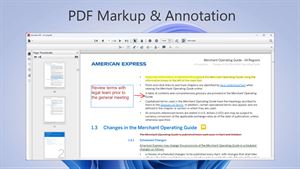
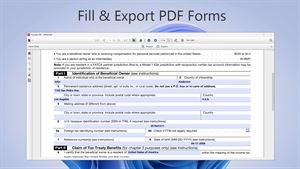
 Everyday PDFXSKJToolAppsView, annotate, manage, and fill out PDF forms effortlessly with Everyday PDF, a fast and flexible desktop workspace for Windows 10 and 11. Open, edit, and conv★ 5.0 7
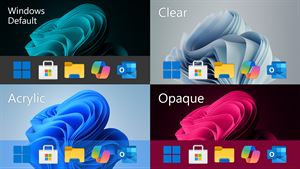
 Taskbar Transparent ProXSKJToolAppsTransform your desktop with full control over your taskbar’s transparency behavior. Taskbar Transparent Pro lets you assign different transparency effects for e★ 4.6 116
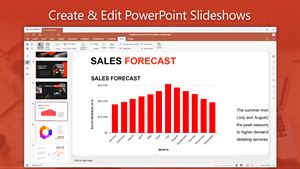
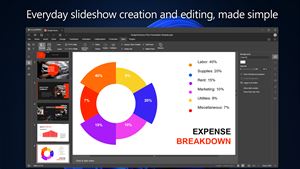
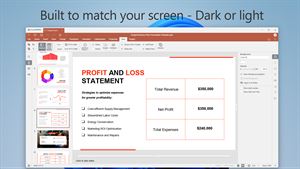
 PPT Editor ProXSKJToolAppsPPT Editor Pro is a full-featured presentation editor for Windows 10 and 11 that focuses on compatibility with Microsoft PowerPoint. It opens, edits, and saves ★ 5.0 6
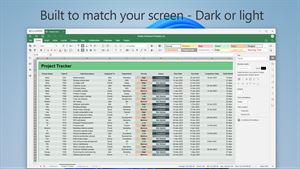
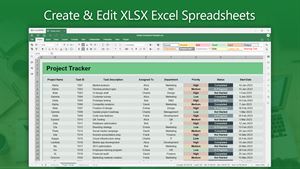
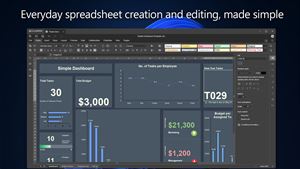
 XLSX Editor Pro.XSKJToolAppsXLSX Editor Pro is a full-featured spreadsheet editor for Windows 10 and 11 that focuses on compatibility with Microsoft Excel and LibreOffice Calc. It opens, e★ 4.6 28