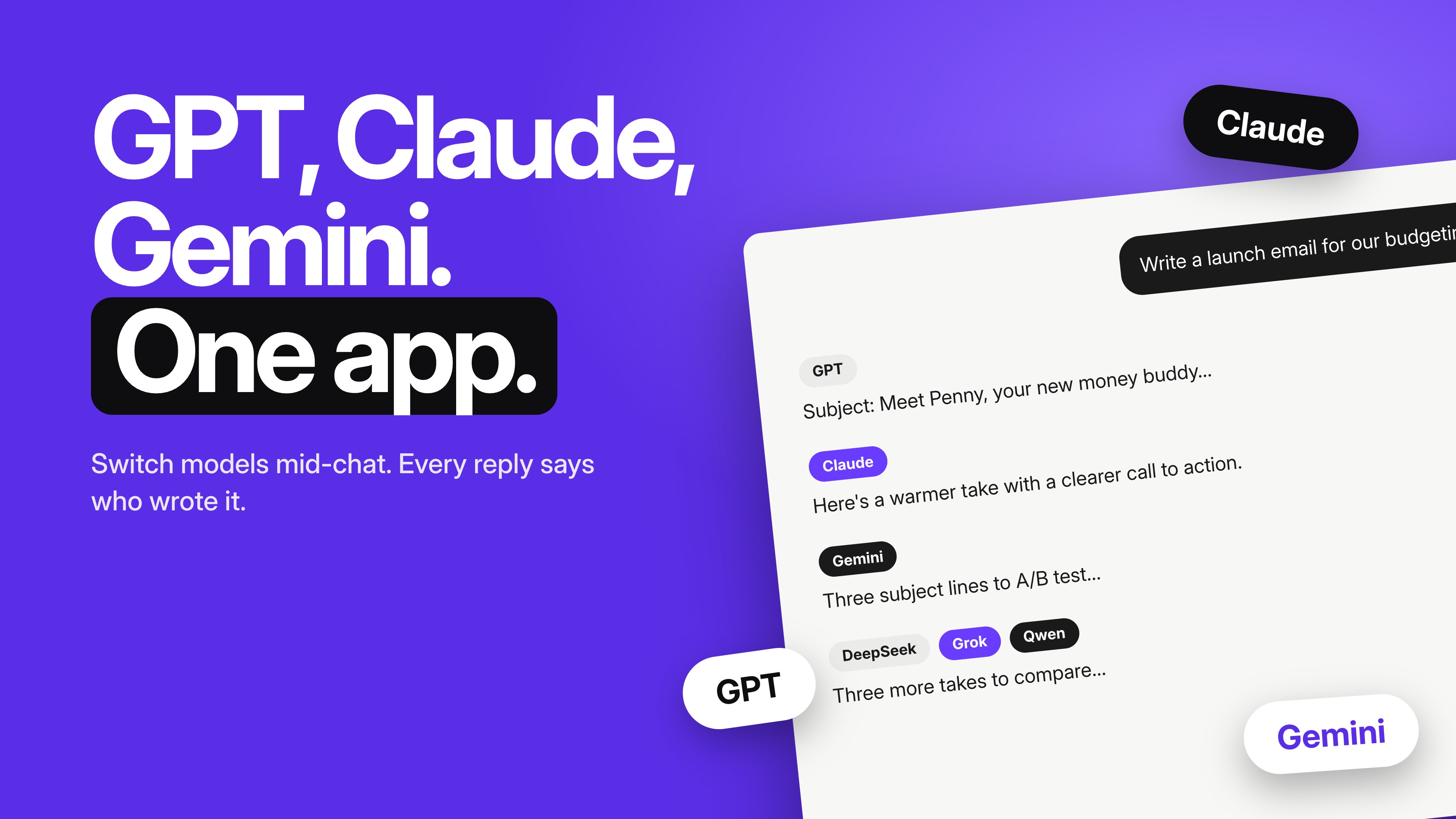
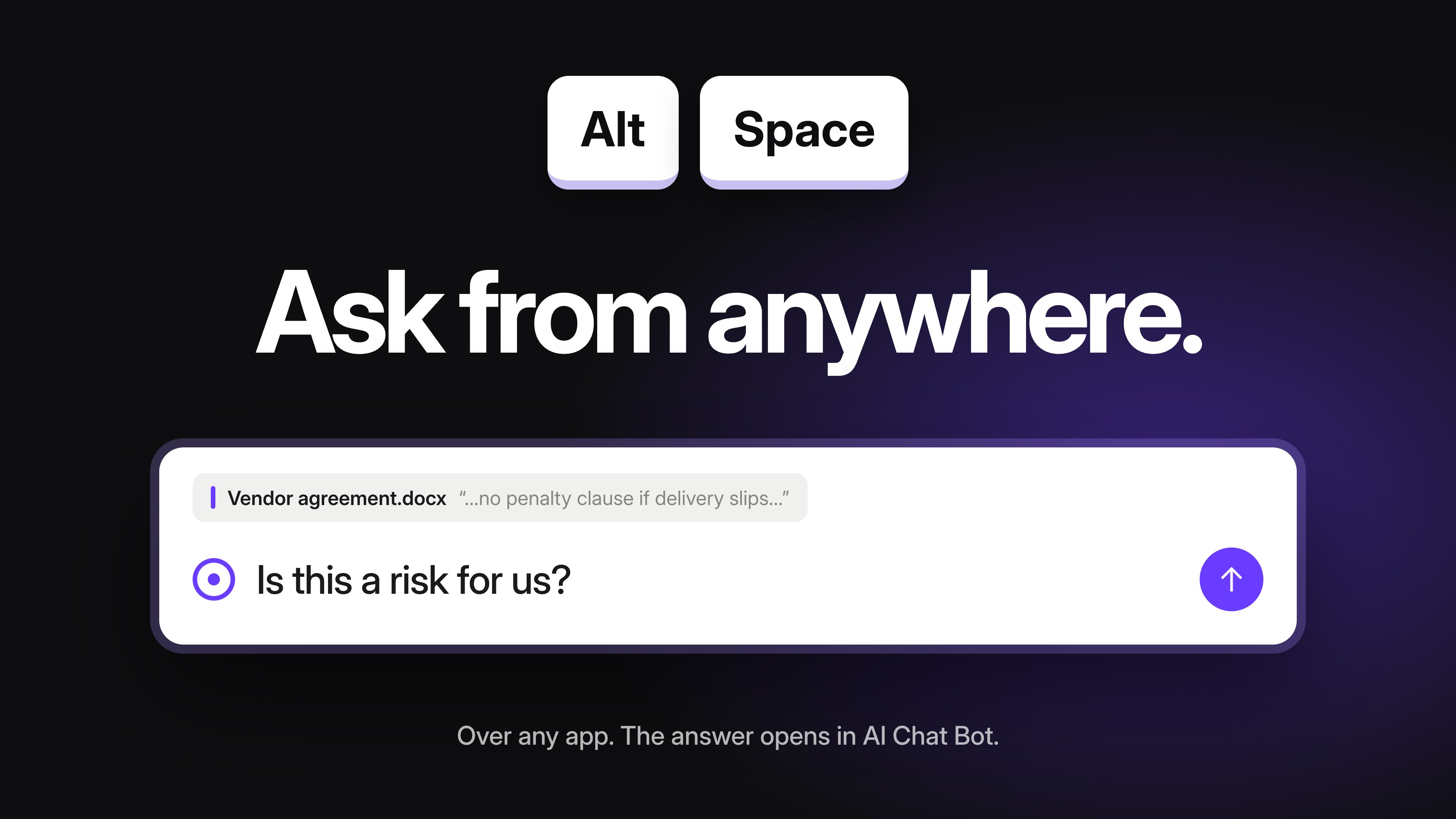
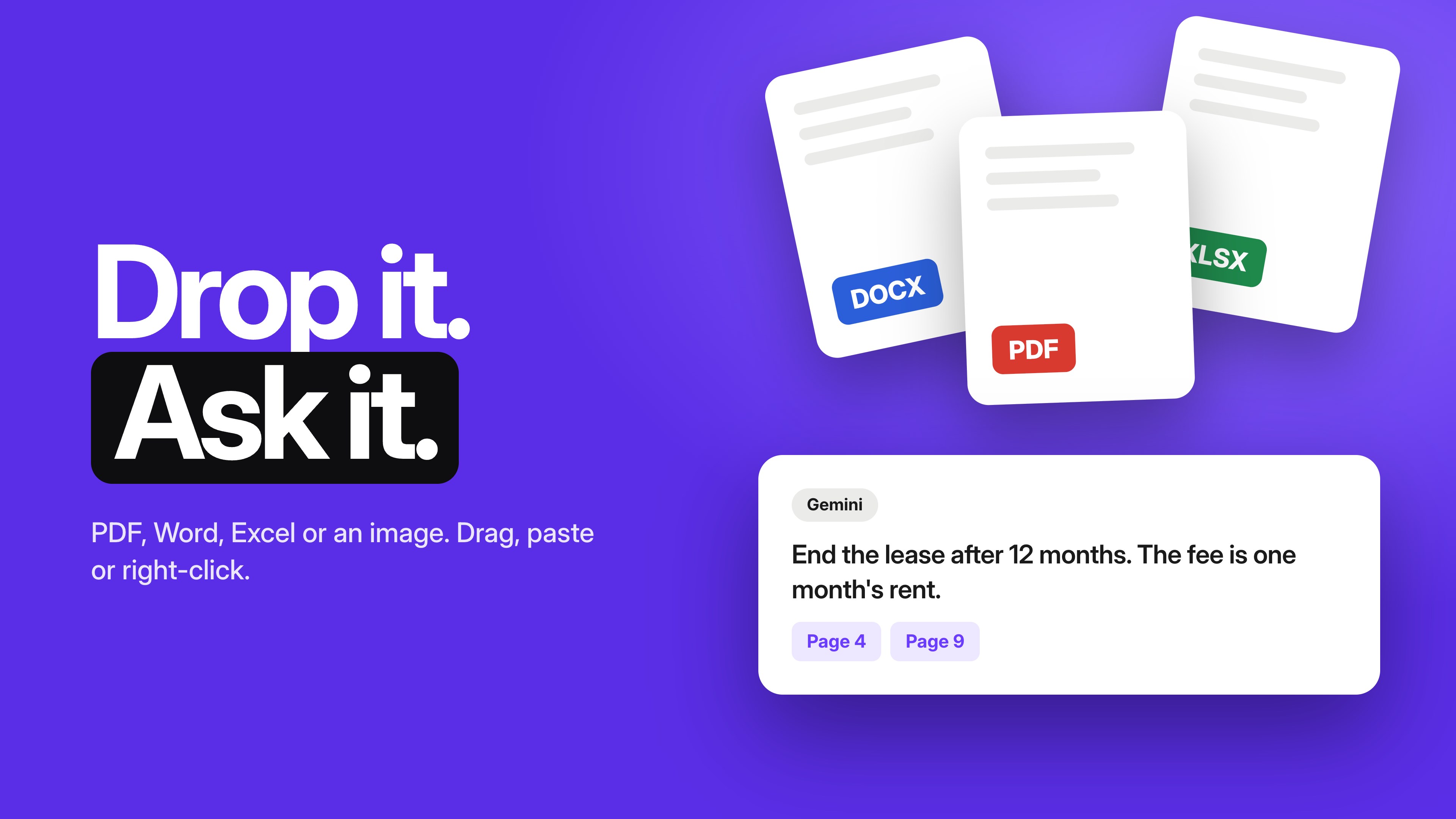
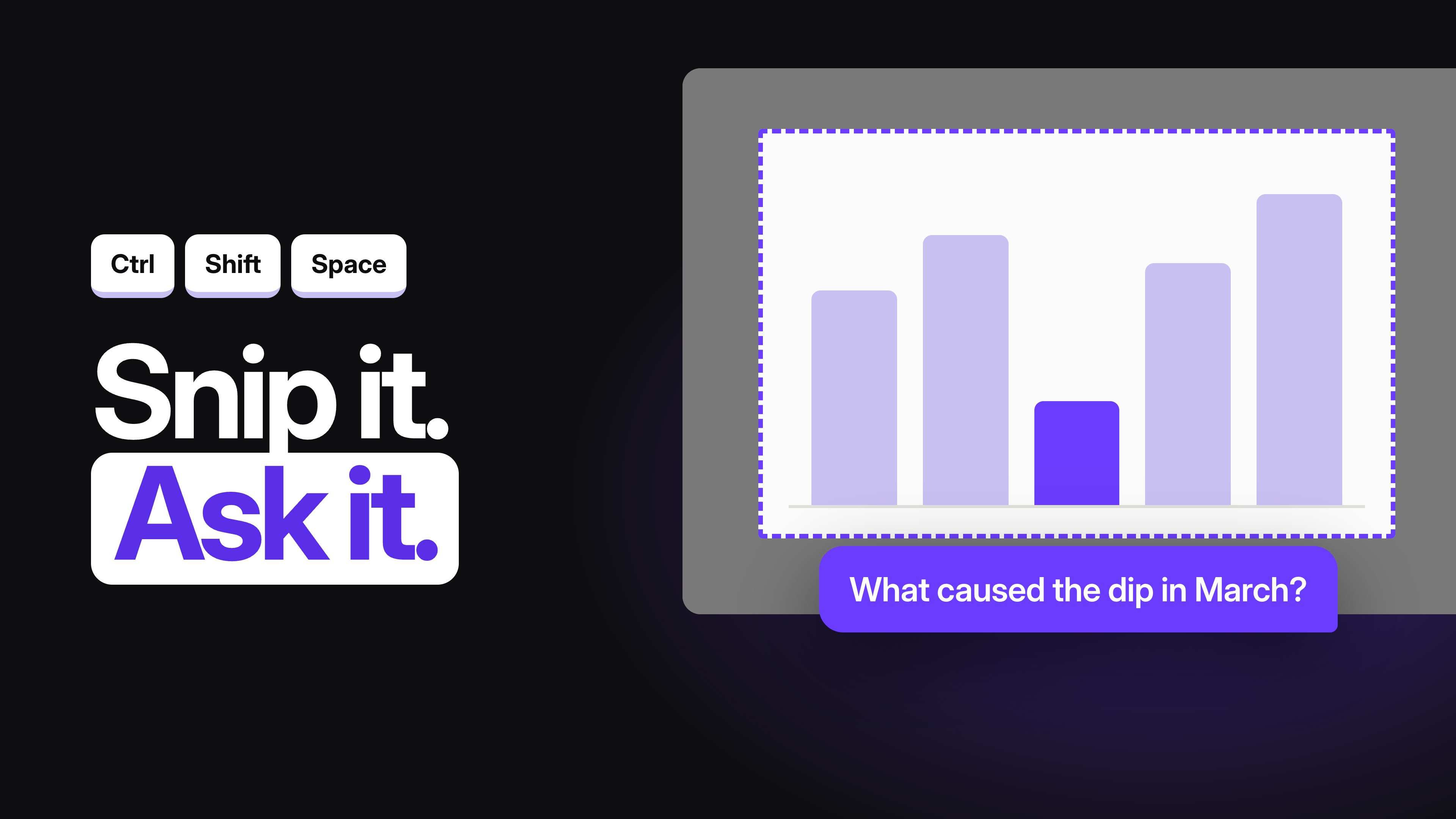
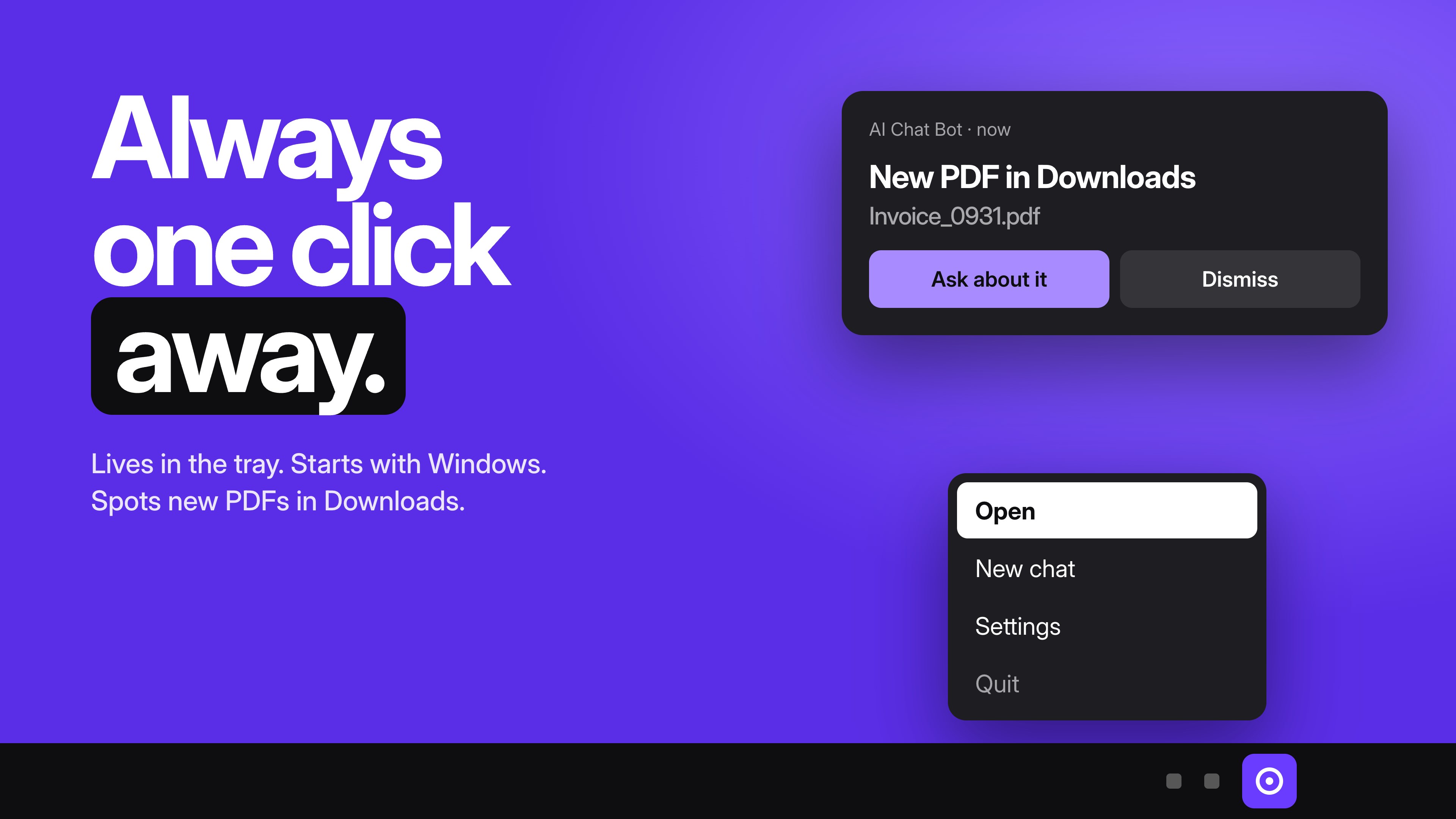
AI Chat Bot is an AI assistant for Windows that answers questions, writes, translates and reads your files. It is one AI chat app and chatbot with several models inside. Pick one, switch mid-chat, and every reply says which model wrote it. No account needed to start. Install it, open it and ask. What you can do • Ask anything and get a clear answer. • Write and rewrite emails, posts and reports. • Translate text and summarize long documents. • Learn a topic step by step. • Make an image from a short description. • Turn a reply into a Word document, a PowerPoint deck or a PDF. Models AI Chat Bot works with GPT-5 mini, Claude, Gemini, DeepSeek, Grok and Qwen. The free plan uses the Fast model. Pro adds all of them. Switch models in the middle of a chat. Each reply shows which model wrote it. Files and documents • Drag in a PDF, Word or Excel file, or an image, and ask about it. Pasting works too. • Right-click a file in File Explorer and choose "Ask AI Chat Bot". • Press Ctrl+Shift+Space to snip any part of the screen and ask about it. • When a new PDF lands in your Downloads folder, the app offers to open it. • Files can be up to 20 MB. Always at hand • Press Alt+Space over any app to ask a quick question. The answer opens in AI Chat Bot. • The app lives in the system tray and starts with Windows. • You can change both shortcuts in the app's settings window: right-click the tray icon and choose Settings. Voice With Pro, press the microphone and speak. Your words are typed into the message box for you to check and send. Tasks and templates Start from a task: write, translate, summarize, create an image, make a presentation, ask about a file, or learn. Templates give you a ready prompt: fill in the blanks, pick a model, send. Memory and chat history • Memory: the app can remember your name, your preferred language and facts you mention, and use them in every chat. You see every fact in Settings and can forget any of them. • Chat history: your chats are saved. Search them and sort them into folders. Free and Pro Free: • The Fast model • Daily limits on messages, images, documents and exports Pro: • GPT-5 mini, Claude, Gemini, DeepSeek, Grok and Qwen • Higher limits for daily work, within a monthly usage allowance • Dictation The yearly Pro plan starts with a 7-day free trial. The Store shows the price in your currency. Privacy • Start without an account. If you sign in later, the chats you already have move to your account and appear on every device. • Turn memory off, forget one fact or forget everything, in Settings. • Delete your account and its chats from Settings at any time.
Productivity · Windows · Free
Rating: 4.9 out of 5, based on 53 user ratings.