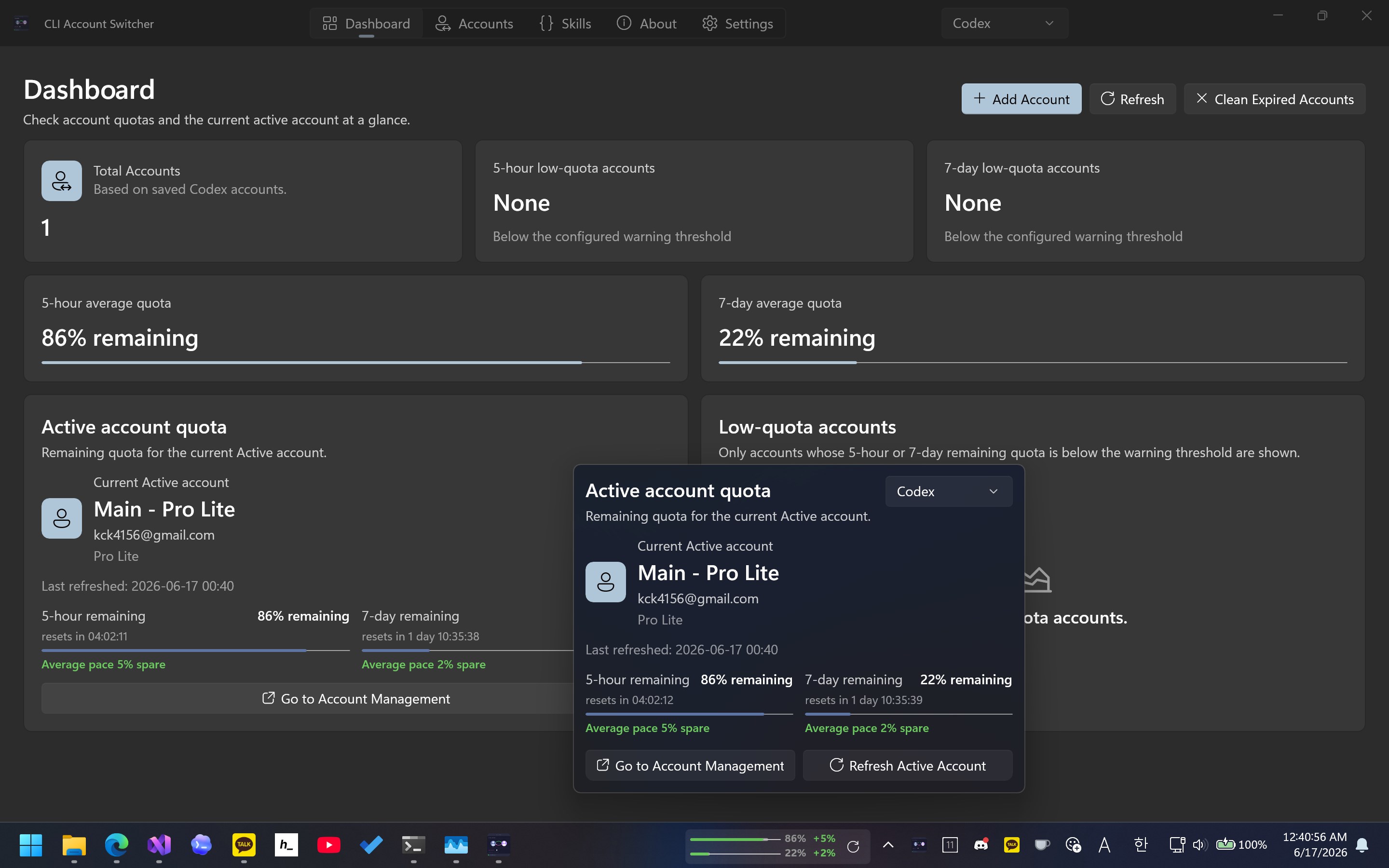
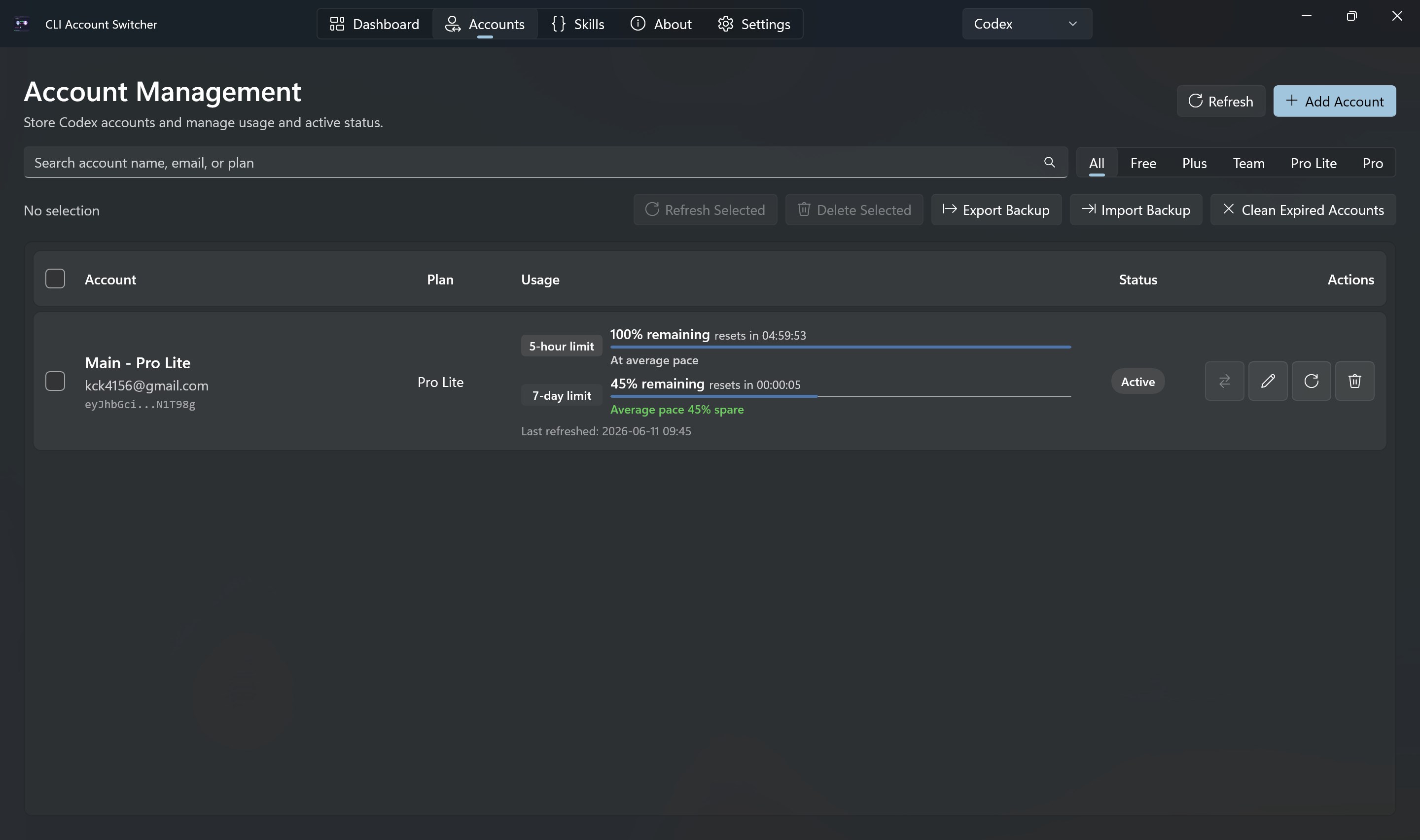
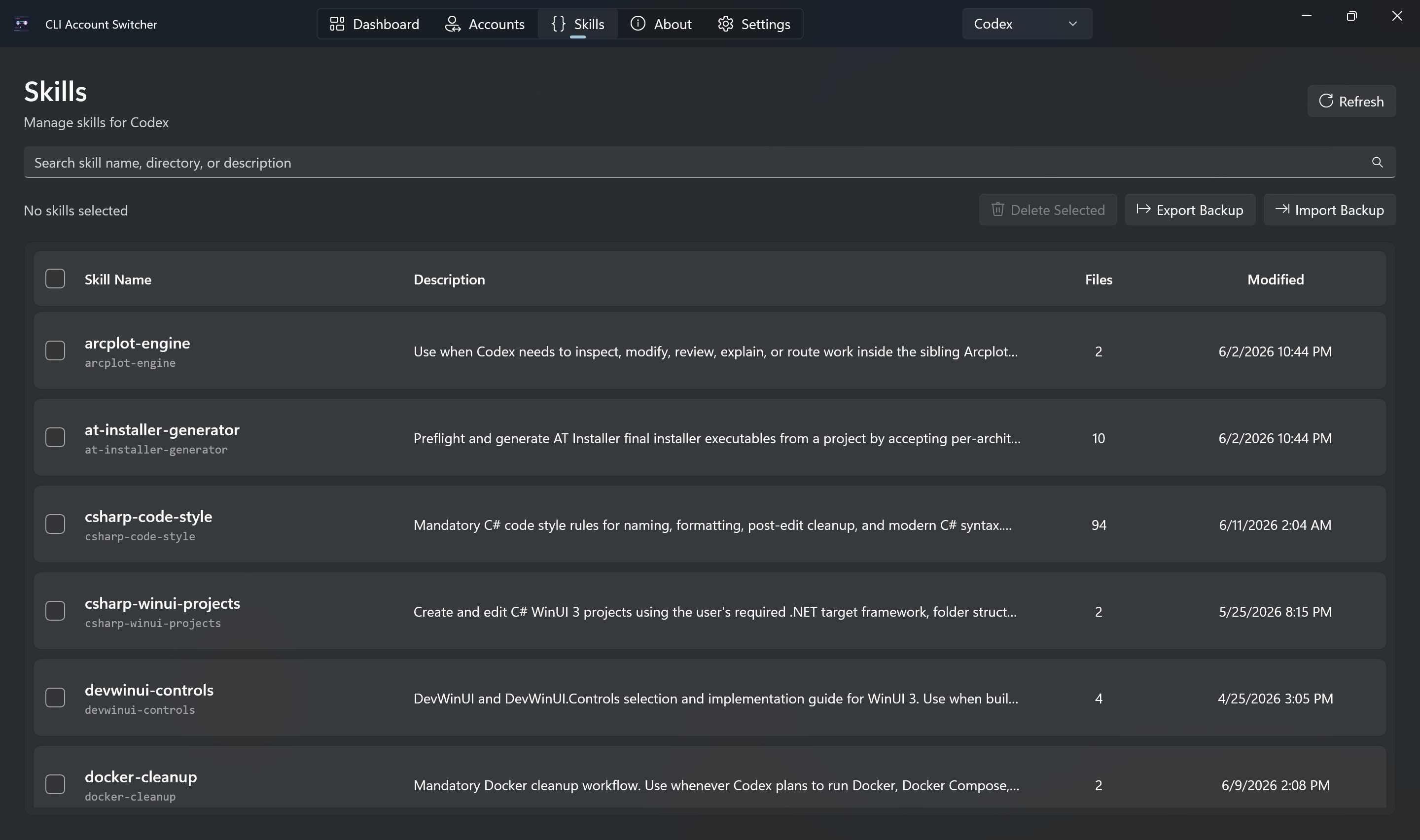
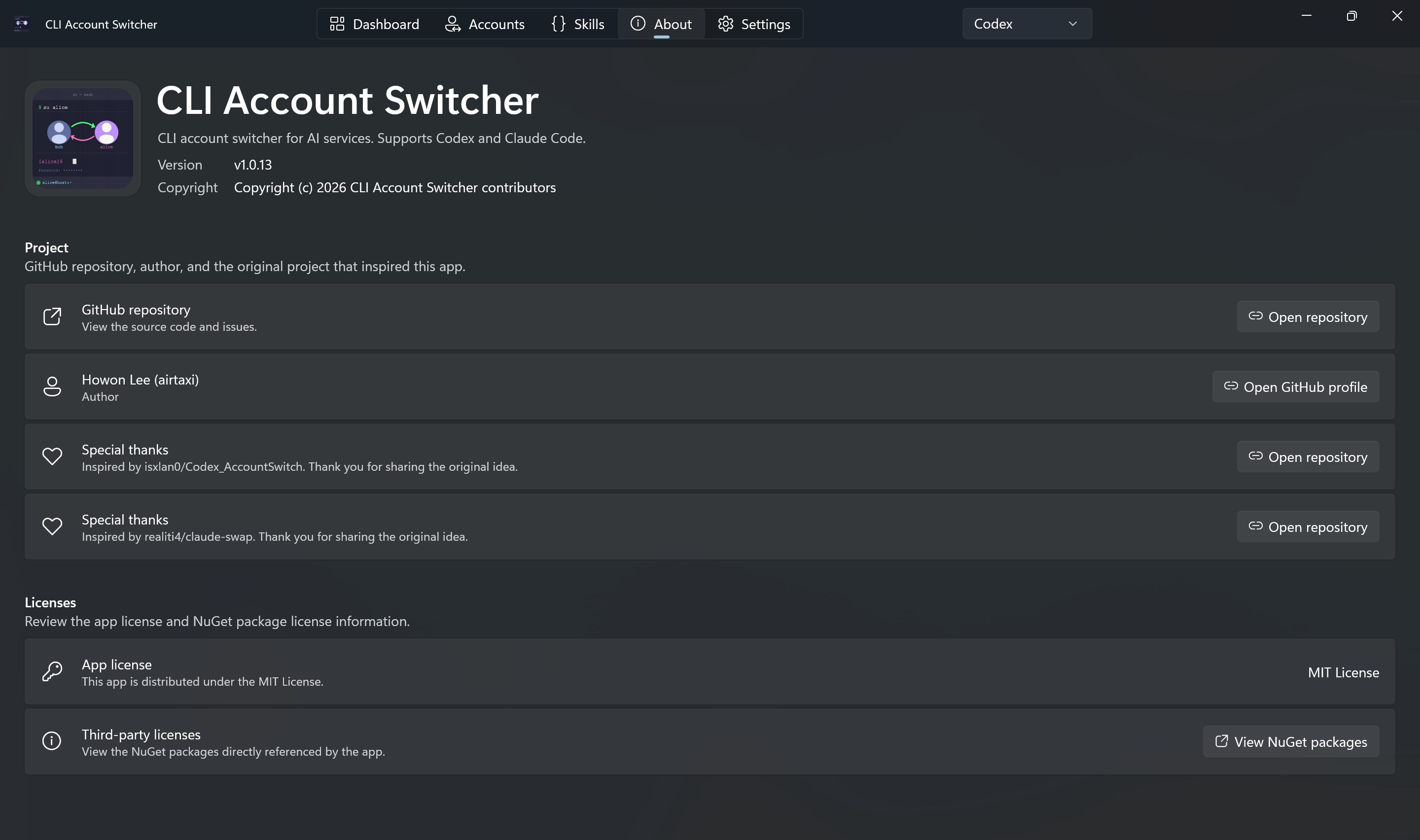
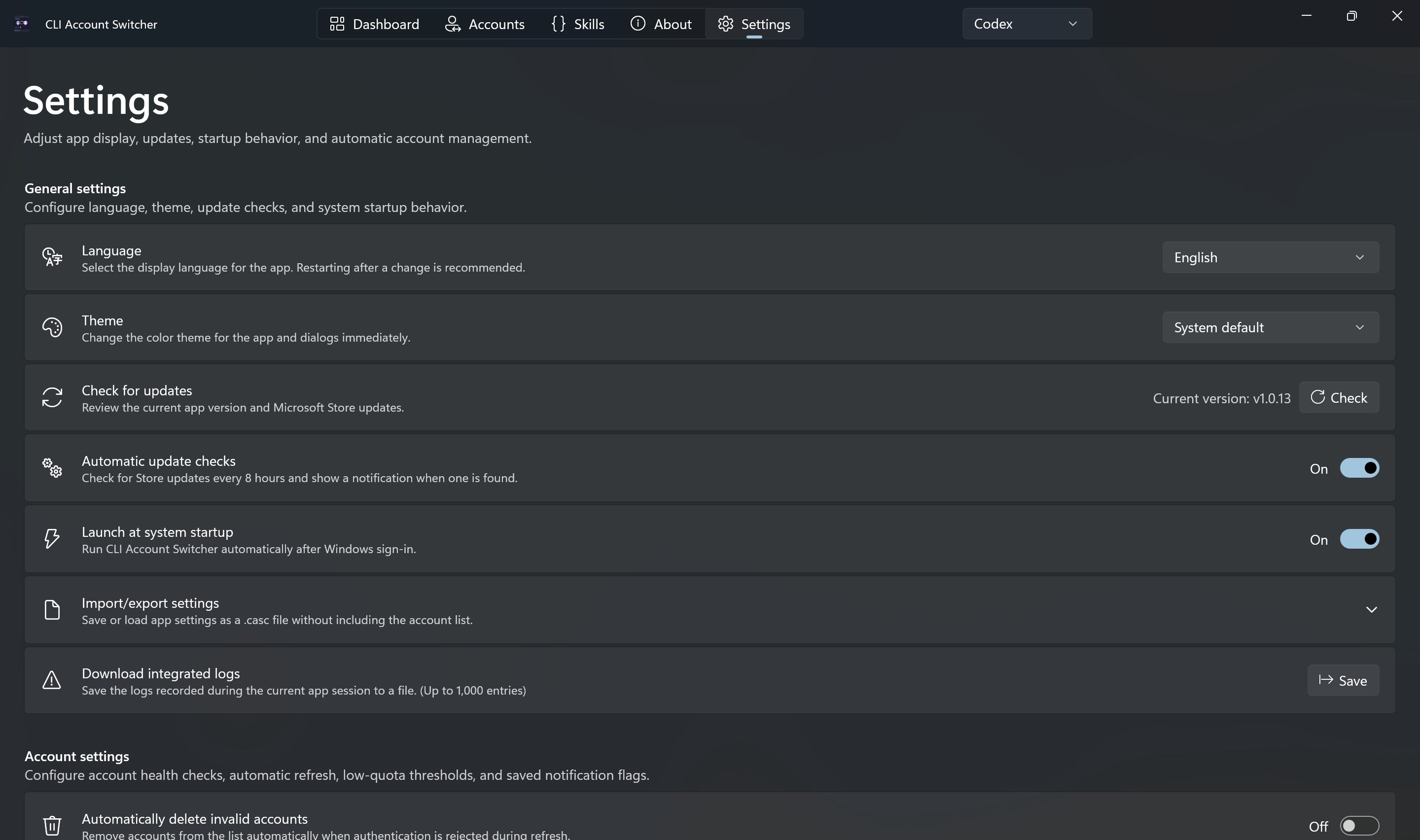
AI Usage Monitor & Switcher keeps your active AI coding account's usage and reset-window pace visible on the Windows taskbar while letting you manage and switch accounts for Codex, Claude Code, Z.ai, OpenCode Go, Ollama, and Neuralwatt. The selected service's active account usage stays visible on the Windows taskbar, with 5-hour and 7-day remaining usage (and monthly usage for OpenCode Go), plus a pacemaker indicator that shows whether your current usage pace is ahead of or behind the ideal reset-window pace. Click the tray icon to open a quick usage popup without opening the full window. Add your accounts once, give them recognizable names, and switch the active account for the matching CLI whenever your work context changes. The app stores saved account records in its own local app data folder and switches the active account by writing the selected authentication document to the relevant local authentication file for each tool. Main features: - Keep the active account's 5-hour and 7-day usage live on the Windows taskbar, with monthly usage for OpenCode Go. - Compare your current usage pace against the reset window with the pacemaker indicator. - Check the active account's remaining usage from a tray icon popup without opening the full window. - Add Codex, Claude Code, Z.ai, OpenCode Go, Ollama, and Neuralwatt accounts with the supported sign-in and import flows. - Switch the active account for any supported CLI from the Accounts screen. - View plan information and remaining usage for supported accounts. - Manage accounts for Codex, Claude Code, Z.ai, OpenCode Go, Ollama, and Neuralwatt in one Windows app. - Refresh account usage and detect expired accounts. - Back up and restore saved accounts when moving to another Windows PC. - Adjust language, theme, refresh interval, warning thresholds, and notifications. Saved account records stay on your PC. This project is distributed as open source on GitHub under the MIT License: https://github.com/airtaxi/AI-Usage-Monitor-and-Switcher This project is not affiliated with, endorsed by, sponsored by, or otherwise officially connected with OpenAI, Anthropic, Z.ai, Ollama, Neuralwatt, or OpenCode.
Productivity · Windows · Free