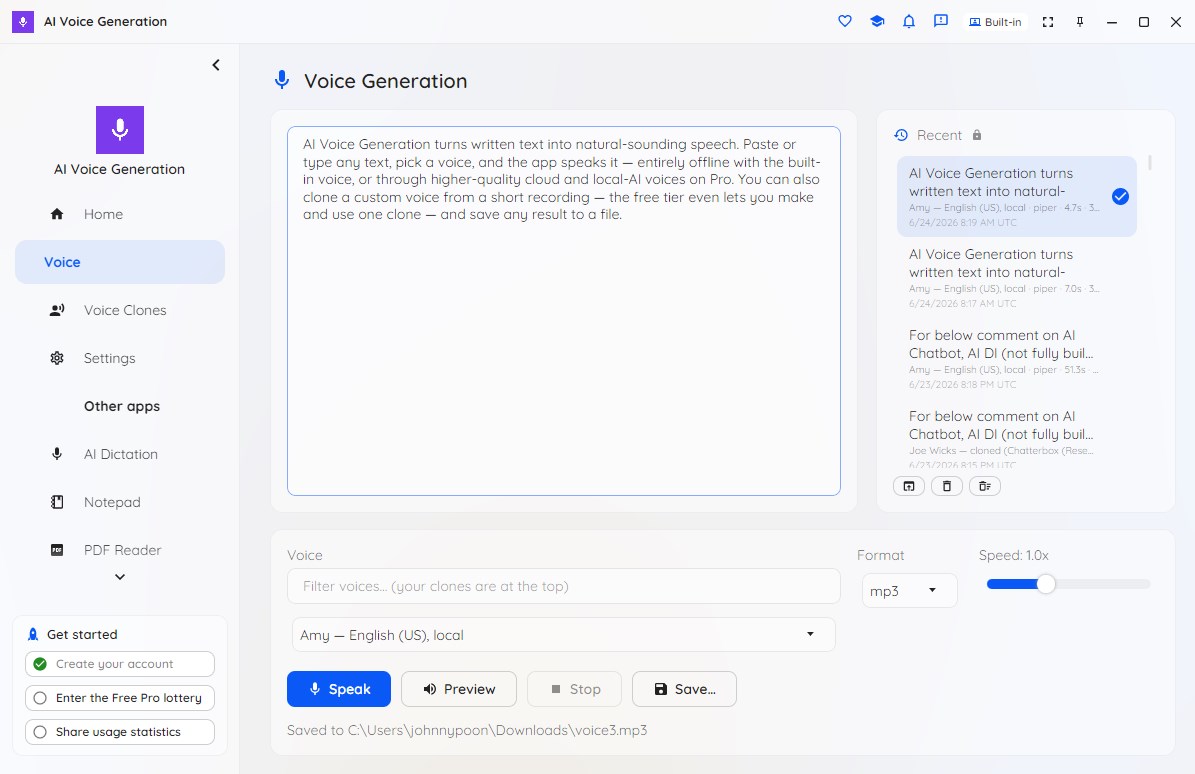
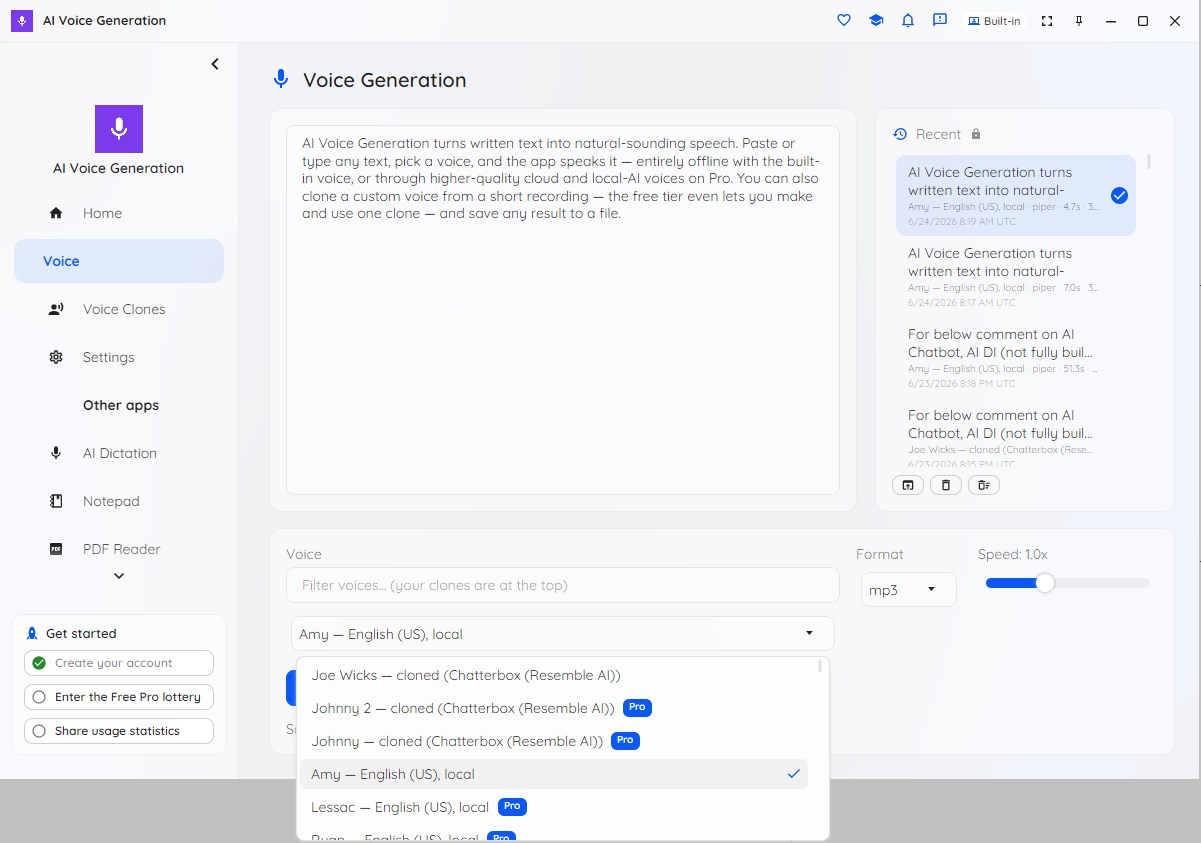
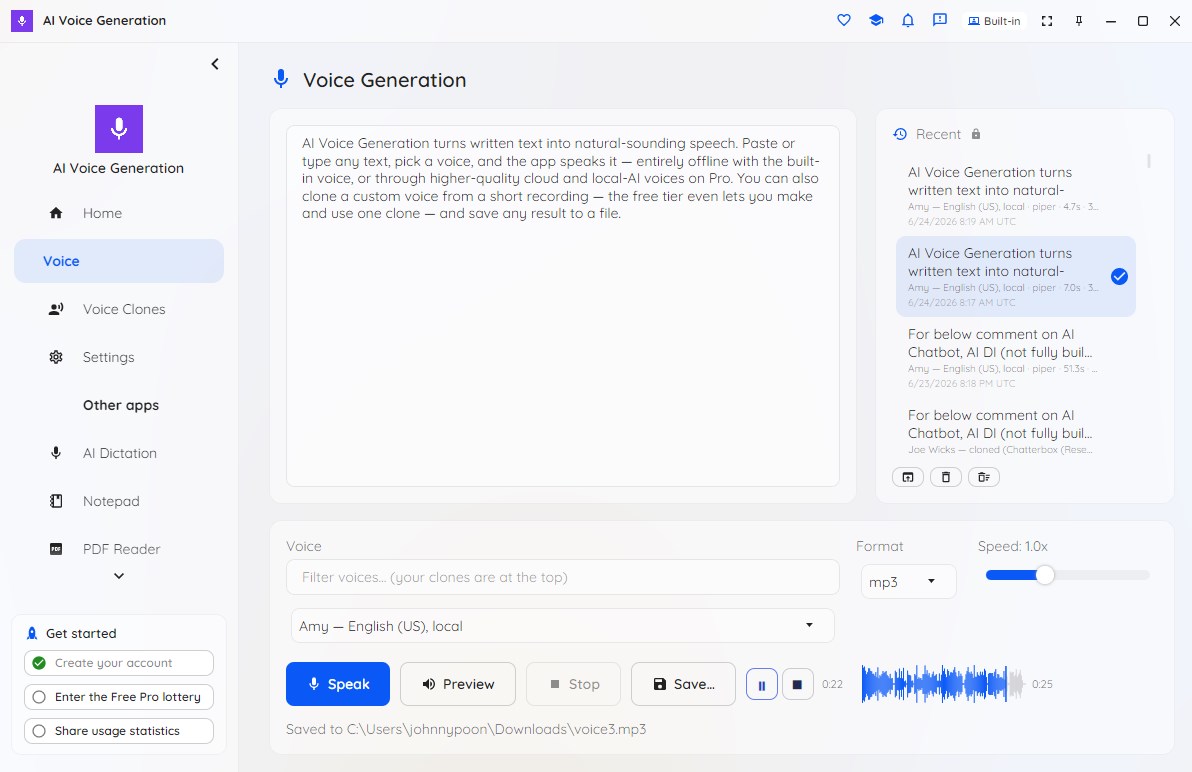
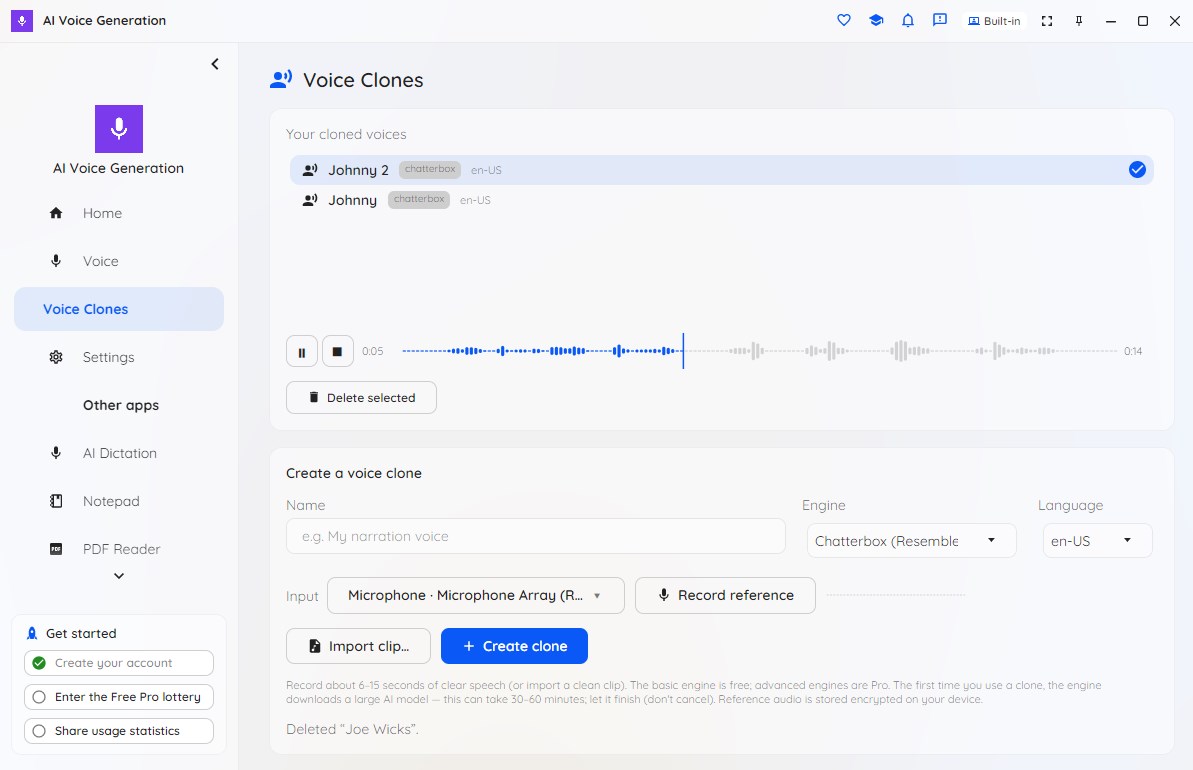
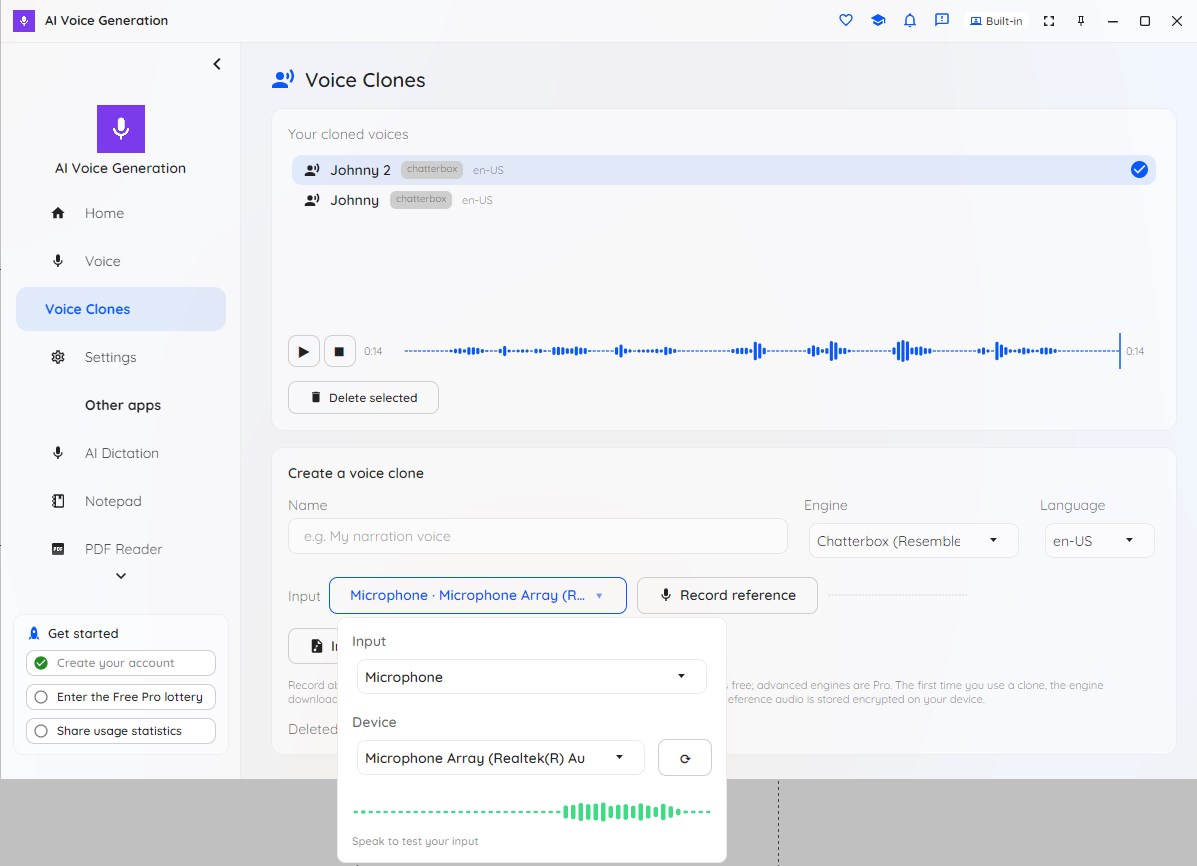
Turn text into natural-sounding speech, then play or save your narration. Create a custom voice from a short reference clip of your own voice. Choose a voice, paste your script, and generate on your device. It's local-first. The free, built-in LJ voice runs entirely on your device, so your text never leaves your computer and works offline once a small model downloads on first use. No account is required to start. Make a voice that's truly yours: drop in a short reference clip and the app builds a custom cloned voice — no training step and no studio. Your cloned voices appear at the top of the voice picker for instant reuse, and your reference audio and generation history are stored encrypted on your device. Find the right voice fast with a quick-filter search, adjust speaking speed, and choose your output audio format. A seekable clip player with a waveform scrubber replays your last generated clip and your clone references instantly — no need to re-synthesize. A live status line keeps you informed, and you control how many recent clips stay cached for instant replay and whether on-device AI voices stay loaded between generations. The Free tier is permanent, not a time-limited trial, and has no per-character meter or usage cap. It is limited to the offline LJ voice, the free cloning engine, and one cloned voice. Pro unlocks the full voice library — every built-in voice, premium cloud voices (using your own OpenAI-compatible API key), high-quality on-device neural voices, advanced cloning engines, and unlimited additional clones. Pro comes in Personal and Commercial terms; both unlock the same voices. For power users, a headless aivoicegeneration command-line tool generates speech from the terminal for scripting and automation.
Productivity · Windows · Free
Rating: 4.6 out of 5, based on 7 user ratings.