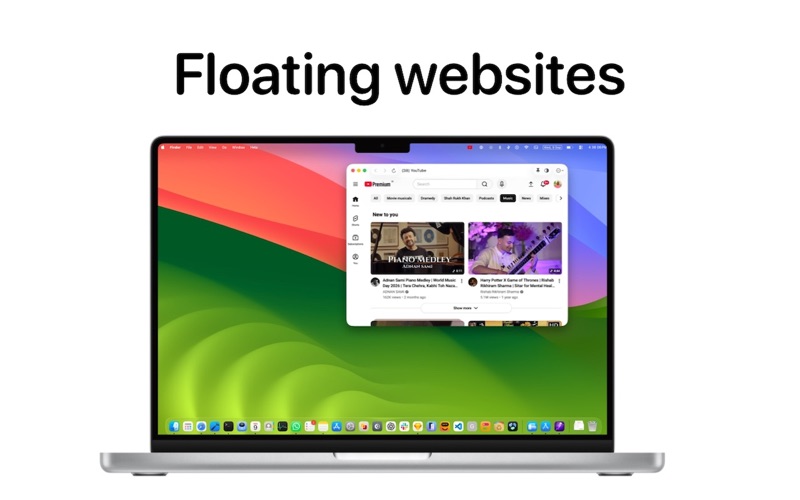
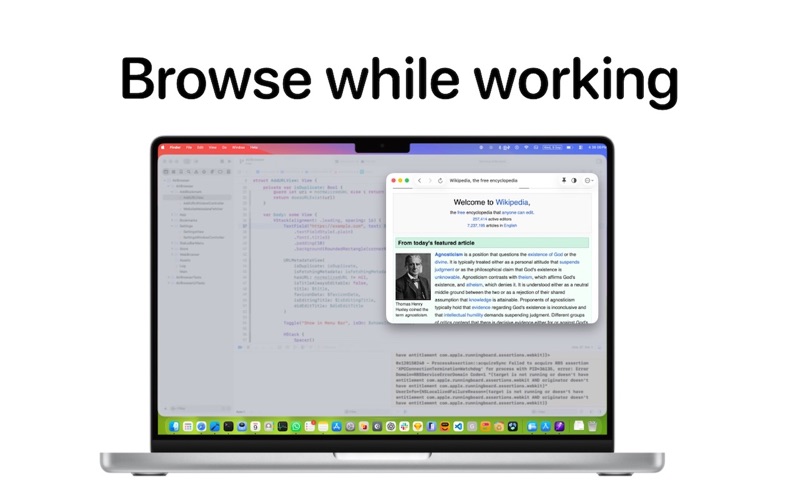
Air Browser puts your favorite websites in the macOS menu bar — each one a click away, in its own window, without adding one more tab to Safari. Give a site its own icon in the menu bar and it's always one click from anywhere: your chat app, your music, the live score, the dashboard you check twenty times a day. PUT SITES IN THE MENU BAR - Pick any site and its favicon appears as its own menu-bar button — no menu to open first - Everything else stays tucked in the Air Browser menu, with icons and titles - Choose exactly which sites get a button, from Settings or from the window itself WINDOWS THAT BEHAVE - Pin a window on top so it floats above your work — perfect for scores, tickers and chat - Make a window see-through with one click, at the opacity level you choose - Every window remembers its own size and position, launch after launch - Open a site that's already open and its window simply comes forward — never a duplicate - New windows can open pinned by default ADD A SITE IN SECONDS - Paste a URL — the title and icon are fetched for you - Rename anything; the title is editable before you save and any time after - Duplicate URLs are caught as you type FULL BROWSING, WHERE YOU NEED IT - Back, forward and reload in a native toolbar - Real WebKit rendering — sites work the way they do in a normal browser - Edit, reorder or delete a site from Settings, or straight from its window's menu - Launch at login GREAT FOR - Social networking and messaging - Online music and radio - Live scores - Project boards and internal dashboards - News - Stock market and crypto tickers Add your sites once, and stop hunting for them in a row of identical tabs. Questions or ideas? Sed them at k.suryawanshi@gmail.com
Utilities · iPhone, iPad, Windows · Free