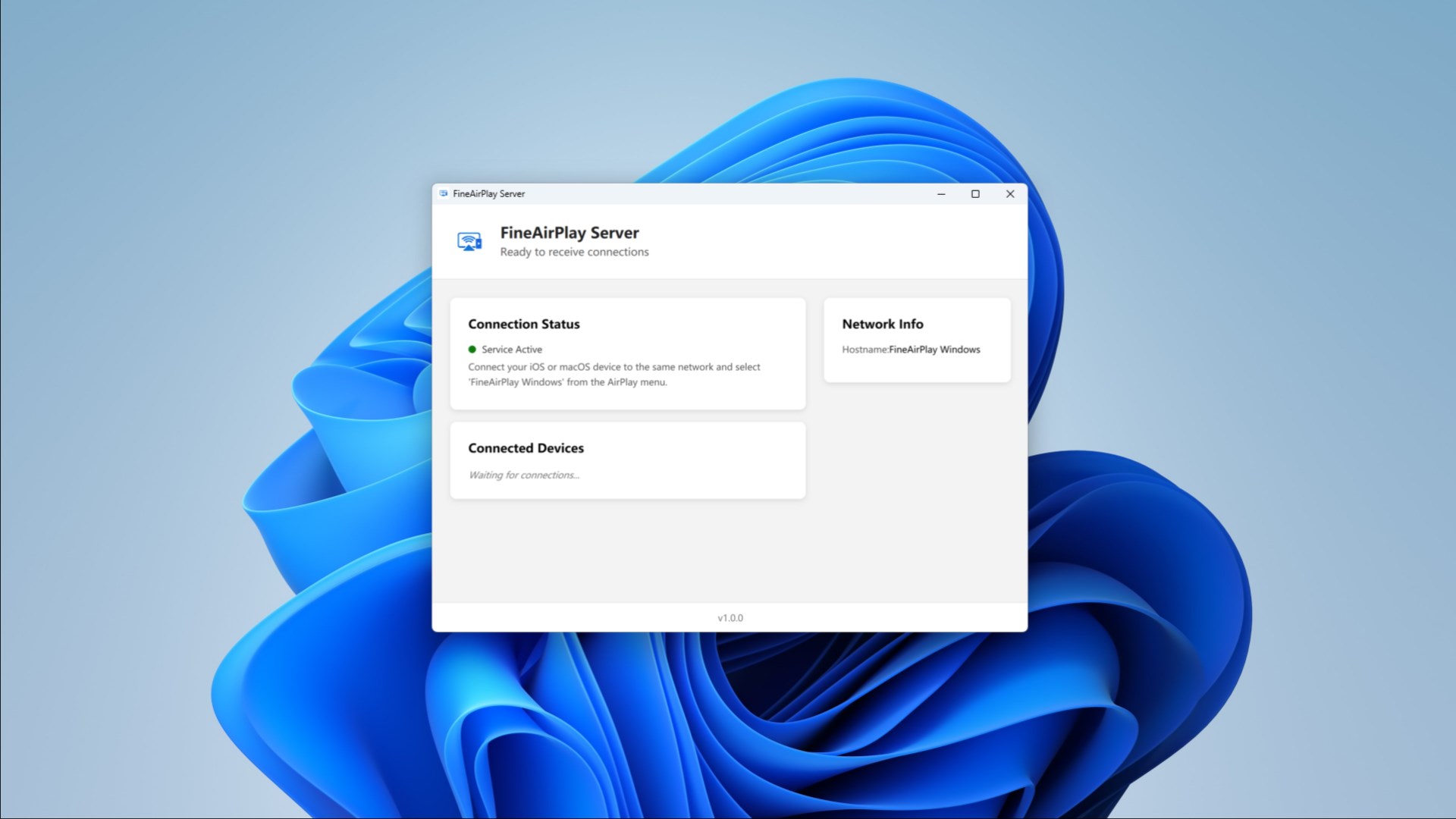
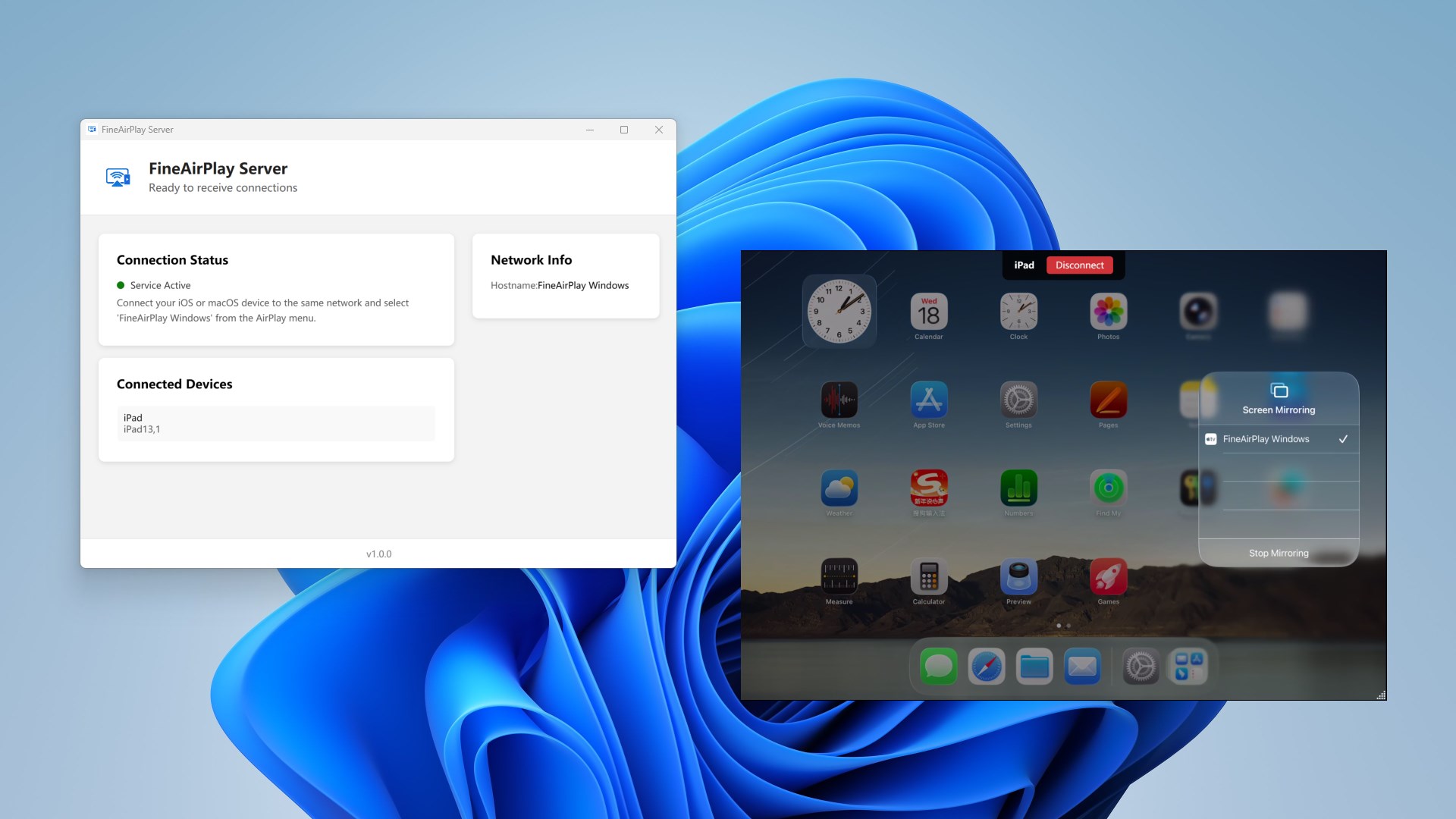
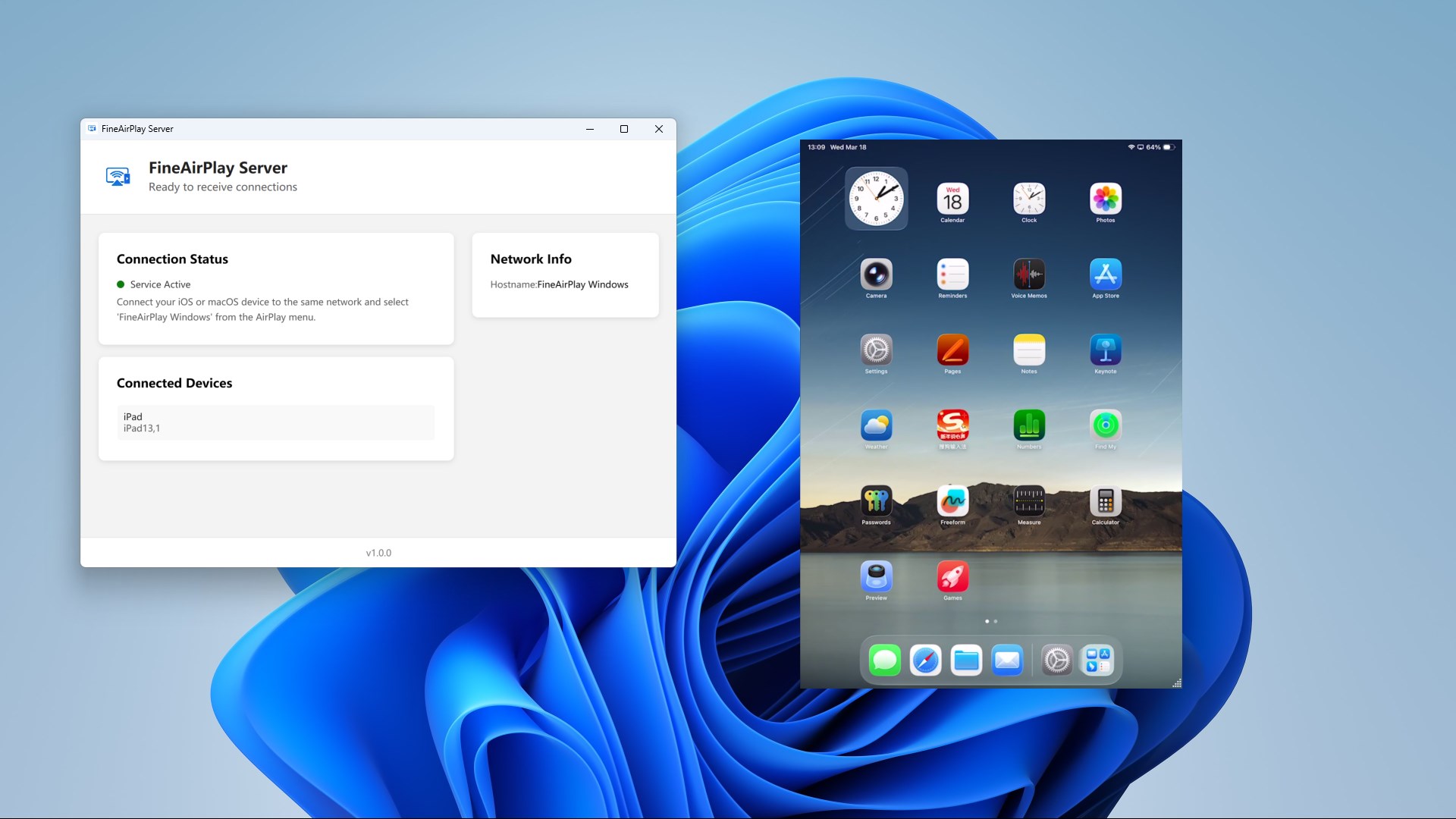
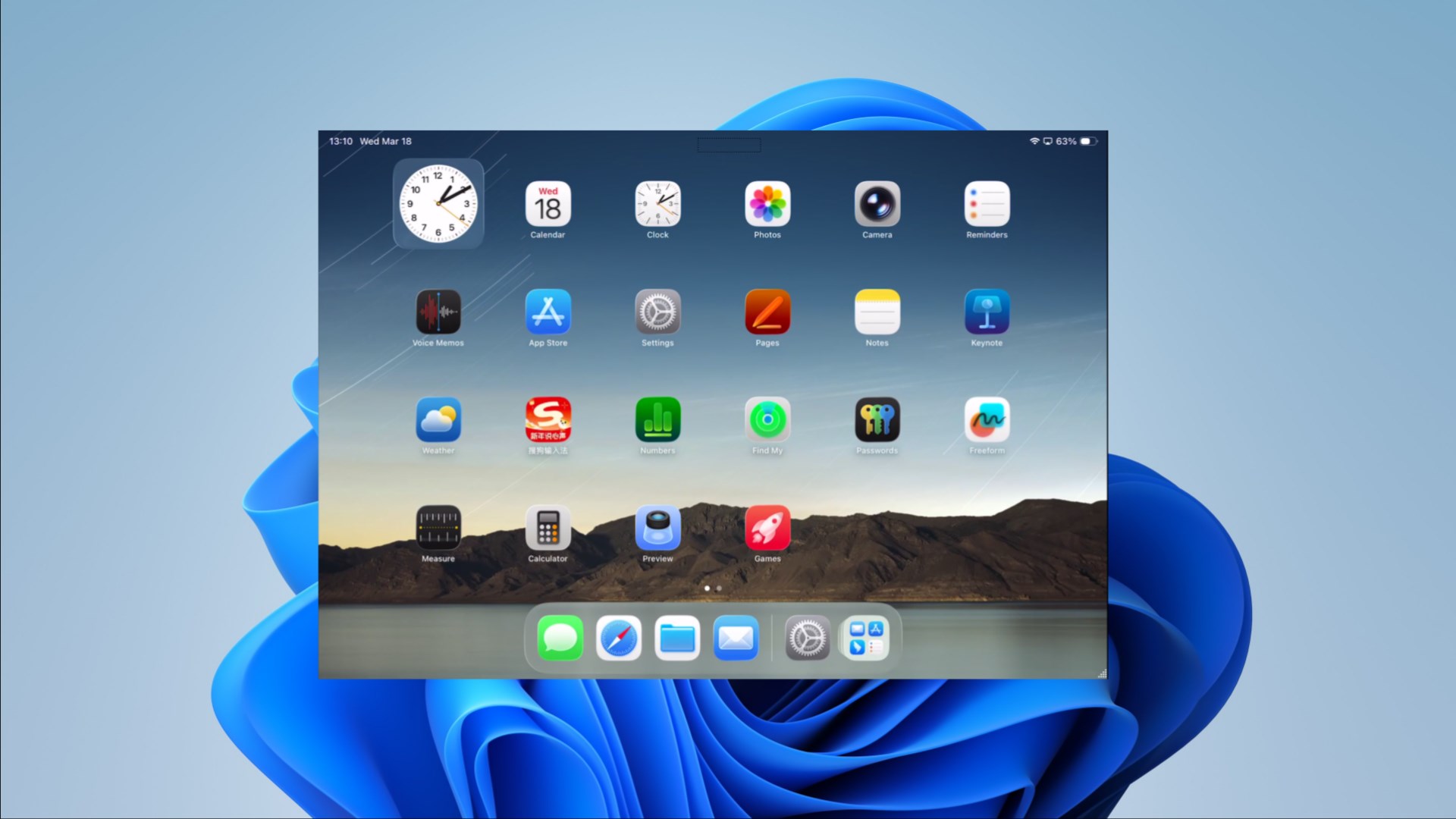
Turn your Windows 10/11 PC into an AirPlay Receiver. Mirror your iPhone, iPad, or Mac to your PC with ultra‑low latency, true 2K, and smooth 60FPS. Perfect for home entertainment, meetings, teaching, and gaming on a bigger screen. Key Features Screen Mirroring (AirPlay): mirror your iPhone/iPad/Mac screen to PC in real time Audio / Video / Photo Streaming: play media on your Windows PC wirelessly 2K + 60FPS: sharp picture quality and smooth motion (device/network dependent) Multi‑device Casting: connect multiple Apple devices at the same time No Watermark: clean viewing experience Stable Performance: optimized for Windows 10/11 How to Use Connect your Apple device and Windows PC to the same Wi‑Fi network Open this app on your PC On iPhone/iPad: Control Center → Screen Mirroring → select your PC On Mac: Control Center → Screen Mirroring / AirPlay → select your PC Requirements & Tips Best experience on 5GHz Wi‑Fi / Ethernet If the device can’t be found: check VPN/Proxy, firewall settings, and router AP isolation Download now and enjoy seamless AirPlay screen mirroring to your Windows PC.
Utilities · Windows · Free
Rating: 4.0 out of 5, based on 179 user ratings.