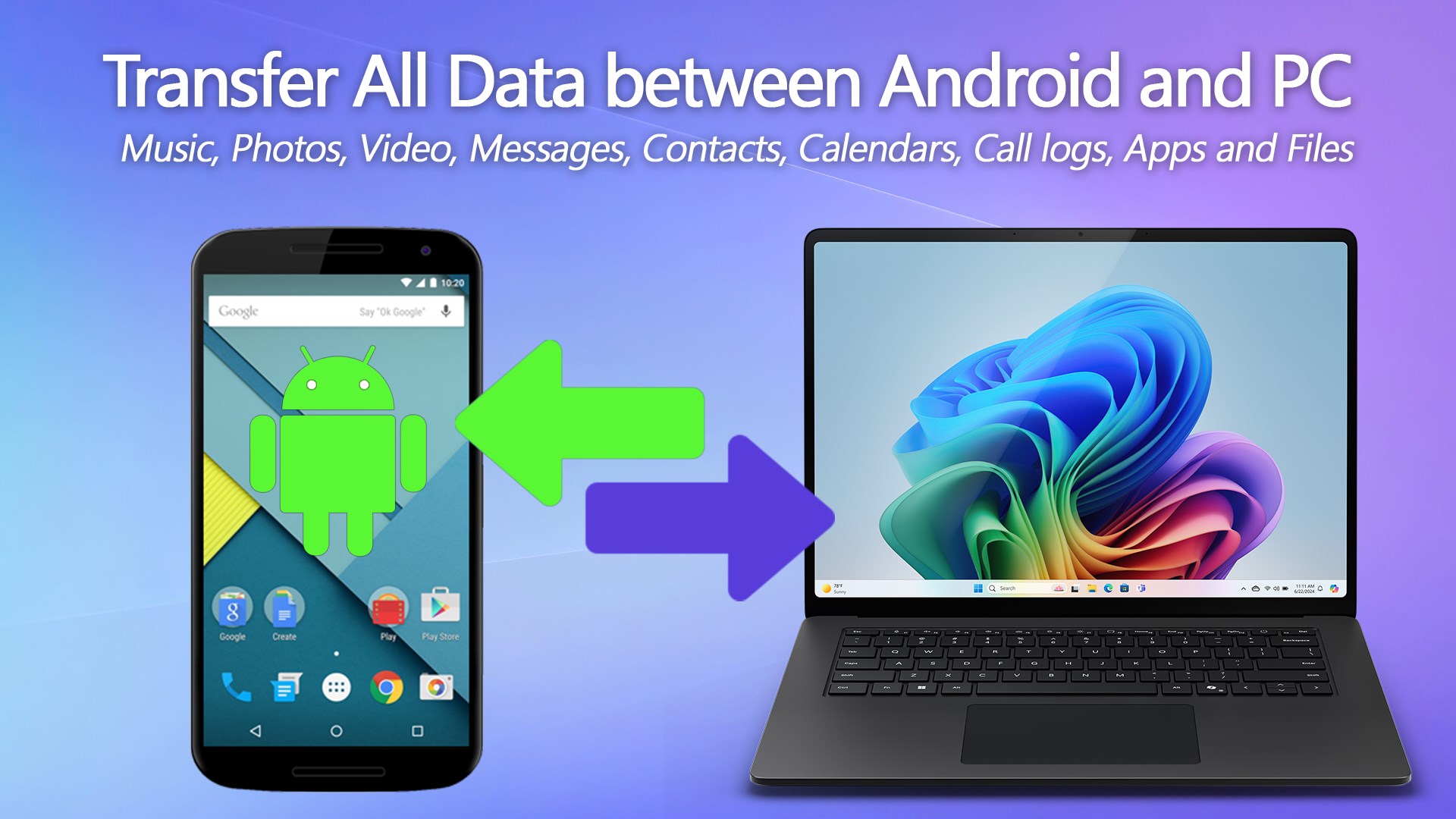
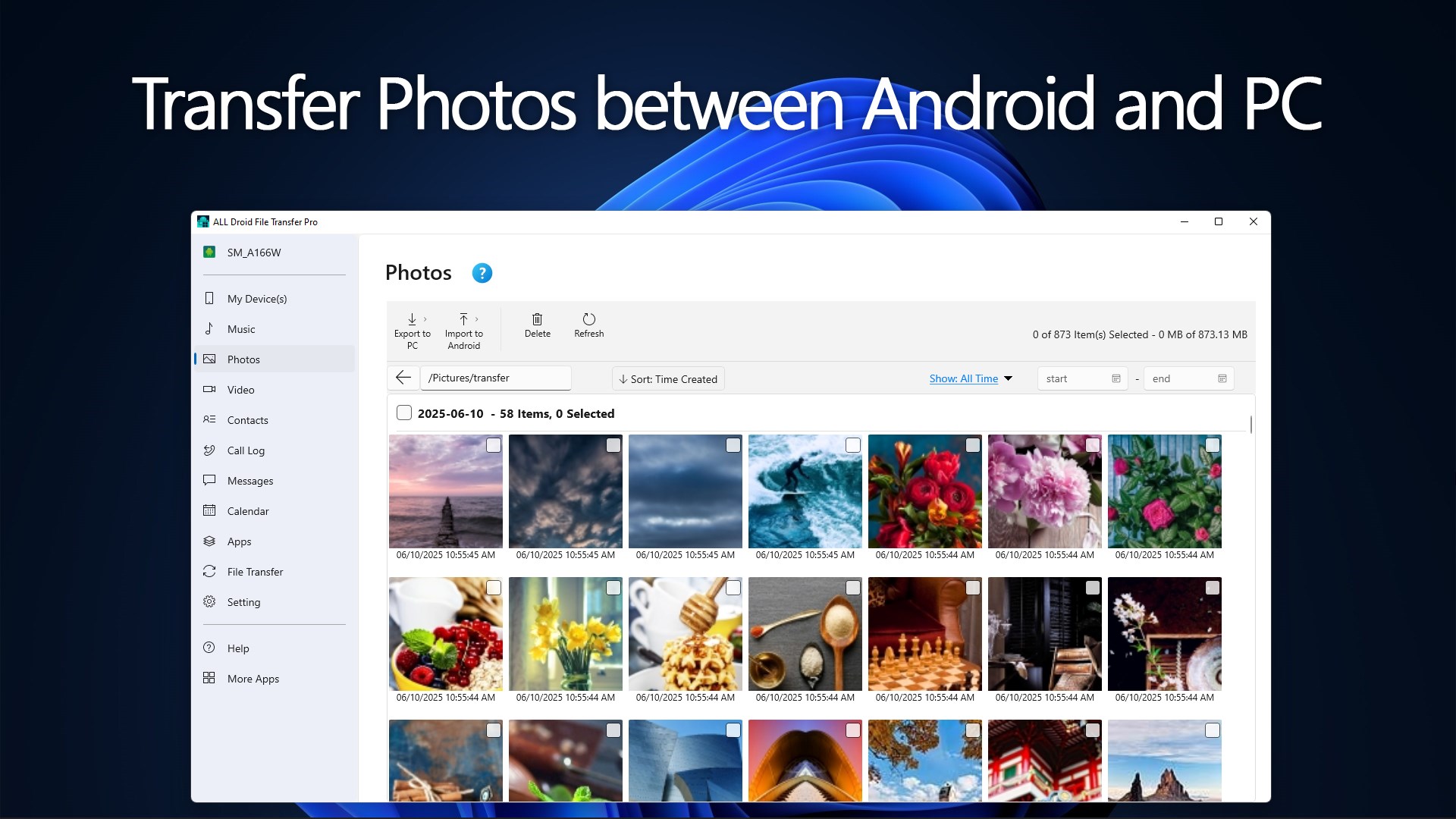
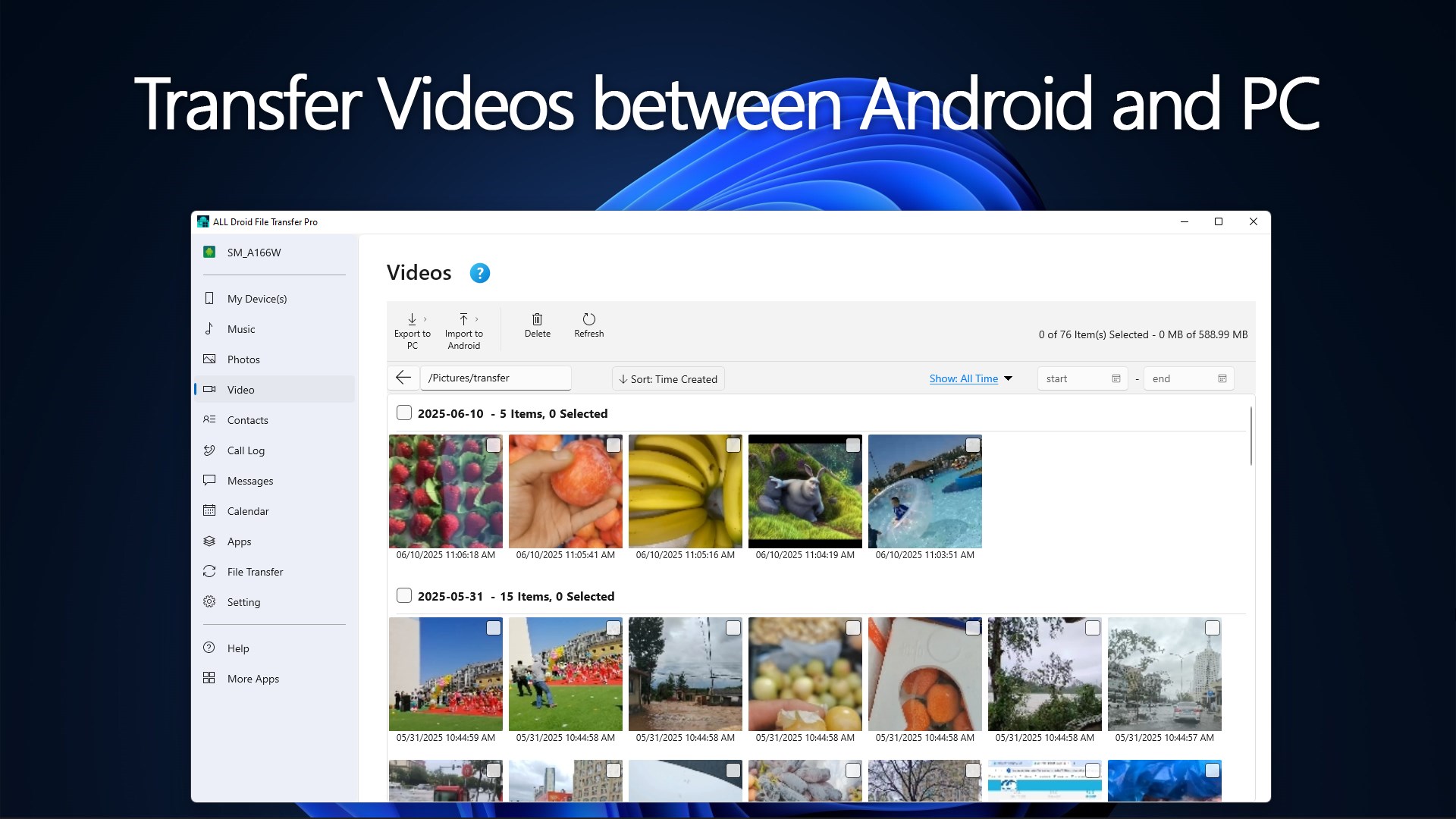
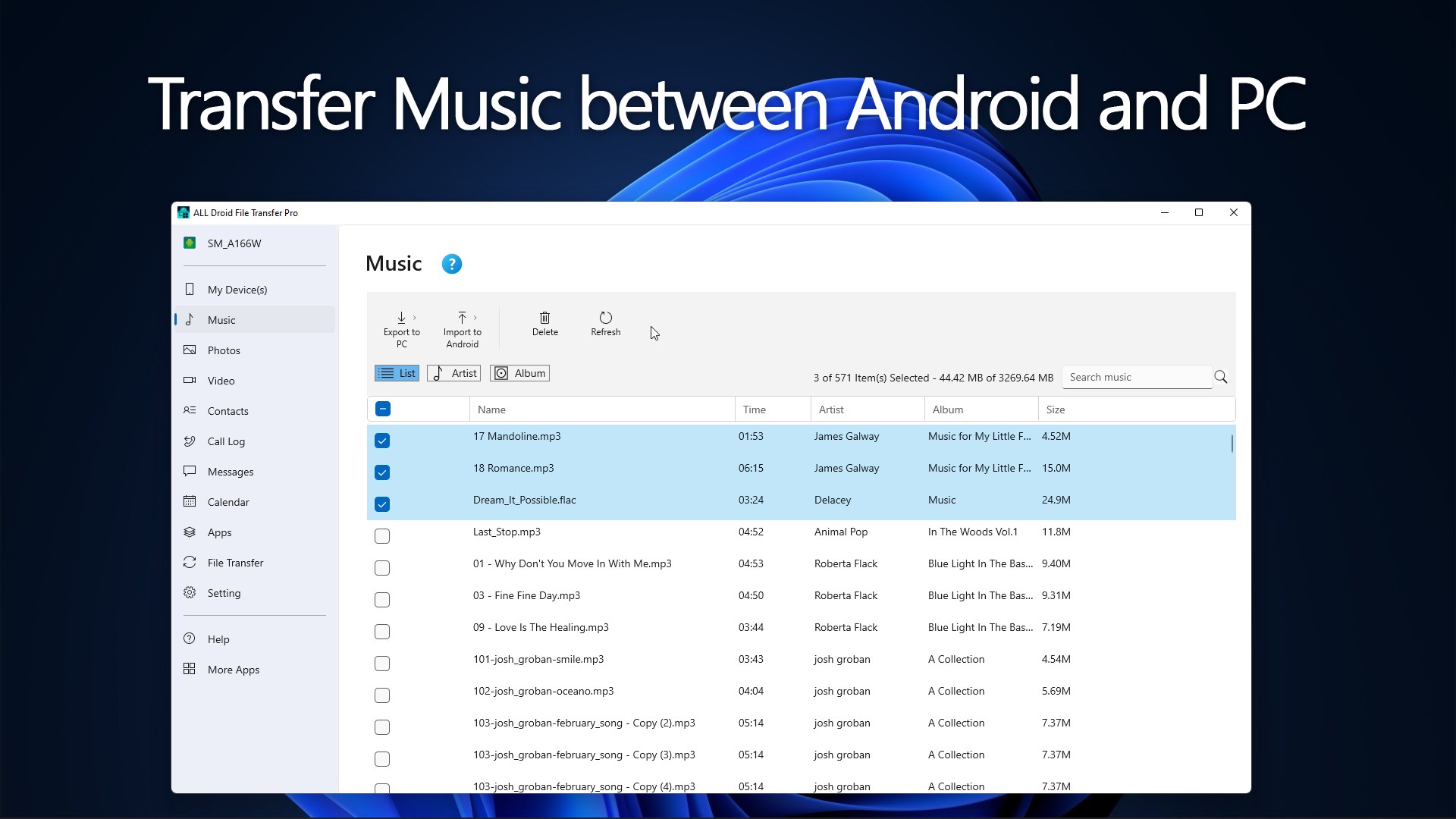
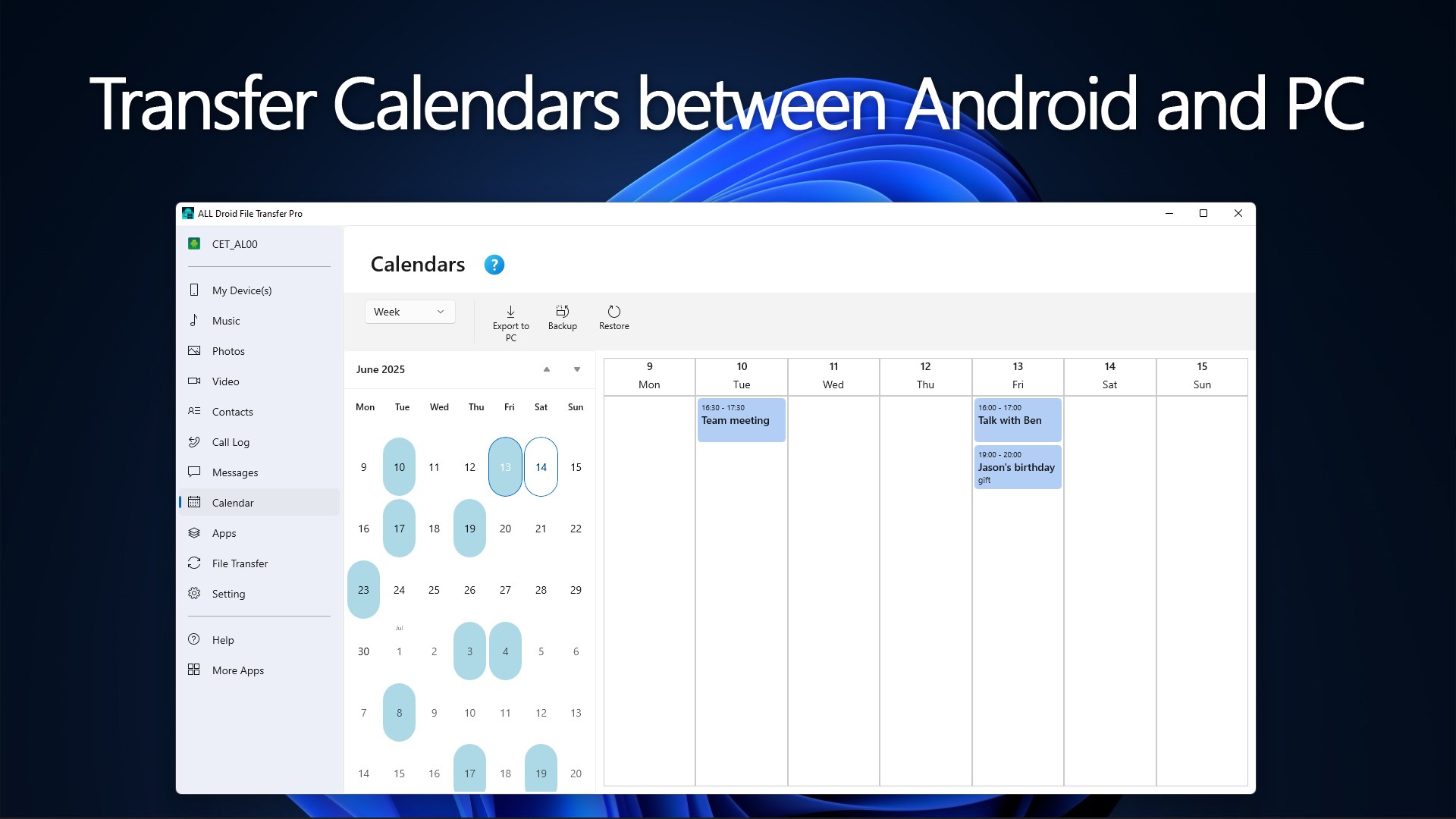
📱 ALL-Droid File Transfer Pro brings the ultimate Android data management suite directly to your Windows desktop. Whether you are looking to quickly offload thousands of high-definition photos, transfer heavy video projects, or organize your entire local music library, this utility makes cross-platform file movement lightning fast. Beyond simple media sharing, it provides complete structural control over your Android environment, serving as an all-inclusive device manager that handles documents, app packages, and deep system databases with ease. ✨ Key Features · Dual-Mode Connectivity: Connect your device using a high-speed USB cable for maximum stability or utilize a wireless local Wi-Fi link via QR Code, Pairing Code, or IP address. · Complete Media & File Sharing: Effortlessly import and export large photo dumps, 4K videos, extensive music collections, and complex document hierarchies between your PC and mobile device. · Communications & Data Archiving: Backup, browse, and restore vital contacts, chronological call logs, calendar events, and text message strings directly to your local computer storage. · Desktop App Management: Install custom app packages or remove unwanted software by deploying standard .apk files directly from your desktop monitor. · Full Local Backups: Create comprehensive system-wide snapshots of your Android data and restore them at any time for total peace of mind. · Absolute Local Privacy: Your information belongs to you. All communications happen strictly over your secure local network or physical wire—no cloud servers, no remote tracking, and no external storage required. · Technical Compatibility: Leverages secure native Android Debugging protocols. Works seamlessly with most modern devices running Android 8.0 or later (requires USB or Wireless Debugging enabled). 🔑 App License Explore all features of the app with these complimentary trial allowances: · Media: Enjoy up to 100 total photo, video, and music track transfers. · Contacts & Call Logs: Export up to 10 items per category to your PC. · Messages: Archive the first 5 messages of any text conversation. · Calendar: Enjoy completely unrestricted, unlimited imports and exports. · App Installer: Install 1 application package directly from your computer. Upgrade to enjoy unlimited transfers and unlock the comprehensive local Backup & Restore functions.
Utilities · Windows · Free
Rating: 4.3 out of 5, based on 49 user ratings.