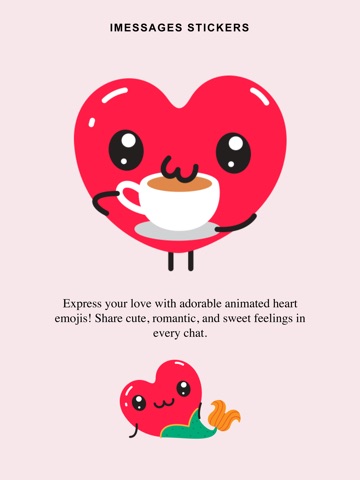
Express love in motion with adorable Animated Heartman Emojie! How to Use the Stickers on iMessage Open the Messages app on your iPhone. Select any existing conversation or start a new one. Tap the “+” icon next to the message input field. Choose Stickers from the menu. Your downloaded sticker packs will appear — just tap and send your favourite one! Make your chats more fun and expressive in seconds
Stickers · iPhone, iPad · $0.99