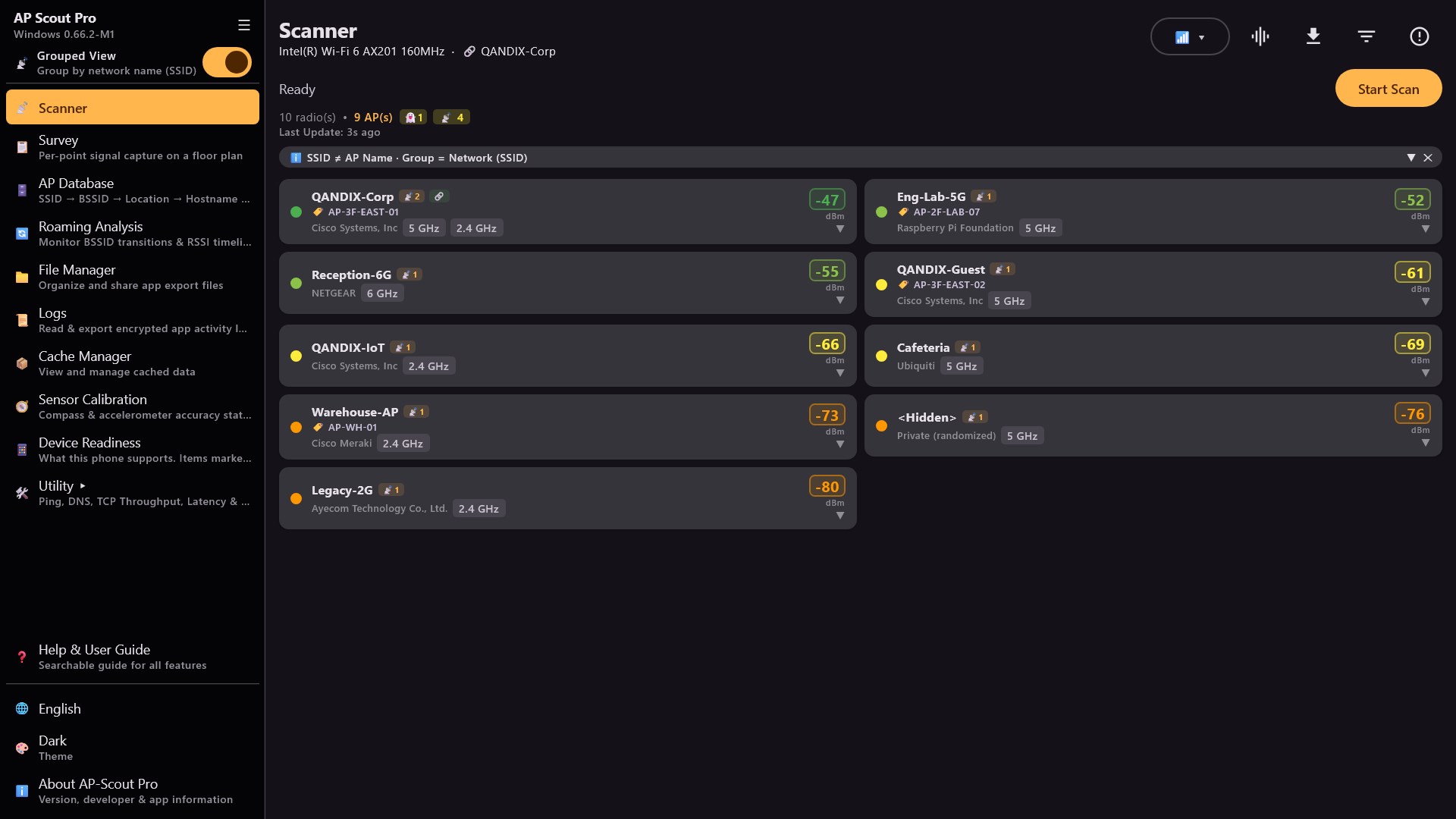
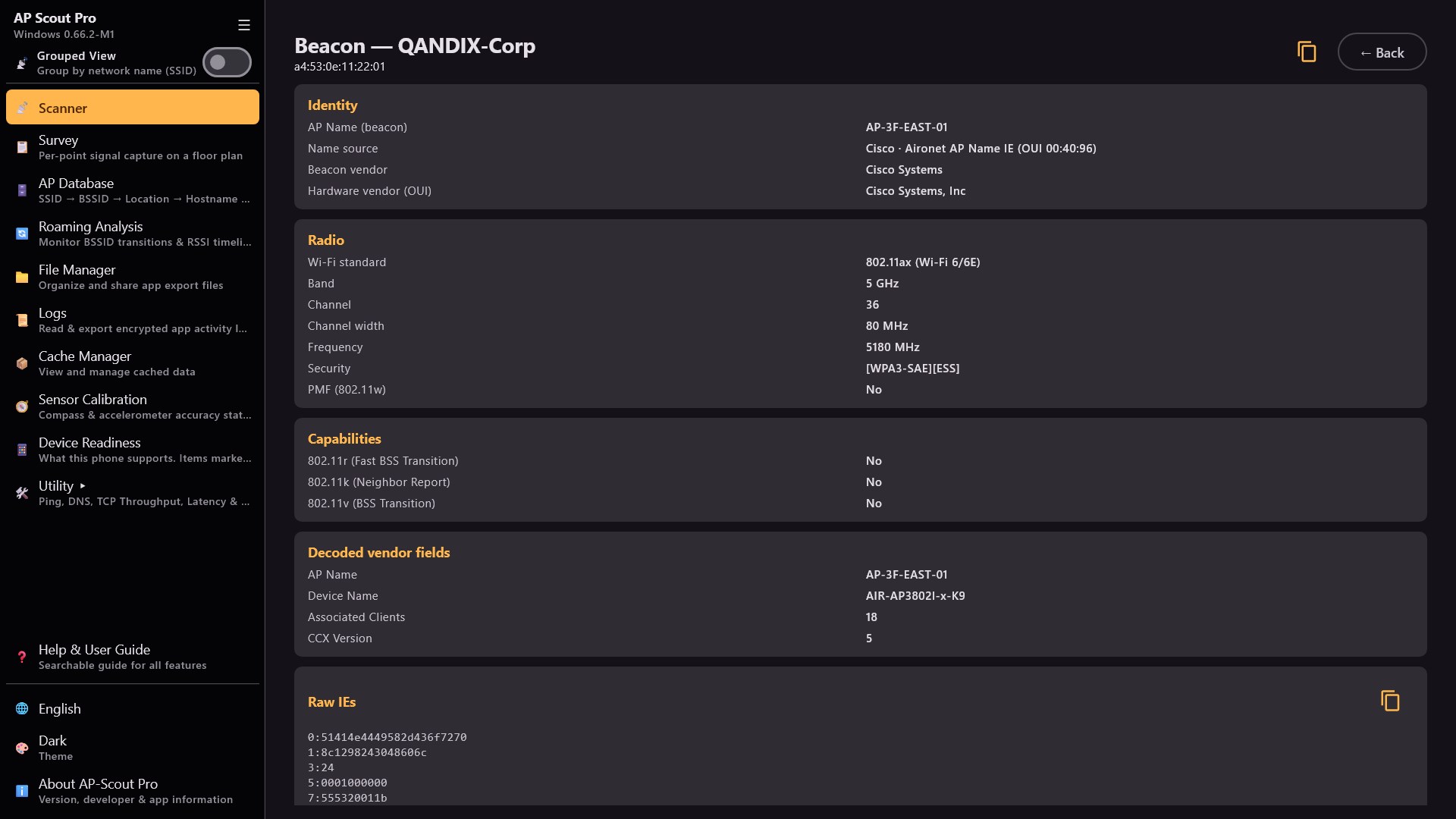
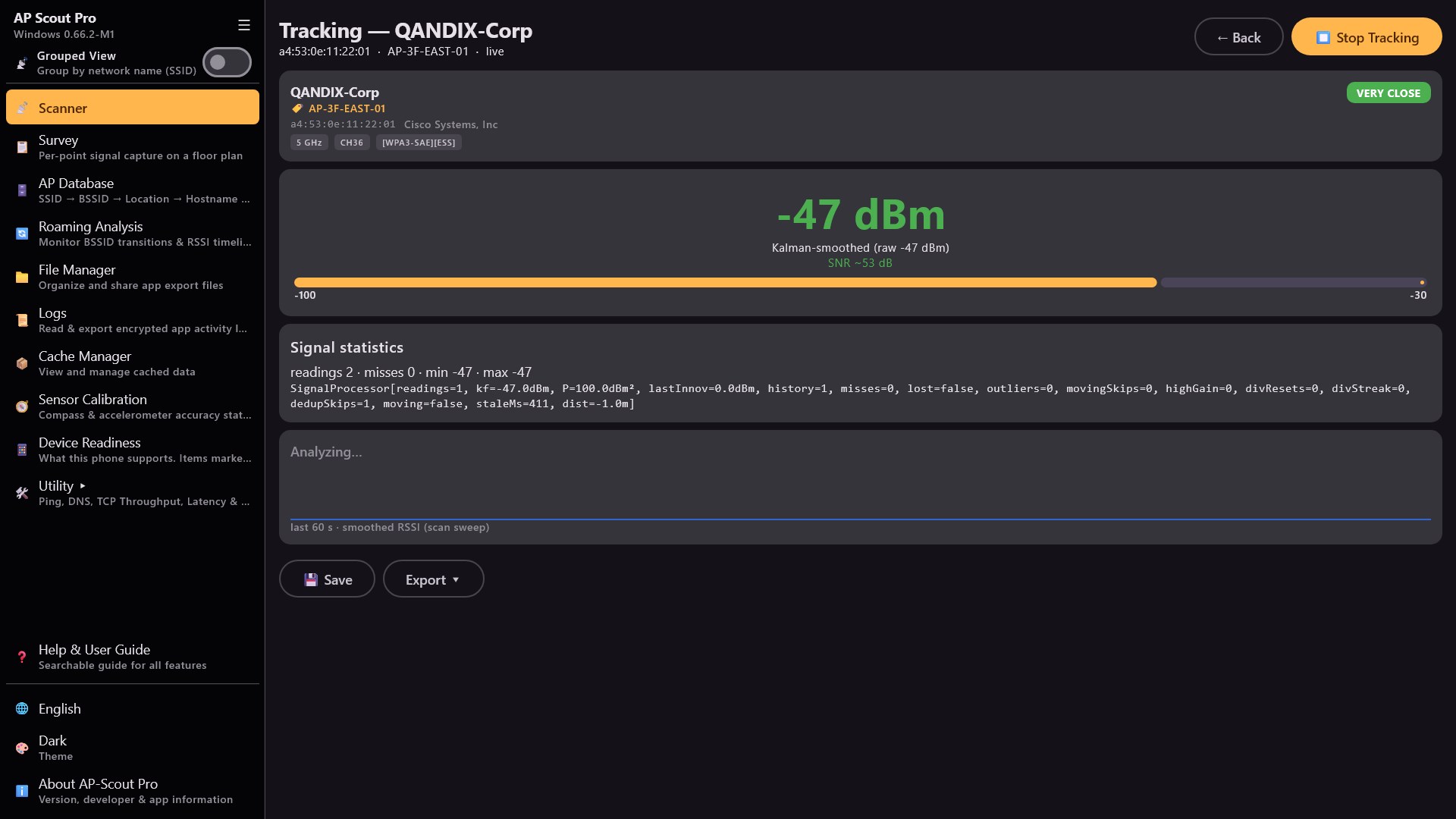
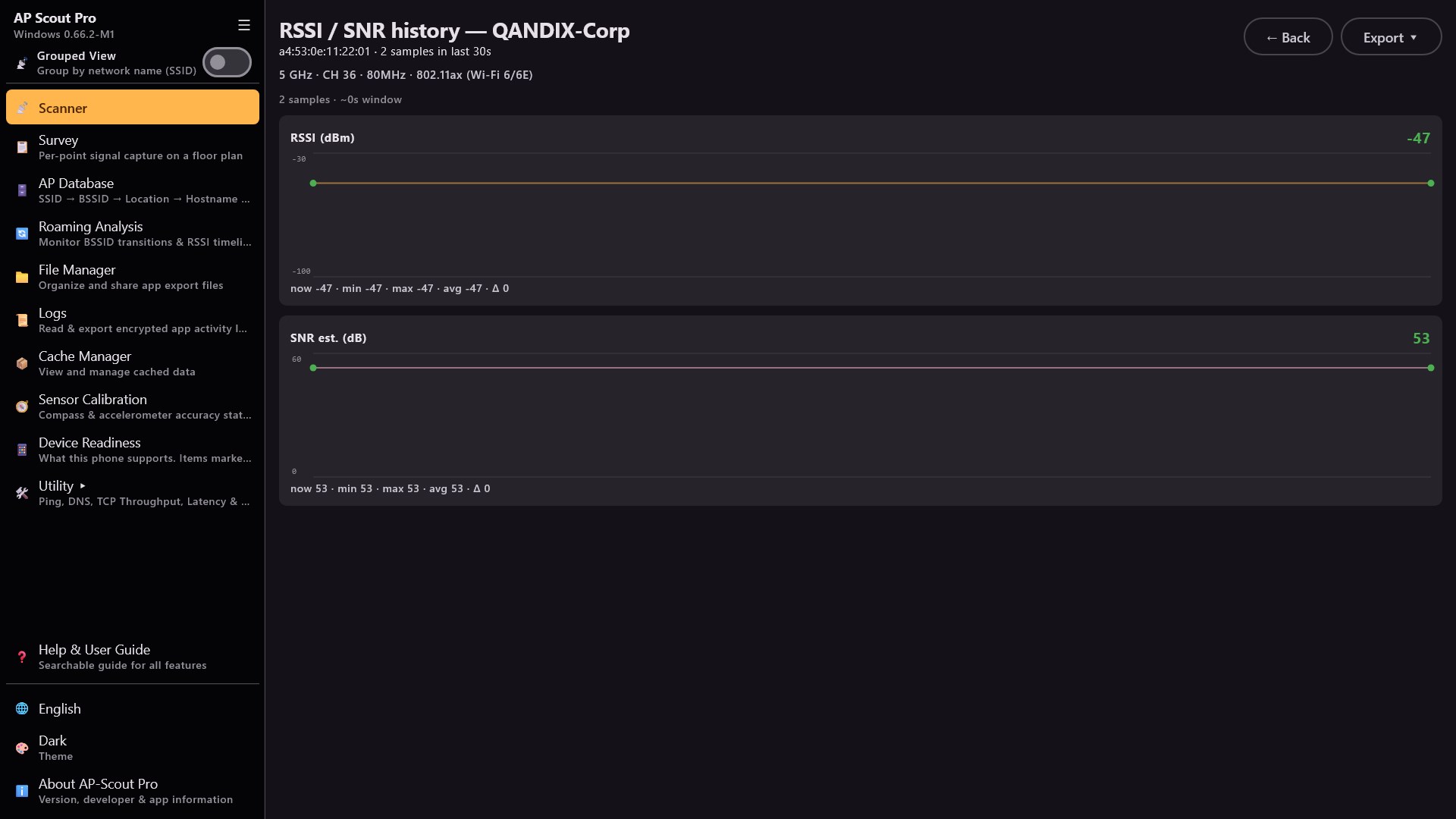
AP-Scout Pro is a professional-grade Wi-Fi Access Point scanner and network diagnostic toolkit for enterprise network engineers, IT administrators, and Wi-Fi site survey professionals — now on Windows. KEY FEATURES Wi-Fi AP Scanner - Real-time scan: SSID, BSSID, RSSI, Band, Channel, Width, Vendor (2.4/5/6 GHz) - Flat and Group-by-SSID views - Match APs against your AP Database (hostname, building, floor) - Interference analysis: congested channels ranked worst-first (co-channel + overlap), in-app and in exports - Detects Wi-Fi 7 (802.11be): identifies 320 MHz channel width, Multi-Link Operation (MLO) and FTM/RTT ranging support - Beacon page: per-AP beacon translation — identity, radio, capabilities, decoded vendor fields and the raw IE dump, all copyable RSSI/SNR History - Per-AP signal history graph built from scan results, exportable to CSV/Excel AP Tracking - Pick a target AP and watch its signal trend as you move Site Survey - Point-by-point capture: each point records every visible AP from a fresh scan - Organize surveys in a Project > Site > Building > Floor treeview - Floor-plan background with click-to-place points and AP Check Points - Export a survey as Excel/CSV, or bulk-export any branch to one ZIP mirroring the folder tree (optional AES-256 password) Roaming Analysis - Track BSSID transitions and visualize the RSSI timeline — every roam/appear/disappear event marked with a divider + timestamp, with tap and arrow navigation AP Database - Import AP inventory via CSV (BSSID > hostname / building / floor / room) - AES-256-GCM encrypted — all screens show AP names instead of raw BSSIDs Network Toolkit Ping, DNS, Traceroute, Port Check, HTTP Check, TLS Inspector, TCP Throughput, Latency Trend, Subnet Calculator, Wake-on-LAN, NTP Check, ARP Table, Network Overview, LAN Discovery and LAN Devices. Export as CSV or Excel. Export Encryption Optional AES-256 password protection on all exports — leave the password empty to skip. File Manager Organize and delete exported files (Excel, CSV, ZIP) by category. Logs Encrypted on-device activity log for field diagnostics — browse sessions, read in-app (level/page/thread filters), export as TXT or password-protected AES-256 ZIP. Nothing leaves the device unless you export it. SURVEY VS SURVEY PRO Every survey records the same measurements. Survey Pro adds the floor plan underneath them. Survey (included) - Up to 20 check points per survey - Every visible AP recorded at each point, from a confirmed fresh scan - CSV and Excel export, portable survey file, compare-and-replace Survey Pro (subscription) - Floor-plan background, click-to-place points and point names - AP Check Points anchored to a physical AP - Continuous capture: record, pick the moment to keep, replay it later - Edit a saved survey afterwards - add, rename, move, remove or restore points, or replace the plan - Up to 5000 check points per survey If a subscription ends nothing is deleted: every survey stays readable and exportable, floor plan included. A survey created with Survey Pro needs an active subscription before you can continue capturing into it or edit it again. SURVEY PRO SUBSCRIPTION Survey Pro features (floor-plan background, zoomable point placement, point aliases, AP Check Points, up to 5000 survey points) require a monthly subscription. - Price: 1.89 USD / month (may vary by region) - Payment charged to your Microsoft account at purchase confirmation - Subscription renews automatically each month - Cancel anytime in your Microsoft account (Services & subscriptions); access lasts until the period ends All other features are included in the one-time app purchase — no additional subscription required. 15 LANGUAGES English, Thai, Deutsch, Espanol, Francais, Portugues (Brasil), Russian, Arabic, Chinese (Simplified), Chinese (Traditional), Japanese, Korean, Bahasa Indonesia, Bahasa Melayu, Tieng Viet PRIVACY & SECURITY - On-device by default — the only optional exception is the click-to-run Public IP lookup - No analytics, no ads, no tracking - AP Database: AES-256-GCM encryption (600K PBKDF2 iterations) - Diagnostic logs encrypted with a Windows DPAPI-protected key REQUIREMENTS - Windows 10/11 (64-bit) with a Wi-Fi adapter for scanning features - Windows Location access may need to be enabled for Wi-Fi scan results - Internet access only for Network Tools you run yourself Designed for enterprise network engineers who need a reliable, all-in-one Wi-Fi diagnostic tool in the field.
Developer Tools · Windows · $14.49