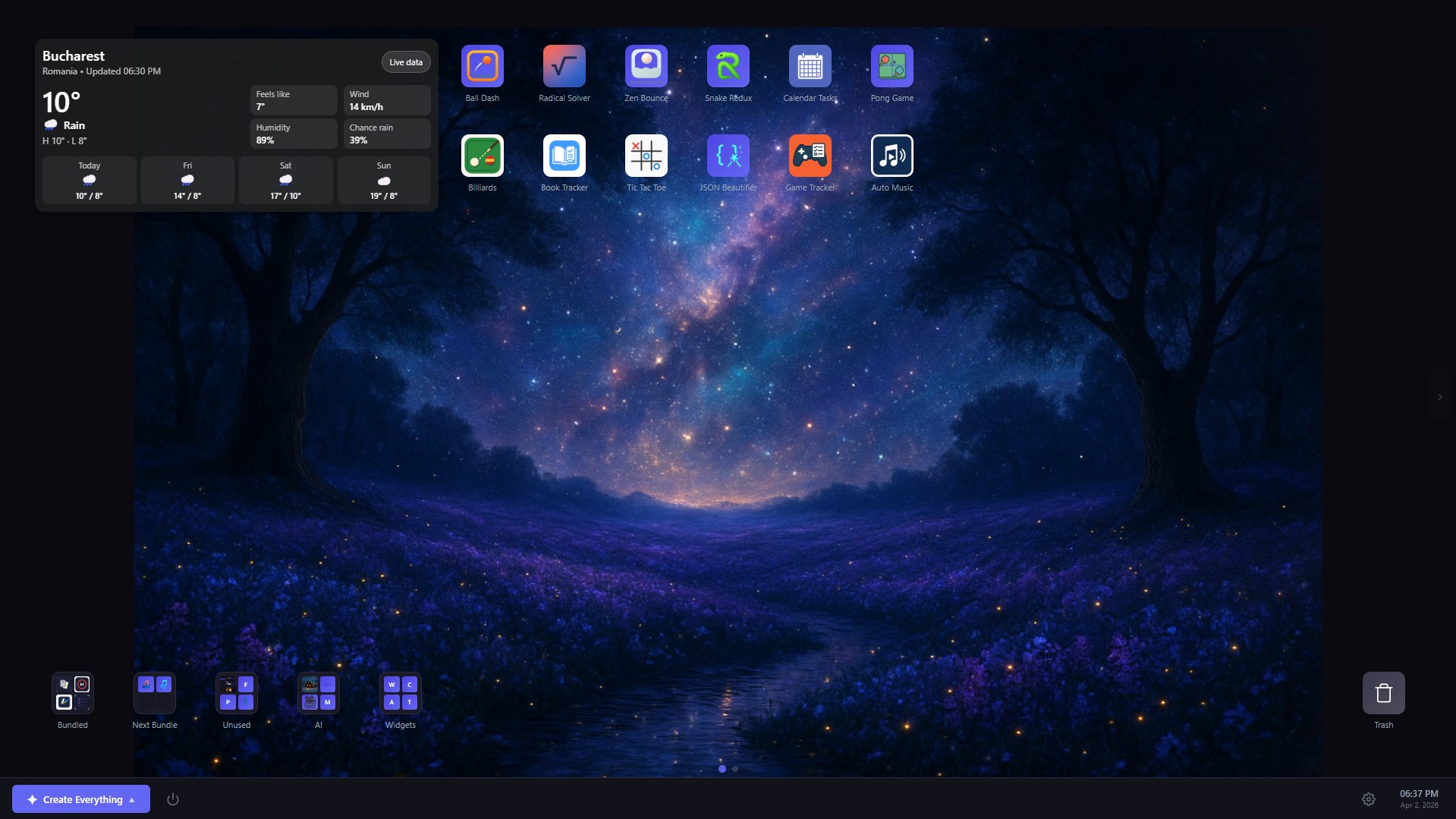
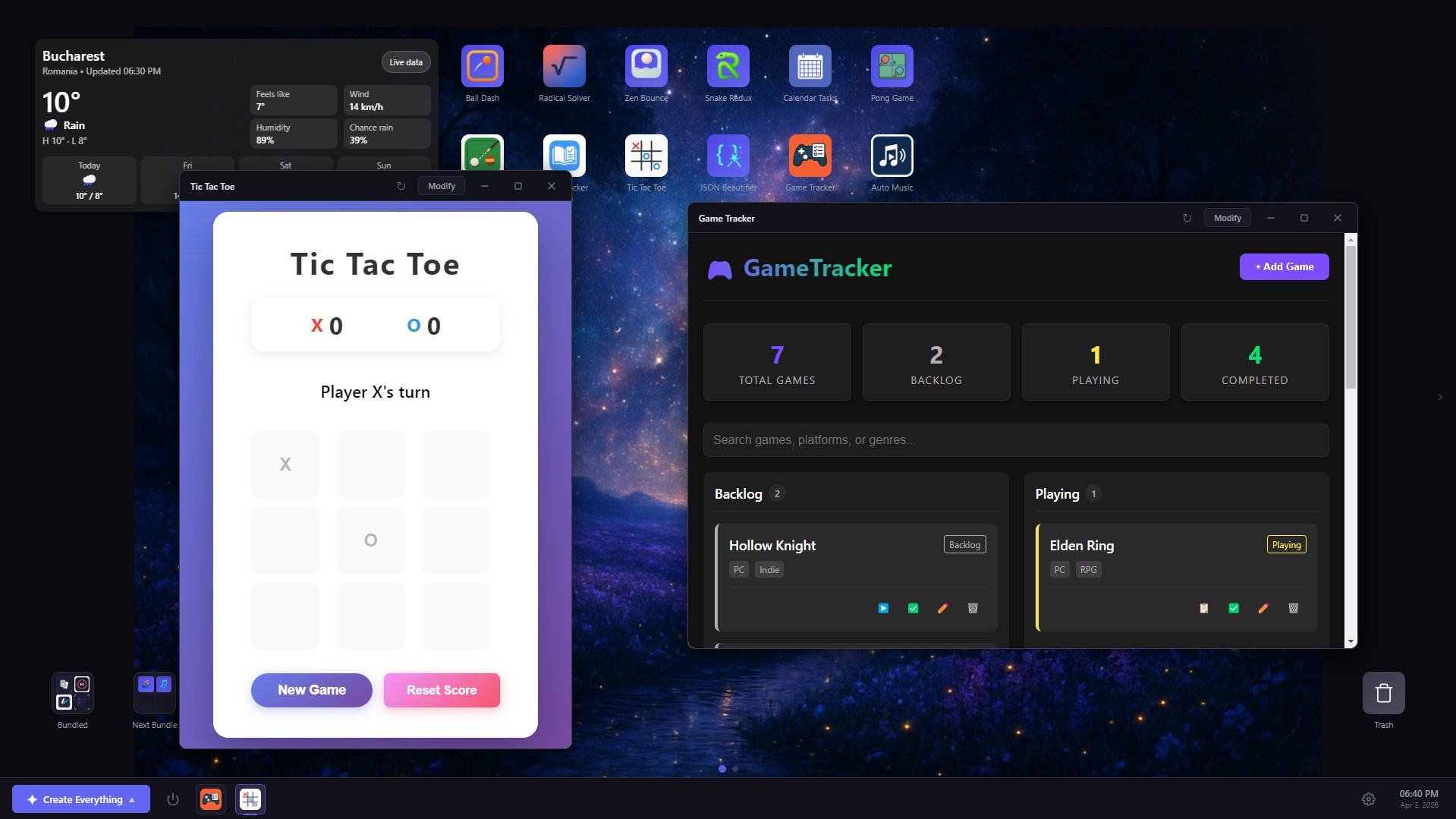
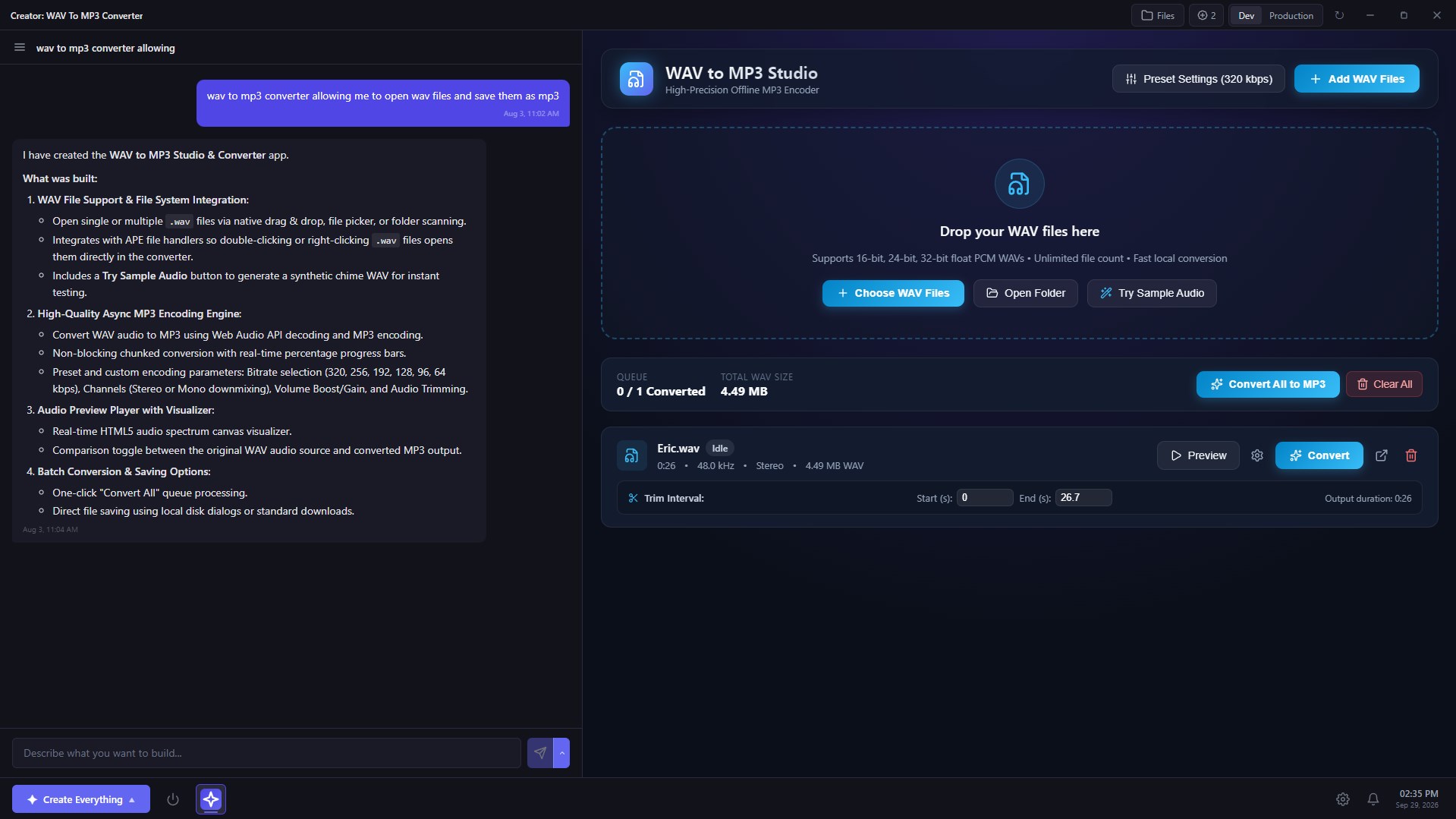
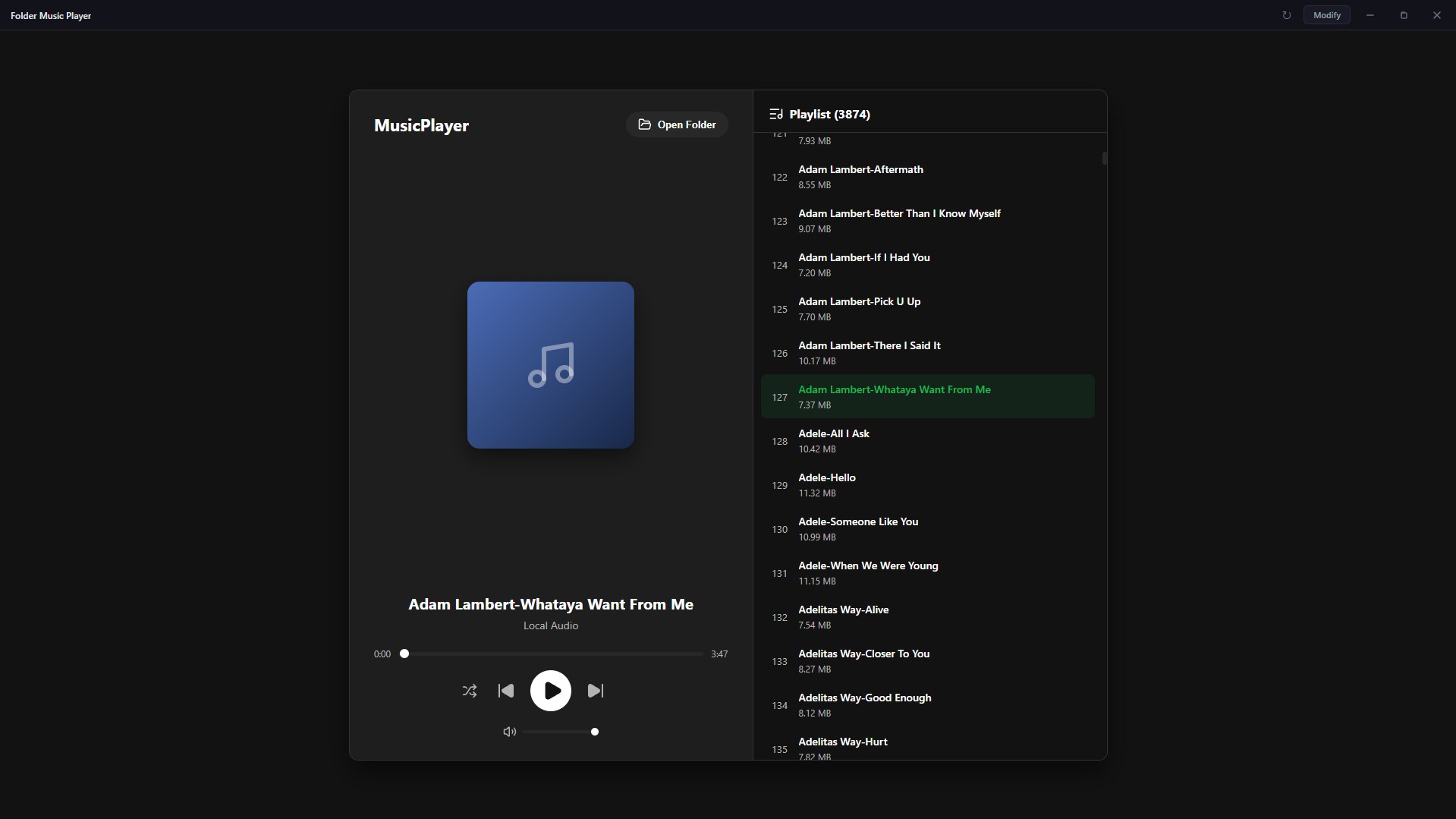
Describe any app and APE will build it for you. No coding required—just type what you want (e.g., "a dark mode todo app") and the AI creates it and runs it locally. You can change any app later with more prompts. Everything lives on a desktop with icons, widgets and a taskbar—your ideas, your apps, all on your machine. Your own app desktop: APE gives you a Windows-style desktop with icons, folders, a taskbar, and a swipeable multi-page layout. Open apps in floating draggable windows or fullscreen — run several side by side. Minimize apps and they keep running in the background, just like real Windows apps. Customize your workspace with a static image, a video loop, a slideshow, or an AI-generated wallpaper that refreshes automatically. Build and refine with chat: Creating an app is a conversation. Describe what you want, watch it come together in the live preview, then keep chatting to add features, change the design, or fix anything. Every successful change is saved as a version — restore to any previous state from the chat panel with one click. Apps that do more: Apps you create can be AI-powered — let them call AI for chat, writing, or image generation. They can send you desktop notifications, open your files and keep their data between restarts. You can snapshot and restore app data at any point. Create widgets and place them directly on the desktop with layout options tailored to different sizes. Configure apps to auto-start with APE, duplicate any app with its full version history, or clone one as a starting point for something new. Even import your Windows apps into APE. You're in control: APE works with OpenAI, Anthropic, Gemini, or a local LM Studio model — you bring your own API key and control usage and costs. Apps are stored on your machine in a location you choose, and you can move them at any time. Requires an API key (OpenAI, Gemini, or Anthropic) with available credit (bring your own key) or a local connection via LM Studio. Free users can create up to 4 apps. An optional one-time in-app purchase removes this limit and unlocks unlimited app creation.
Developer Tools · Windows · Free