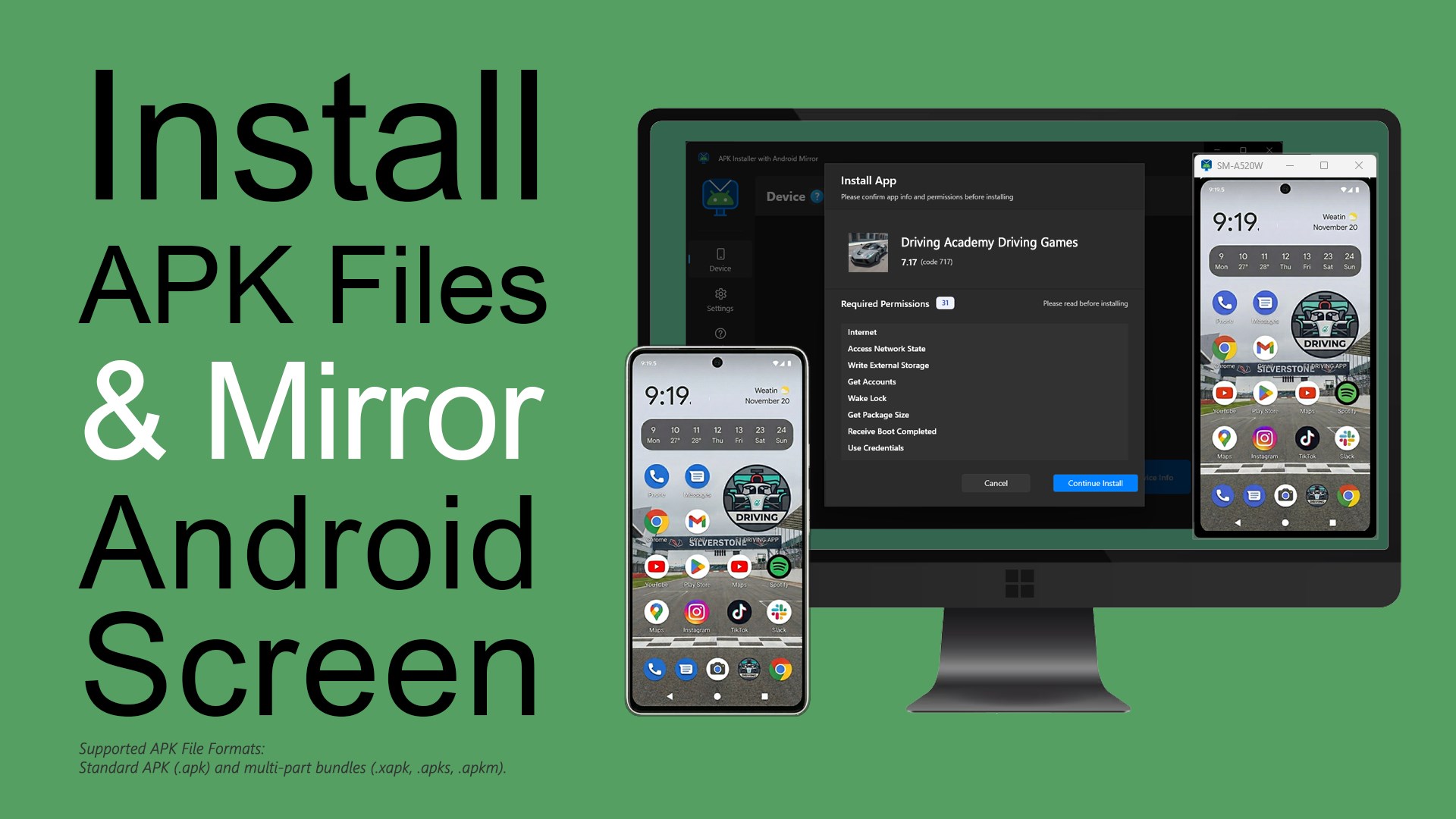
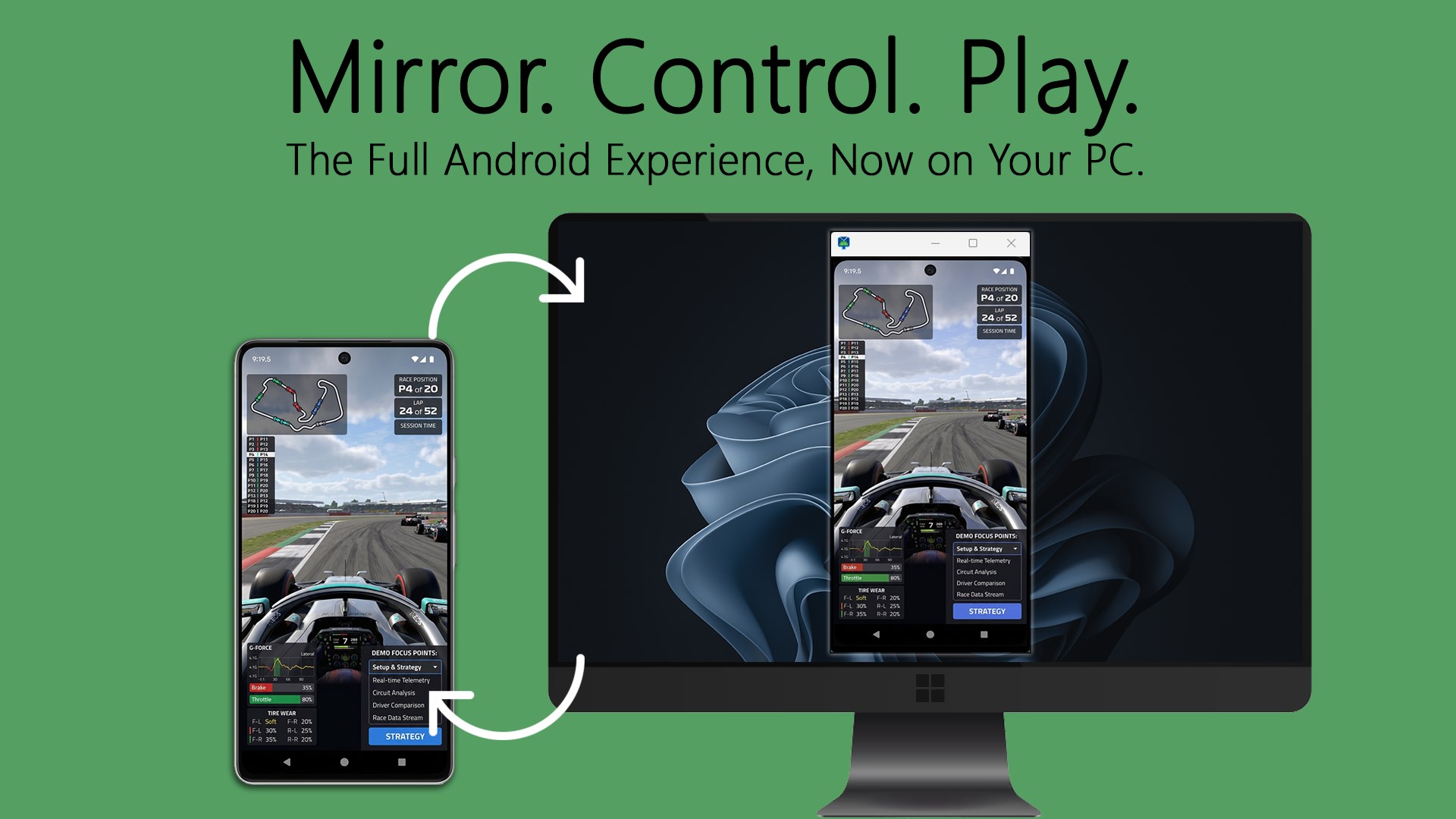
📱 Install APKs effortlessly and mirror your Android screen in real-time from your Windows PC. App Installer for APK requires a connection via the Android Debug Bridge (ADB)* to enable its core features and provide a seamless link between your devices. Designed for speed and simplicity, this utility allows you to bypass the limitations of a small screen by providing full keyboard and mouse control over your Android environment. If you are installing multi-part bundles or viewing high-definition mobile content on your monitor, the app ensures a stable and high-performance connection for your mobile hardware. App License: App Installer for APK comes with a fully functional trial, allowing you to experience the core features right away with one free APK installation and working screen mirroring. Upgrade to the premium version to unlock unlimited APK installations and enjoy screen mirroring at the highest possible resolution. Key Features: • Install various app formats with support for standard .apk and multi-part bundles including .xapk, .apks, and .apkm. • High-definition screen mirroring to view and control your Android device in real-time directly from your Windows monitor. • Full peripheral support allows you to use your PC’s mouse for navigation and keyboard for fast text entry into mobile apps. • Instant device diagnostics providing a detailed overview of your hardware, including Android version, serial number, and build details. • Guided ADB setup with step-by-step instructions to help you enable USB Debugging and authorize your connection securely. • Clean, lightweight design built for stable performance and easy navigation across your connected Android devices. Supported File Types: App Installer for APK supports the installation of all major Android package formats, including: APK, XAPK, APKS, and APKM. Whether you're testing new application builds or simply want a larger view of your mobile apps, App Installer for APK helps you bridge the gap between your devices with ease.
Utilities · Windows · Free
Rating: 4.7 out of 5, based on 88 user ratings.