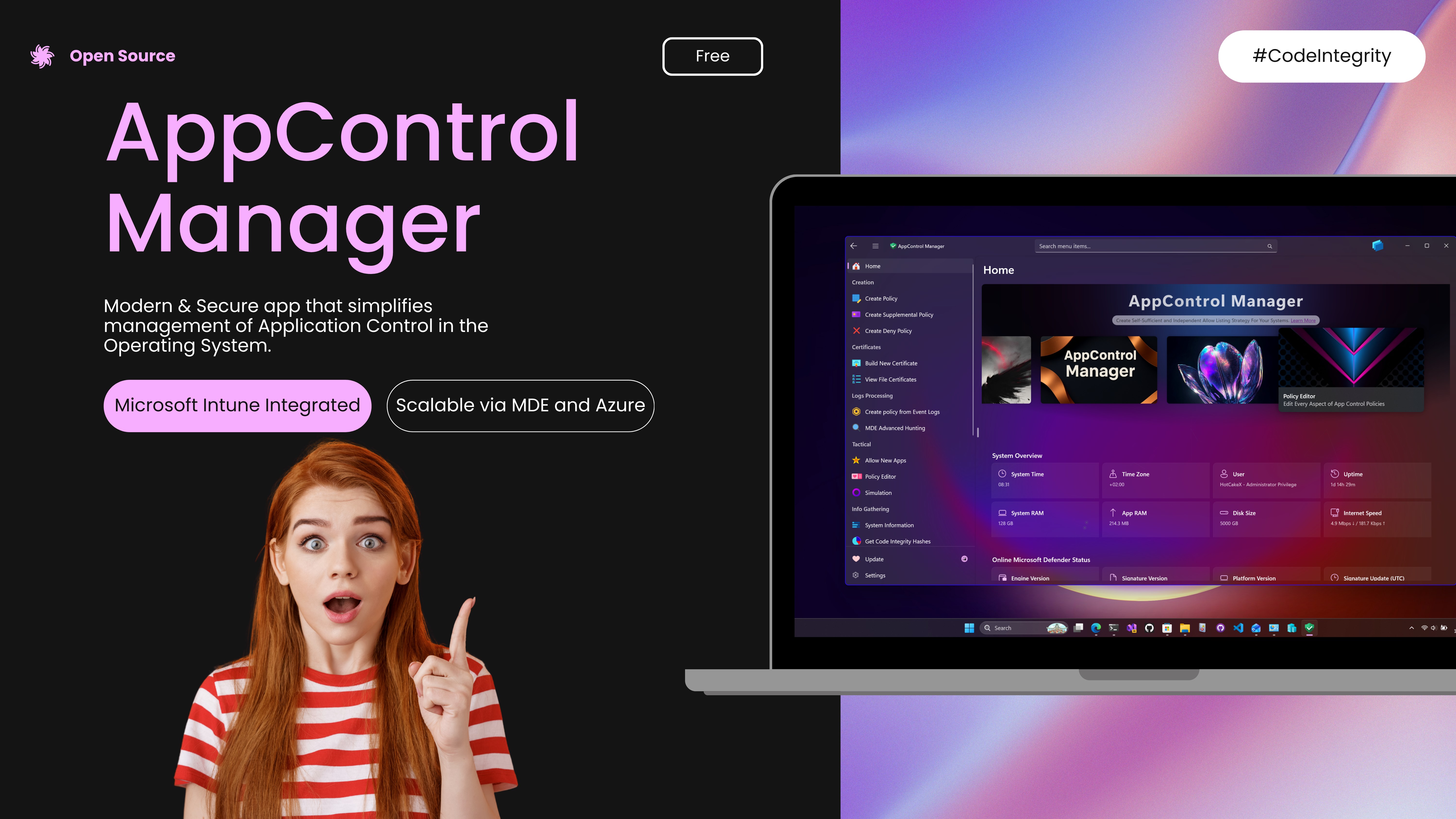
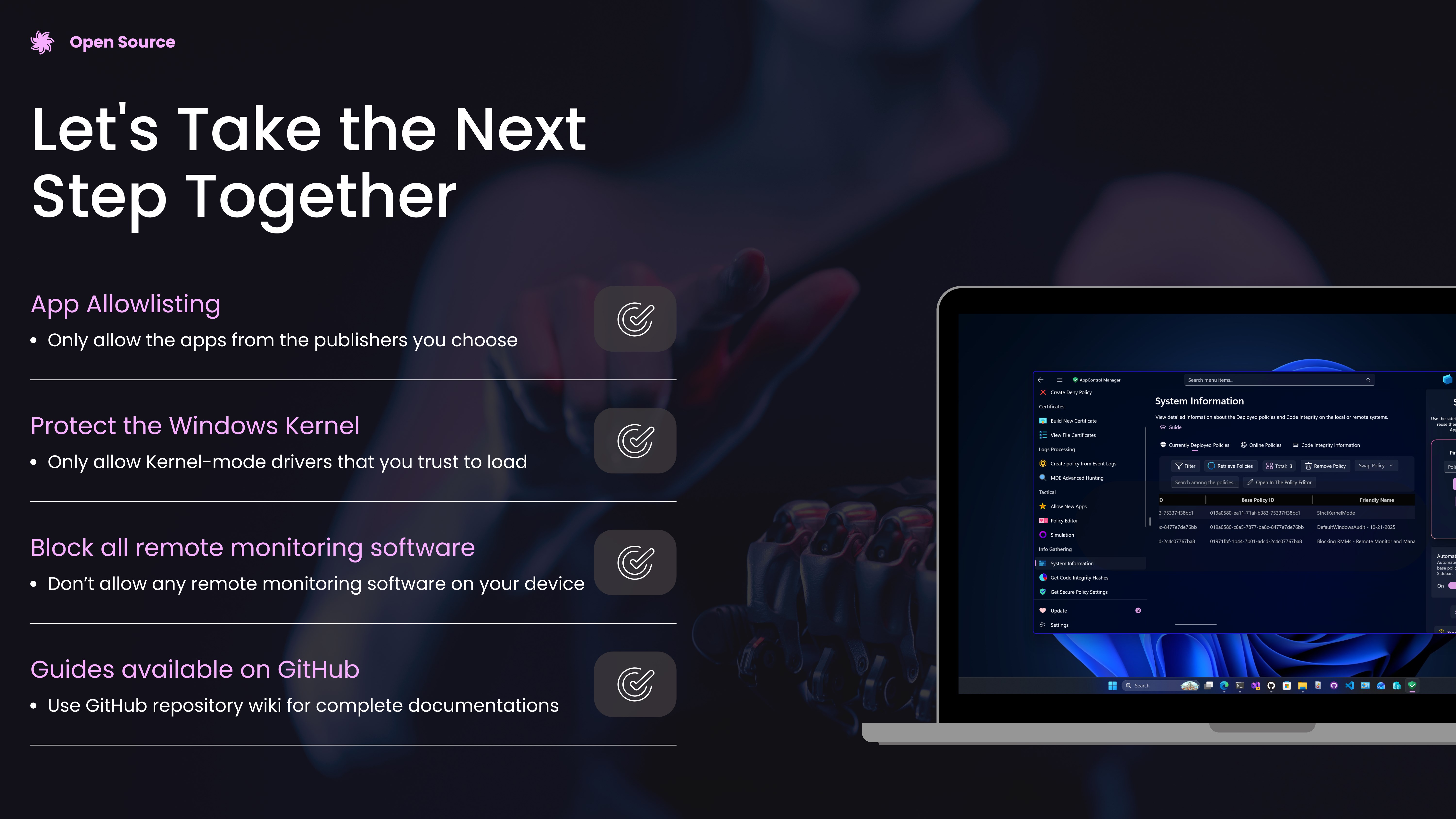
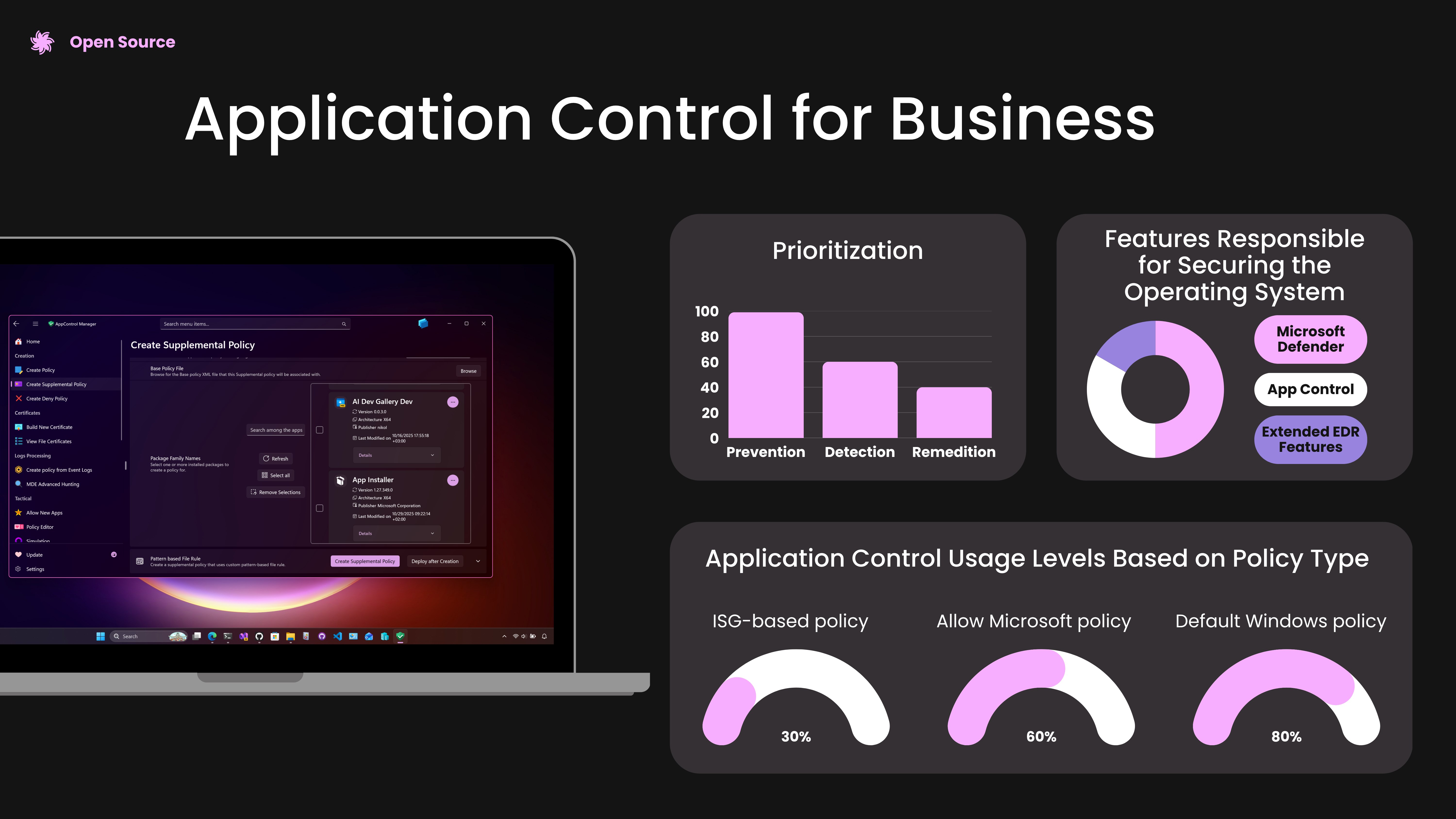
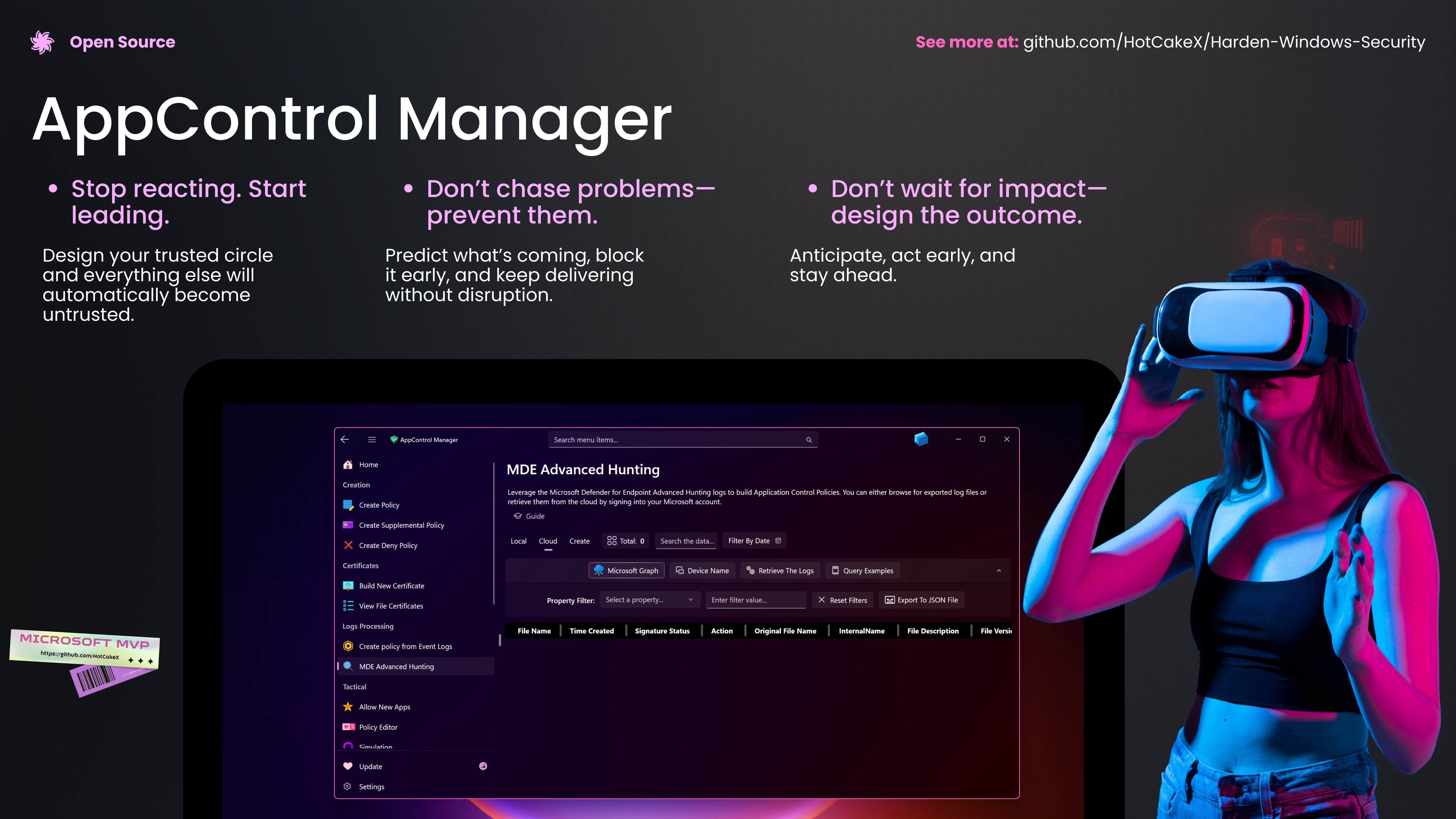
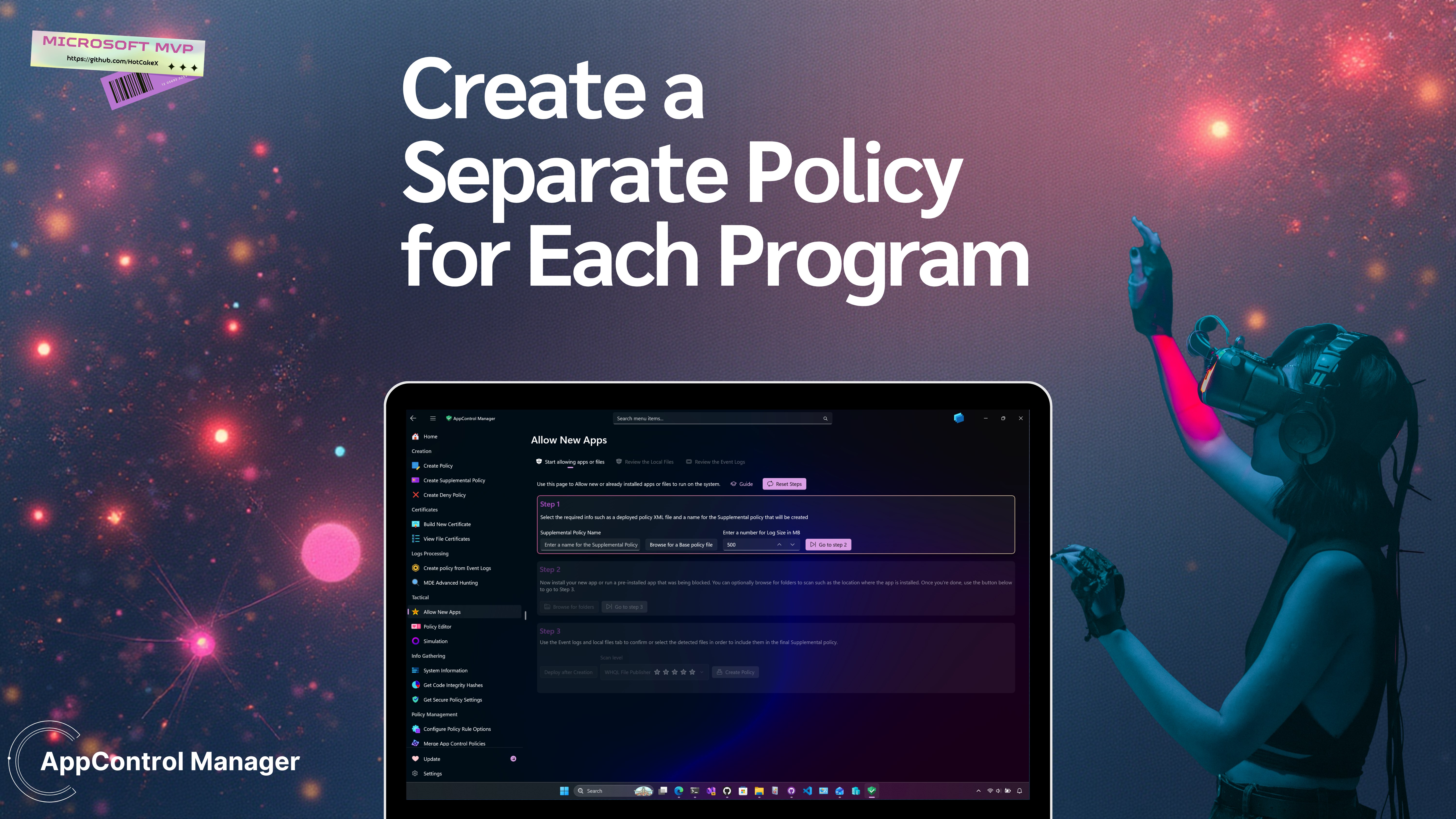
✨ AppControl Manager is a modern secure app that provides easy to use graphical user interface to manage App Control and Code Integrity on your device. 💓 Application Control is crucial for protecting computer systems in today's threat landscape and offers a distinct advantage over traditional antivirus solutions. Specifically, application control uses tailored access, shifting from a model where all applications are assumed trustworthy to one where applications must earn trust before they can run. 💗 App Control puts the power of security directly in your hands, giving you complete control over your system and the systems you manage. Unlike other solutions that create dependency on other people, App Control eliminates the need to constantly chase and block new malware variants. Once you configure your system and define the apps and files that are permitted to run, everything else is automatically blocked. 💝 It's time to shift from a reactive approach to a proactive one. 🧡 By default, you can install any program and run any file on your system. These files can either be signed or unsigned. Signed files come with a certificate that verifies their authenticity, and Windows maintains a list of trusted certificates. 💘 Application Control is a security feature designed to regulate and restrict which programs and files are allowed to run on your system. It eliminates the default open-ended approach where any file can be executed freely. Instead, you define a policy—formatted as an XML file—that specifies which certificates or files are trusted. The system then enforces this policy, permitting only the approved files and programs to run while blocking everything else. 💌 This fundamentally changes the security landscape. Instead of allowing everything by default, the system now demands that programs and files prove their trustworthiness to the policy you created, before execution. 💕 App Control operates on the principle of trust enforcement rather than threat detection. It does not distinguish between outright malware and files signed with multiple legitimate certificates—if a file is not explicitly permitted by your locally defined policy, it is blocked from execution. This proactive approach is particularly effective against zero-day threats that may evade traditional antivirus, signature-based, or other detection mechanisms. Waiting even a short period for new threats to be detected, analyzed, and countered with updated signatures can be too late. 🩵 By preventing the execution of any unauthorized files or programs, App Control imposes significant barriers to attackers, potentially deterring them from even attempting to breach your system. For instance, even if an attacker manages to deceive you into downloading seemingly legitimate software or file to exploit vulnerabilities or infect your device (such as through social engineering, phishing and other techniques), it will be denied execution unless it adheres to the locally defined policy(ies) on your system. 🔗 Continue Reading this document on GitHub: https://github.com/HotCakeX/Harden-Windows-Security/wiki/Introduction 🩷 Have any questions or feedback? Please create a new discussion/issue on GitHub: https://github.com/HotCakeX/Harden-Windows-Security/discussions 💚 Secure and transparent development and build process. 💚 Built using WinUI3 / XAML / C#. 💚 Built using the latest .NET SDK. 💚 Powered by the WinAppSDK (formerly Project Reunion). 💚 Packaged with the modern MSIX format. 💚 Incorporates the Mica material design for backgrounds. 💚 Adopts the Windows 11 Fluent design system. 💚 Fast execution and startup time. 💚 0 required dependency. 💚 0 Third-party library or file used. 💚 0 Telemetry or data collection. 💚 0 Windows Registry changes. 💚 100% clean uninstallation. 💚 100% open-source and free to use. 💚 Natively supports X64 and ARM64 architectures. 💚 Full Trimming and Native AOT support. 💚 Never uses runtime marshaling.
Privacy & Security · Windows · Free
Rating: 4.5 out of 5, based on 8 user ratings.