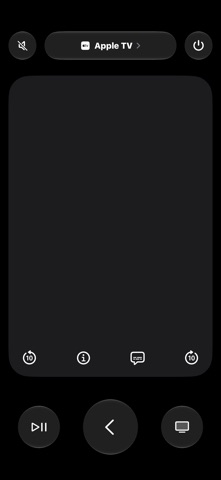
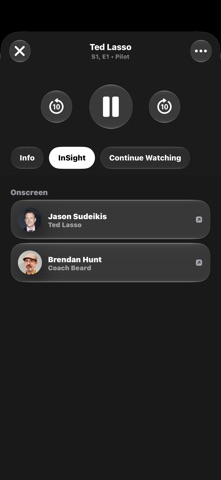
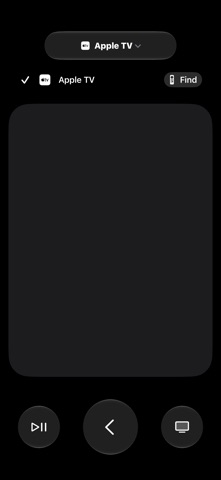
Use your iPhone or iPad as a remote control for your Apple TV. Swipe through menus, ask Siri to find the perfect movie, and sign into apps with Password AutoFill. It has everything you need to manage and enjoy your viewing experience—including finding your actual remote. Navigation and Control • Swipe to navigate menus and tap to select your favorite shows • Play, pause, rewind, or fast forward what you’re watching or listening to • Tap to turn on or off captions, skip back, or skip forward • Adjust the volume using the physical buttons on your iPhone or iPad • Turn your Apple TV on or off More Than a Remote • Use Siri to search, control playback, or ask questions by holding the side button • Display media information without interrupting the viewing experience • Enter text quickly using the keyboard on your iPhone or iPad • Provide saved passwords to apps requesting credentials • Locate your misplaced physical Apple TV Remote
Utilities · iPhone, iPad · Free