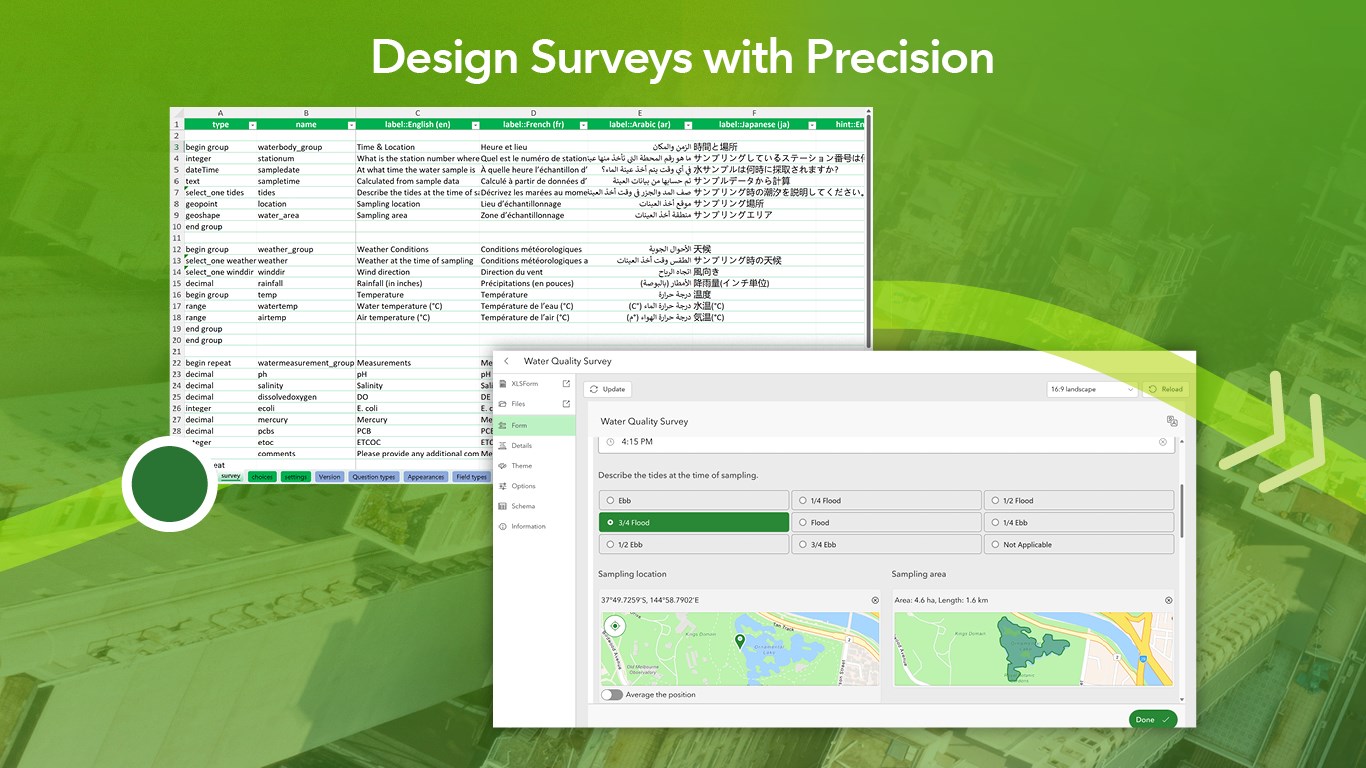
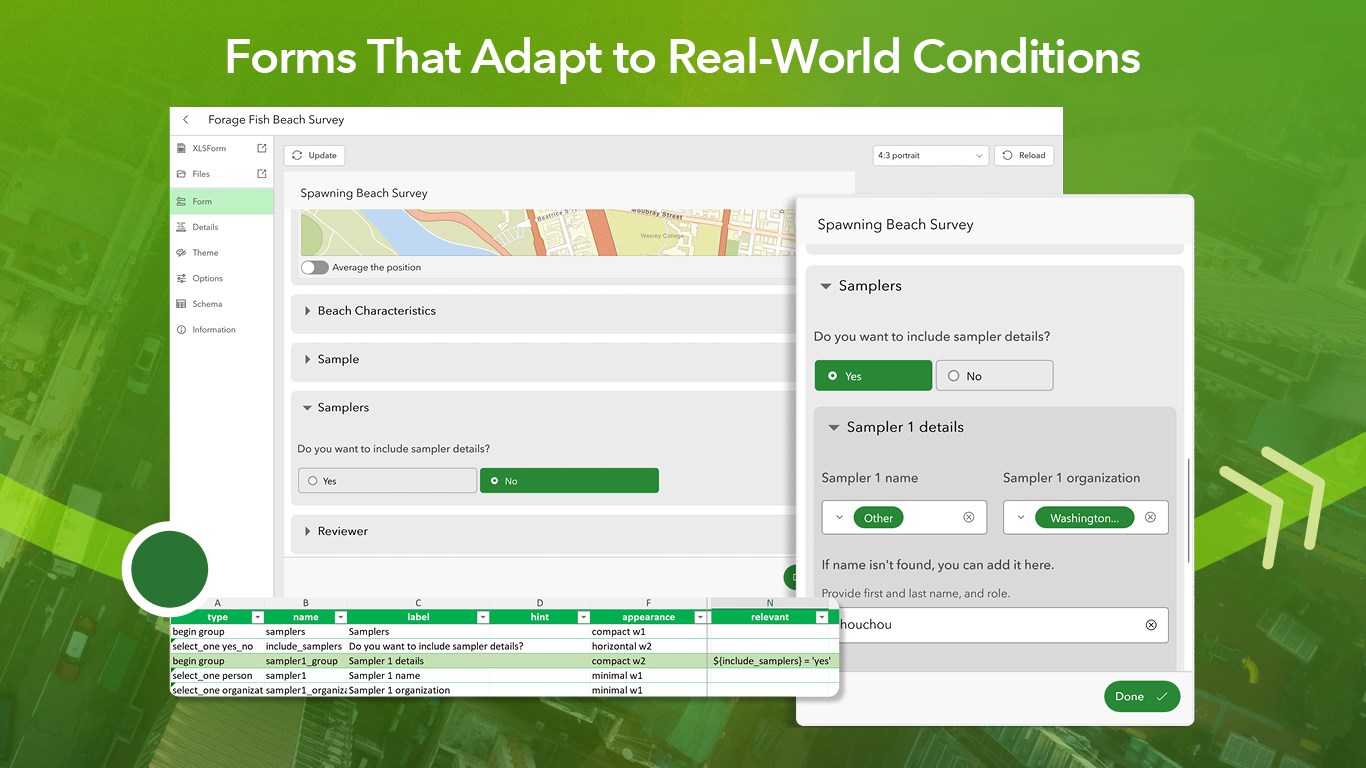
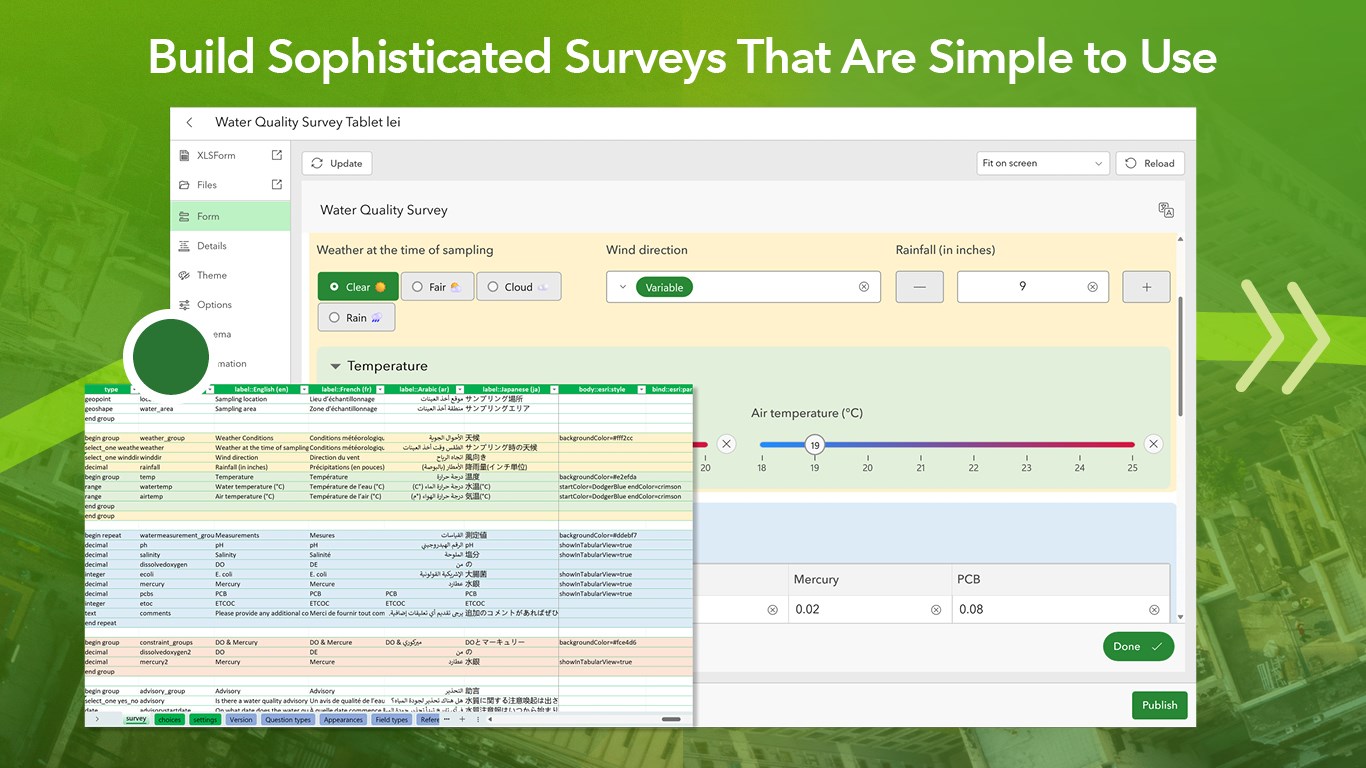
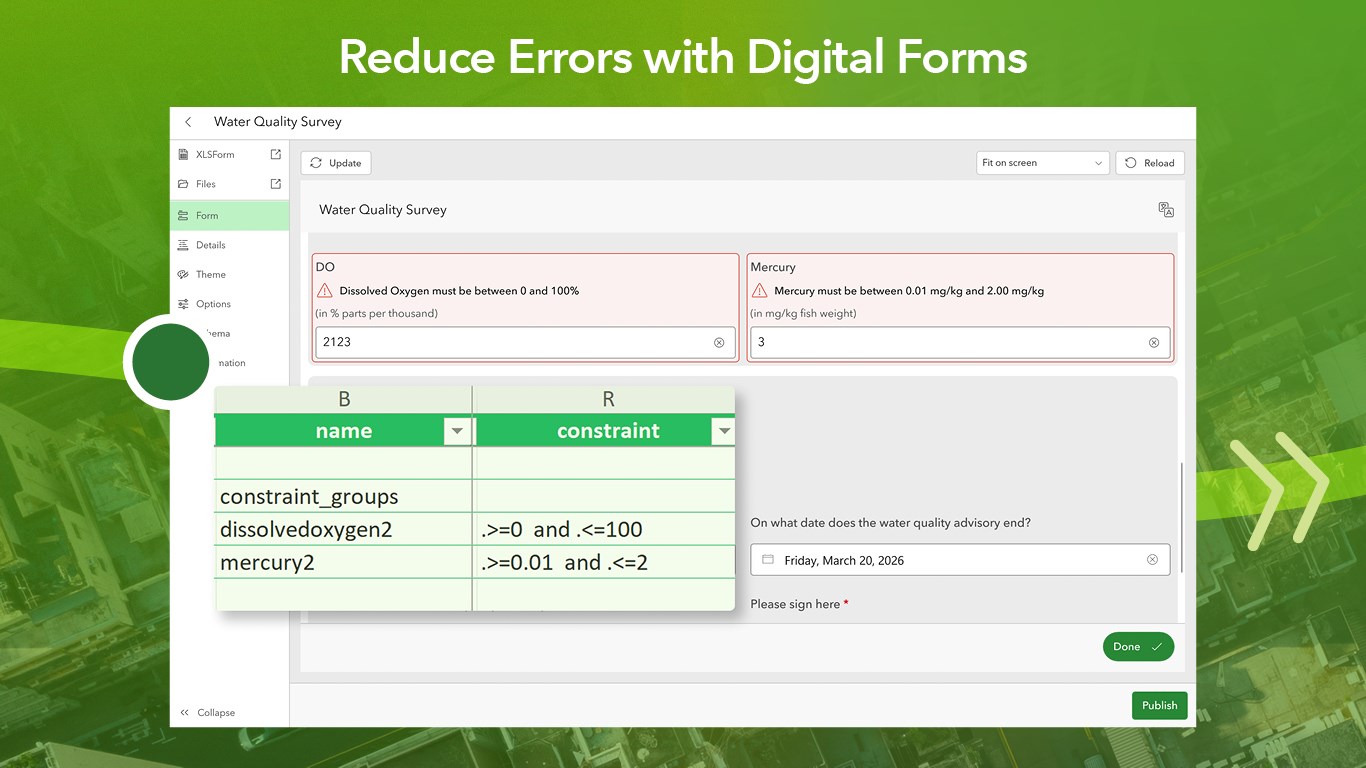
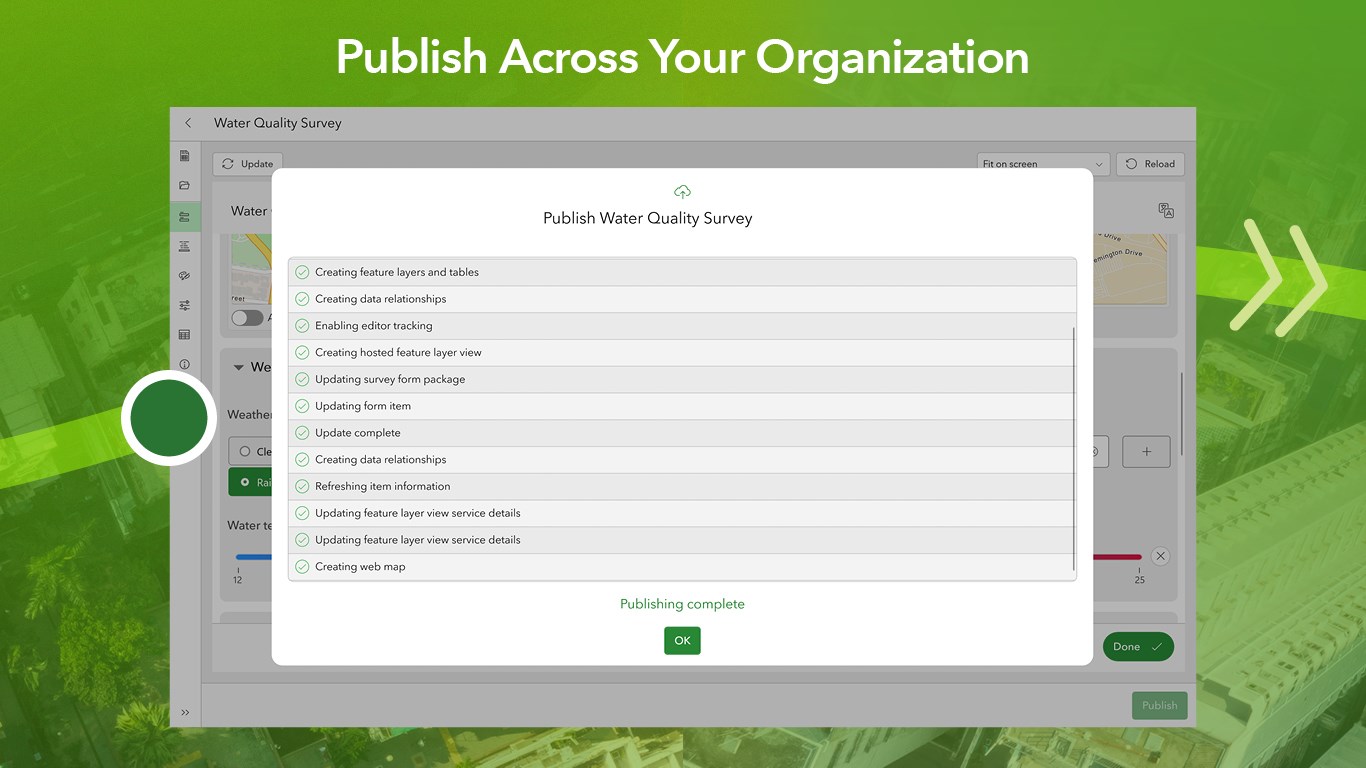
Smart form design for highly accurate data collection workflows. Survey123 Studio allows survey authors to design powerful logic-driven smart forms that deliver consistent, reliable data. Built for GIS professionals and form authors, Survey123 Studio allows you to create sophisticated surveys, publish them directly to ArcGIS, and support data collection at scale. Survey123 Studio uses industry-standard XLSForm workflows to give you precise control over form behavior, data quality, and deployment so every response meets your organization's standards. Surveys you create in Survey123 Studio can be deployed to Survey123 Mobile, the Survey123 field app, and the Survey123 web app, ensuring that your teams can collect data on any device, online or offline. Note: Survey123 Studio is the next generation desktop form authoring app in the ArcGIS Survey123 product family. Designed with new technology, it can be used side by side with Survey123 Connect. Survey123 Studio offers new features outside of Survey123 Connect. Try Survey123 Studio to explore the future of desktop form authoring and evaluate future releases to transition existing Survey123 Connect surveys to Survey123 Studio. Note about permissions: Survey123 Studio requires an ArcGIS Online or ArcGIS Enterprise account to publish and manage surveys. Design professional-grade smart forms: - Author surveys using XLSForm workflows in Microsoft Excel. - Configure rich question types including text, choice lists, dates, media, barcodes, signatures, and repeats. - Design spatial inputs using geopoint, geotrace, and geoshape questions. - Add multilingual content directly in your form design. Model intelligent and adaptive survey behavior: - Build surveys that automatically adapt to user input, context, and device sensors. - Apply skip logic, relevance rules, and dynamic branching. - Use calculations to automate values, scoring, and conditional outcomes. - Capture device metadata such as location, accuracy, and time stamps. Enforce data quality and consistency: - Apply validation rules and constraints. - Reduce errors and incomplete submissions at the point of data capture. - Standardize responses across teams and projects. Publish and manage surveys with confidence: - Publish surveys securely to ArcGIS Online or ArcGIS Enterprise. - Automatically generate feature layers and required dependencies. - Update and republish surveys while preserving existing data. - Manage form settings, versions, and organizational sharing. Power analysis, reporting, and workflows: - Publish publicly shared surveys that can be completed without signing in. - Feed trusted survey data into ArcGIS Dashboards, ArcGIS Experience Builder, and other ArcGIS solutions. - Support professional reporting with customizable report templates. - Enable data export in formats such as CSV, Excel, shapefile, and file geodatabase.
Productivity · Windows, iPhone, iPad, Android · Free
Rating: 2.8 out of 5, based on 216 user ratings.