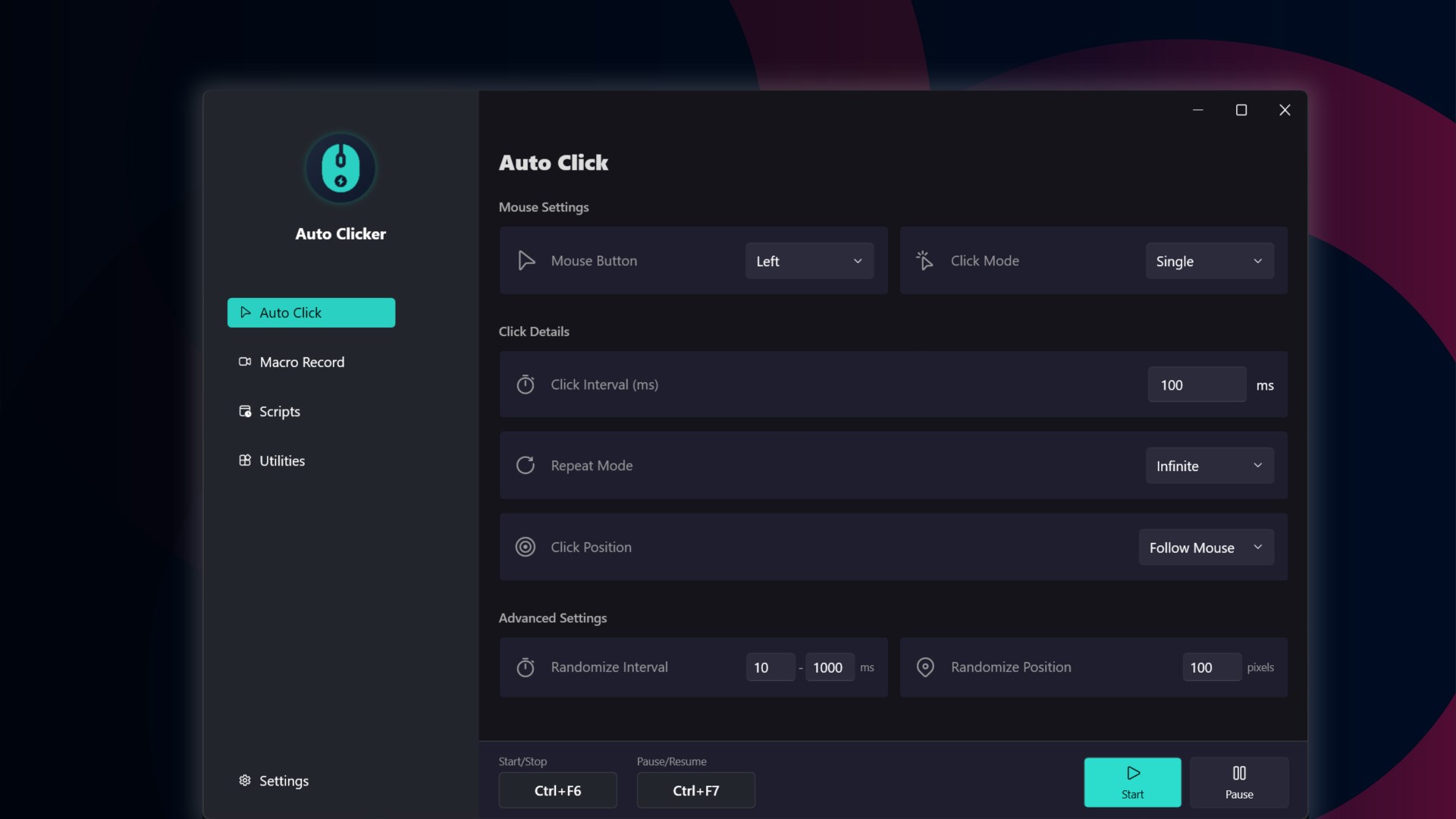
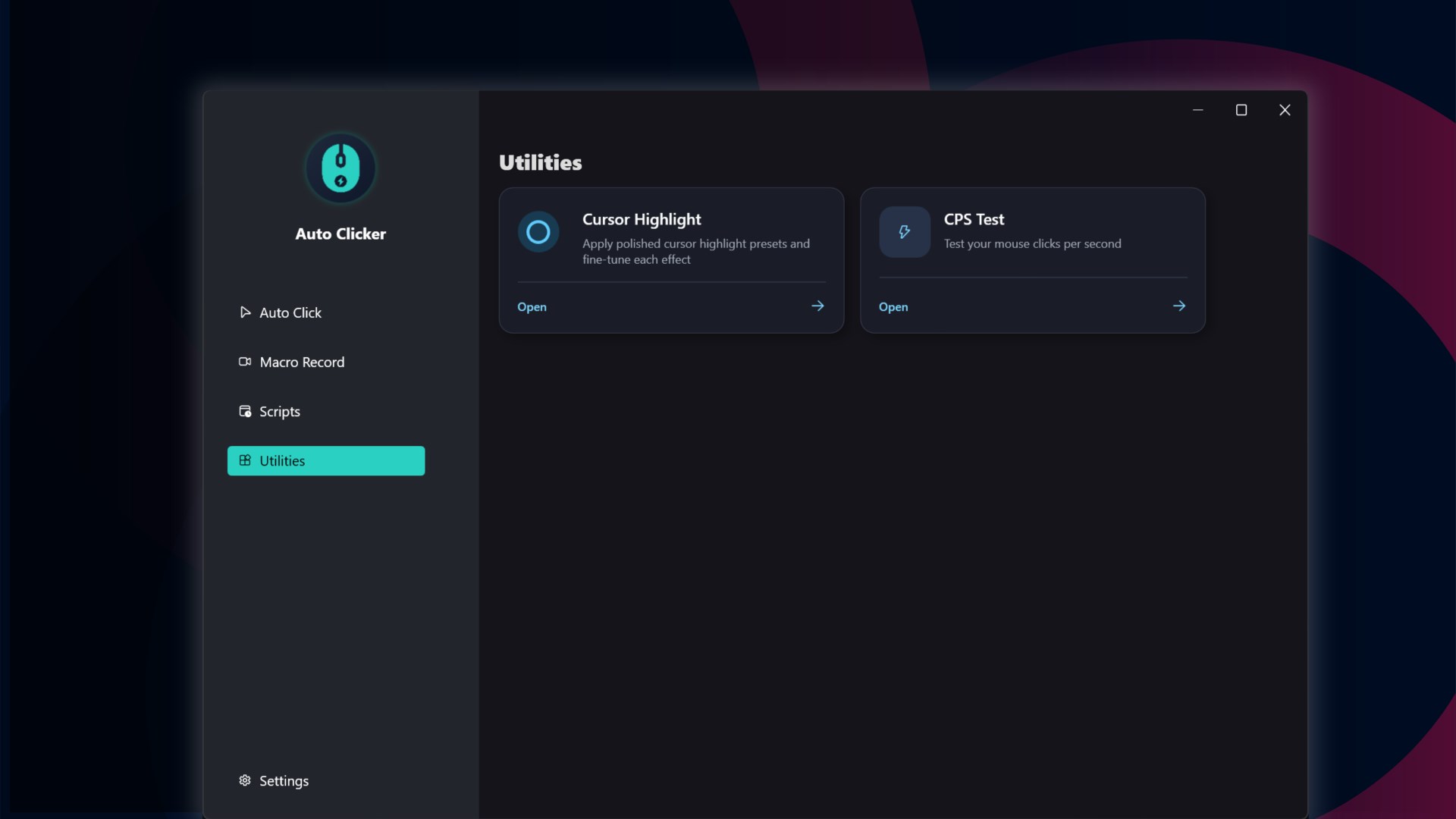
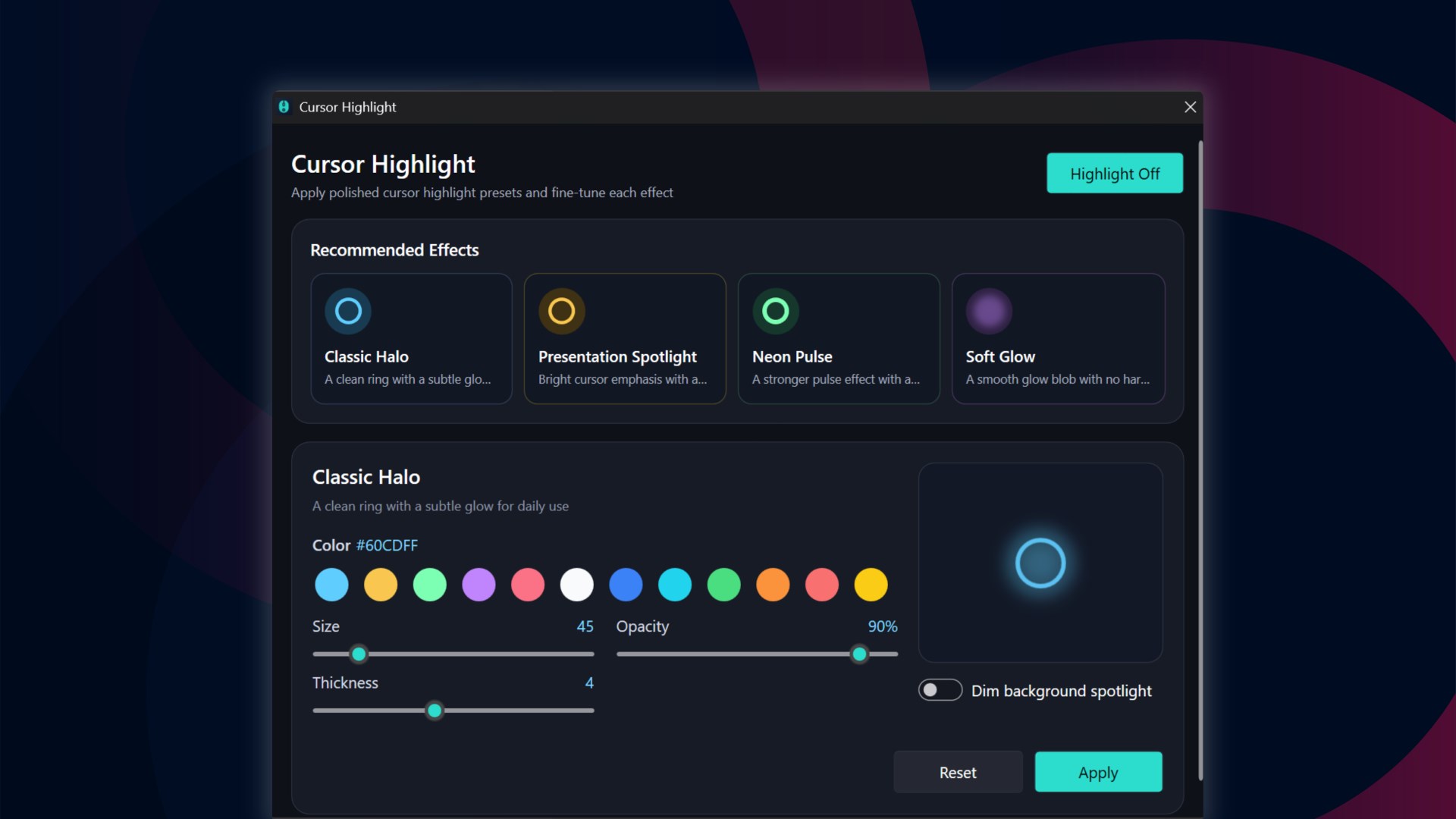
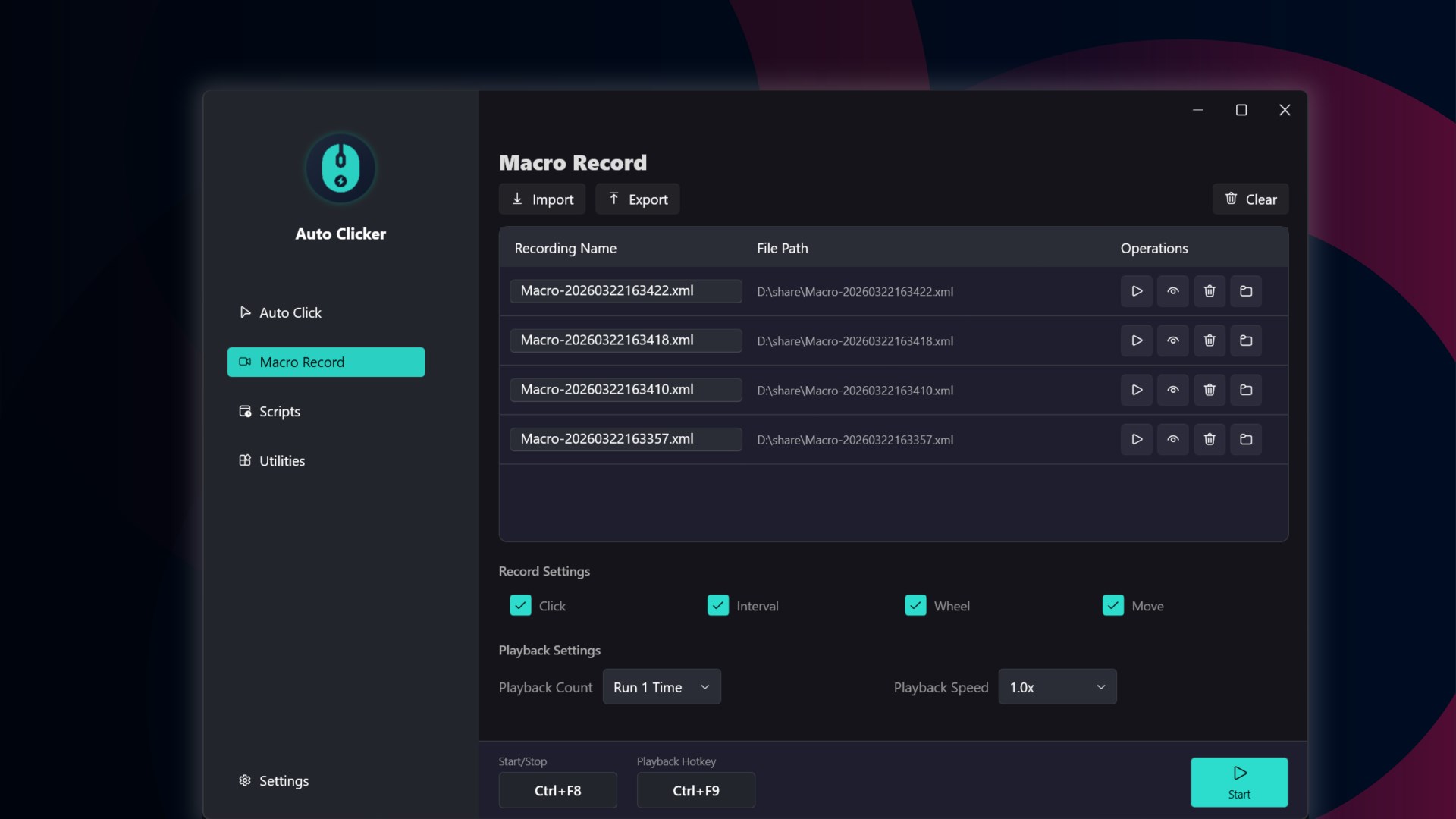
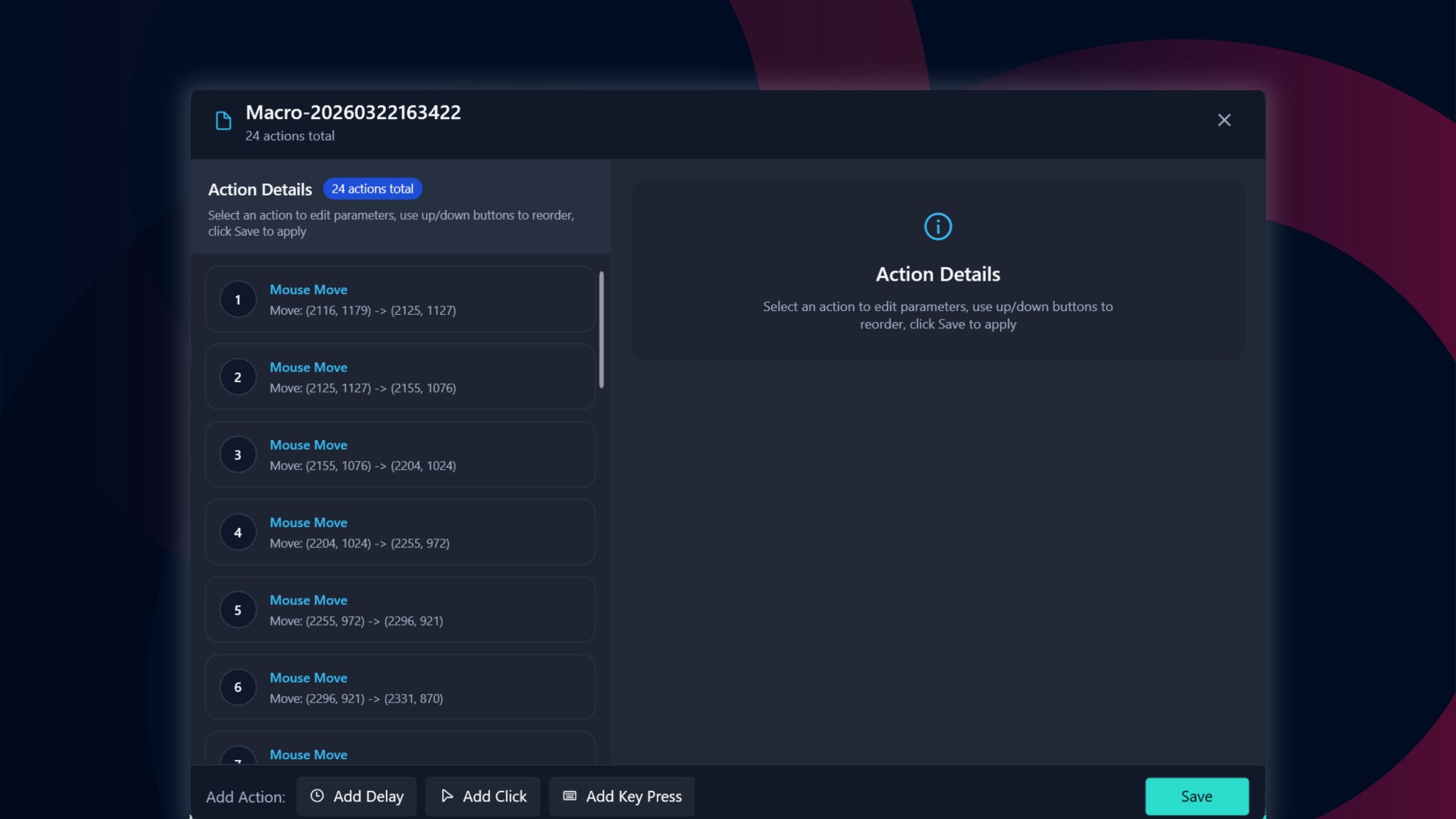
Auto Clicker - Auto Mouse Clicker & Macro Recorder helps you automate repetitive mouse and keyboard tasks on Windows. Set up auto clicks in seconds, record macros, replay saved actions, and control everything with global hotkeys. It is designed for repetitive clicking, routine desktop work, simple workflow automation, test flows, and other tasks where the same mouse or keyboard actions need to be repeated again and again. You can click at a fixed point, follow the cursor, repeat actions for a set count or duration, and save your preferred setup for later use. Beyond auto clicking, the app includes a built-in macro recorder for capturing mouse and keyboard actions. You can replay saved macros, adjust playback speed, import or export script files, and launch common tasks quickly when needed. For users who need more control, scheduled task support makes it easy to run saved scripts once, daily, or at custom intervals. The app also includes cursor highlight effects for presentations and tutorials, plus a CPS test for measuring click speed. Key features: - Auto click with custom interval, repeat count, or duration - Click at a fixed position or follow the cursor - Record mouse and keyboard actions as reusable macros - Replay saved macros with adjustable speed - Start, stop, pause, or resume with global hotkeys - Save, import, and export macro files - Run tasks once, daily, or at custom intervals - Highlight the cursor for demos and tutorials - Test click speed with the built-in CPS tool A free trial is available. You can unlock unlimited use with lifetime or subscription options. If you need assistance, please contact: baronanup@gmail.com
Utilities · Windows · Free
Rating: 4.2 out of 5, based on 23 user ratings.