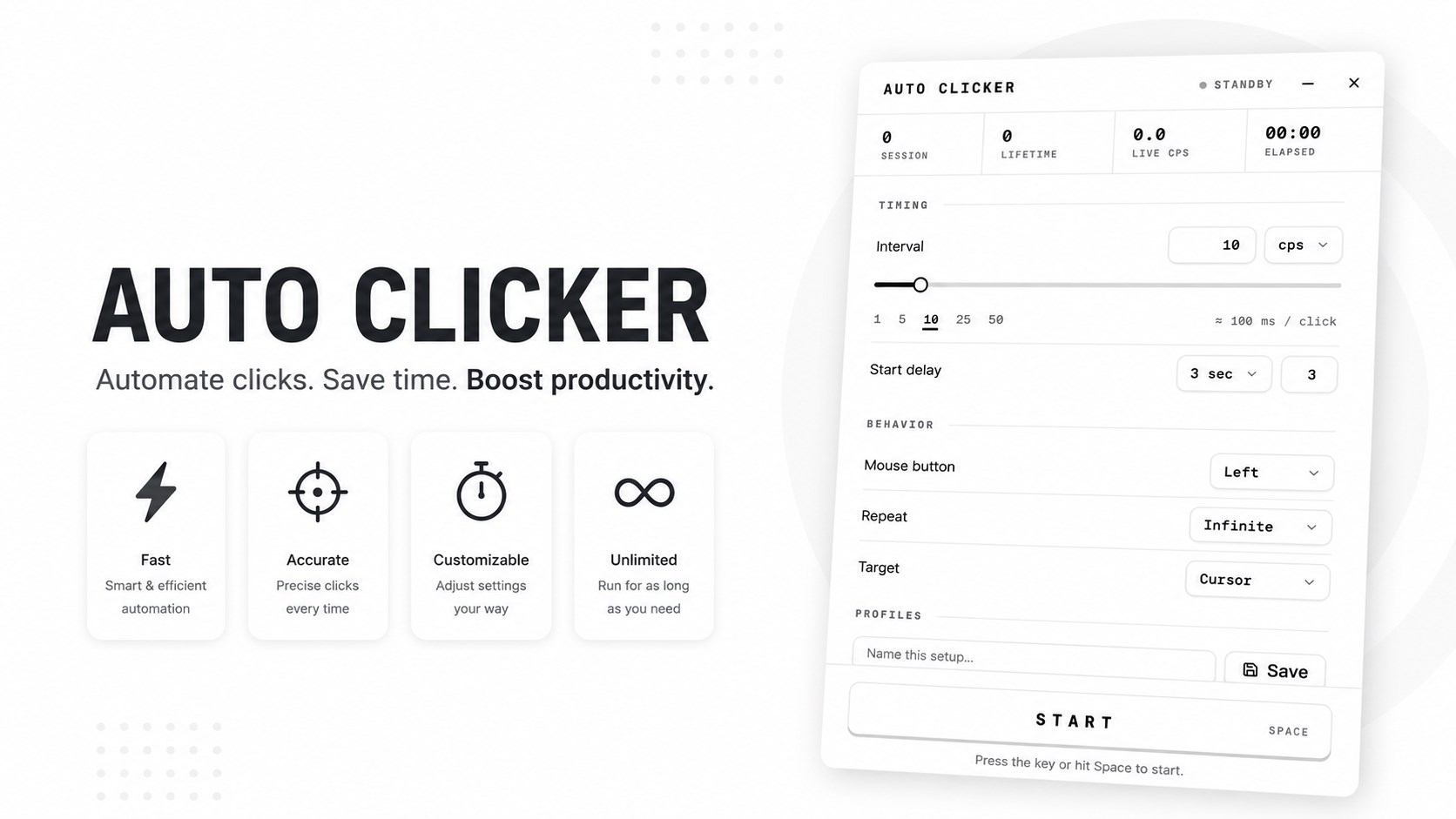
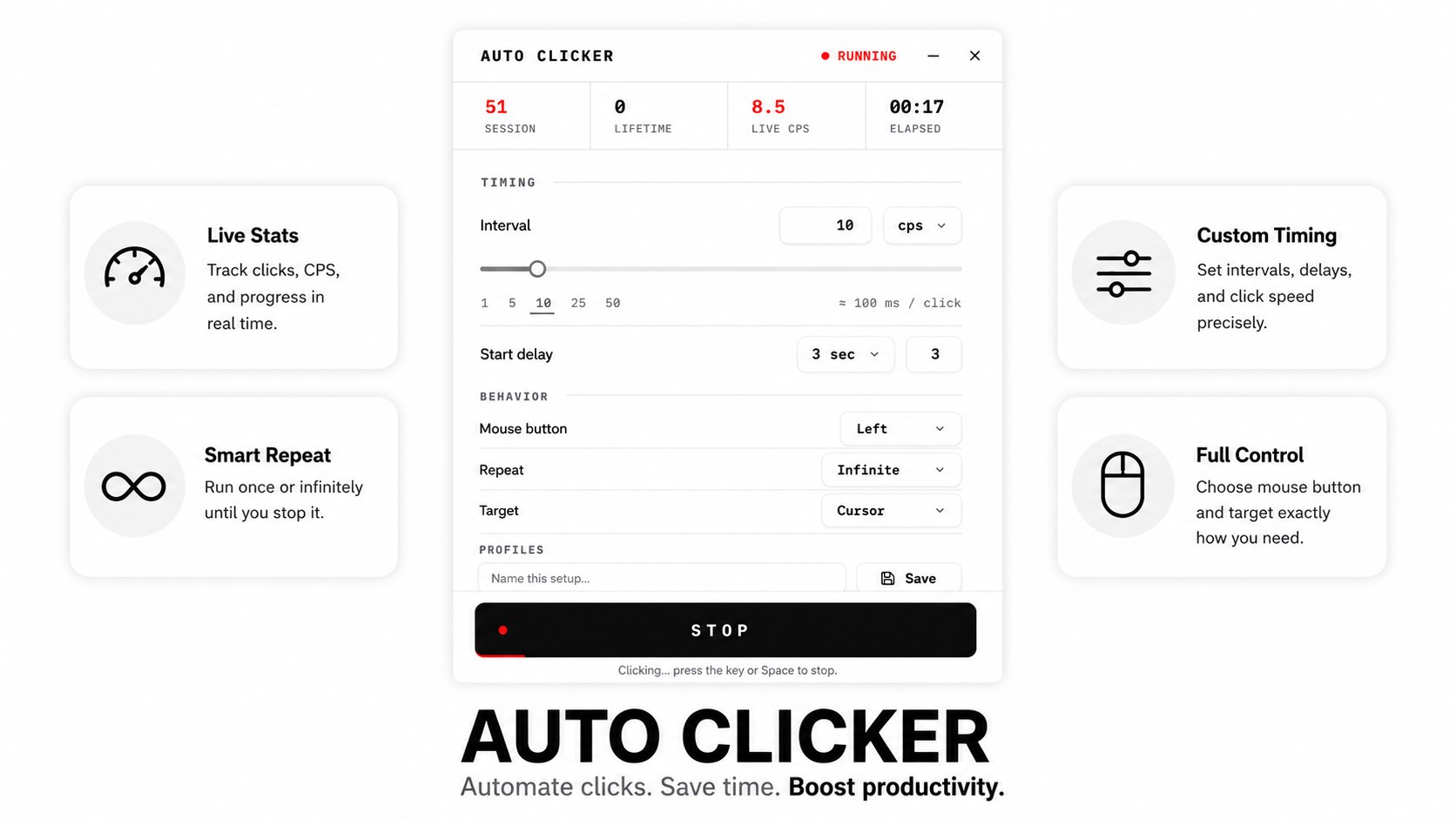
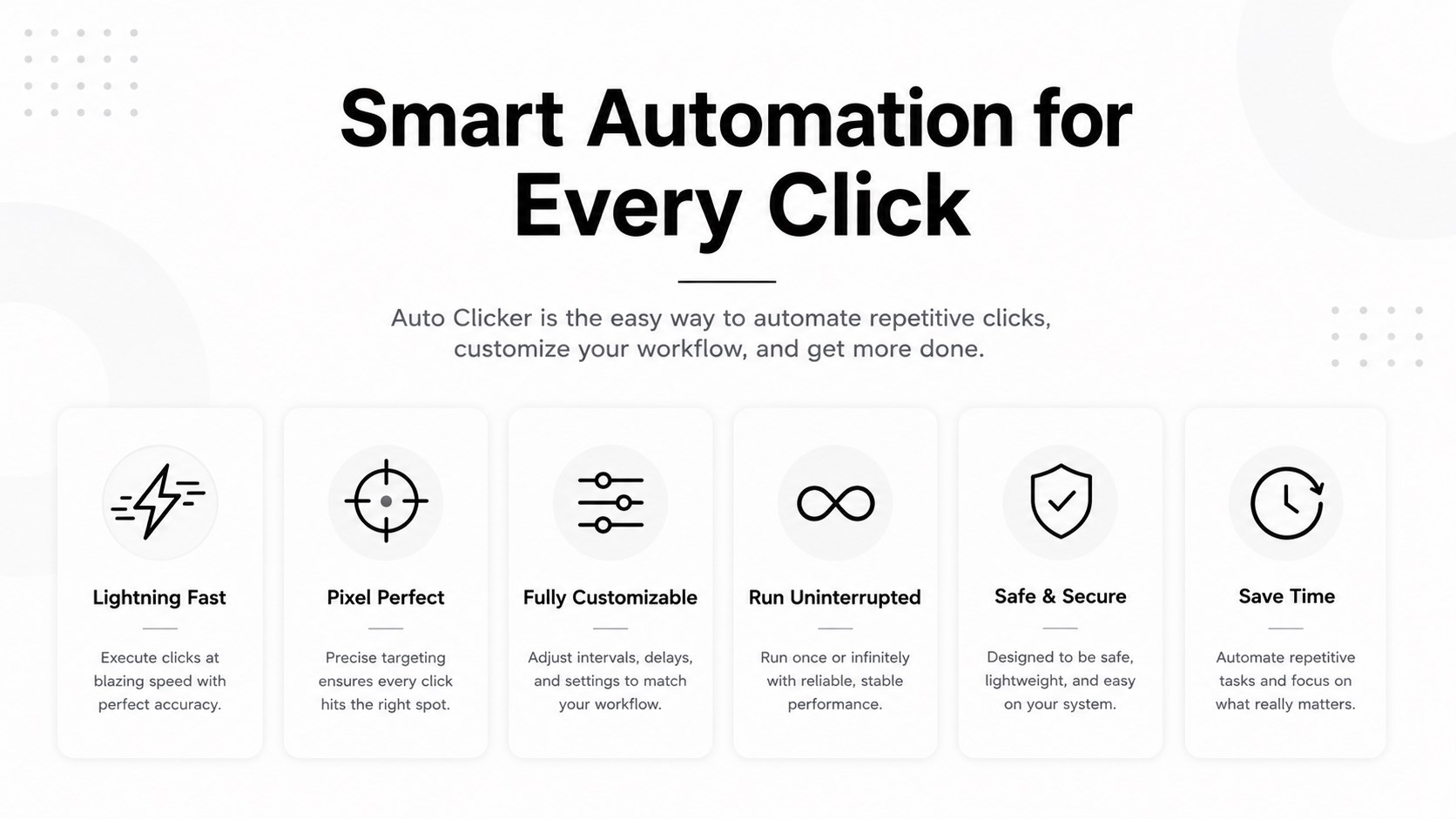
Auto Clicker - Click Auto — Automatic Mouse Clicker for Windows Auto Clicker - Click Auto is a fast, lightweight automatic mouse clicker for Windows that repeats left, right, and middle clicks for you at any speed you set. Instead of clicking manually hundreds of times, set your click interval, pick a hotkey, and let the auto clicker handle the repetitive work — in games, browsers, spreadsheets, design tools, or any desktop app. Whether you need a slow, steady click every few seconds or a high-speed burst clicker measured in milliseconds, Click Auto gives you precise control with a clean, no-clutter interface. No setup headaches, no bloat, no learning curve. Why choose Auto Clicker - Click Auto Most auto clickers are either too basic to be useful or so overloaded with options that you spend more time configuring than clicking. Click Auto sits in the middle: everything you need on one screen, with advanced options available when you want them. It's built to be small, quick to launch, and light on CPU and memory, so it runs quietly in the background while you work or play. Key features Adjustable click speed — set the interval in hours, minutes, seconds, and milliseconds for anything from one click per minute to rapid-fire clicking. Left, right, and middle click support — choose which mouse button the auto clicker uses. Single or double click mode — repeat single clicks or automated double clicks. Custom hotkeys — start and stop clicking instantly with a keyboard shortcut, without switching windows. Fixed position or follow cursor — click at a locked screen coordinate or wherever your pointer currently is. Click limit and infinite mode — run a set number of clicks and stop automatically, or click continuously until you stop it. Random interval option — add slight variation between clicks for a more natural clicking rhythm. Start delay timer — give yourself a few seconds to switch to the target window before clicking begins. Save and load profiles — keep separate configurations for different tasks and switch between them in one click. Minimal resource use — a small footprint that won't slow down your PC or interrupt other apps. Clean, modern interface — light and dark themes, readable controls, and no ads blocking your view. How to use the auto clicker Set your click interval — how long the app waits between each click. Choose the mouse button, click type, and whether to click at a fixed point or at your cursor. Assign a start/stop hotkey. Press the hotkey and the automatic clicking begins. Press it again to stop at any time. That's it. No scripts to write, no macros to record. Who it's for Gamers and idle game players — automate repetitive tapping in clicker games, incremental games, and idle RPGs so progress continues without wearing out your mouse or your finger. Testers and QA engineers — generate repeatable click input for UI stress testing, load testing, and long-running interaction checks. Office and data entry workers — speed up repetitive form clicking, list processing, batch approvals, and any workflow that involves the same button over and over. Designers and creators — repeat brush clicks, stamp actions, and tool presses in graphics and editing software without hand strain. Anyone with repetitive strain concerns — reduce the number of physical clicks you make each day and give your wrist and fingers a break. Built for comfort and control Repetitive clicking is one of the most common causes of hand and wrist fatigue at a computer. Click Auto exists to take that load off you. Every clicking session is fully under your control: you decide the speed, the count, and the stop condition, and a single hotkey ends it immediately. Frequently asked questions Does the auto clicker work in any application? Click Auto sends standard mouse input, so it works with most Windows desktop programs, browsers, and windowed applications. How fast can it click? You can set intervals down to the millisecond range. Real-world maximum CPS depends on your hardware and the responsiveness of the target app. Can I stop it instantly? Yes. Your chosen stop hotkey ends clicking immediately, and you can also set a click limit so it stops on its own. Does it need an internet connection? No. The auto clicker runs entirely offline on your PC. Is it heavy on system resources? No. It's designed to be small and efficient, using minimal CPU and RAM while running. Privacy and safety Click Auto does not collect your personal data, does not read your keystrokes beyond your chosen hotkey, and does not require an internet connection to work. It runs locally on your device and nothing you do is uploaded anywhere. Please use the app responsibly and in line with the terms of service of any software or website you use it with. Download Auto Clicker - Click Auto Install the auto clicker for Windows and turn hours of repetitive clicking into a single hotkey press. Set it, start it, and get your time back.
Utilities · Windows · Free
Rating: 4.5 out of 5, based on 964 user ratings.