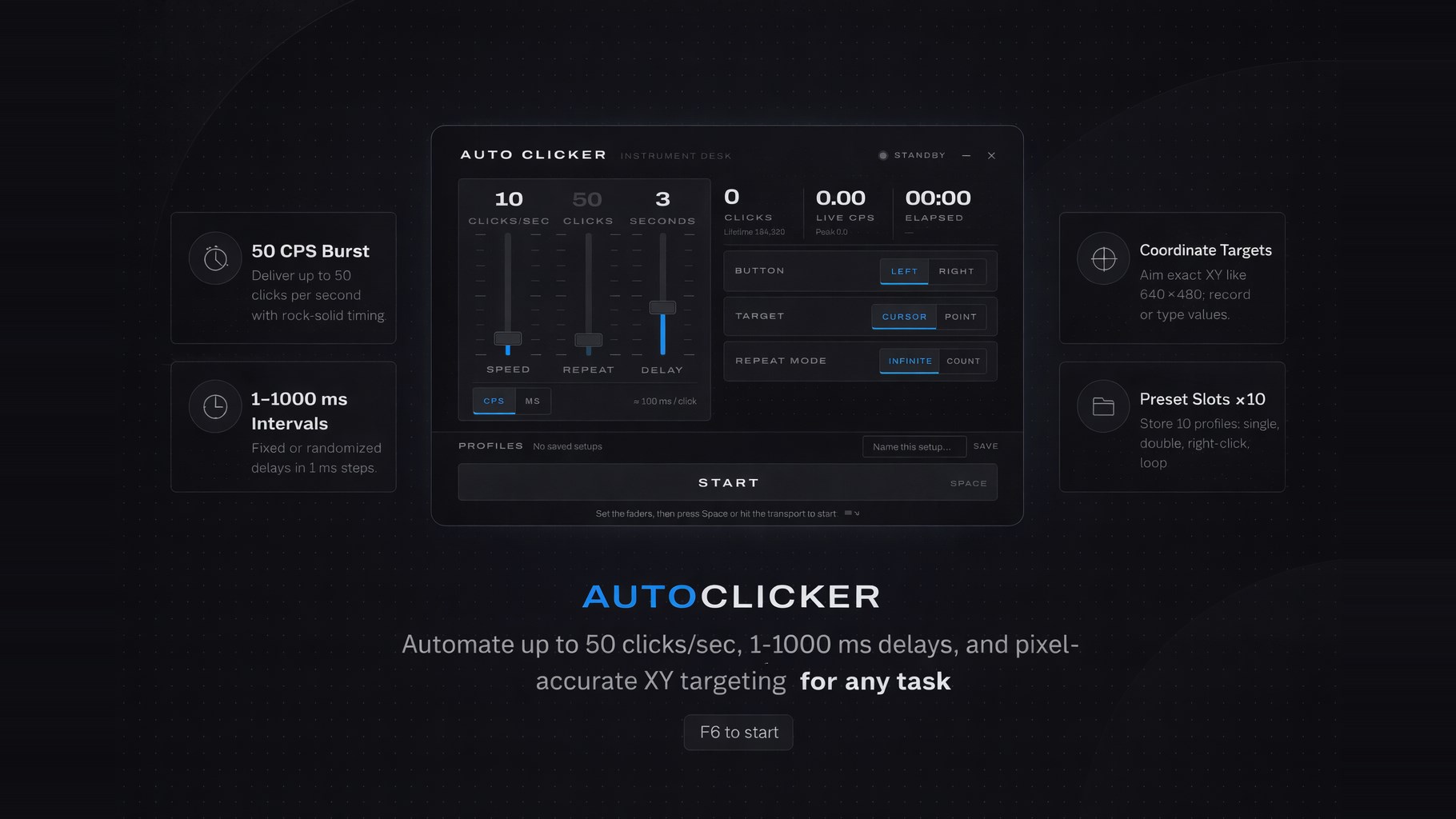
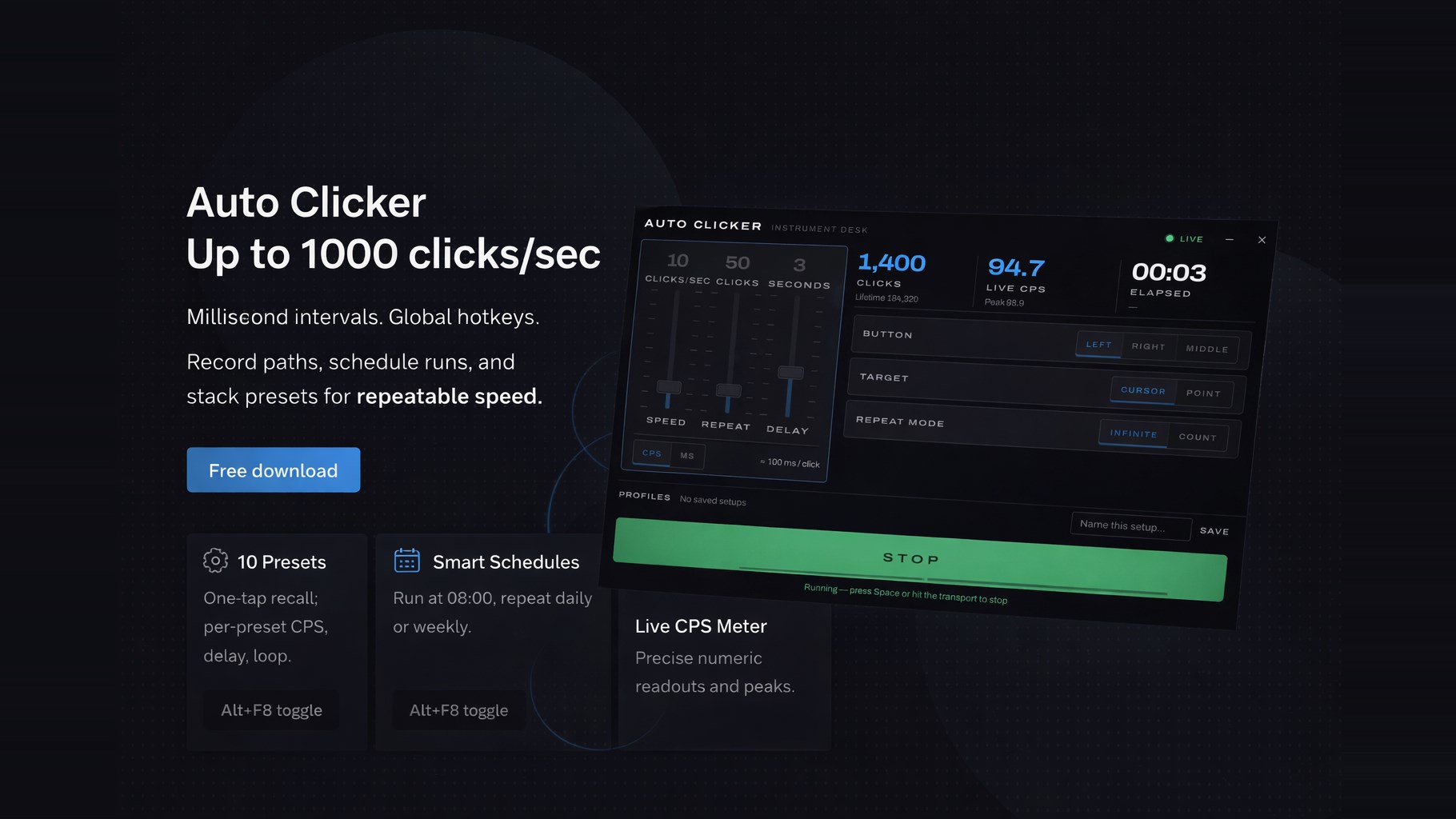
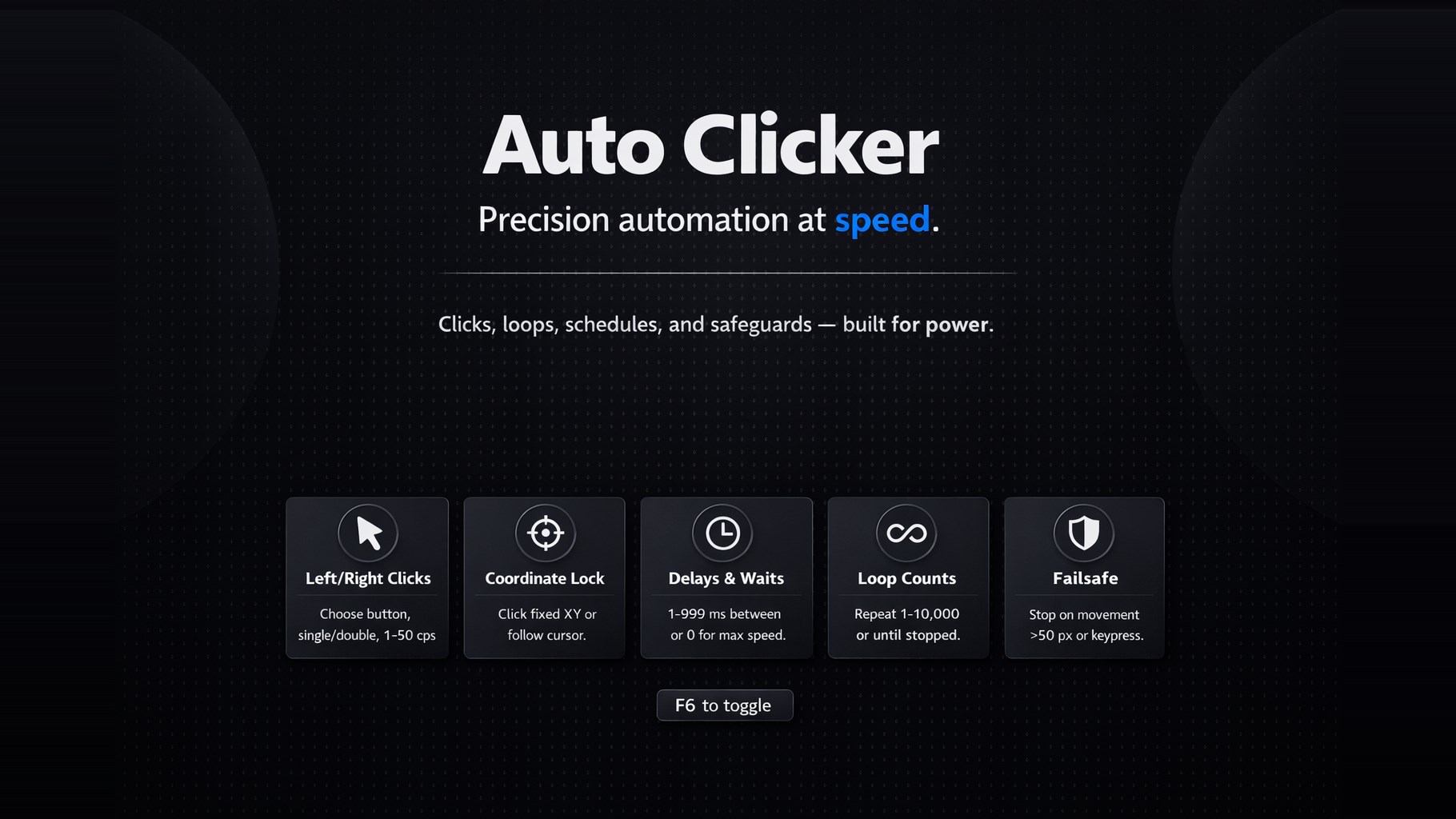
Auto Click is a free auto clicker for Windows that automates mouse clicks so you don't have to. Set your click interval, pick a hotkey, and let Auto Click do the repetitive clicking for you — in games, apps, forms, or any task that demands thousands of clicks. Whether you need a fast auto clicker for clicker games like Roblox, Minecraft, or Cookie Clicker, or a reliable click automation tool for testing and repetitive work, Auto Click delivers precise, consistent mouse clicks at exactly the speed you choose. FAST & PRECISE CLICKING Set the click interval in hours, minutes, seconds, and milliseconds. Go slow with one click per minute or push high CPS (clicks per second) for maximum speed. Auto Click keeps the rate steady for as long as you need. FULL MOUSE CONTROL Choose which mouse button to automate — left click, right click, or middle click — and switch between single click and double click modes. Simulate exactly the input your game or app expects. CLICK ANYWHERE Click wherever your cursor is, or lock the auto clicker to a fixed screen position and let it click the same spot while you do something else. START & STOP WITH A HOTKEY Control everything from the keyboard. Press your hotkey to start clicking and press it again to stop — no need to switch windows. Perfect for games where every second counts. WHY CHOOSE AUTO CLICK 100% free auto clicker — no ads, no subscriptions, no locked features Lightweight and fast — minimal CPU and memory usage Clean, simple interface — set your interval and go, no learning curve Works in games and apps — Roblox, Minecraft, idle & clicker games, browsers, office tools Safe download from the Microsoft Store — automatic updates included GREAT FOR Clicker and idle games where CPS matters Grinding and farming in games with repetitive clicking Software testing and QA click automation Filling repetitive forms and data-entry tasks Keeping your PC active Reducing hand and wrist strain from repetitive clicking HOW IT WORKS Set your click interval (down to milliseconds) Choose the mouse button and click type Pick cursor position or a fixed point on screen Press the hotkey — Auto Click starts clicking instantly Stop anytime with the same hotkey. That's it.
Utilities · Windows · Free