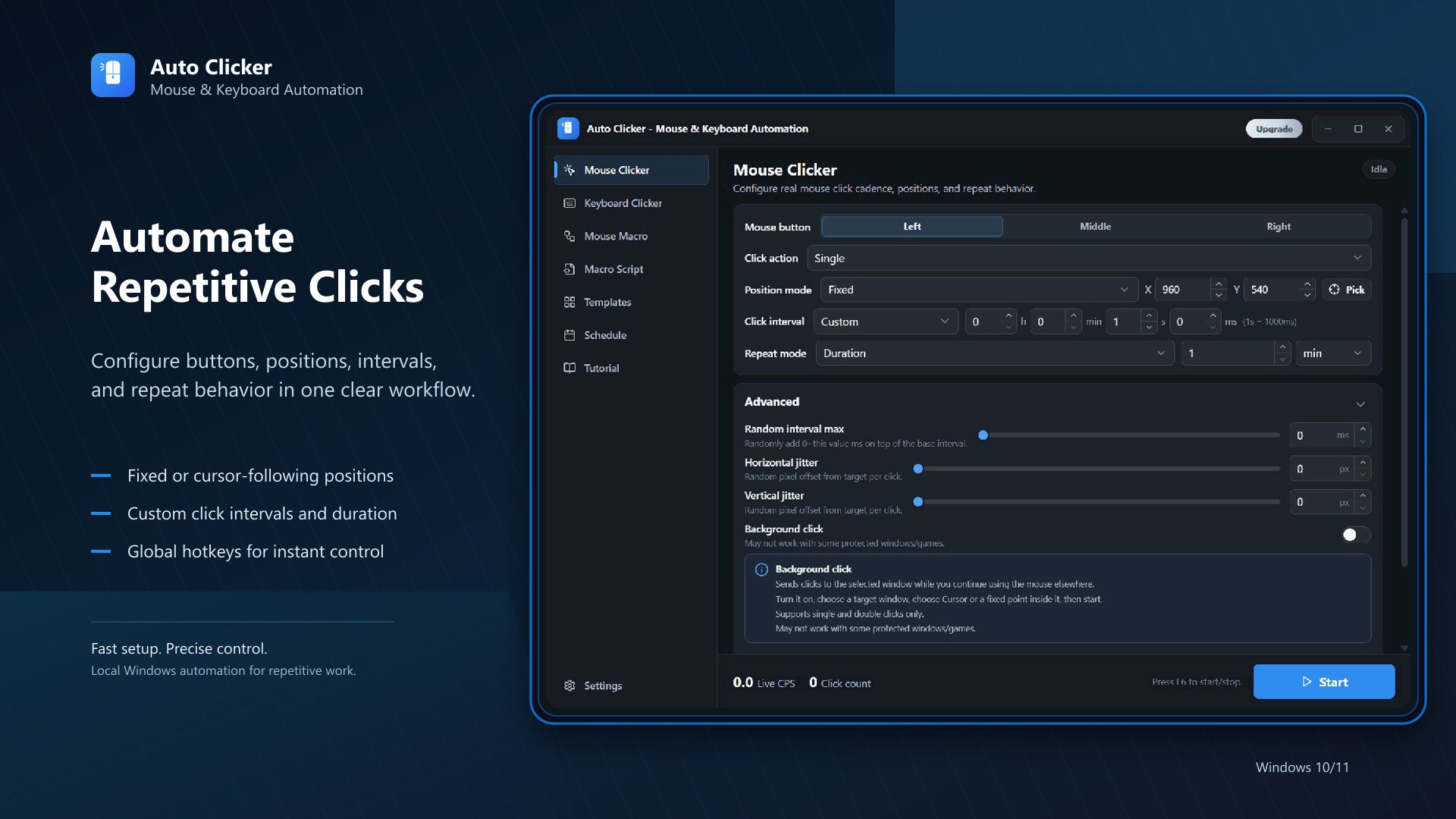
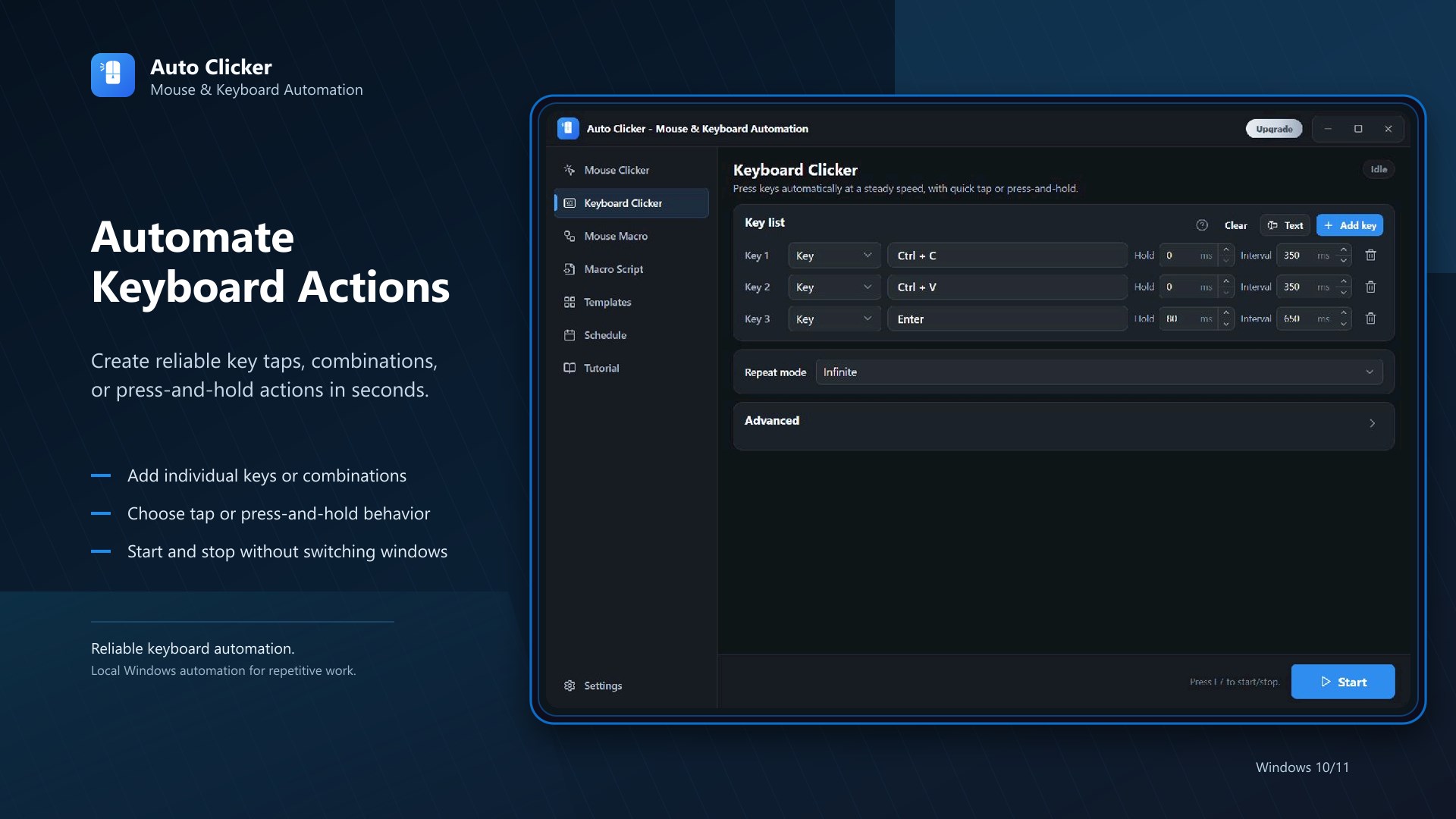
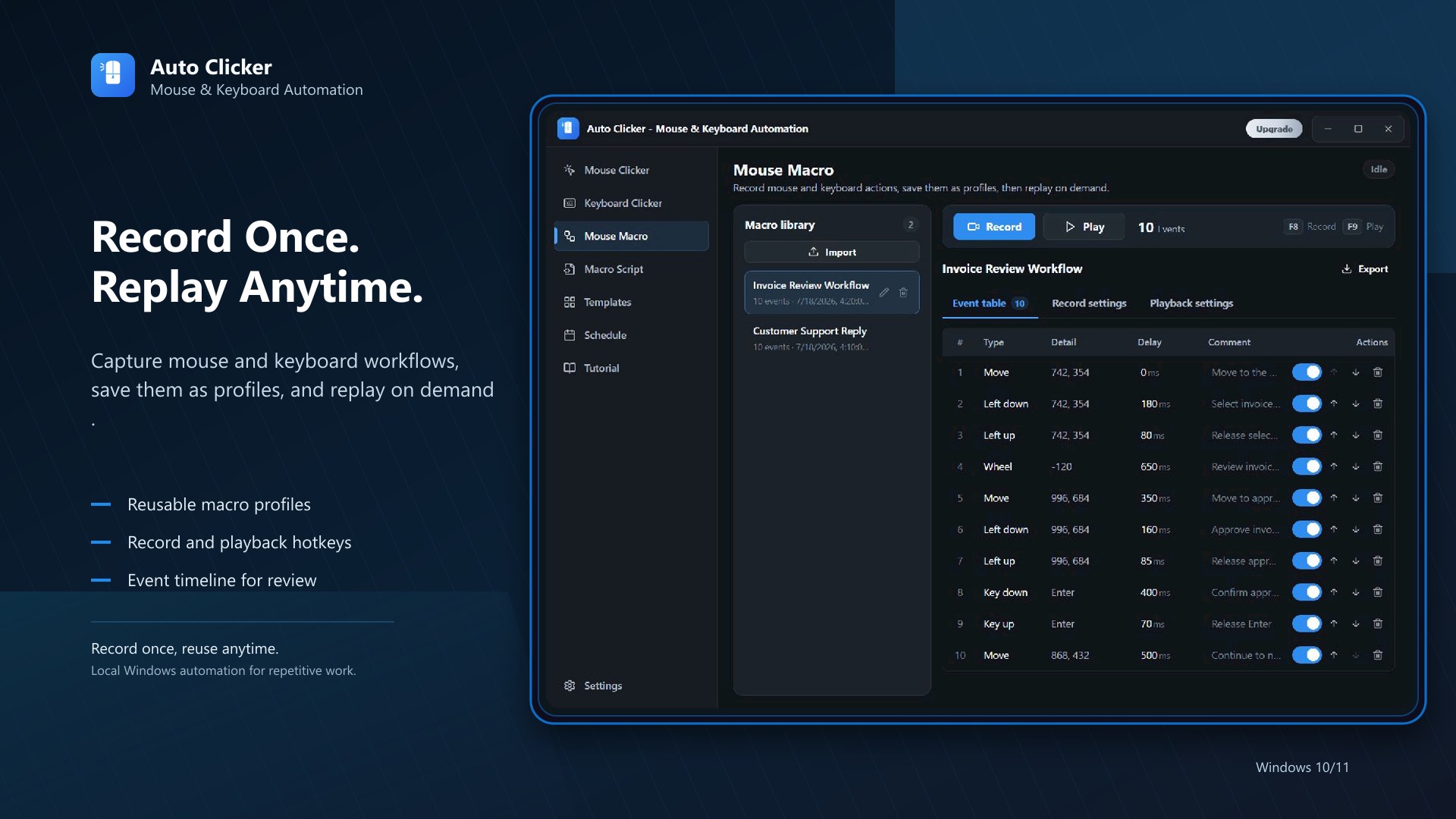
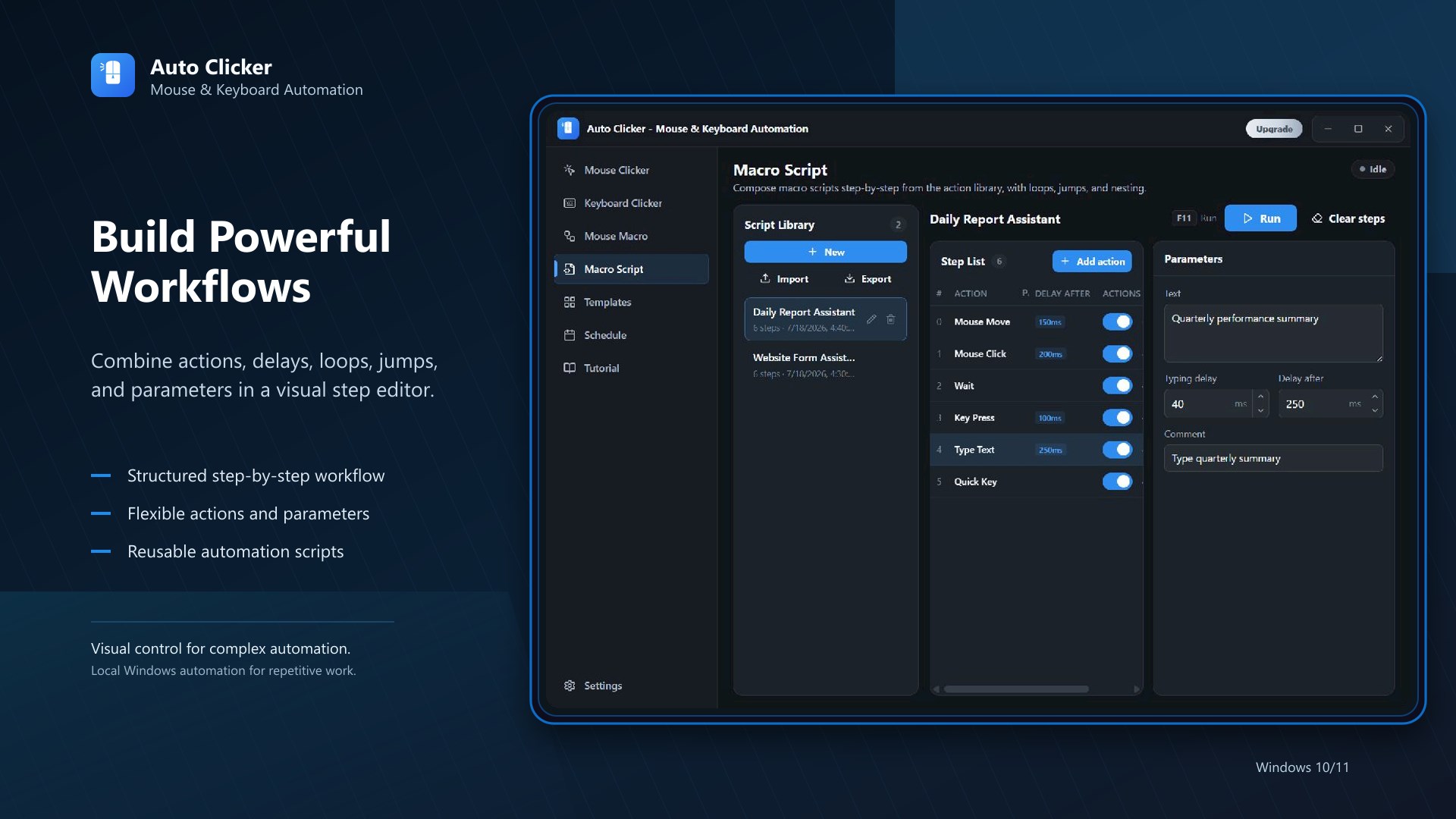
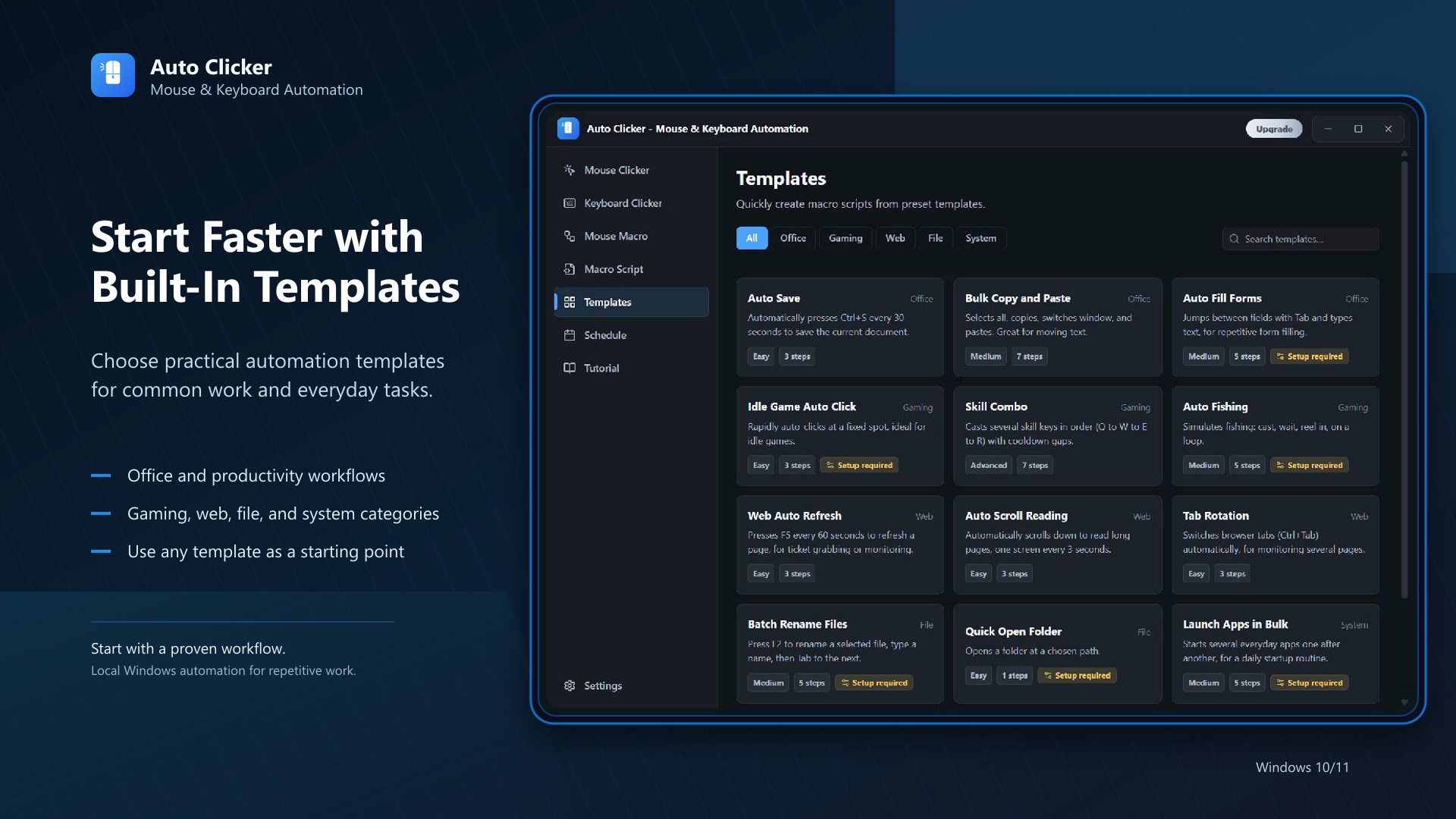
AutoClicker is an auto clicker, mouse clicker, mouse macro recorder, keyboard auto-presser, and script editor built for Windows. It supports AFK farming and auto operations in games like idle games, incremental games, clickers, and MMOs, and is also ideal for office automation, form filling, data entry, and software testing. Fast, safe, lightweight, and fully offline. AutoClicker automates mouse clicks, keyboard actions, and script playback, turning tedious repetitive tasks into one-click automation that saves time and boosts productivity. Key Features: • Auto Click — Customize click intervals with millisecond precision; supports left, right, and middle buttons with single-click, double-click, or long-press; set random delays and random offsets to simulate more natural clicking patterns • Multi-Position Clicking — Add multiple screen coordinates and auto-click each position in sequence • Script Recording & Playback — Record mouse clicks, movements, scroll wheel actions, and keyboard inputs; save as script files and replay anytime with one click; adjustable playback speed • Keyboard Automation — Add keyboard actions and combine them with mouse clicks for full workflow automation • Flexible Repeat Modes — Infinite loop, repeat by count, or repeat by duration to suit different needs • Global Hotkeys — Customize start/stop hotkeys for instant control even when the app is in the background • Script Management — Save, load, import, and export script files to easily manage your automation library • Start Countdown — Set a delayed start to give yourself time to switch to the target window • Real-Time Stats — View click count, elapsed time, and click rate while running Use Cases: Gaming AFK & Auto Operations: Auto clicking and AFK farming, auto mining and auto farms, automatic resource farming, auto monster grinding and leveling, idle games auto harvesting, incremental games auto progression, MMO AFK leveling and auto gathering, in-game repetitive task automation Office & Data Processing: Batch form filling and submission, Excel data entry automation, ERP/CRM system repetitive operations, dashboard scheduled refresh, batch email archiving and processing, batch file renaming and organization, repetitive clicking in report generation Software Testing & Development: UI automation testing and regression testing, stress testing with high-frequency click simulation, repetitive steps in functional verification, prototype demo automation Health & Accessibility: Reduce wrist fatigue and repetitive strain injury (RSI) from prolonged mouse use; assist users with limited hand mobility in daily computer tasks Other Scenarios: Web auto operations and data scraping assistance, social media batch management, e-commerce backend repetitive tasks, online surveys and polling assistance, operation recording and playback for teaching demos Why Choose AutoClicker: • Ready to Use — Clean, intuitive interface with no technical background needed; open and start automating right away • Millisecond Precision — Precise control over click intervals and positions for demanding scenarios • More Than a Clicker — Full script recording and playback capabilities to automate even complex multi-step workflows • Multi-Language Support — Available in 26 languages, covering major languages worldwide • Dark Mode — Switch between light and dark themes for comfortable extended use • Continuous Updates — Regular new features and improvements for an ever-evolving experience Free vs. Pro: The free version includes basic auto-click features (single-position clicking, custom intervals, hotkey control) for light use. Upgrade to Pro to unlock full capabilities: multi-position clicking, script recording and playback, keyboard automation, and more advanced features to take your automation to the next level. Safety & Privacy: AutoClicker runs entirely offline, collects no user data, and requires no network permissions. Distributed through Microsoft Store with security review, it has a small footprint and does not run persistently in the background. Your privacy and data security are always our top priority.
Utilities · Windows · Free