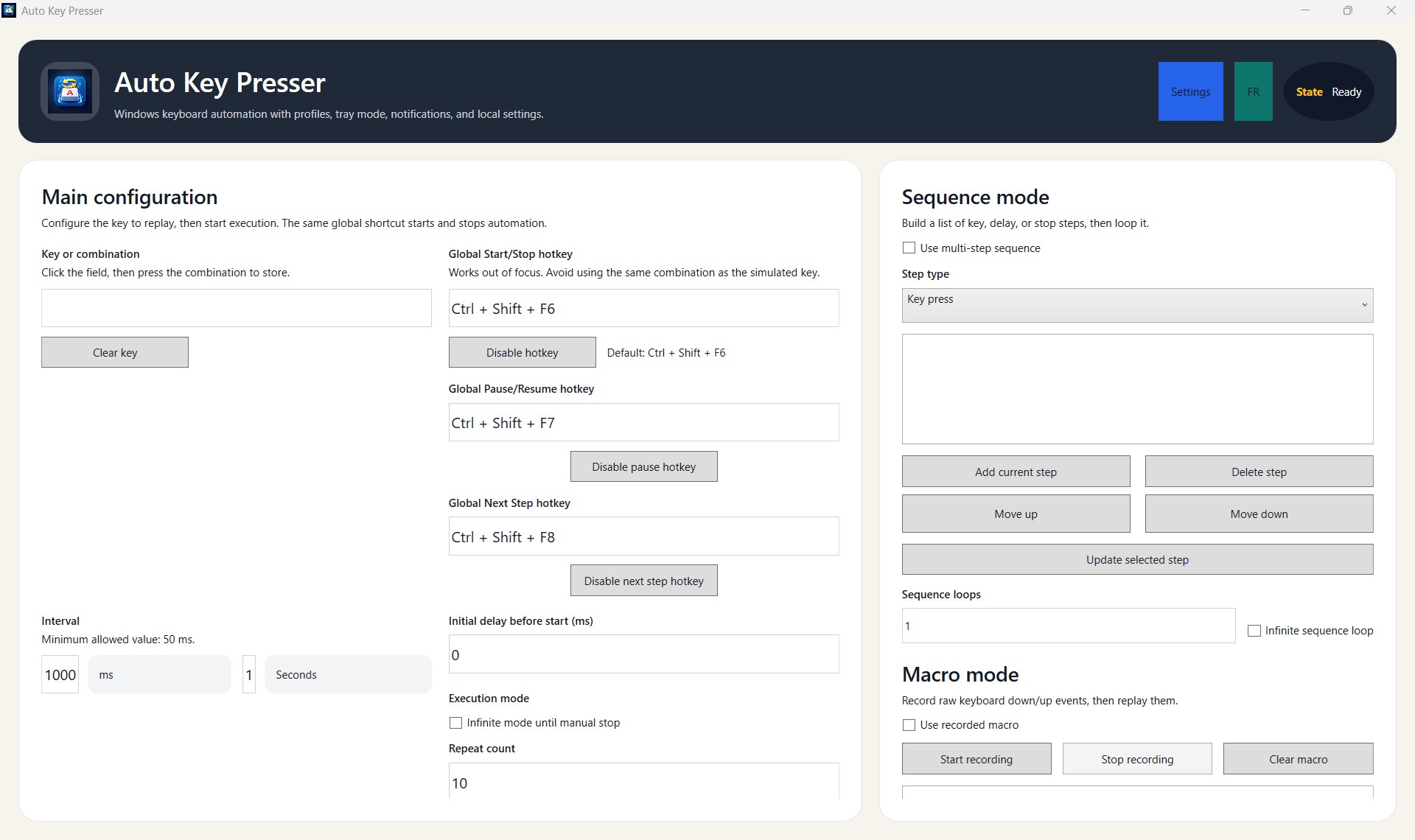
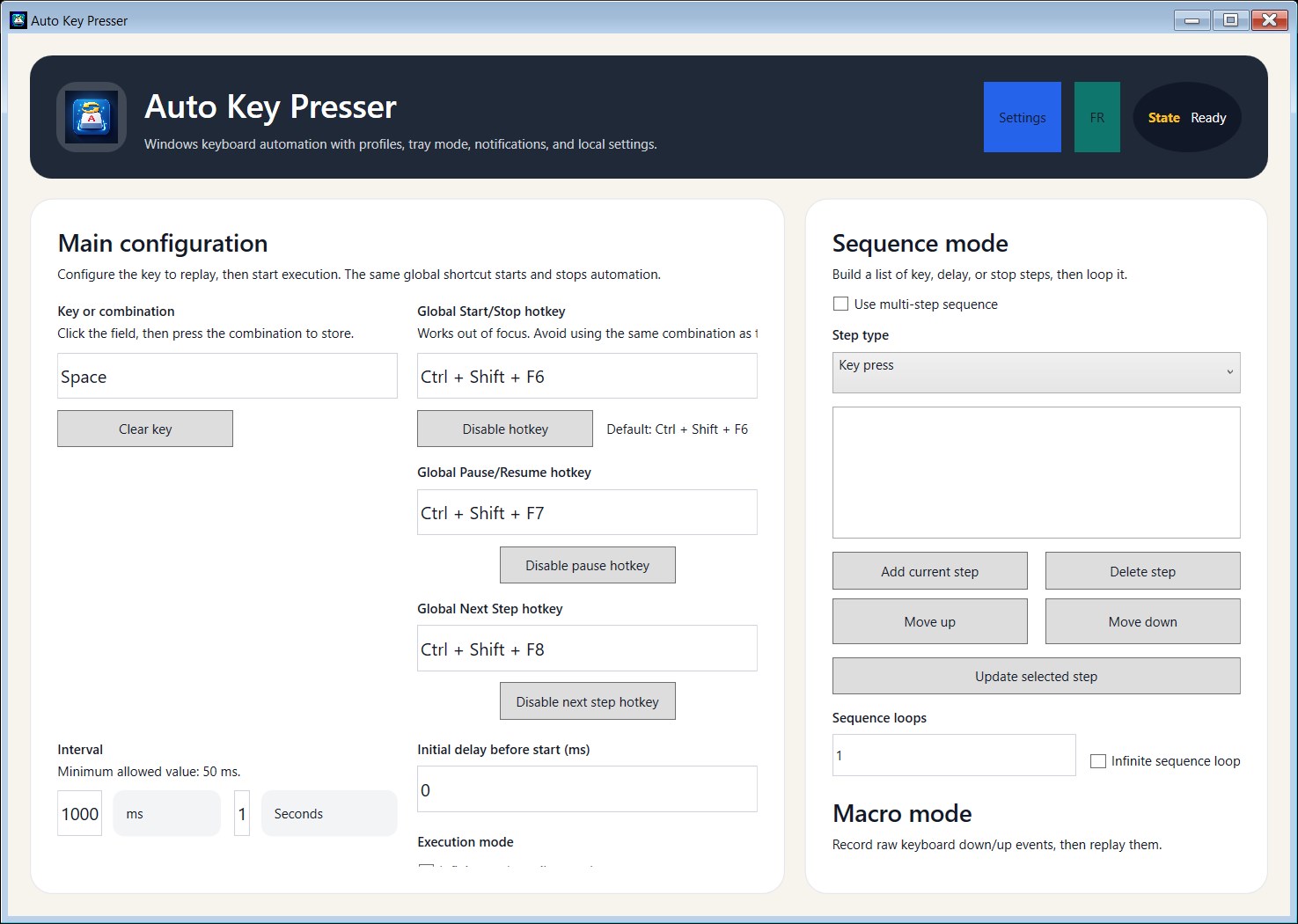
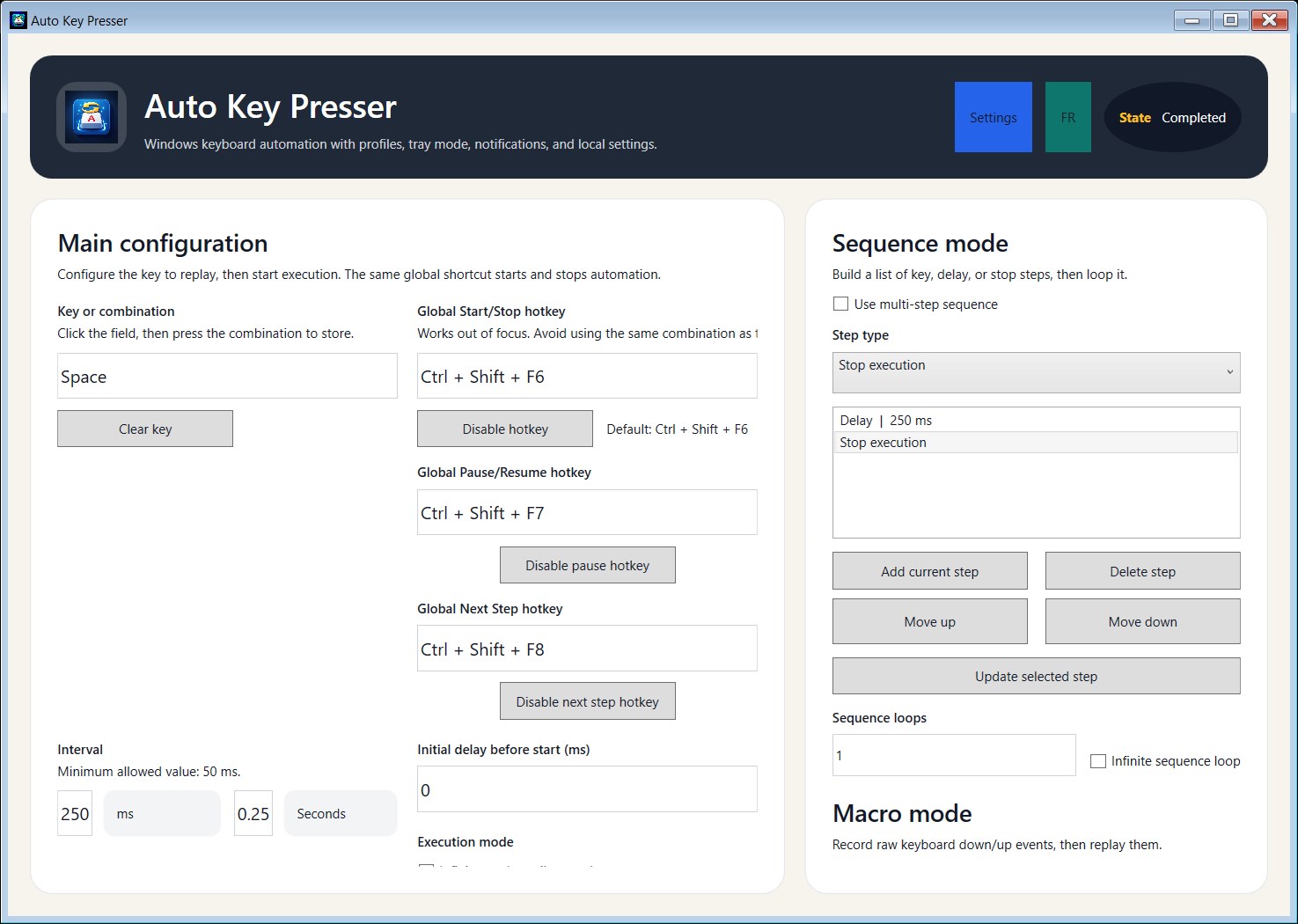
Auto Key Presser for Games is a Windows desktop app that automates keyboard input for repetitive actions. It lets you repeat a key or key combination, create multi-step sequences, record keyboard macros, and save local profiles for different games or workflows. The app is designed for fast setup, local-only use, and easy control through the desktop window or global hotkeys. Key features include automatic key pressing, sequence mode, macro recording and playback, execution conditions, scheduling, tray mode, local profiles, execution history, and configurable hotkeys. The app works fully offline and stores its settings and profiles locally on your device. It does not require an account, does not use cloud sync, and does not send data to external servers. Sensitive shortcuts such as Alt+F4, Alt+Tab, Ctrl+Esc, Ctrl+Alt+Delete, and Windows key combinations are blocked to help prevent unsafe configurations. Auto Key Presser for Games is suitable for users who want a local keyboard automation tool for repetitive gameplay actions, idle workflows, testing, or productivity scenarios on Windows.
Utilities · Windows · Free
Rating: 1.5 out of 5, based on 6 user ratings.