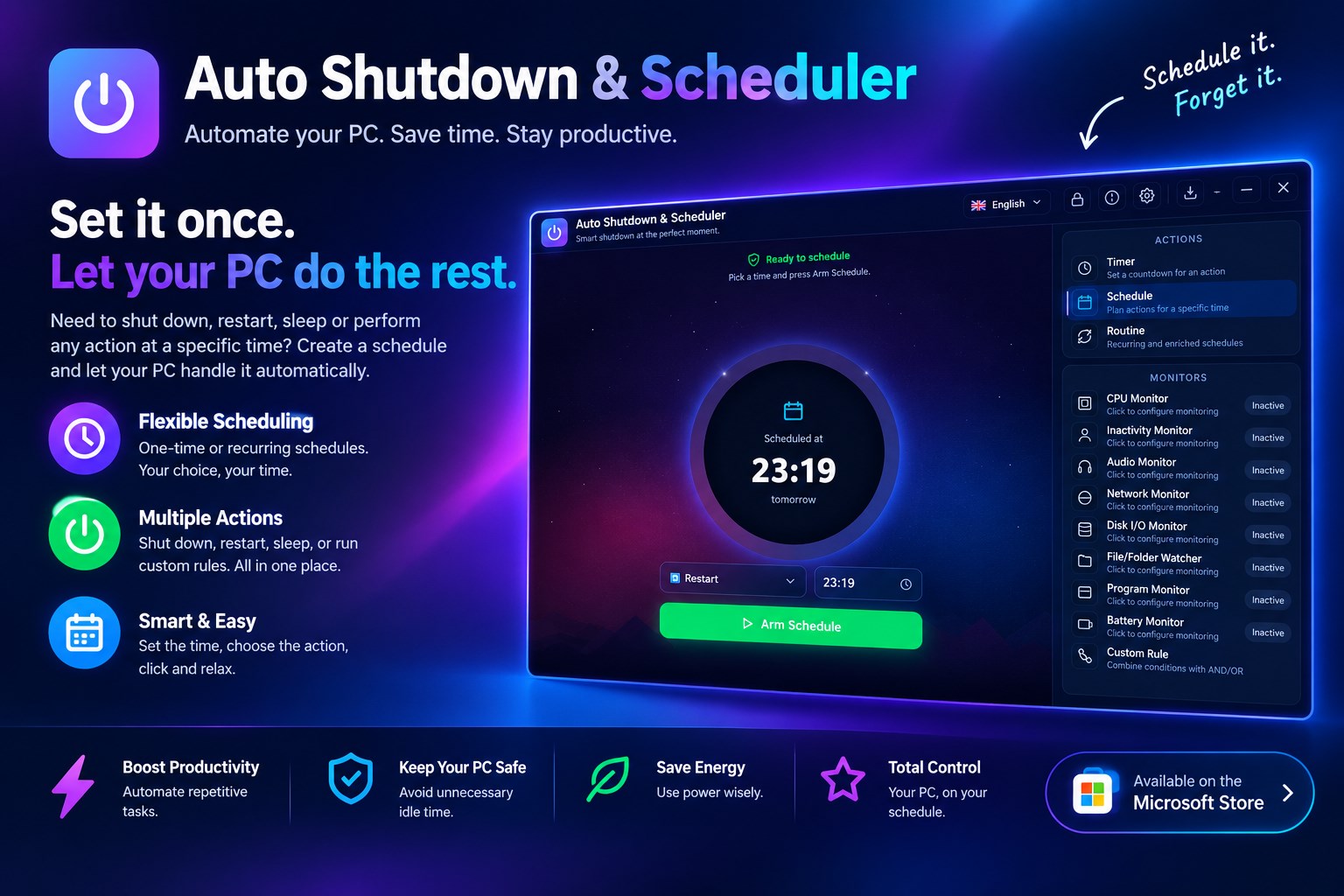
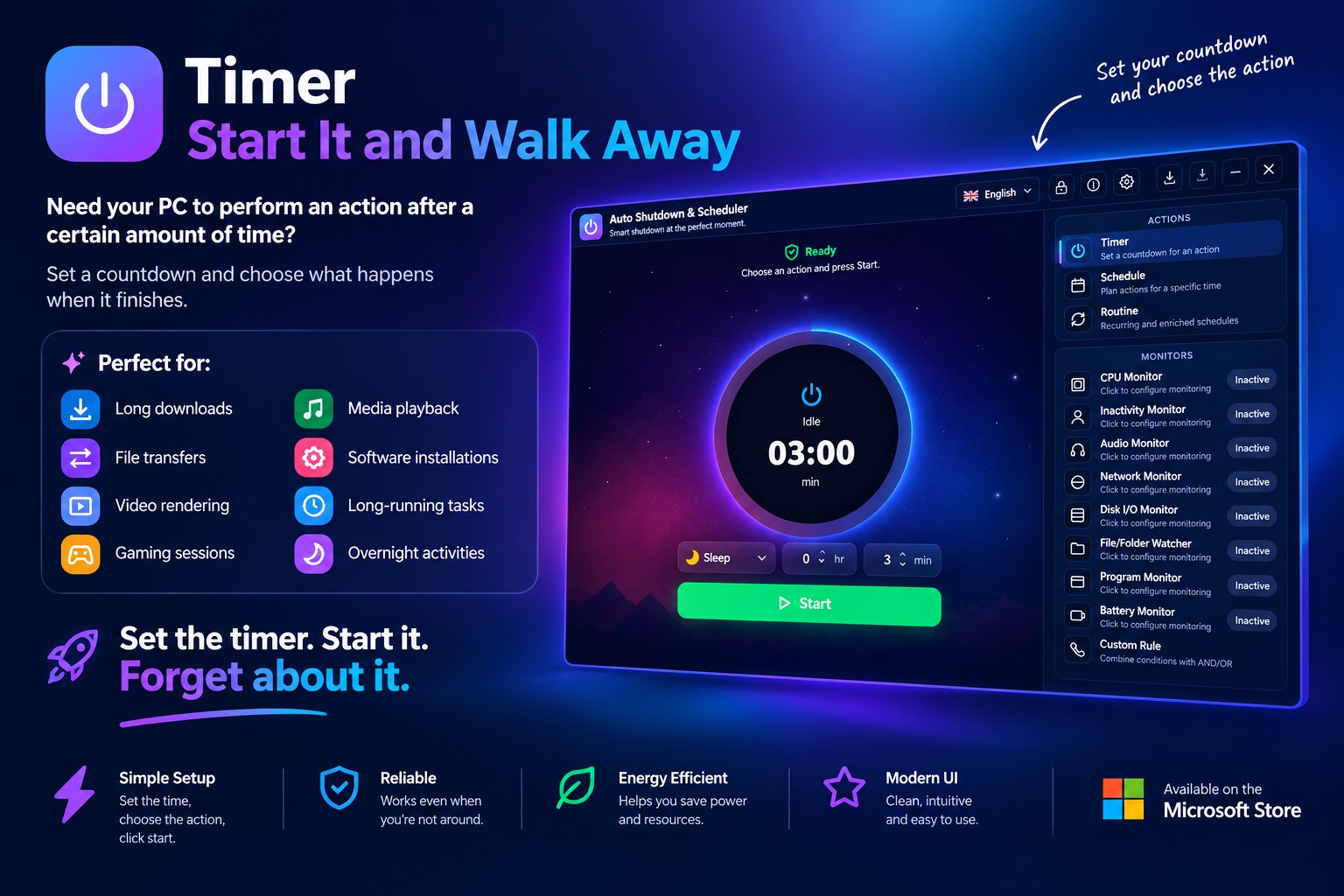
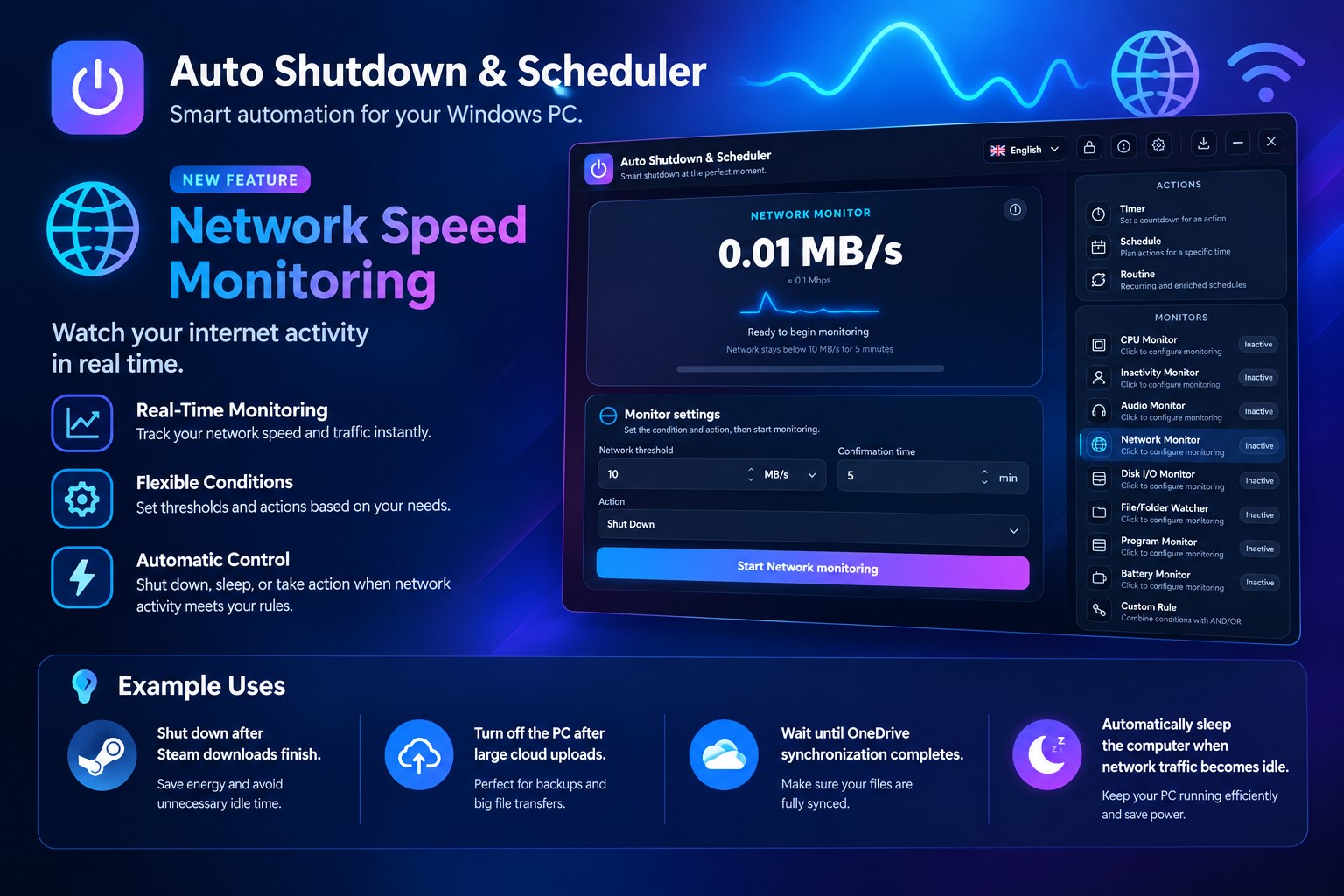
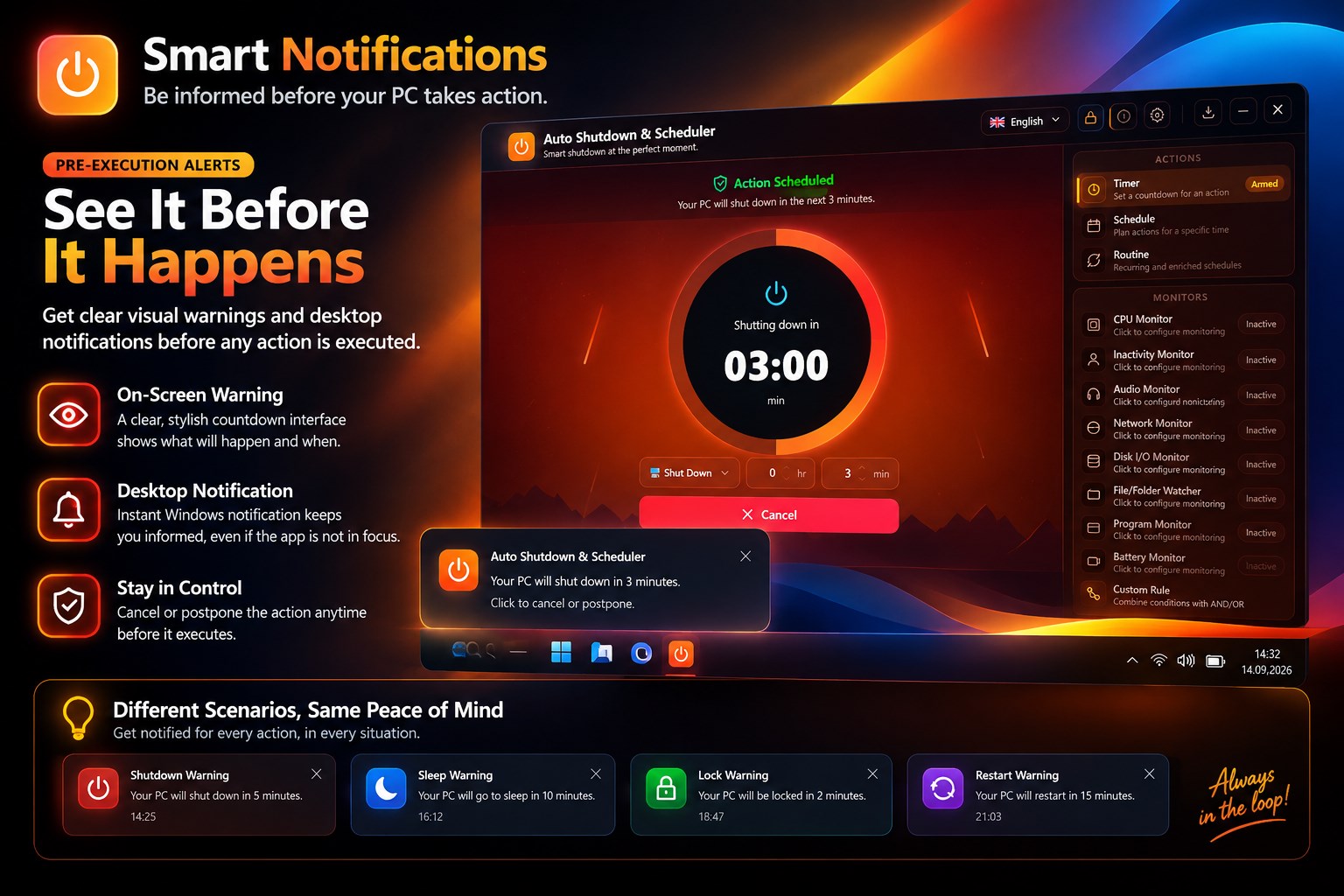
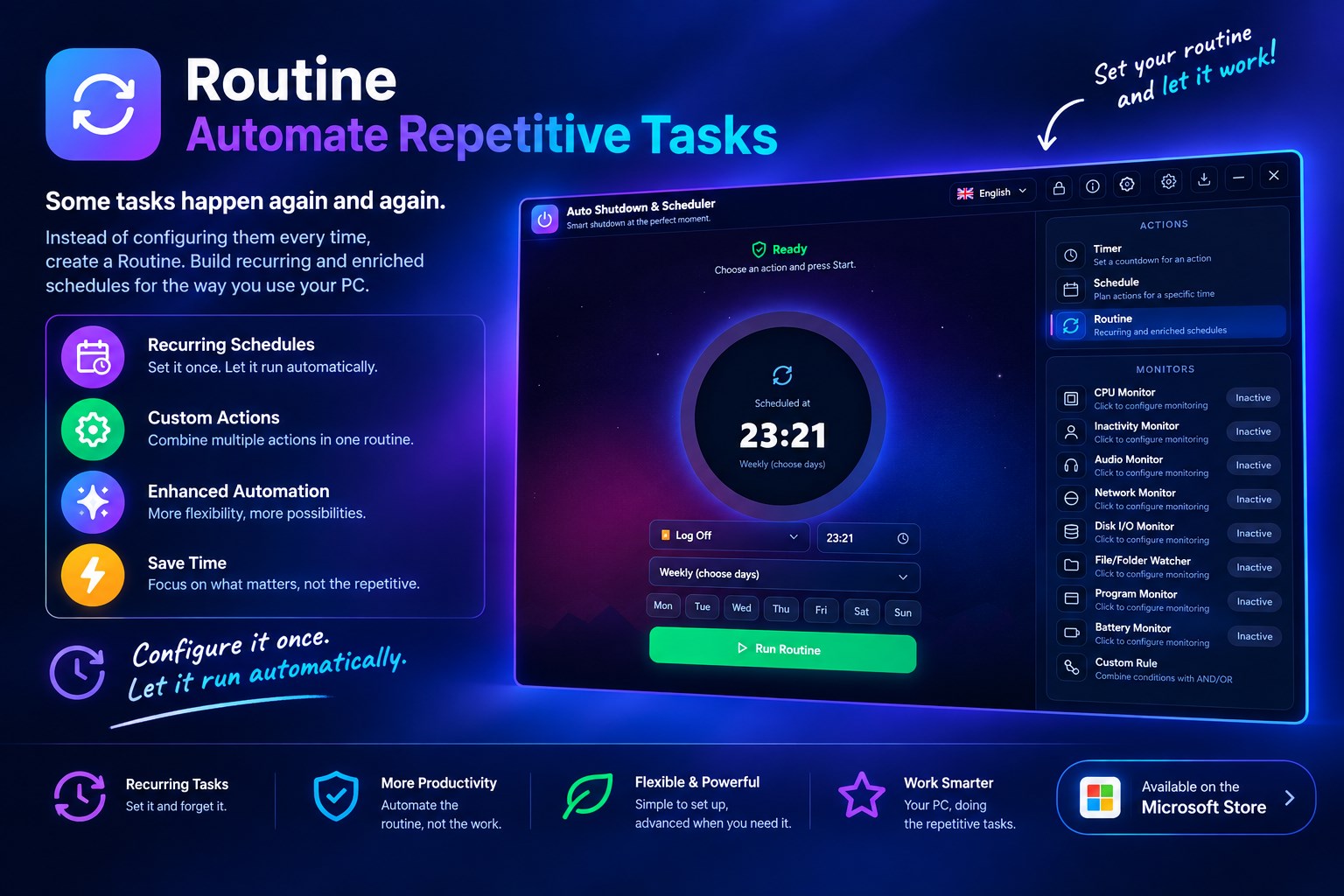
✦ Stop waiting for your PC. Make it work automatically. ✦ No commands to remember. No complicated Windows settings. Just choose what should happen, when it should happen, and let Auto Shutdown & Scheduler do the work. ✦ Auto Shutdown & Scheduler gives you complete control over when your Windows PC shuts down, restarts, sleeps, hibernates, or signs out — automatically. ✦ Set a timer. Create a schedule. Build a routine. Or let your PC react to CPU, network, disk, files, programs, battery, and user activity. Then walk away. Your PC takes care of the rest. ➤ More Than a Shutdown Timer A simple shutdown timer only answers one question: “When should my PC shut down?” Auto Shutdown & Scheduler lets you go much further: “What should my PC do, and under what conditions?” Create powerful automations based on time, schedules, recurring routines, or real-time system activity. Whether you're downloading a large file, running a long process, leaving your PC unattended, or simply want to automate your daily routine, you can configure it once and let your PC handle it. ▶ Timer — Start It and Walk Away Need your PC to perform an action after a certain amount of time? Set a countdown and choose what happens when it finishes. Perfect for: • Long downloads • File transfers • Video rendering • Gaming sessions • Media playback • Software installations • Long-running tasks • Overnight activities Set the timer. Start it. Forget about it. ▶ Schedule — Your PC, On Your Time Want something to happen at a specific time? Create a schedule and let your PC perform the action automatically. For example: → Shut down my PC at 2:00 AM. → Restart every Monday morning. → Put my PC to sleep at the end of the day. Create one-time or recurring schedules that fit your workflow. ▶ Routine — Automate Repetitive Tasks Some tasks happen again and again. Instead of configuring them every time, create a Routine. Build recurring and enriched schedules for the way you use your PC. Configure it once. Let it run automatically. ▶ Smart Monitoring This is where Auto Shutdown & Scheduler goes beyond traditional shutdown utilities. Your PC can monitor its own activity and respond when your chosen conditions are met. Monitor your system in real time: • CPU Monitor — Track CPU usage • Disk I/O Monitor — Track disk activity • Network Monitor — Monitor network activity • Audio Monitor — Detect audio activity • Program Monitor — React to running programs • File/Folder Monitor — React to file or folder changes • Battery Monitor — Monitor battery status • Inactivity Monitor — Detect user inactivity • Custom Rules — Build your own automation logic Instead of constantly checking your PC yourself, let the PC check itself. ▶ Automate Based on What Your PC Is Doing Imagine starting a task and simply walking away. You don't have to keep checking whether it's finished. With activity-based monitoring, you can create automations around what's happening on your computer. For example: → When a program finishes → perform an action. → When system activity reaches your chosen condition → perform an action. → When network activity changes → perform an action. → When a file or folder changes → perform an action. → When your PC has been inactive → perform an action. → When a battery condition is reached → perform an action. Your PC becomes more than a computer you control manually. It becomes a computer that can react automatically. ▶ Choose the Action You Need You're not limited to shutdown. Choose from multiple power actions: ✔ Shutdown Turn off your PC automatically. ✔ Restart Restart Windows according to your schedule or conditions. ✔ Sleep Put your PC into sleep mode automatically. ✔ Hibernate Save your session and reduce power consumption. ✔ Sign Out Automatically sign out when your chosen conditions are met. One application. Multiple power actions. ▶ Built for Real-World Windows Use Auto Shutdown & Scheduler is designed for everyday situations where leaving your PC running isn't necessary. ➜ Downloading overnight? Set your automation and go to sleep. ➜ Running a long process? Let your PC monitor activity instead of waiting beside it. ➜ Leaving your computer unattended? Set an inactivity-based action. ➜ Need a daily or weekly routine? Create it once and let it run automatically. ➜ Want more control than a basic shutdown command? Build your own rules using system activity and conditions. ▶ Simple to Use, Powerful When You Need It You don't need to learn command-line instructions or navigate complicated Windows scheduling tools. The concept is simple: ✔ Choose → Configure → Start Choose an action. Configure when or why it should happen. Start the automation. Then get on with your day. ▶ Set It. Forget It. Your computer shouldn't require your attention for repetitive tasks. Whether you're going to bed, leaving home, starting a long download, or simply trying to automate your routine, Auto Shutdown & Scheduler helps you take control without constantly monitoring your PC. ✔ Set your rule. ✔ Walk away. ✔ Let Windows handle the rest. ▶ Private, Lightweight & Convenient Designed to stay out of your way while doing its job. • Runs in the background • Lightweight • No ads • Multi-language support • Built for Windows 10 & Windows 11 Your power-management automations should be simple, predictable, and convenient. ✦ Why Auto Shutdown & Scheduler? Because your PC already knows what it's doing. It knows: → How long it's been running. → How active the CPU is. → What's happening on the network. → What's happening on your disk. → Which programs are running. → Whether files or folders have changed. → Whether you're actively using the PC. → Whether the battery is changing. Auto Shutdown & Scheduler lets you turn that information into useful automation. → Stop watching your PC. → Stop waiting for tasks to finish. → Stop repeating the same actions manually. ✔ Automate it instead. ✦ Powerful Features at a Glance → Actions ▪ Shutdown ▪ Restart ▪ Sleep ▪ Hibernate ▪ Sign Out → Automation ▪ Timer ▪ Schedule ▪ Recurring Routine ▪ Custom Rules → Monitoring ▪ CPU ▪ Disk I/O ▪ Network ▪ Audio ▪ Programs ▪ Files & Folders ▪ Battery ▪ User Inactivity → Experience ▪ Runs in Background ▪ Lightweight ▪ No Ads ▪ Multi-Language ▪ Windows 10 & Windows 11 Your PC can do more while you're away. Auto Shutdown & Scheduler Set it. Forget it. Take control of your PC.
Productivity · Windows · Free