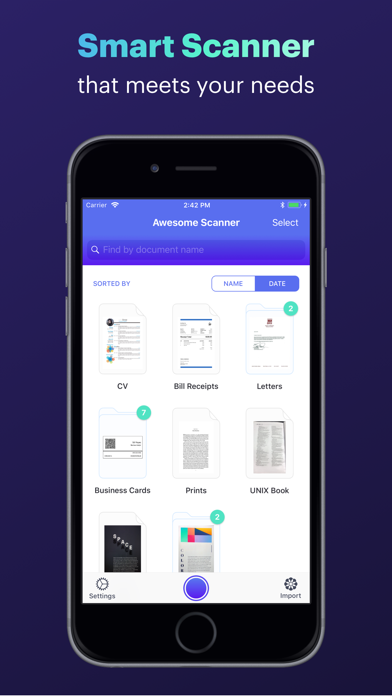
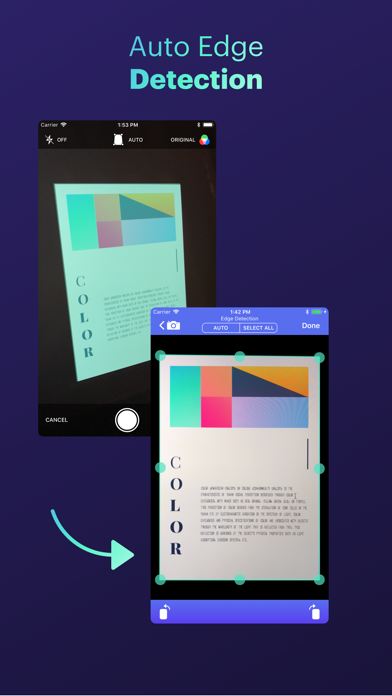
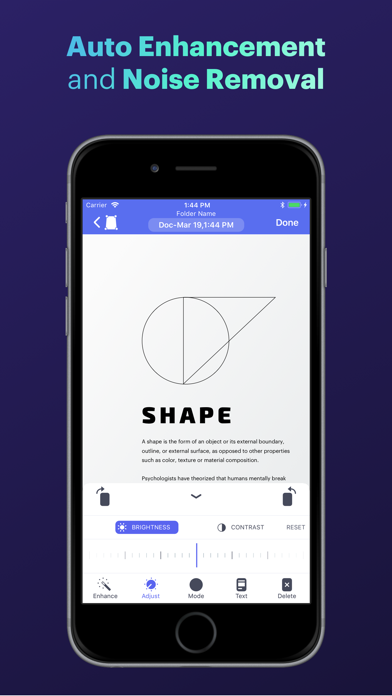
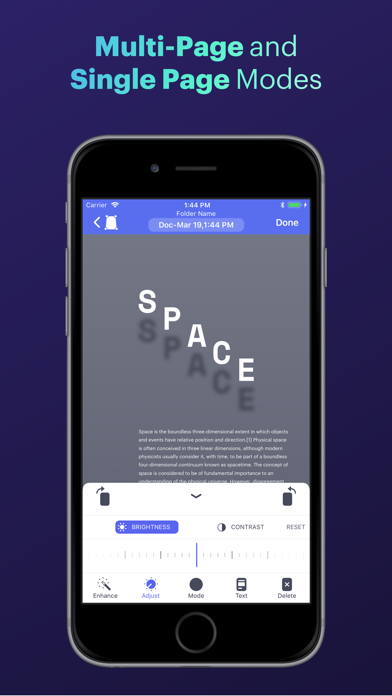
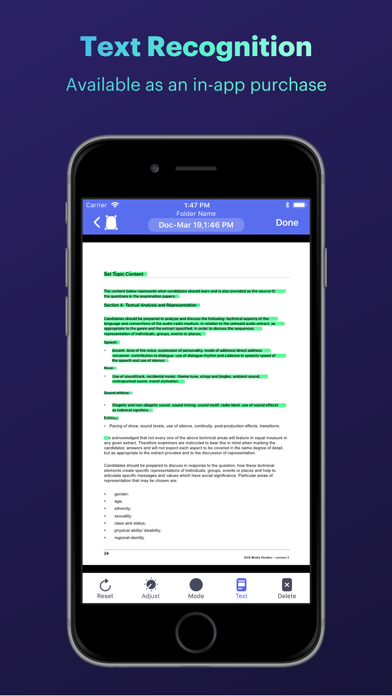
Get Awesome Scanner and turn your iPhone into a smart scanner! WHY YOU SHOULD GET AWESOME SCANNER - Extremely simple to use - Automatic detection for document edges - Automatic perspective correction - Can process scans as colored, grayscale, and black/white - Auto document enhancement and noise removal - Custom document enhancement (change brightness/contrast, and rotate) - Supports single and multi-page documents - Ability to upload your scans to Dropbox, Evernote, and Google Drive. - Ability to convert scans to editable text (Text Recognition). - Ability to safe and secure your document using a passcode or Face ID and Touch ID. EVEN MORE - Scan can be captured by the camera or imported from Photos - Scan can be shared (via email), printed, or saved to Photos - Includes a document viewer for viewing the scanned documents (with ability to zoom in/out). - Supports adding new pages to existing documents (or deleting pages from it). - Can convert scans to PDF documents or JPEG images. - Ability to set the page size for the generated PDF (e.g. A4, A3, letter, ledger, business card, etc…). - Sort scans by name or scan date - Search for documents and papers via the Search tool - Ability to rename documents and papers If you have any questions, need help, or would like to request a feature, please do not hesitate to contact us. We respond to EVERY email we receive. Our support email is: support@symfonies.com
Productivity · iPhone, iPad · Free
Rating: 4.6 out of 5, based on 130 user ratings.