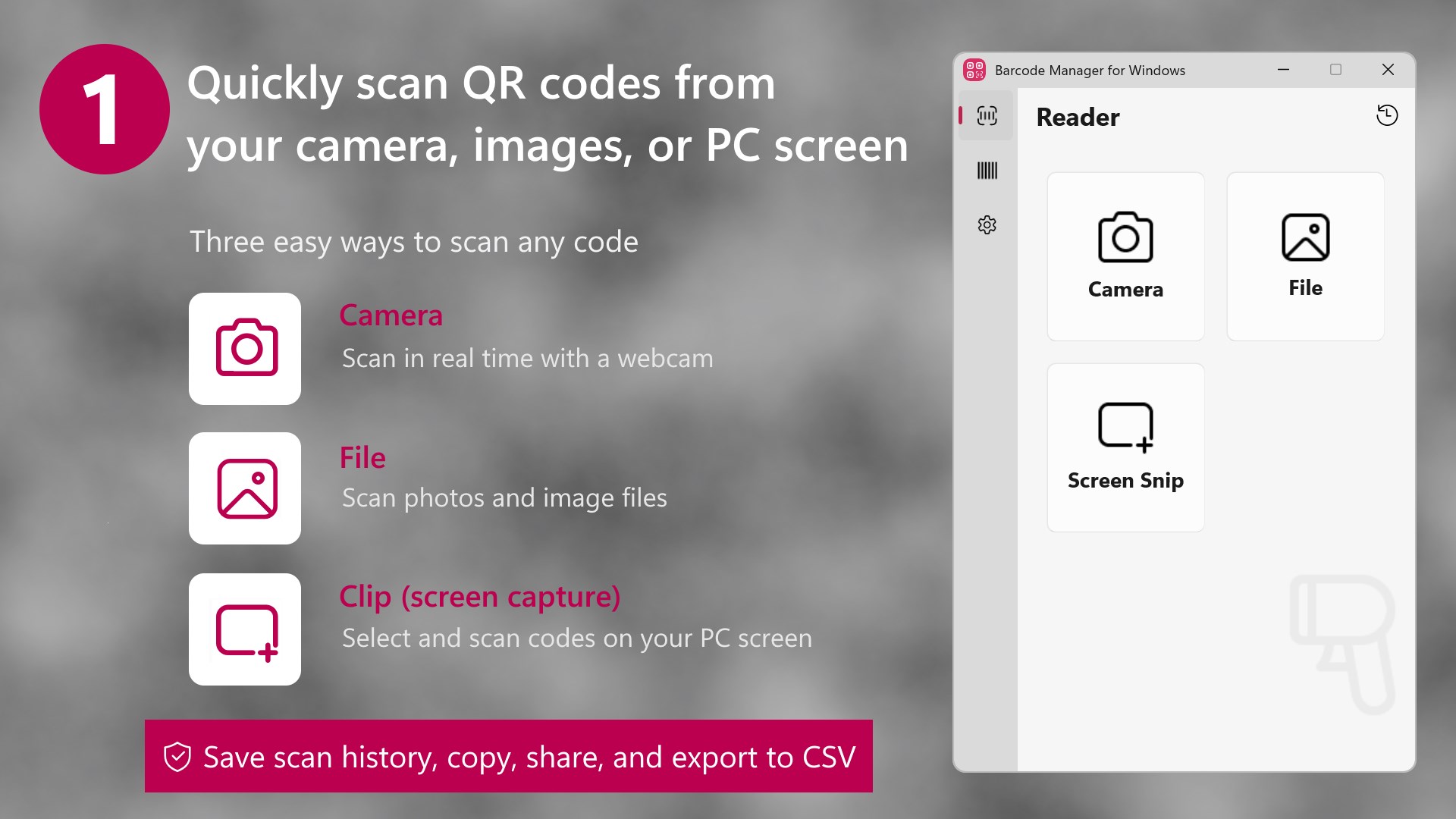
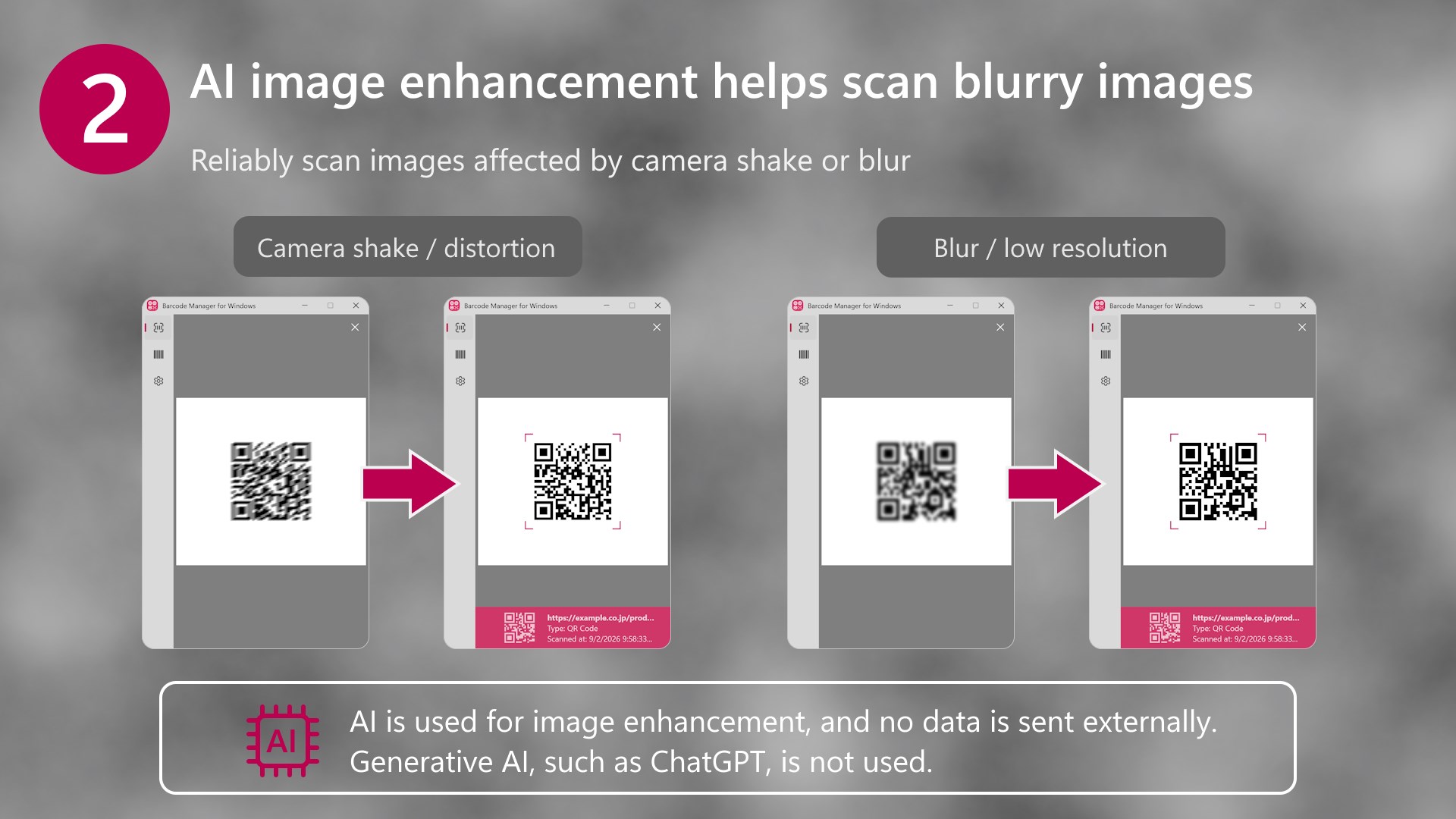
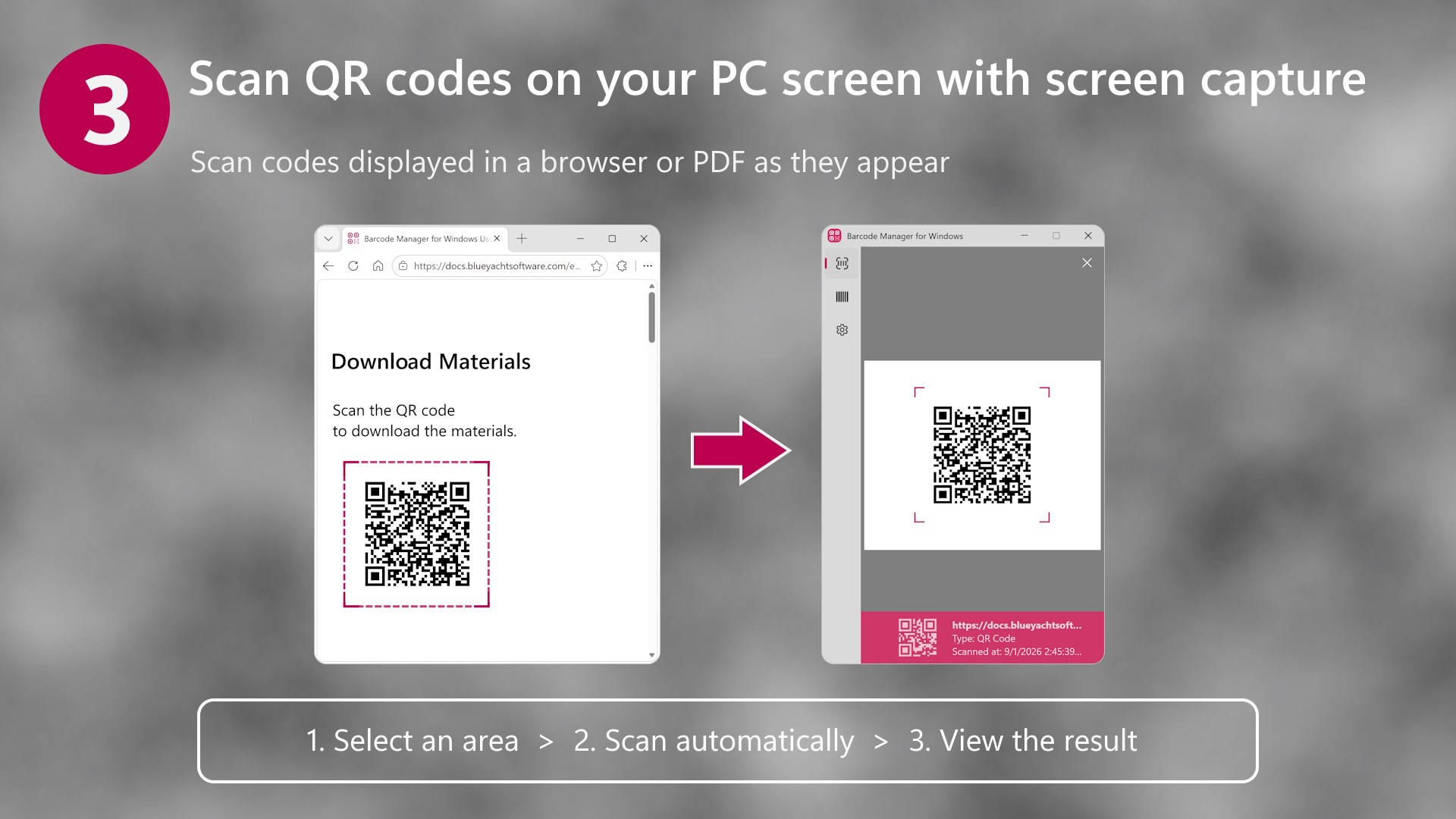
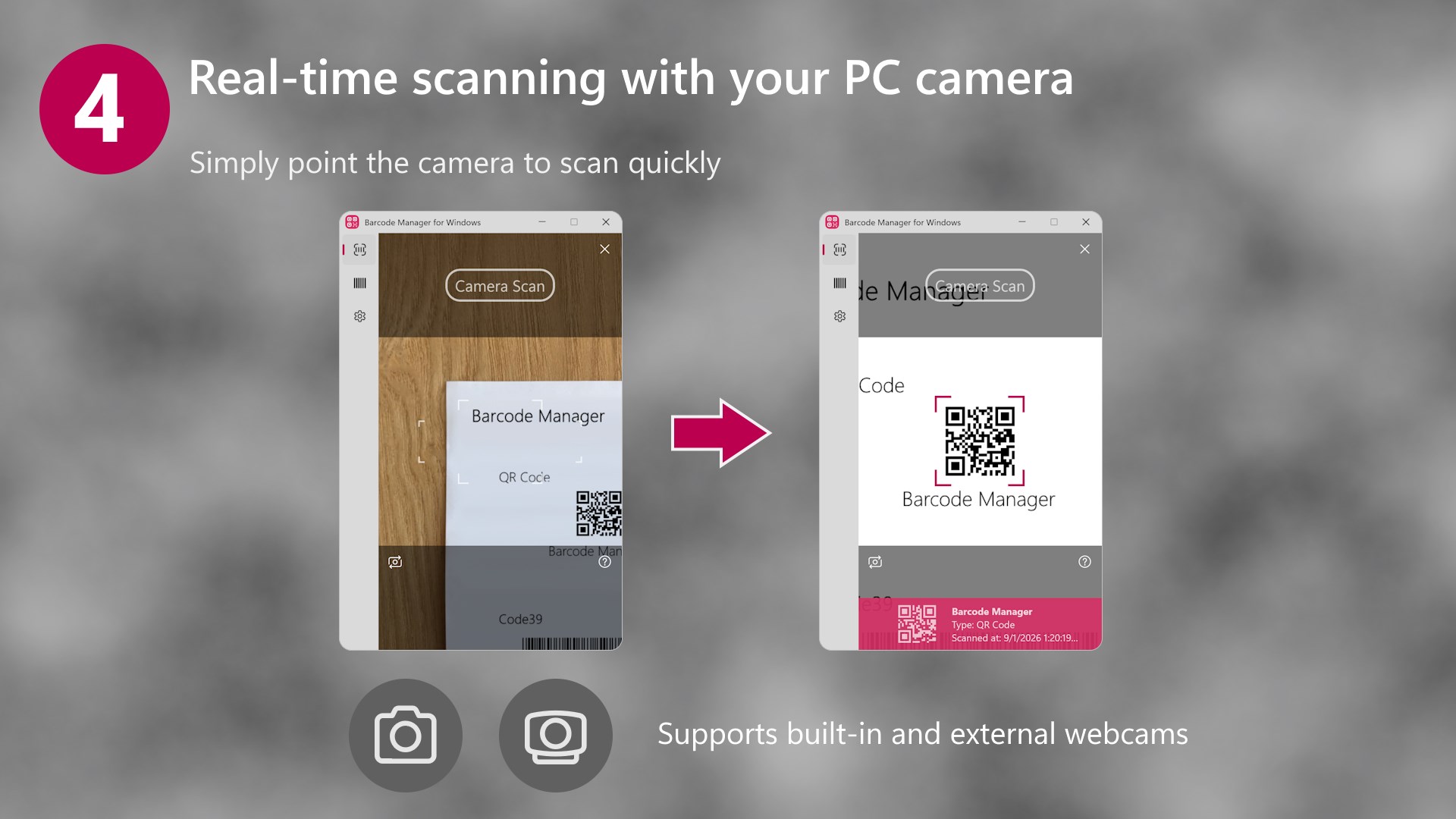
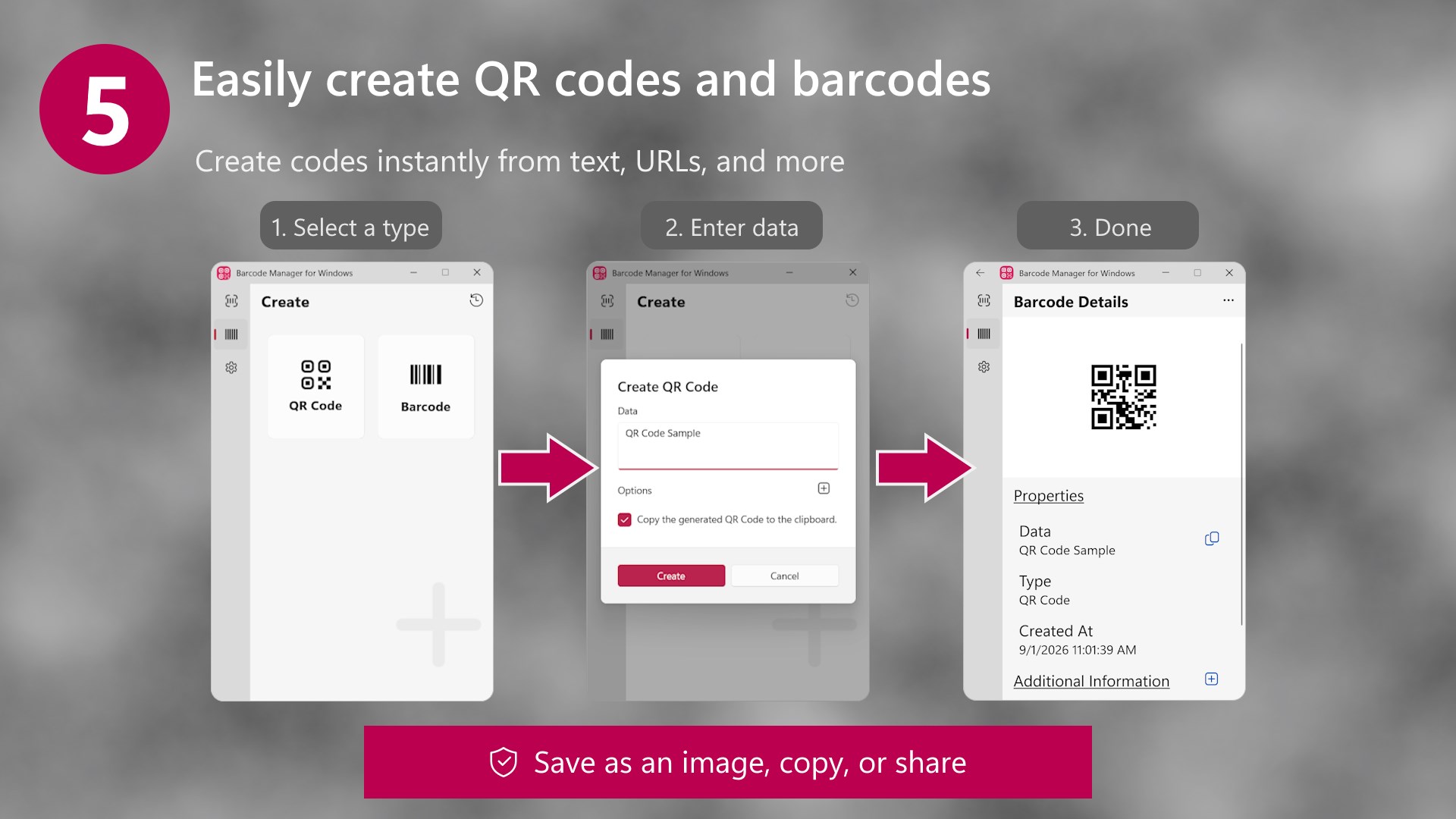
Quickly scan QR codes from your camera, image files, or PC screen. Barcode Manager for Windows is an all-in-one app that turns your Windows PC into a powerful barcode and QR code scanner. Scan QR codes and barcodes displayed on your PC screen, scan in real time with a camera, or read codes from image files. You can also create barcodes, manage your scan history, and export data to CSV, all in one app. It supports a wide range of uses, from personal and educational use to offices, small businesses, and manufacturing. >> Key Features [Barcode Scanning] (with AI Image Enhancement) • Select and scan QR codes and barcodes displayed on your PC screen • Scan in real time using your laptop camera or an external webcam • Read codes from image files, including photos taken with a smartphone • Use AI image enhancement to help scan blurry or low-resolution images • Open websites, compose emails, connect to Wi-Fi networks, view maps, and add calendar events from QR codes [Barcode Creation] • Easily create QR codes and various barcodes, including EAN and CODE128 • Quickly create codes from text or URLs • Save generated codes as image files • Copy codes to the clipboard and paste them into other apps [Barcode Management] • Automatically save scanned barcodes and QR codes to your history • Efficiently manage your history with search and filtering • Export history data in CSV format • Use exported data in Excel and other spreadsheet applications • Keep scan data on your PC without sending it to external servers >> Recommended For • Office users who work with QR codes on invoices and delivery documents • Small businesses managing inventory and product information • Manufacturing teams using codes for traceability • Educational institutions managing teaching materials and equipment • Event organizers managing check-ins and attendance • Personal users who prefer to work with QR codes on a PC instead of a smartphone >> Easy to Use • Supports Windows light, dark, and high contrast modes • Supports keyboard navigation using the Alt and Tab keys • Simple interface and intuitive controls for new users • Designed with accessibility in mind >> Privacy-Focused Design • Scan data is processed and stored only on your PC • No data is sent to external servers • Manage personal and business data with confidence >> Free for Education and Nonprofits • Public educational institutions and nonprofit organizations can use the app free of charge. • Businesses, commercial organizations, government institutions, and other organizations using the app for work must purchase a subscription through the app. Note: AI image enhancement is used to optimize images. Image data is processed locally on your PC and is not sent to external servers. It is not generative AI. QR Code is a registered trademark of DENSO WAVE INCORPORATED in Japan and in other countries.
Utilities · Windows · Free
Rating: 4.1 out of 5, based on 47 user ratings.