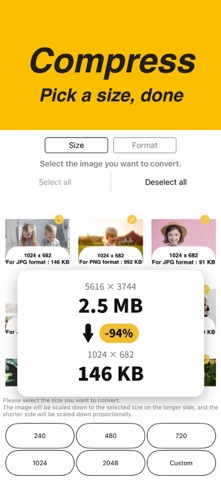
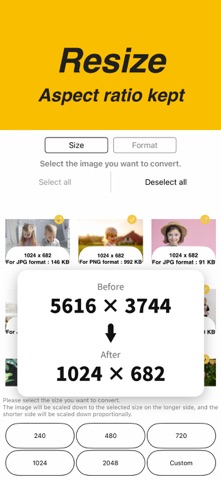
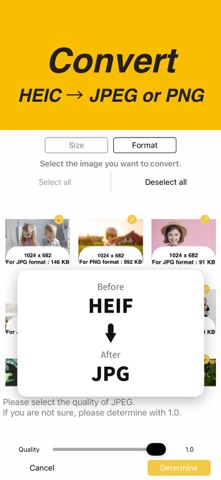
Your photo is too large to send. The email bounces back. The upload form says "max 5 MB." Pick a size, and this app makes the file smaller. Several photos can be processed together. WHAT IT DOES • Compress Reduce the file size of your photos. • Resize Choose a size for the long edge — the aspect ratio is kept. • Convert HEIC, HEIF, JPEG, JPG and PNG, in any direction. • Batch Select several photos and process them together. WHEN YOU NEED IT • Email attachments that exceed the size limit • Upload forms with a maximum file size • Job applications, insurance claims, government portals • Listing photos for online marketplaces • Screenshots that are larger than they need to be • HEIC photos from your iPhone that won't open on Windows • Photos that have to match a required size HOW IT WORKS 1. Pick your photos 2. Choose a size, or a format to convert to 3. Save No sign-up, no settings. SUPPORTED FORMATS HEIC / HEIF / JPEG / JPG / PNG GOOD TO KNOW • Everything runs on your device. Your photos are never uploaded. • Originals are untouched. Processed copies are saved separately. Images will be stored in all image albums as well as in the following named albums. "Compress Photos"
Photo & Video · iPhone, iPad · Free
Rating: 4.5 out of 5, based on 35 user ratings.