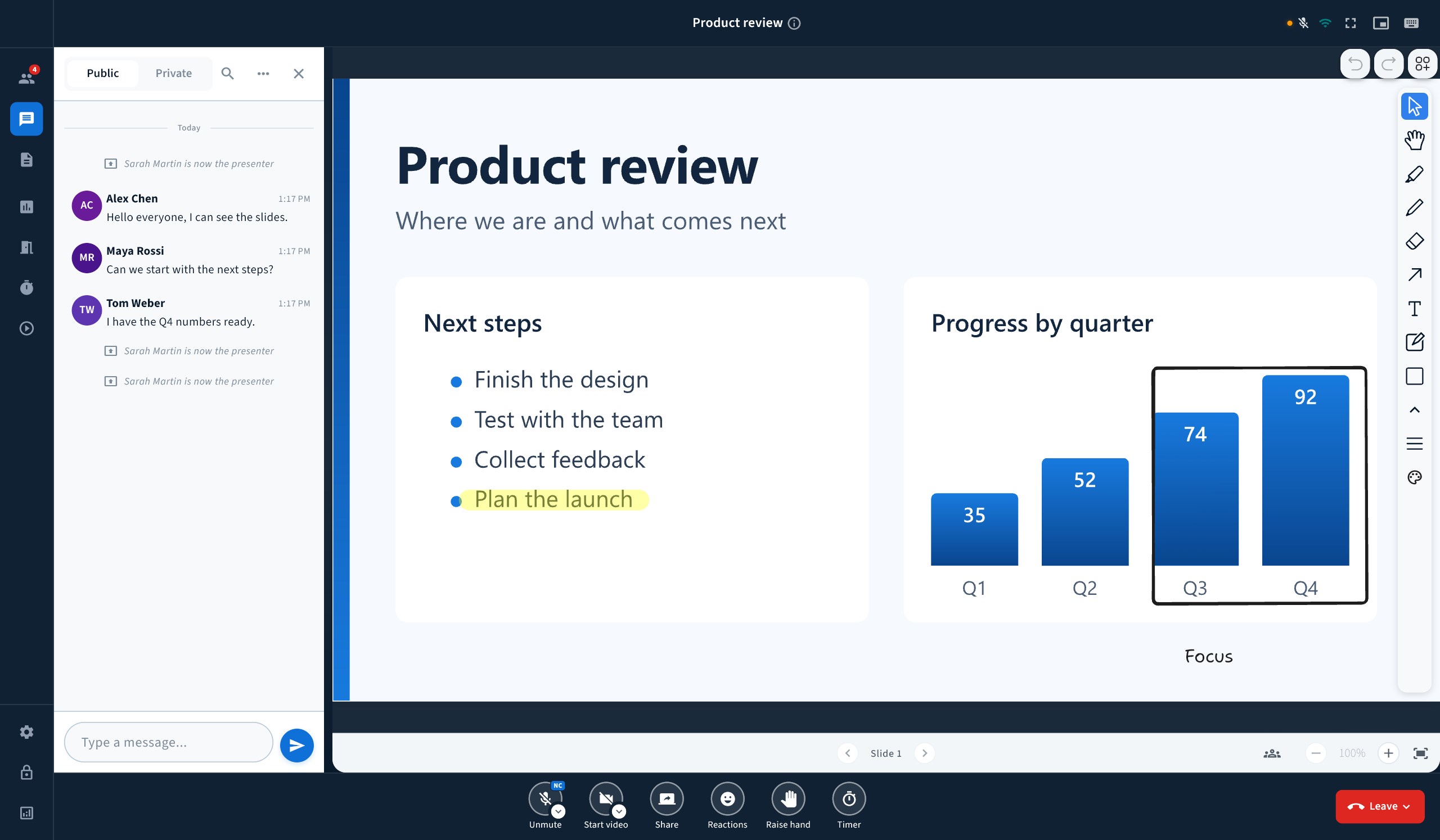
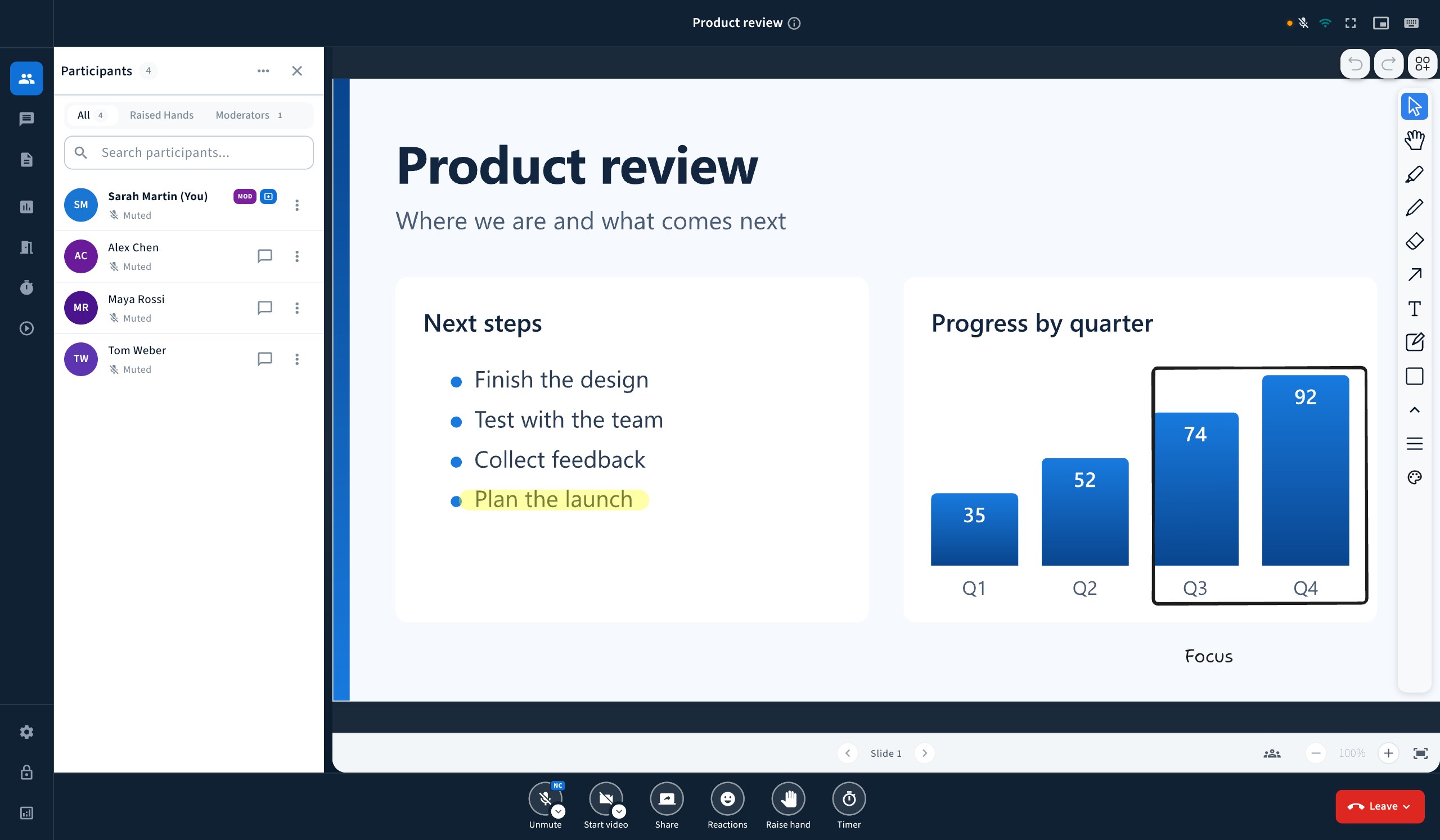
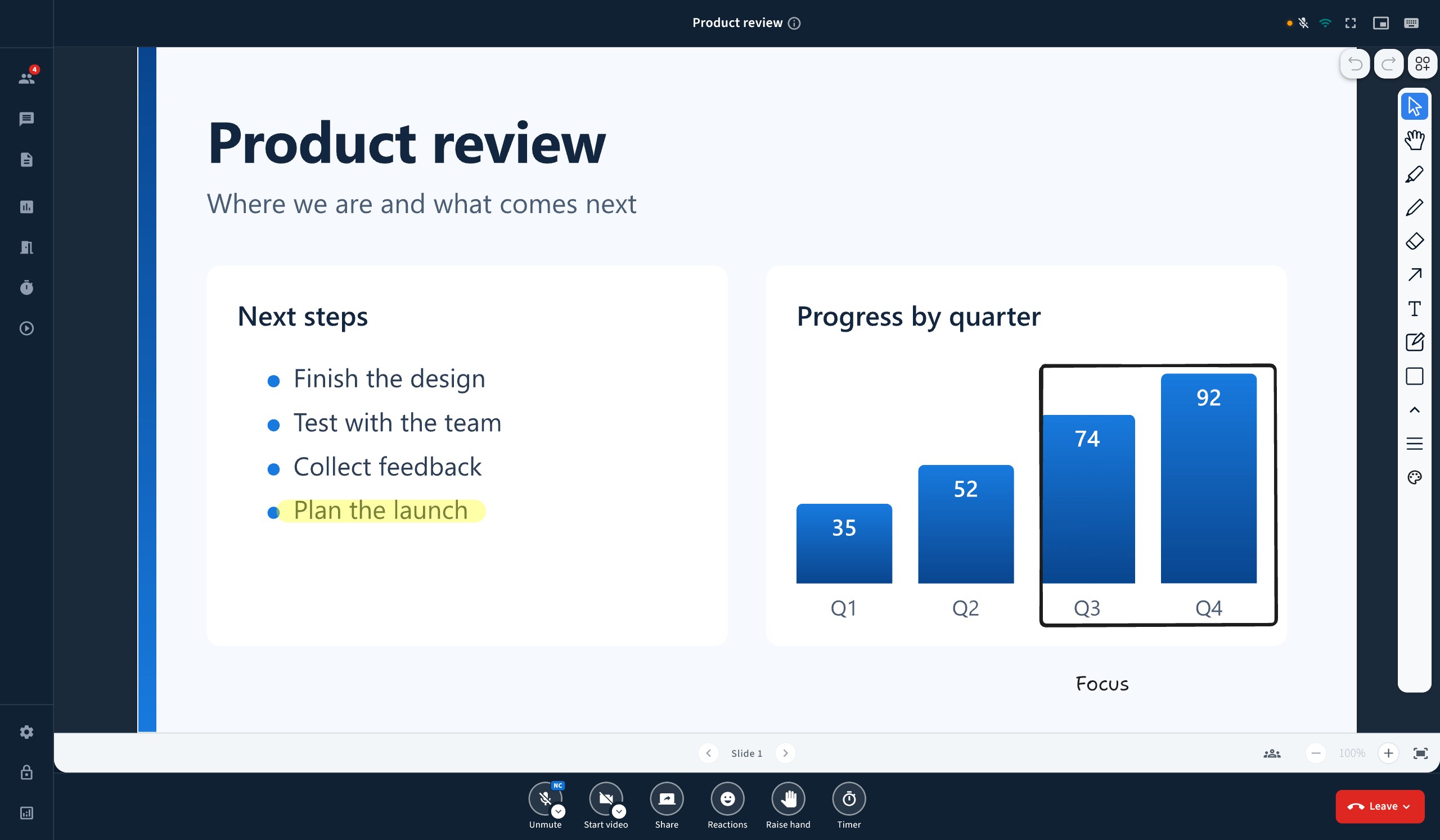
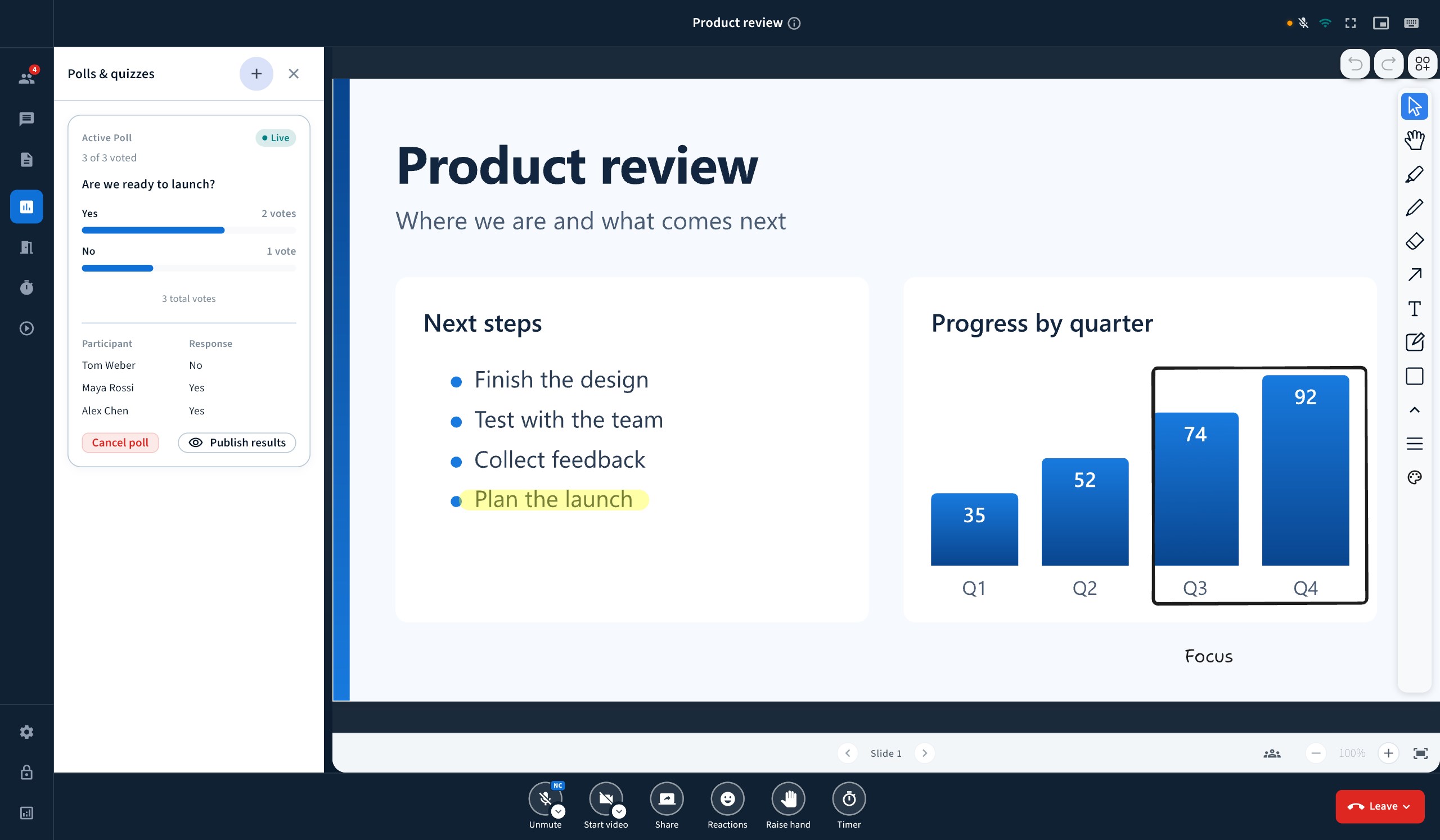
Use BBB One for video conferencing, online meetings, virtual classrooms, online classes, webinars, training and remote collaboration, at work and at school. Getting in • Join from a link or an invitation • Wait in the lobby until the host lets you in • Come back in after you lose connection • See a clear message when the meeting ends Sound • Join with your microphone • Join to listen only • Mute and unmute yourself • Choose which microphone to use • Choose which speaker to use Camera • Turn your camera on and off • Choose which camera to use • See yourself before you go live • Blur or change your background • See everyone in a grid Screen sharing • Share your whole screen • Share one window only • Watch what someone else is sharing Slides and whiteboard • Show slides to the room • Draw and write on the slide • Upload your own file • Watch a video together Chat and notes • Chat with everyone • Send a private message • React to a chat message • Write notes together • Turn on live captions People • See who is in the room • Find a person by name • Raise your hand • Send a reaction Running the room • Mute everyone at once • Give someone the presenter role • Remove someone from the meeting • Lock what viewers can do • End the meeting for everyone Group work • Split the room into groups • Move between groups • Bring everyone back on time Taking part • Ask a question with a poll • Answer a poll • Put a timer on the screen Recording • Start and stop the recording • See when the meeting is being recorded Made for everyone • 20 languages • Right-to-left layout for Arabic • Light and dark theme • Keyboard shortcuts for common actions • See how good your connection is Requires a BigBlueButton server licensed through RIADVICE, hosted by you or by RIADVICE, and an invitation from your meeting host.
Business · Windows · Free