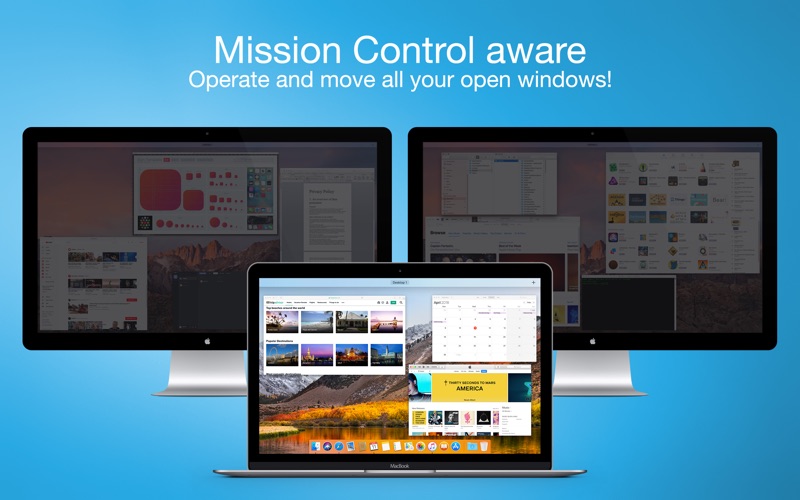
Blackout lets you turn off your displays with just a single click! Blackout is aware of Mission Control: If you enter Mission Control, Blackout will re-activate all turned off displays in a dimmed mode, so you can access, organize and move all open application windows. As soon as you leave Mission Control, Blackout will deactivate all turned off displays again.
Utilities · iPhone, iPad · $1.99