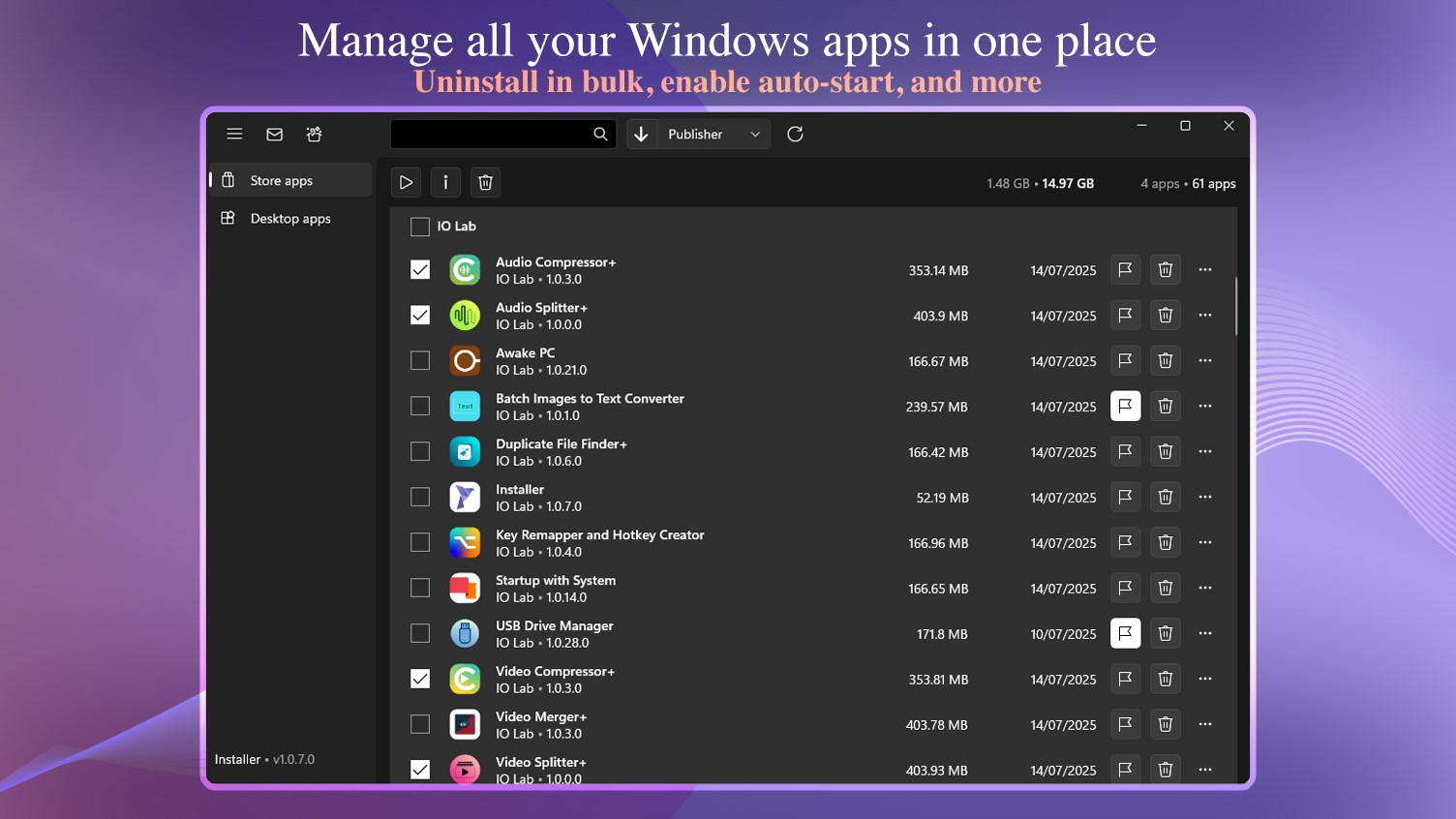
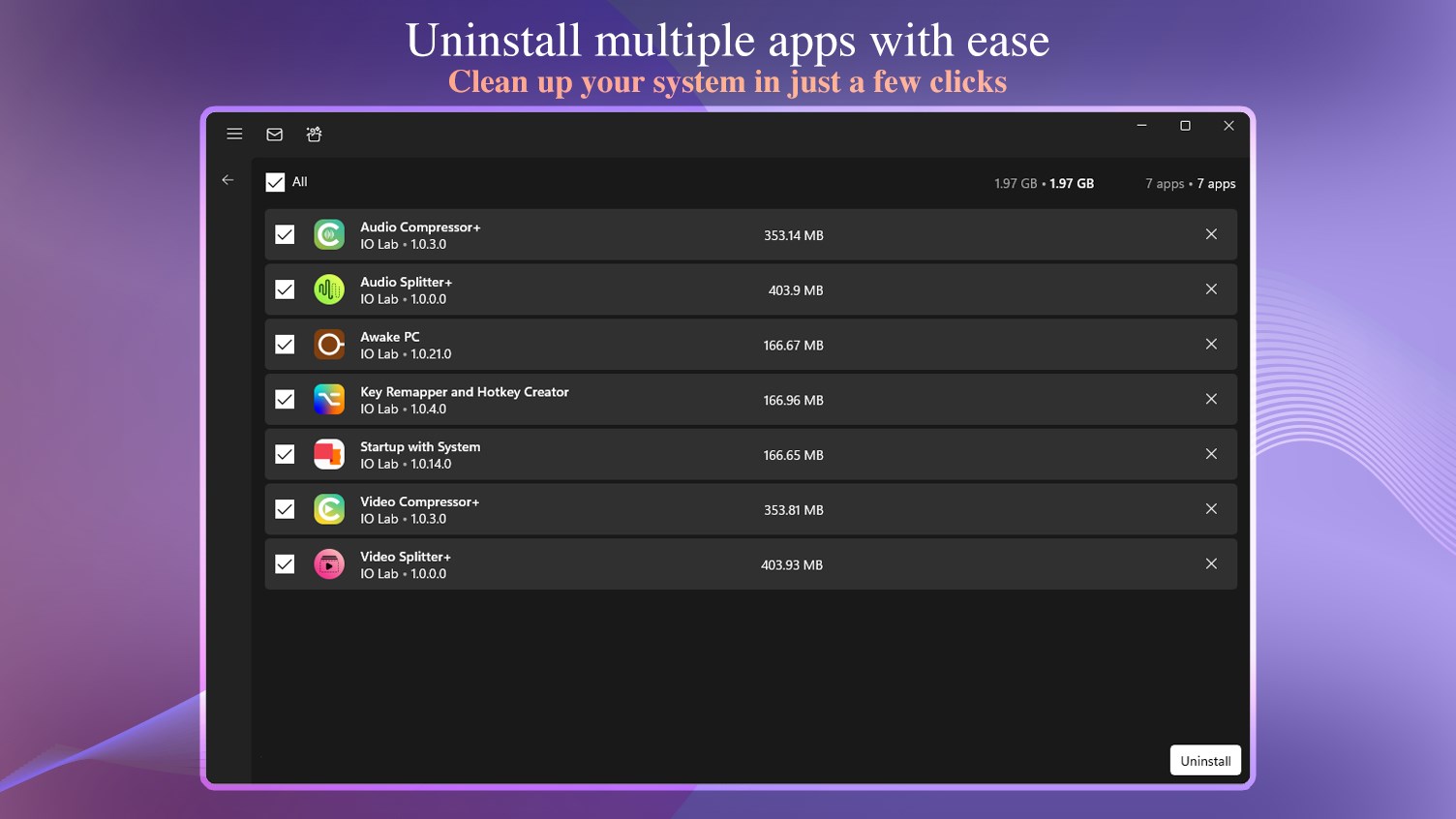
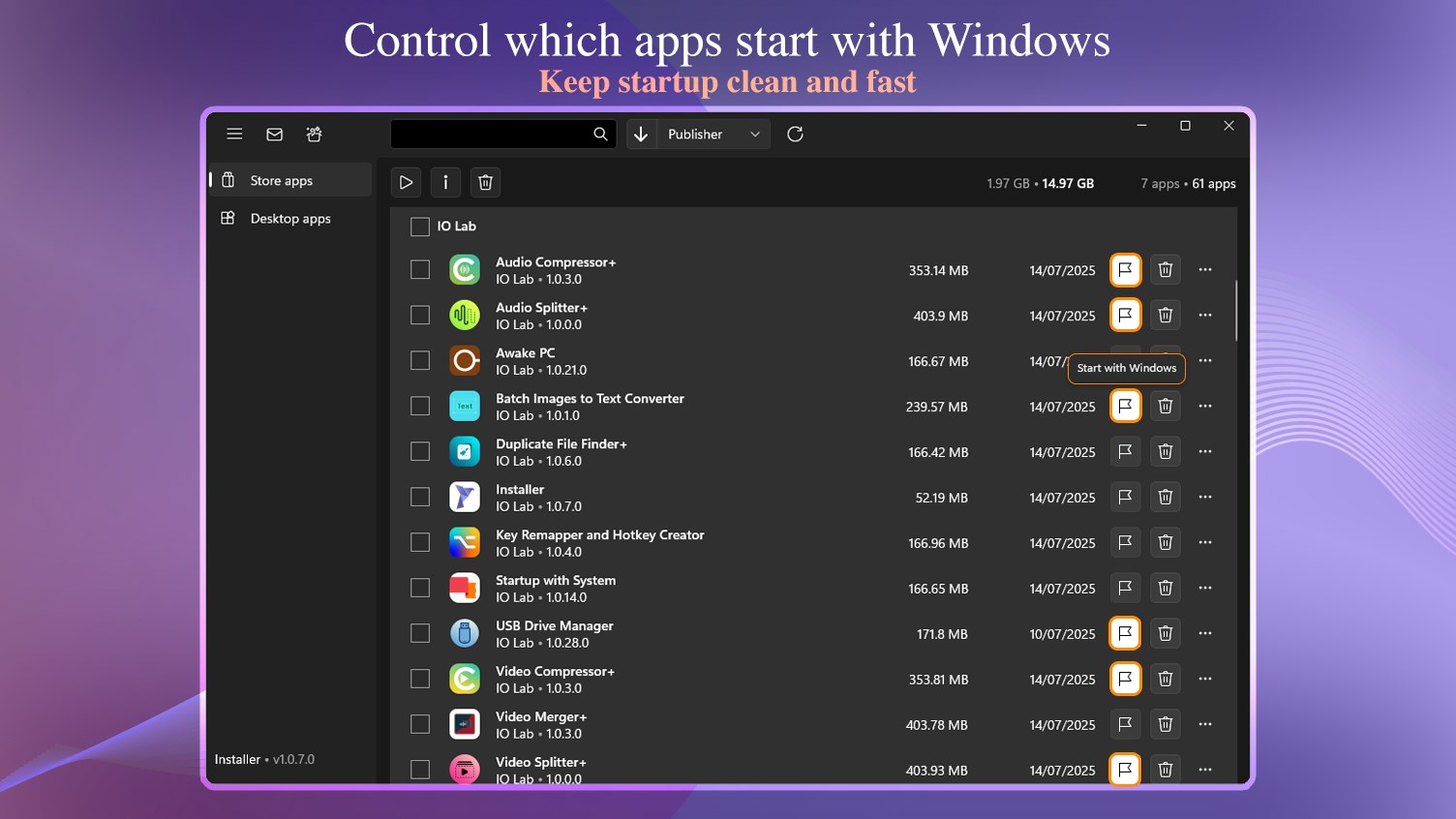
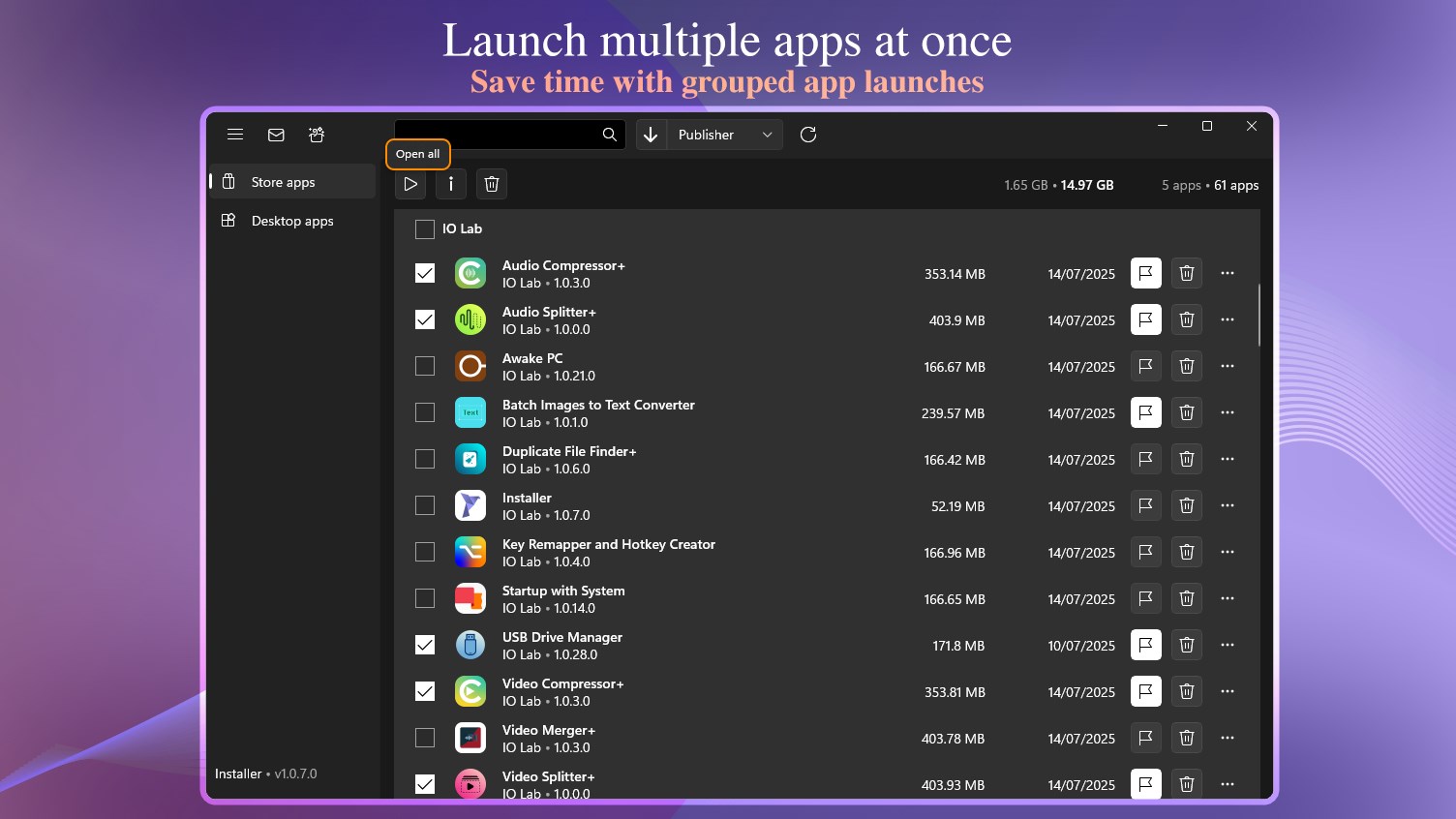
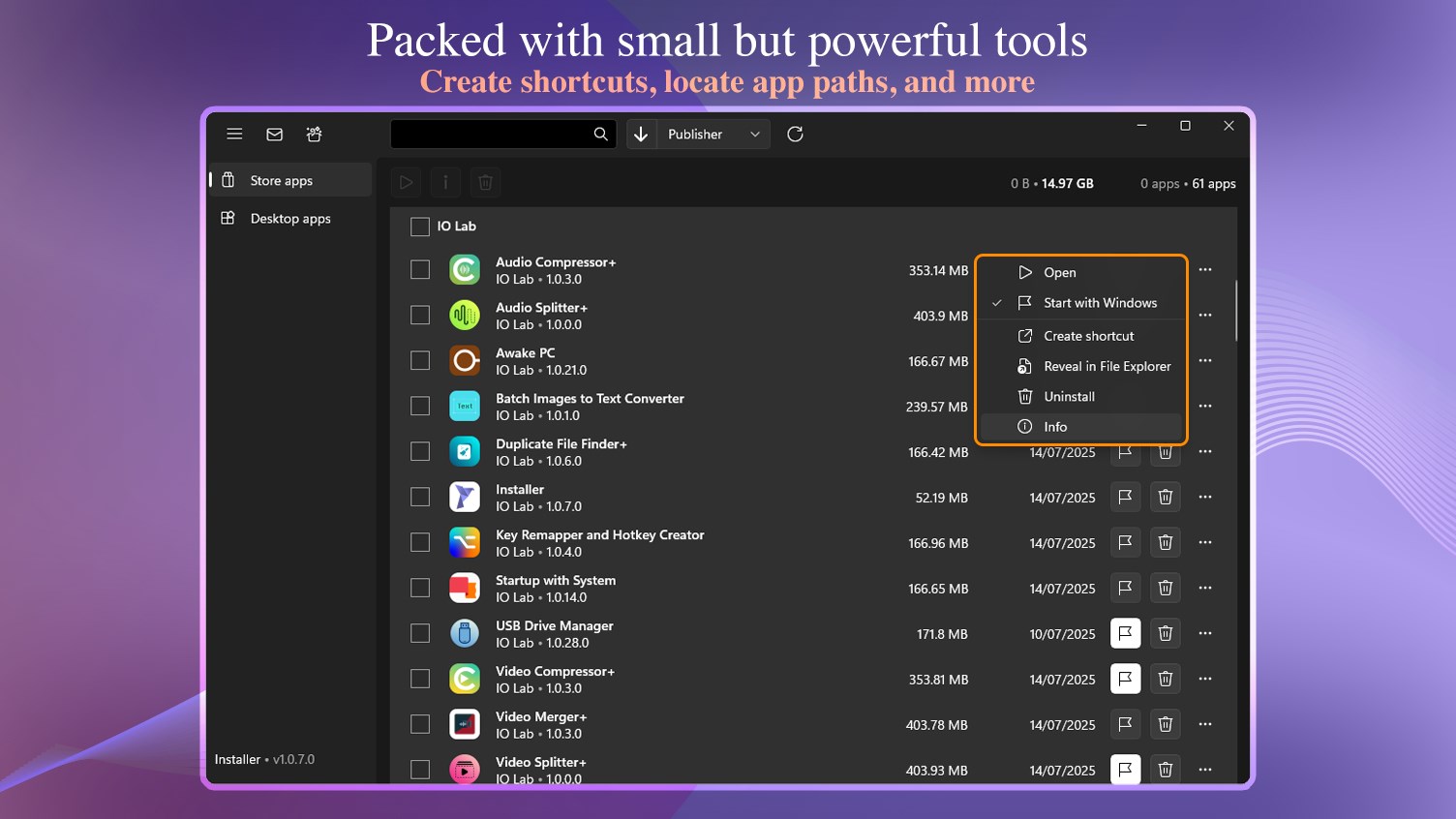
Batch uninstall, manage Windows startup, and optimize your application workflow with ease. Installer is a high-performance system utility designed to handle multiple applications at once, saving you time and keeping your system clean. Whether you are a developer testing multiple builds or a power user cleaning up system clutter, Installer provides the precision tools you need. MAIN FEATURES: • Efficient Batch Uninstall: Stop removing apps one by one. Select and remove multiple applications in a single batch. - Freemium: Process up to 3 apps per batch. - Premium: Unlimited batch processing for maximum efficiency. • Smart Startup Manager: Take total control of your system boot time. - Freemium: Manage up to startup applications. - Premium: Unlock unlimited startup management. • Desktop App version tracker & Desktop software updater. • One-Click Launch: Boost your productivity by launching an entire group of selected applications simultaneously with a single click. • Developer-Centric Insights: Instantly retrieve installation paths, view technical metadata, or open installation folders - perfect for app auditing and system exploration. • Publisher Grouping: Effortlessly organize your app list by publisher to identify and remove entire software suites instantly. EXTRA PERKS: • Modern UI: Fully supports Light & Dark Mode with a clean, streamlined design using the latest system visual standards. • Fast Search: Find any app instantly with optimized search and flexible selection tools. • Privacy-First: All processing happens locally on your machine. No cloud tracking, no data collection, and no hidden telemetry. Take full control of your apps with Installer - the essential tool for effortless batch processing and system optimization.
Productivity · Windows · Free
Rating: 4.6 out of 5, based on 17 user ratings.