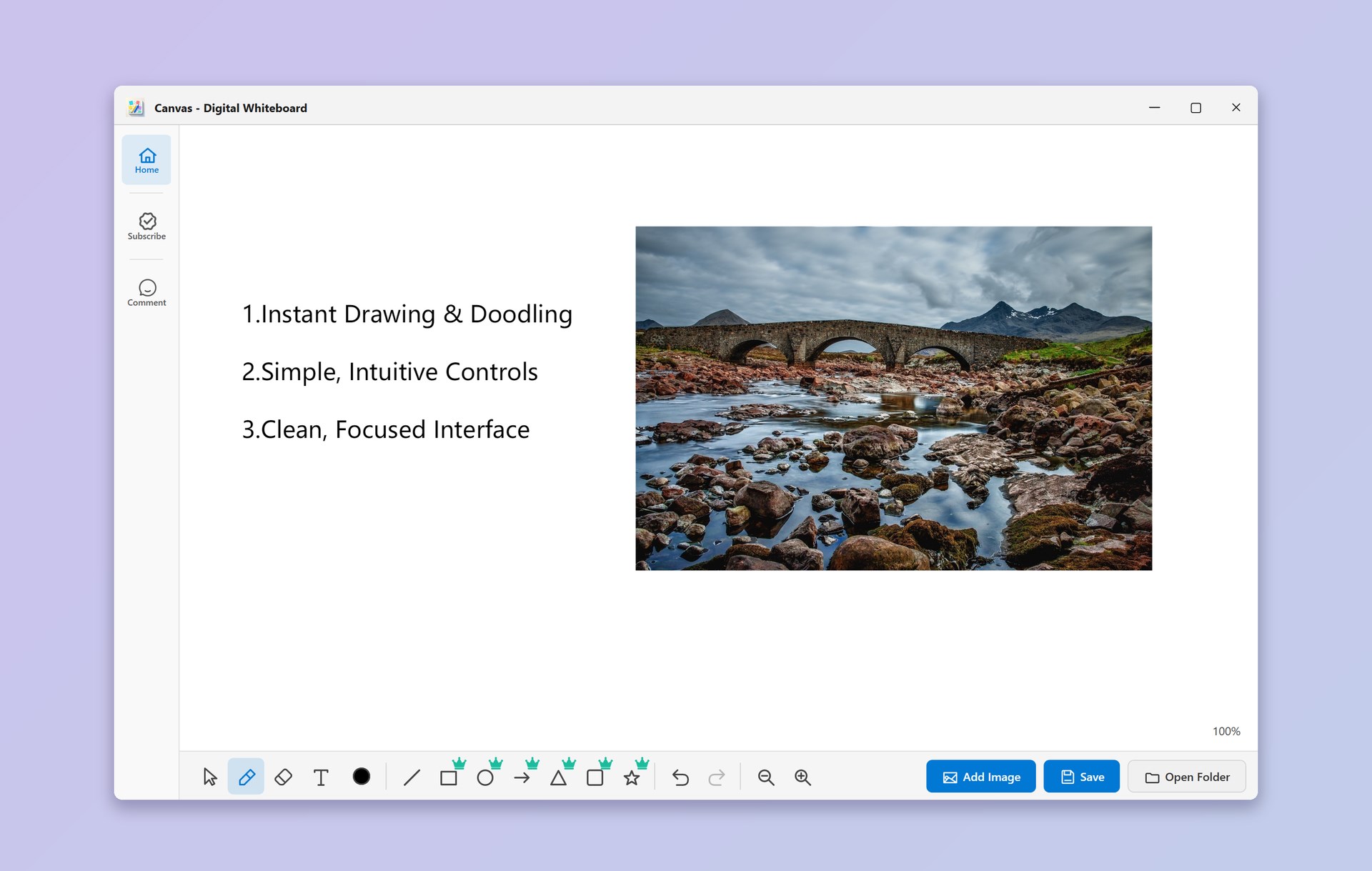
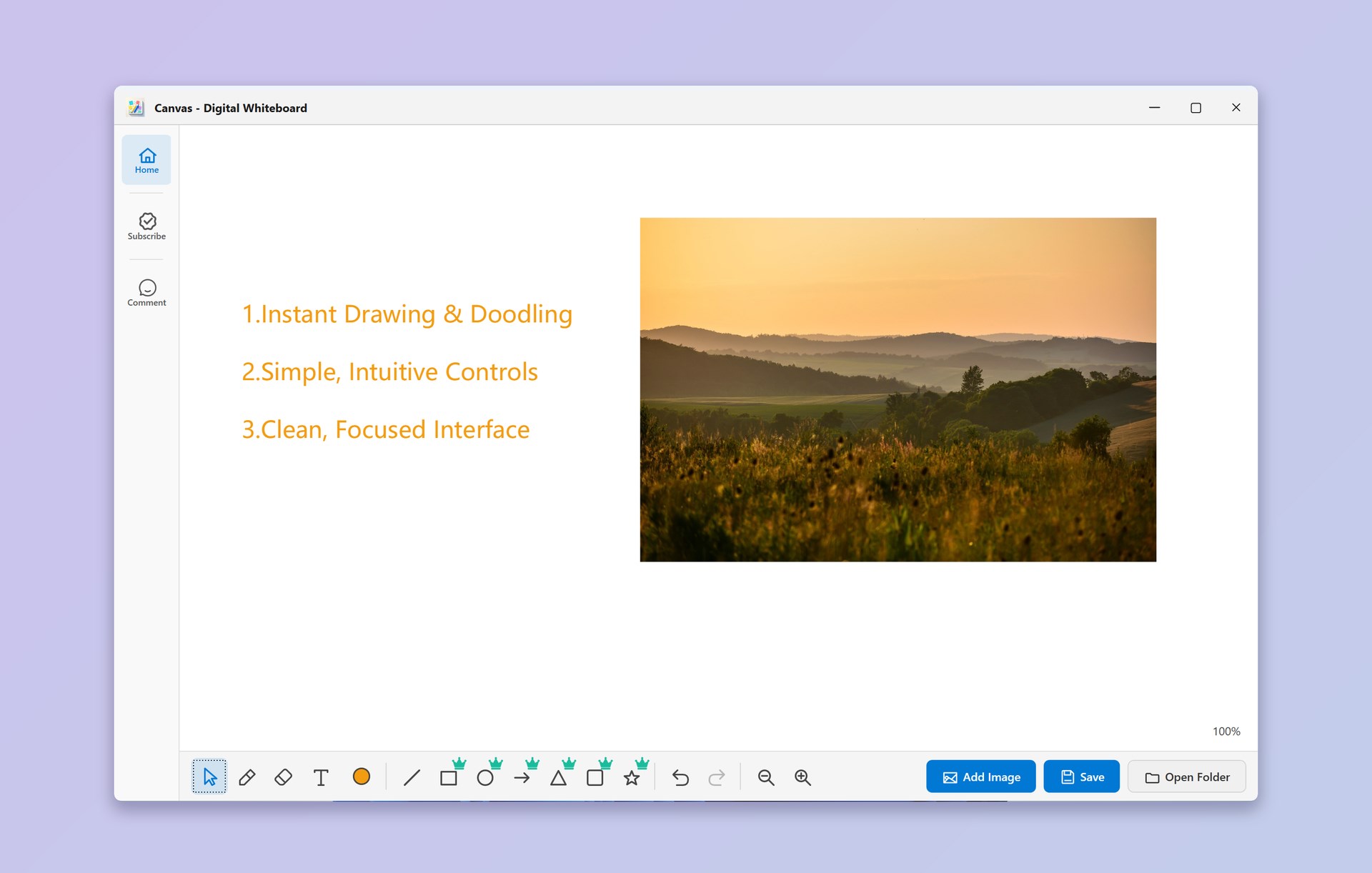
Canvas - Digital Whiteboard makes capturing your ideas incredibly simple. No complicated tools, no learning curve—just pick up your pen and start drawing. Key Features: ✏️ Instant Drawing & Doodling — Sketch, write, or doodle freely the moment inspiration strikes. Zero setup required. 🖱️ Simple, Intuitive Controls — Switch between tools in a single tap. Anyone can use it instantly. 💾 Quick Save — Save your canvas with one click. Your work is always preserved, ready to revisit anytime. 🎨 Clean, Focused Interface — A distraction-free workspace that puts your creativity first. Nothing gets in your way. Free Version: Brush tool for freehand drawing Straight line drawing tool Text input for adding notes Saving is not available for free users VIP Subscription: 🔓 Color Adjustment — Choose from unlimited colors for your brush, lines, and shapes ⬜ Rectangle Tool — Draw perfect rectangles and squares with ease ⭕ Circle Tool — Create precise circles and ellipses effortlessly ➡️ Arrow Tool — Add directional arrows for diagrams and flowcharts 🖼️ Image Insertion — Add images directly onto your canvas 💾 Save — Save your canvas with one click and revisit it anytime. Download Canvas - Digital Whiteboard today and start bringing your ideas to life in seconds!
Lifestyle · Windows · Free