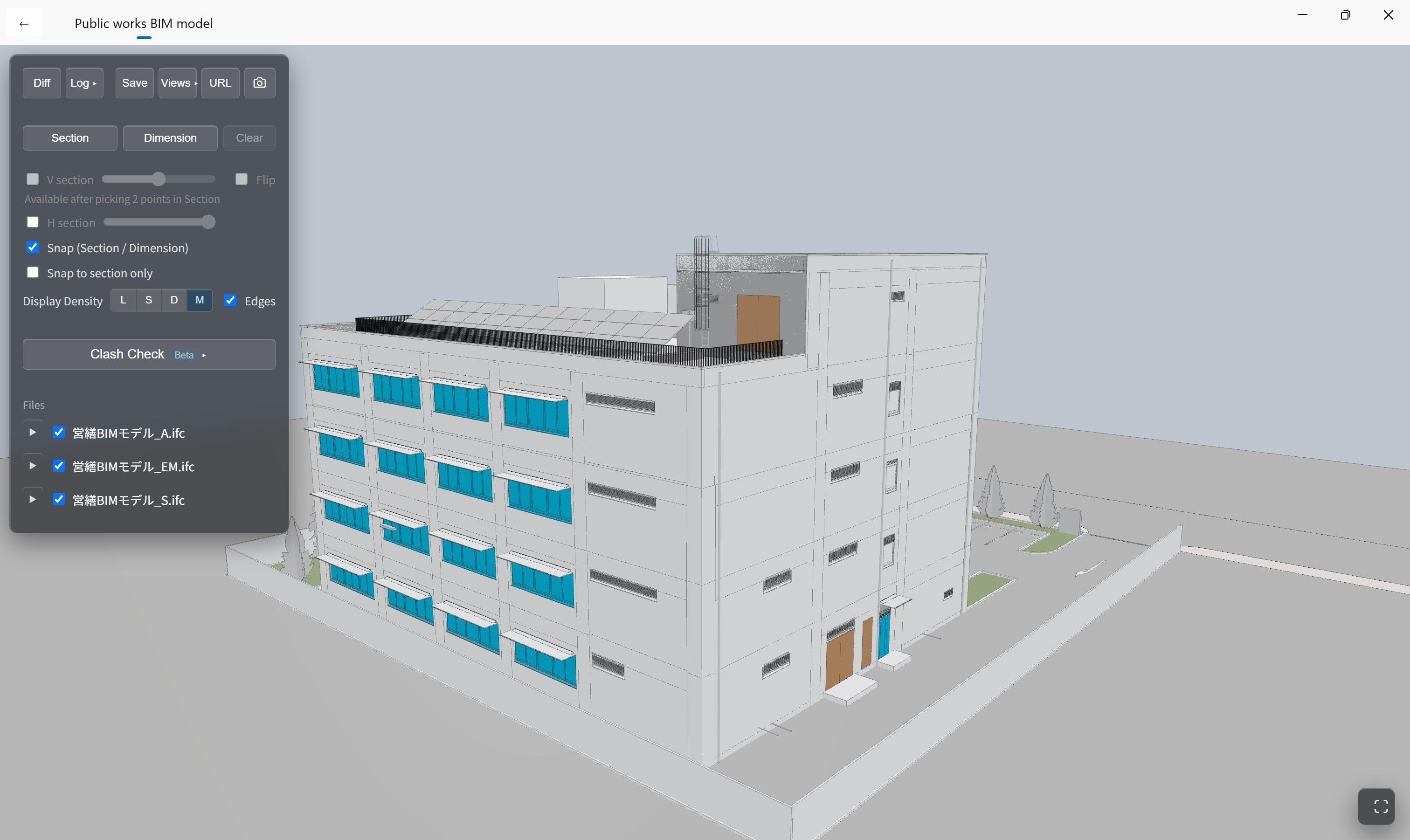
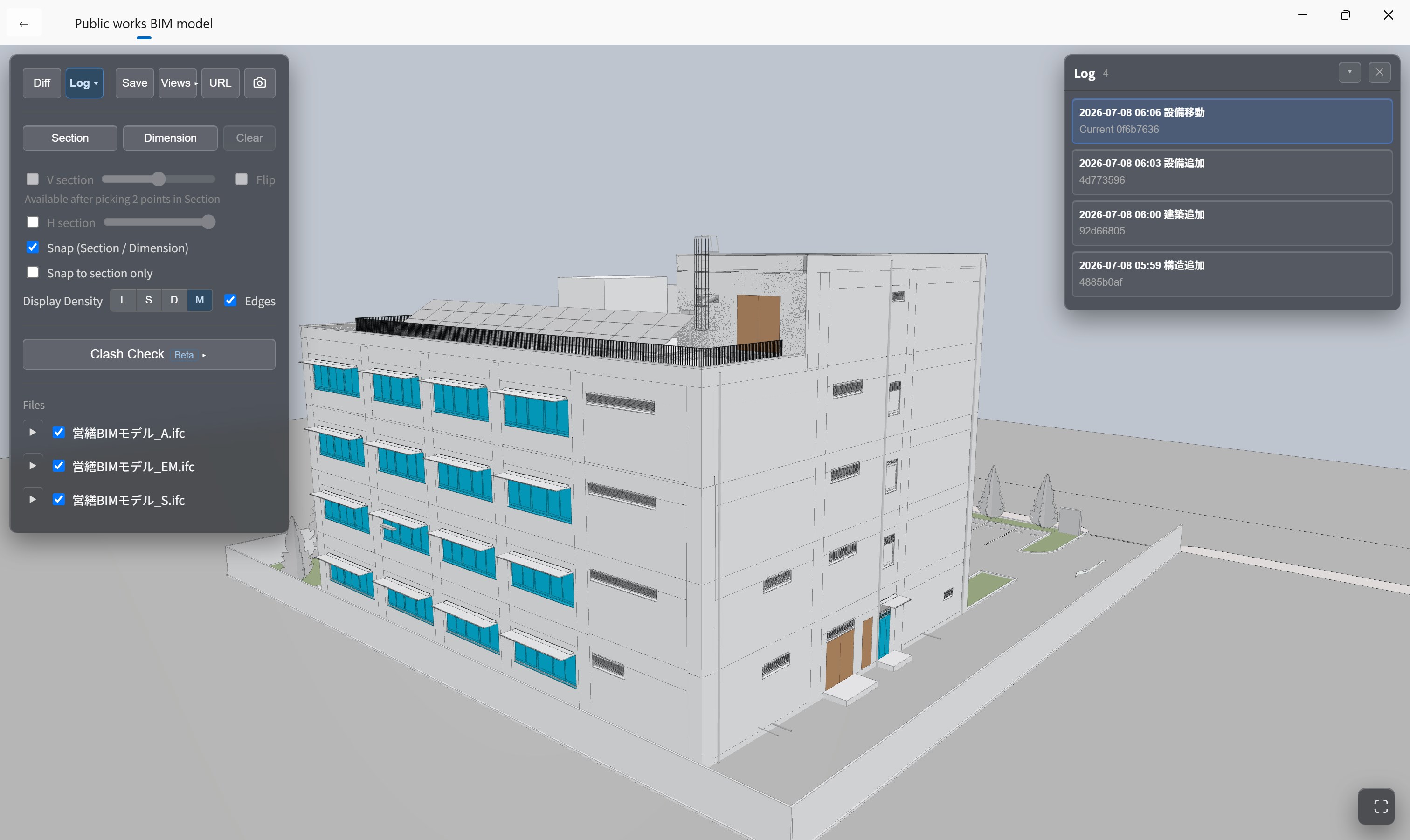
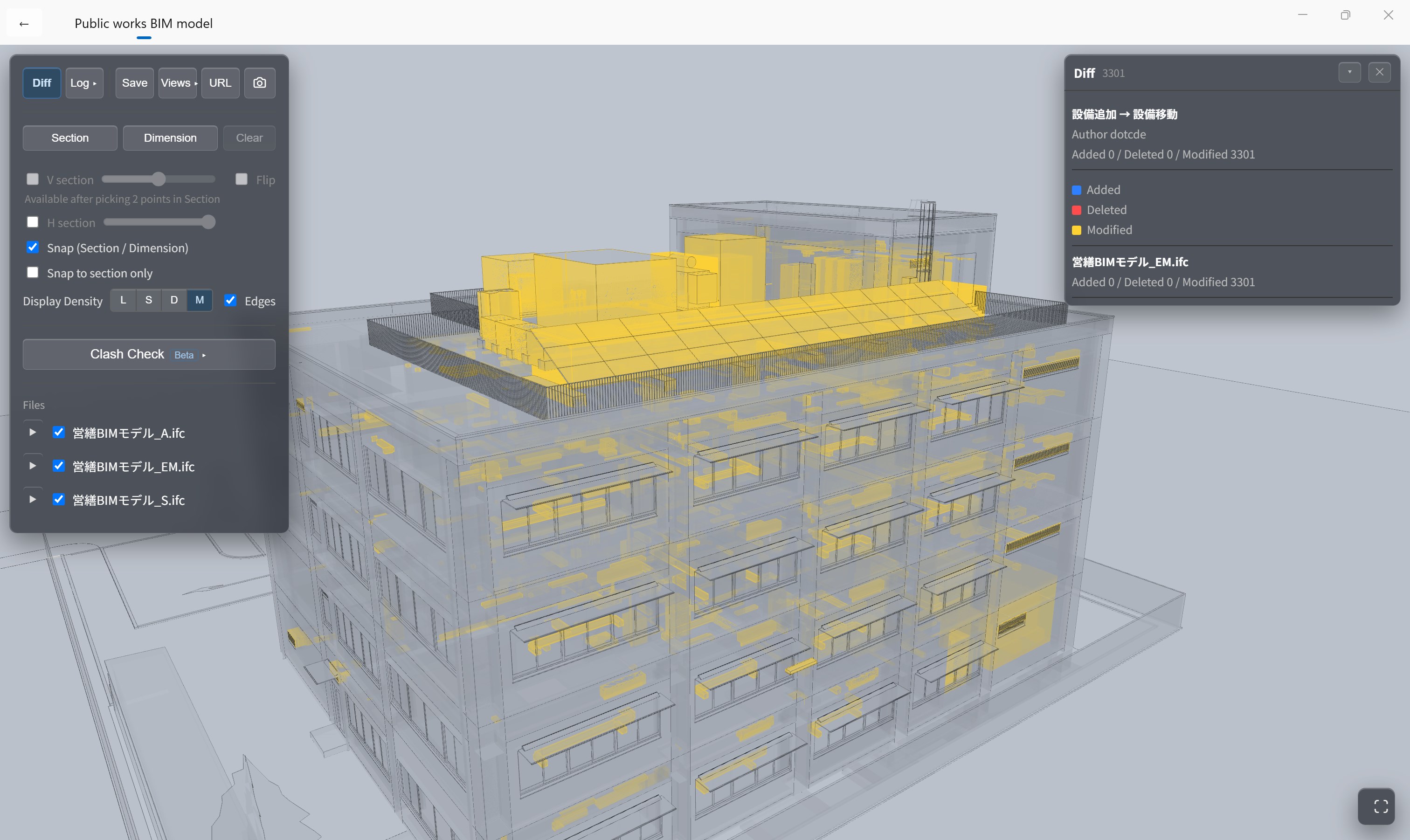
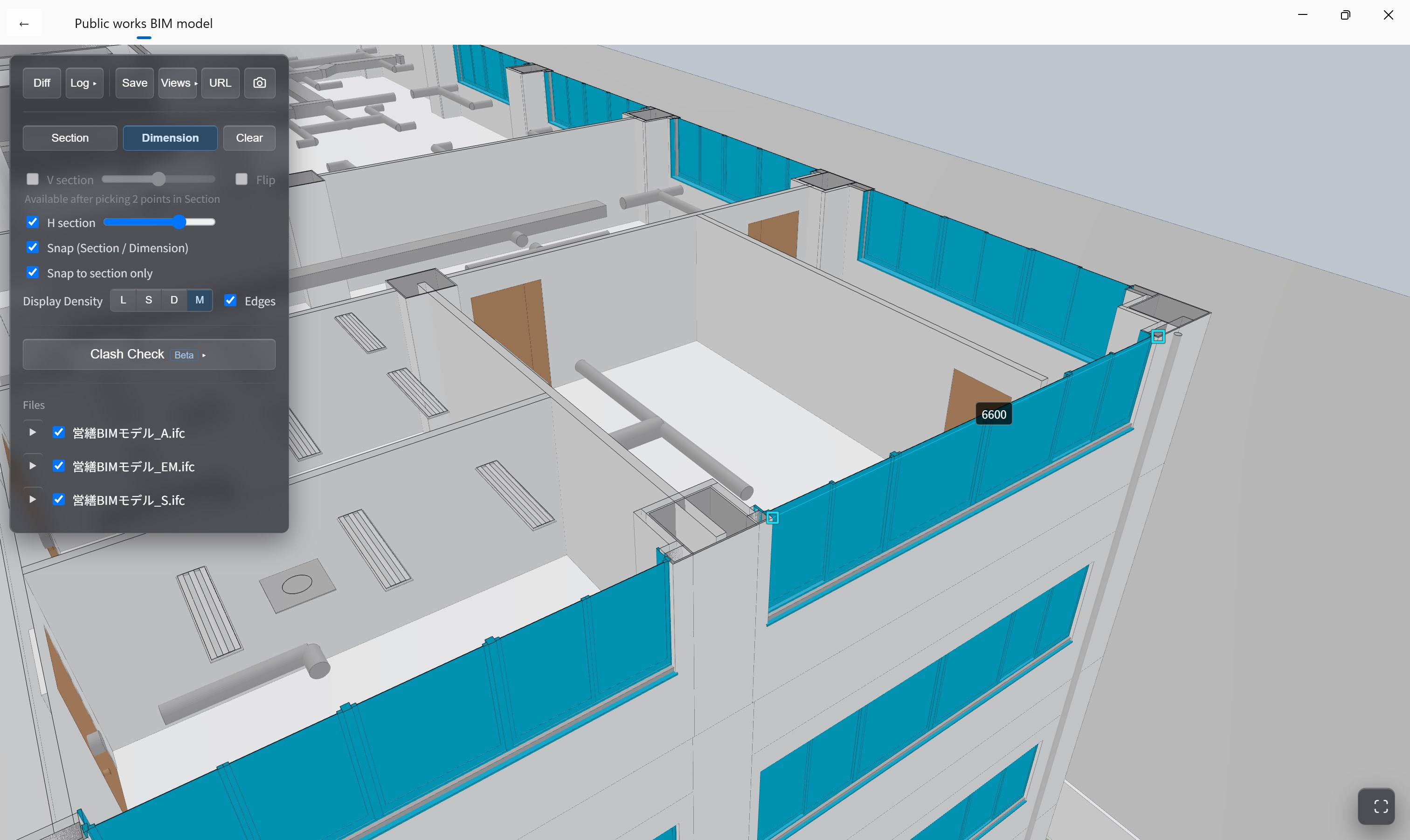
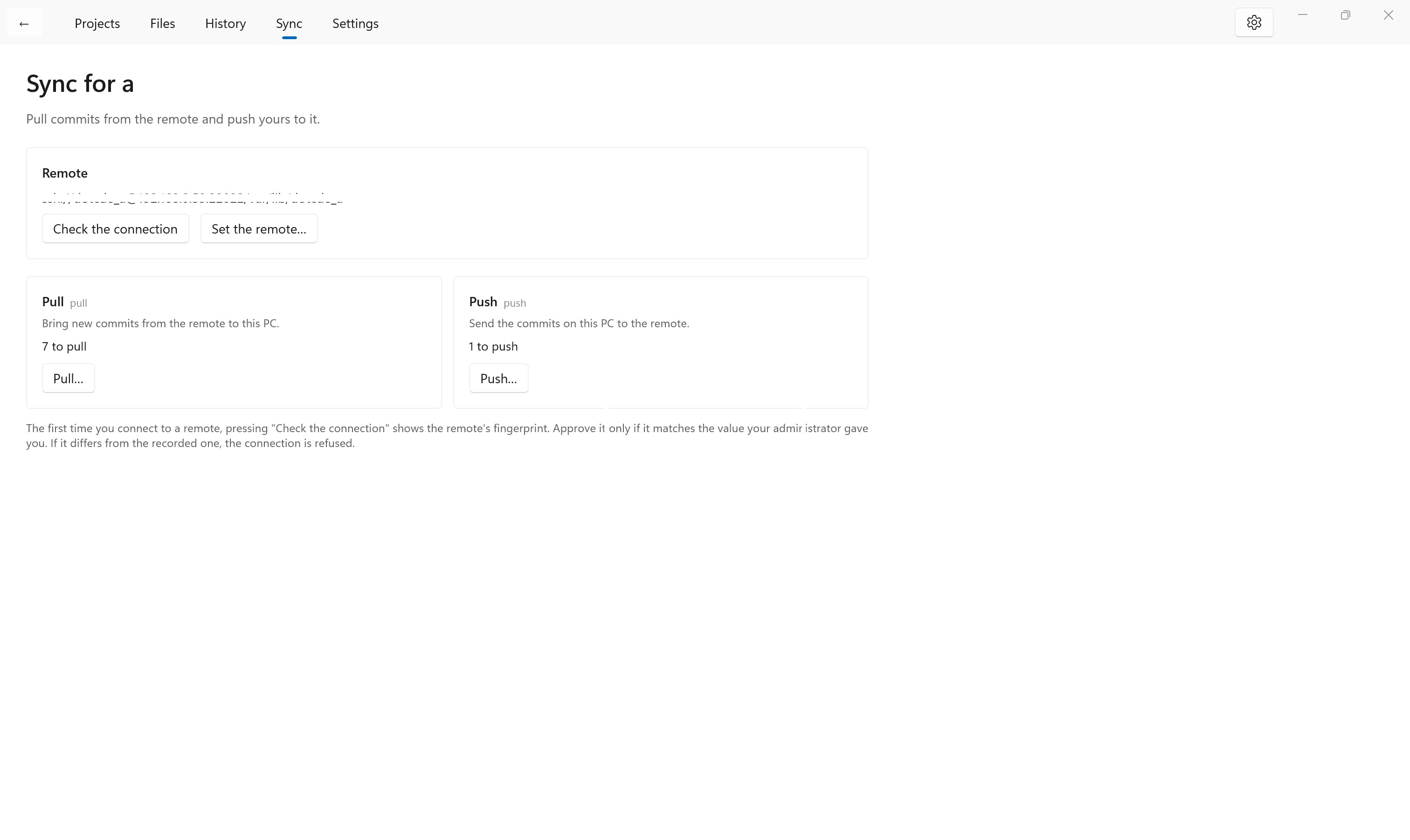
.cde is a local-first CDE (common data environment) for building projects, built to catch problems early, keep them traceable, and make them easy to share. A CDE is the shared arrangement in which everyone on a building project works with the deliverables — BIM models, IFC files, drawings, documents — together with the record of the checks and decisions made on them. It sits at the centre of the international standard for BIM (ISO 19650). In Japan, moving building confirmation applications to BIM and a CDE is national policy. Most existing CDEs are cloud services run by overseas vendors. .cde does the same job, local-first. Your data and its history live on your own PC and on a server you choose, not in someone's cloud. If ACC (now Forma) is a shared platform in the cloud, like GitHub, then .cde is like Git: it keeps track of the state of your project, in your hands. ■ What this app does It saves BIM deliverables as states, so that everyone can look at the same state when they check something. File names and dates alone make it hard to tell whether people are looking at the same state, or what changed since last time. A state gets mistaken, a change gets missed, and it surfaces later in the work. .cde saves the state of the whole project — architecture, structure, services and the rest, together — at each milestone, so that everyone starts from the same picture. From there, the difference check compares two states and the clash check combines several files, showing changed parts and colliding members in 3D. You find the problem, and can explain it, before it travels further down the process. This is not a tool for making BIM. It is a tool for looking at what has been made, comparing it, and explaining it. ■ What you can do ・See a saved state in 3D without any special software — rotate, zoom, inspect a member ・Move through the history to the previous state, the state you submitted, or the state a comment referred to ・See the difference between two states — members added, changed and removed — colour-coded in 3D ・Find clashes across several files combined into one state, and jump from the list to the place in question ・Check how things meet, using vertical sections (pick two points), horizontal sections, dimensions and snapping ・Save a camera position, a section and display settings as a Saved View, and pick up from the same picture later ・Produce a screenshot stamped with the user, the time, the state and the display settings, as a record of what was checked ・Keep original files — IFC, Rhino 3dm, PDF and others — with each state, and push and pull them with your team (subscription) * Creating and administering a remote — a server of your own that you can reach over SSH — is done with the freely published CLI. This app pushes to and pulls from a remote that has already been prepared. Start with the bundled sample, made from the public works BIM model published by Japan's Ministry of Land, Infrastructure, Transport and Tourism, and open a saved state. ■ What local-first means here ・All data and history are saved on your own PC, in open formats. Nothing is uploaded to a cloud ・It works on a site with no network, and on a closed network ・When a subscription period ends, your data is not deleted and not moved ・The engine is the same as the freely published command-line version (CLI), so your data can always be read with the CLI Buildings are used for decades. Whether the design data and the record of its decisions can still be read should not depend on an outside service continuing to exist. This app sends anonymous statistics about which features are used. Model data, file names and project names are never sent. See the privacy policy for details. ■ Pricing Free: viewing the bundled sample, and viewing projects you added while subscribed — including history, differences, sections and dimensions. Subscription: adding projects (including receiving one from a shared remote and opening it) and creating them, saving milestones (commit), and syncing with your team. When a subscription period ends, your data stays on your PC. You can go on viewing projects you added during that period, for as long as the project's records — the data including the .cde folder — remain intact. You cannot commit, sync or add projects in this app after that. The CLI is published free of charge and without telemetry (https://github.com/suakx/dotcde). It has every feature, including saving and sharing states, and it is also what you use to create and administer a remote. Because it reads and writes the same data, neither viewing your work nor keeping your team in sync depends on your subscription to this app, or on any service continuing to exist. See the licence agreement in the app for details. This app is available in Japanese and English.
Productivity · Windows · Free