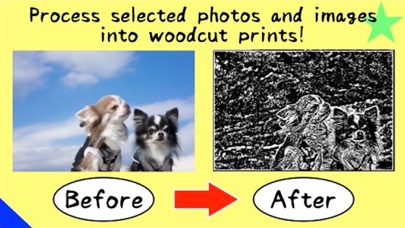
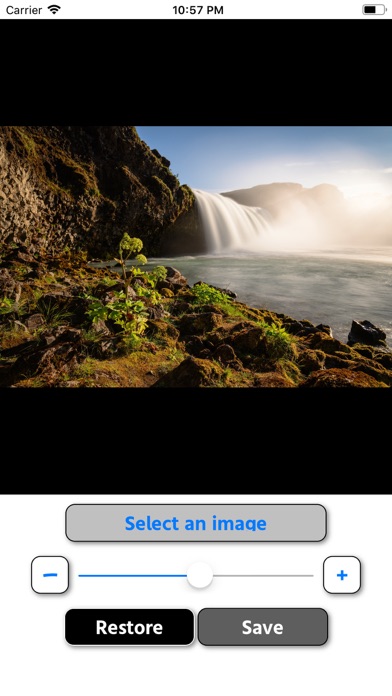
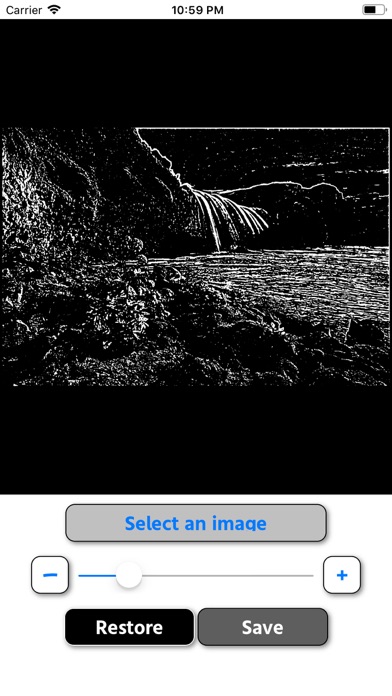
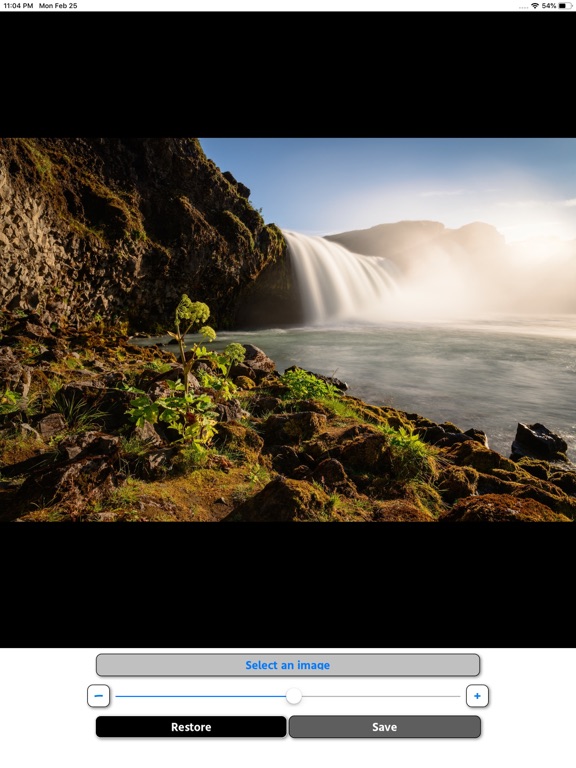
- Just select the image you want to process from the album and adjust with the slider! - Tap the "-" and "+" buttons on the left and right of the slider to make fine adjustments. - The processed image is saved in "WB_DATA" in the album. Please contact the review section or DM here. https://twitter.com/corasck
Photo & Video · iPhone, iPad · Free
Rating: 4.5 out of 5, based on 13 user ratings.