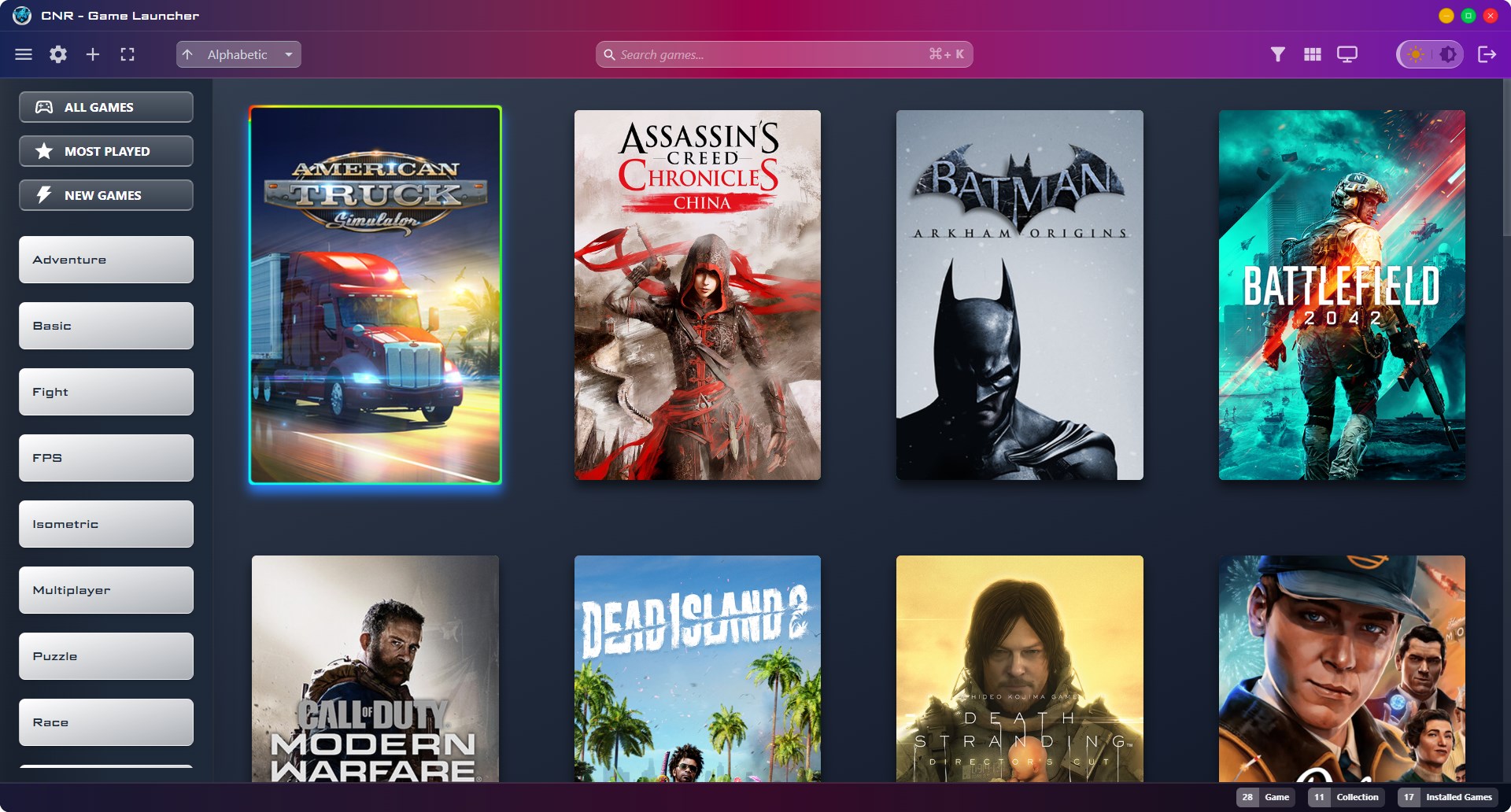
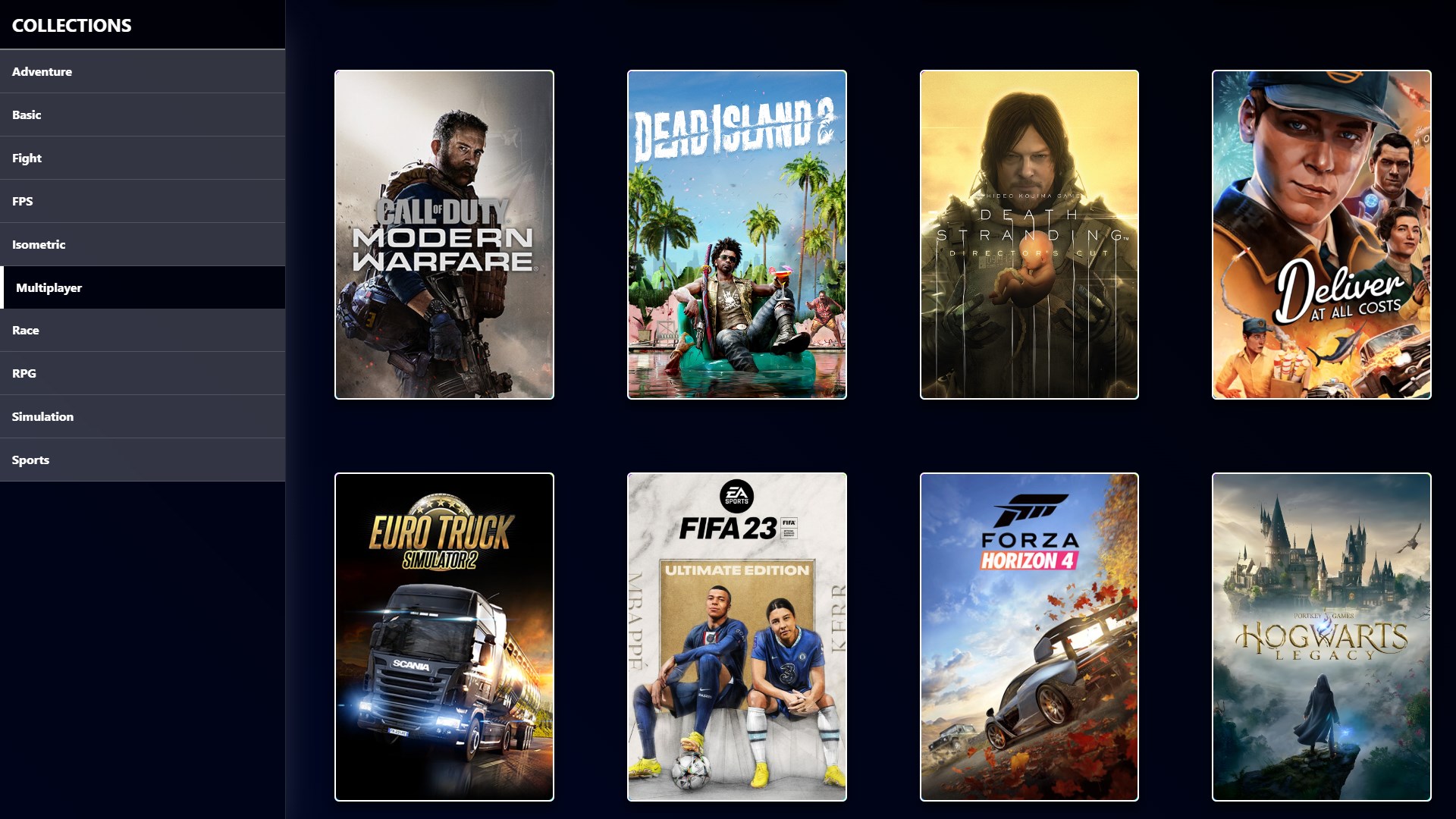
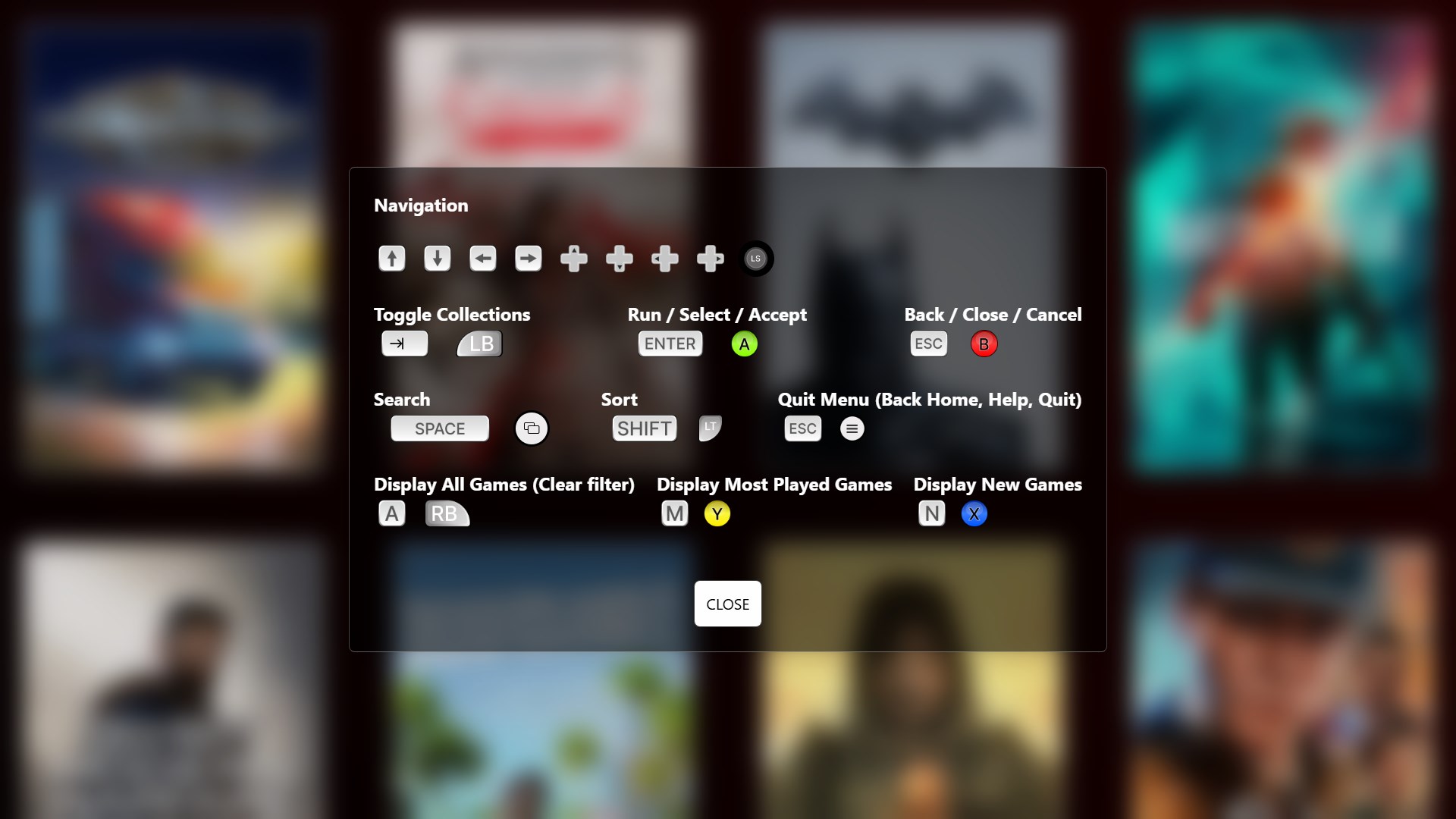
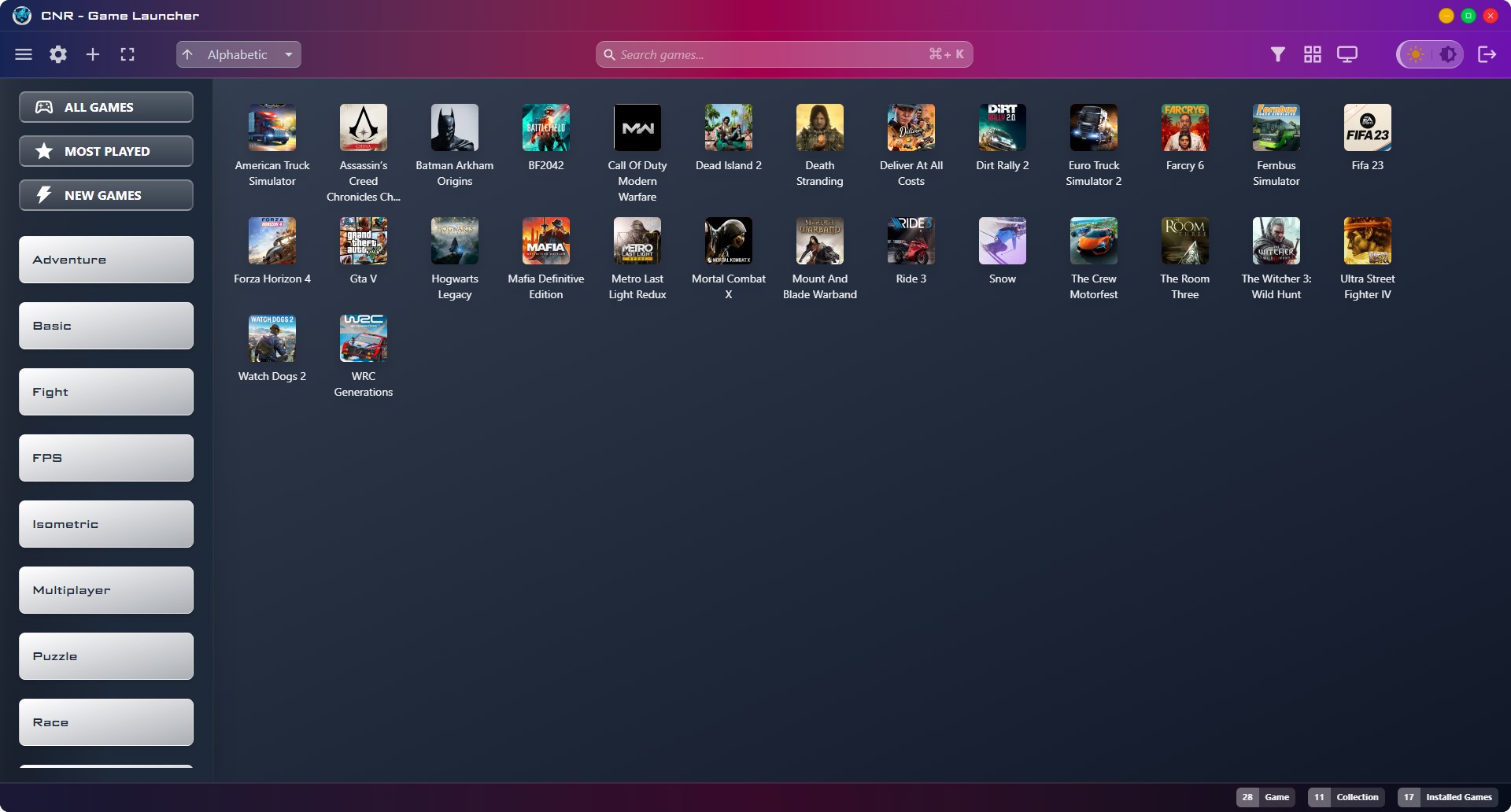
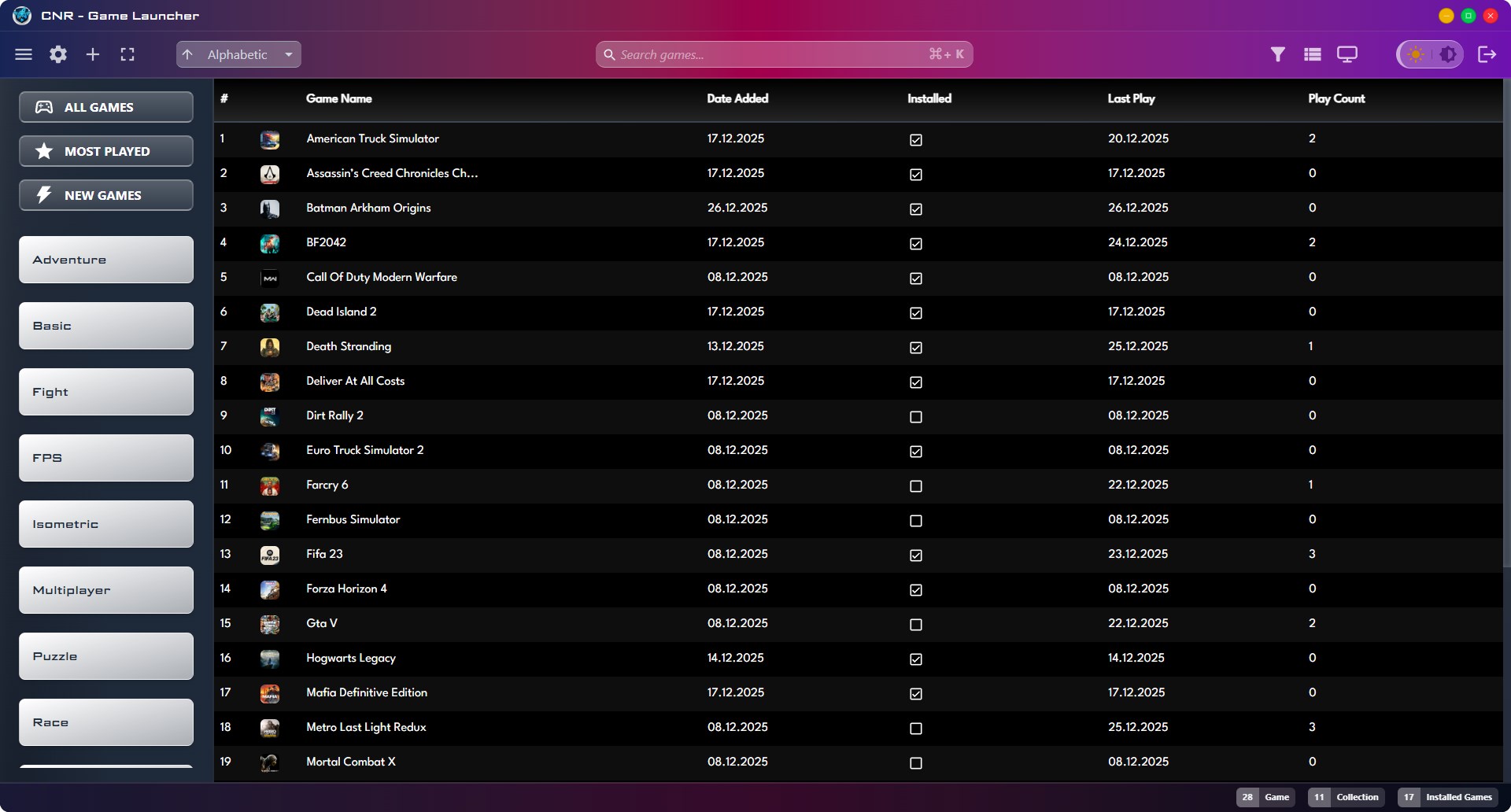
This application is a modern desktop game manager designed to organize, manage, and easily access your game library. View your games in either a visual or detailed layout, create collections, and filter them based on your gaming habits. With Big Picture mode and full gamepad support, you can access your games without leaving your seat. 🎮 Core Features List games in 3 different views (Icon view, table view, poster grid) Create and manage game collections Filter games by: Installed Most played Newly added All games By collection Sort games by: Alphabetical order Creation date Most played Last played (Ascending / descending order supported) 🔍 Advanced Management Fast search across your game library Add and edit games Backup & restore support 🖥️ User Experience Dark Mode support Responsive design (adapts to different window sizes) PIN code login (extra security) Auto-start with Windows (optional) Launch directly in Big Picture mode (optional) 🎯 Big Picture & Gamepad Steam-like Big Picture mode Full gamepad control Living room / TV-friendly interface This application provides a fast, secure, and flexible solution for gamers who want to keep their game libraries organized.
Utilities · Windows · $2.99