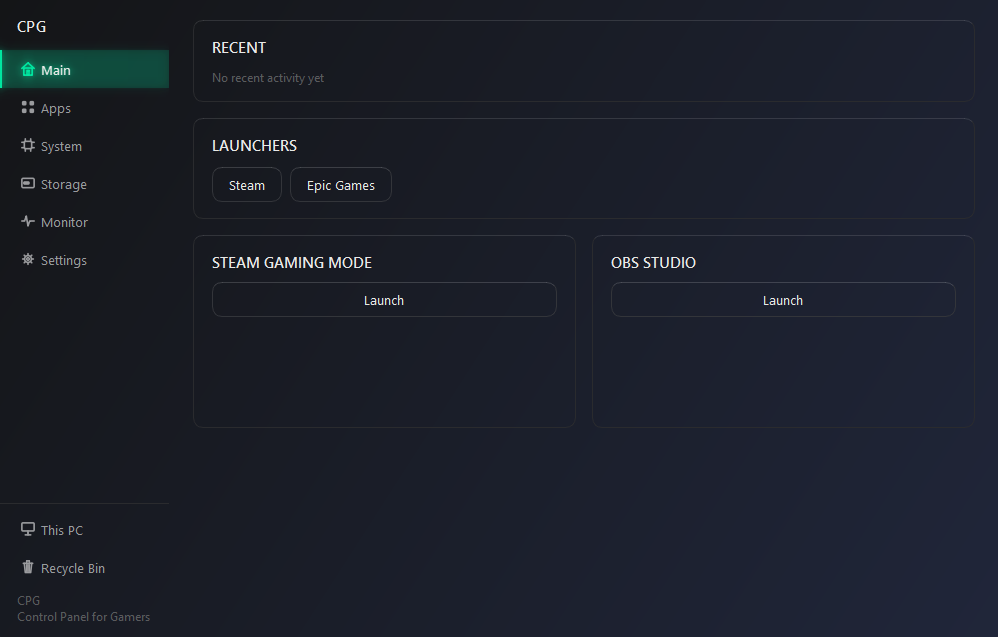
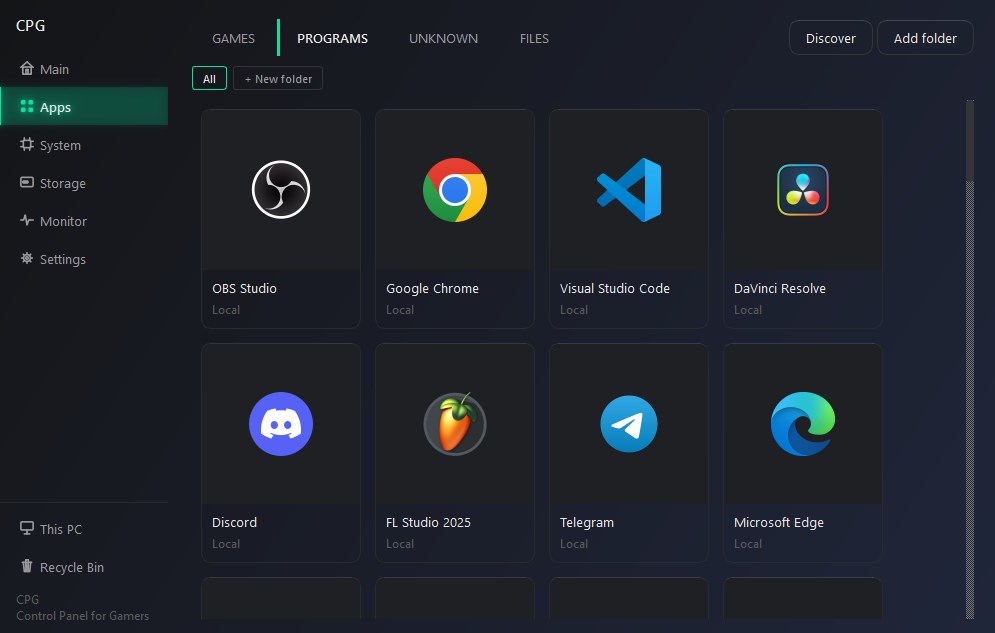
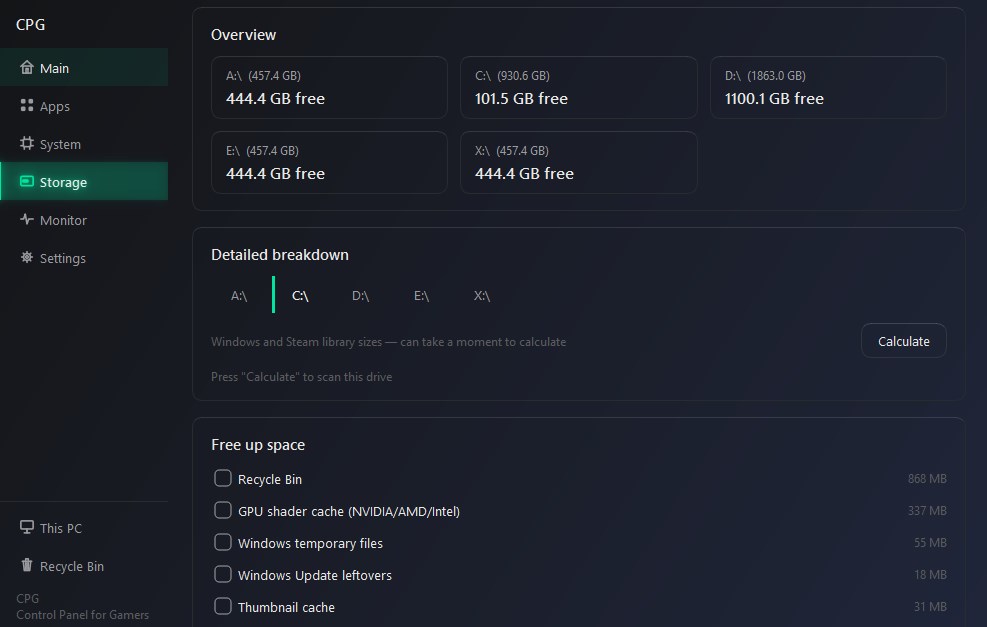
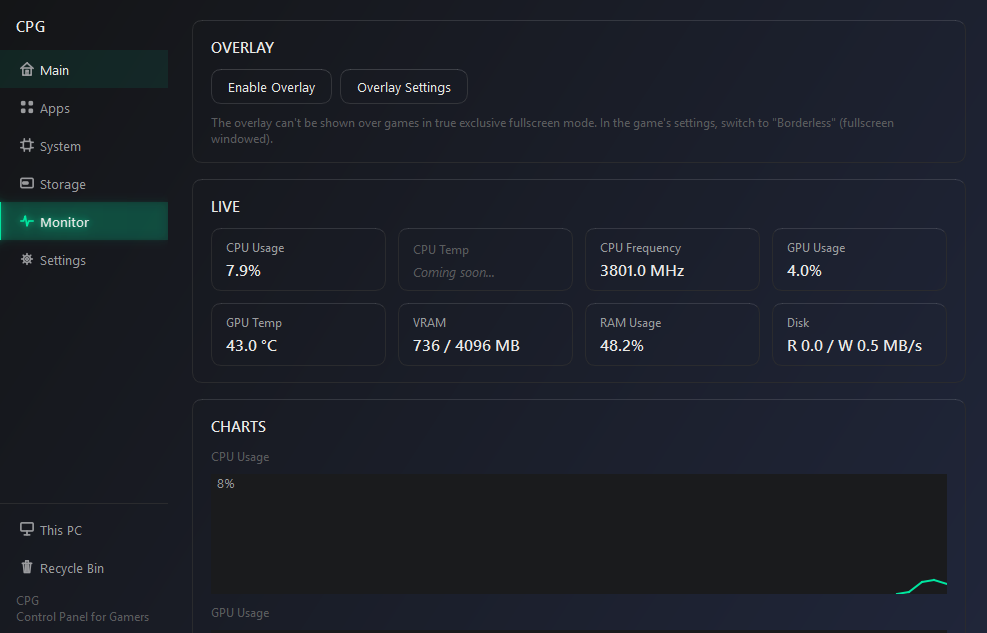
CPG is a practical set of tools for Windows, designed to simplify everyday computer use and provide quick access to commonly used system and gaming functions in one application. System Monitoring CPG provides a convenient interface for monitoring your computer in real time. The application displays CPU, RAM, and storage usage, as well as information about NVIDIA graphics processors. System monitoring helps you quickly assess the load on your computer during everyday use, when running applications, and while playing games. On-Screen Overlay The built-in overlay can display important system information on top of other applications and games. This allows you to monitor key computer metrics without switching between windows. Games and Applications CPG makes it easier to find installed games and applications and provides quick access to related files and folders. The application helps organize access to game directories and frequently used Windows locations, so you do not have to search for them manually every time. Freeing Up Disk Space CPG includes tools for finding and removing unnecessary files that may take up storage space. The cleanup features help identify data that is no longer needed and free up disk space without requiring you to manually search through various system folders. Files and Folders CPG provides additional tools for everyday work with Windows files and folders. You can quickly access frequently used locations, perform necessary file operations, and use saved paths without constantly navigating through the file system. Settings and User Preferences CPG stores its own settings and application parameters locally on your computer, allowing your selected configuration and preferences to be preserved between sessions. Local Operation CPG does not require an account or authentication and is designed to operate locally on your computer. The application can work without an Internet connection, while CPG settings and preferences are stored locally. CPG combines system monitoring, gaming tools, disk cleanup, file and folder utilities, and other everyday Windows functions in one application, without the need to use multiple separate tools.
Utilities · Windows · Free