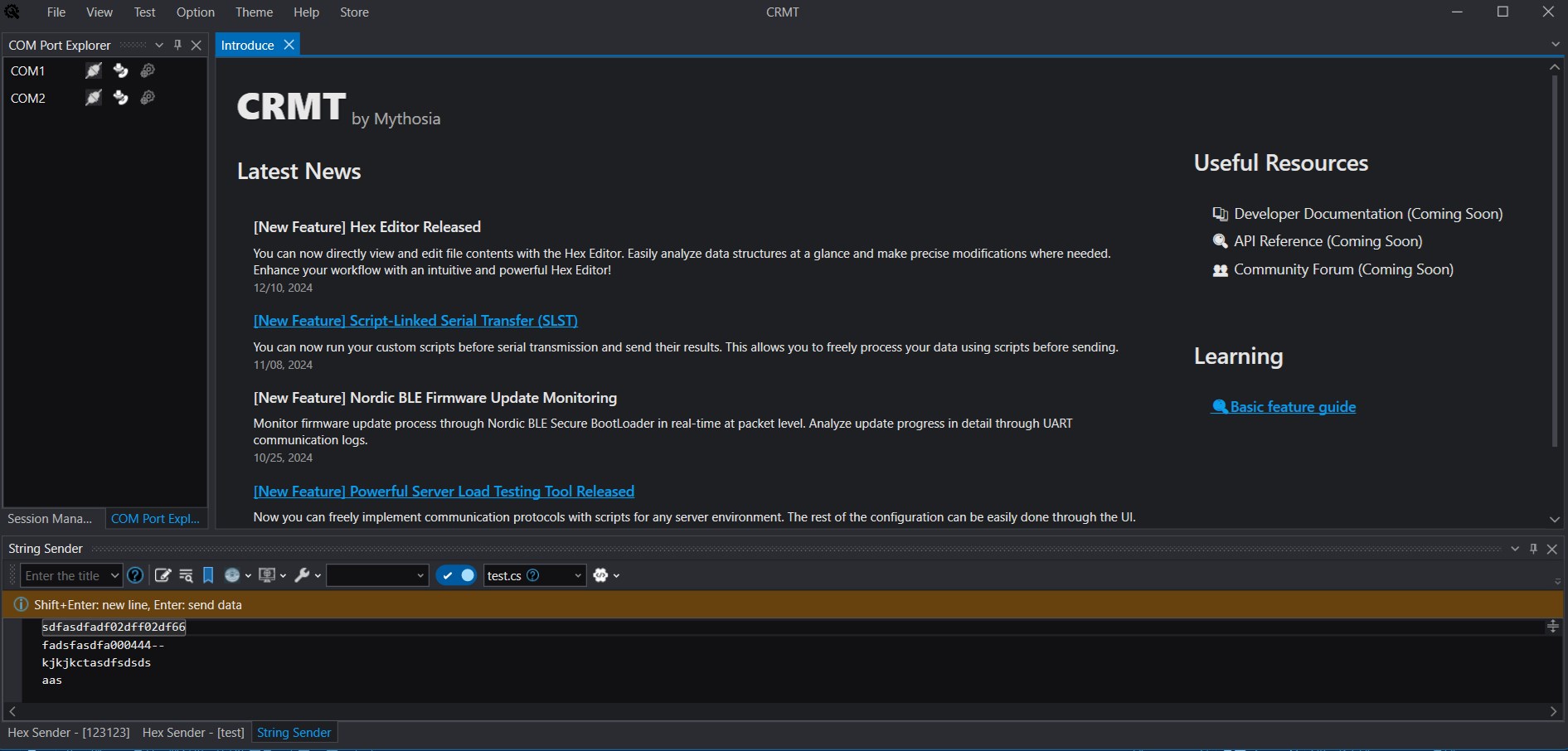
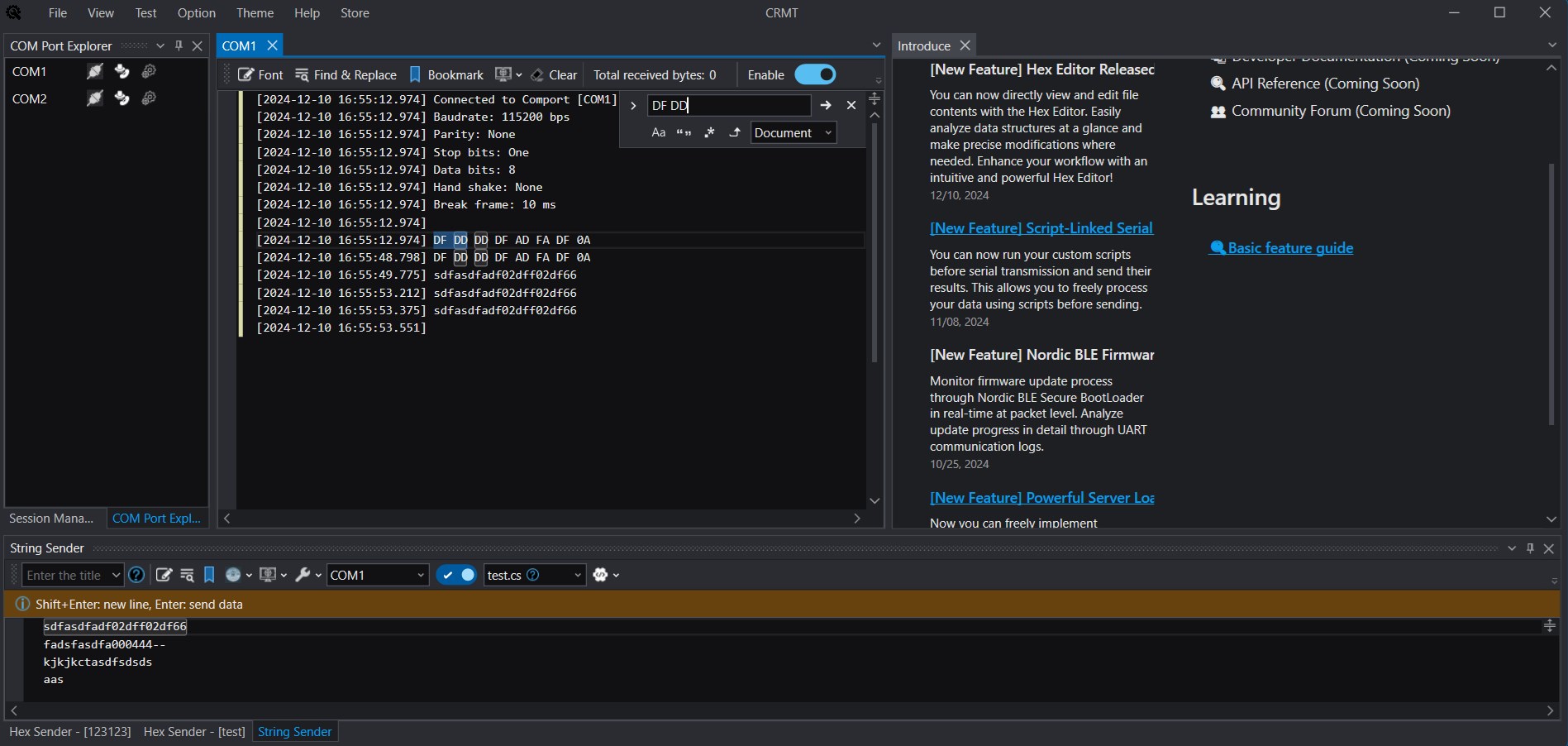
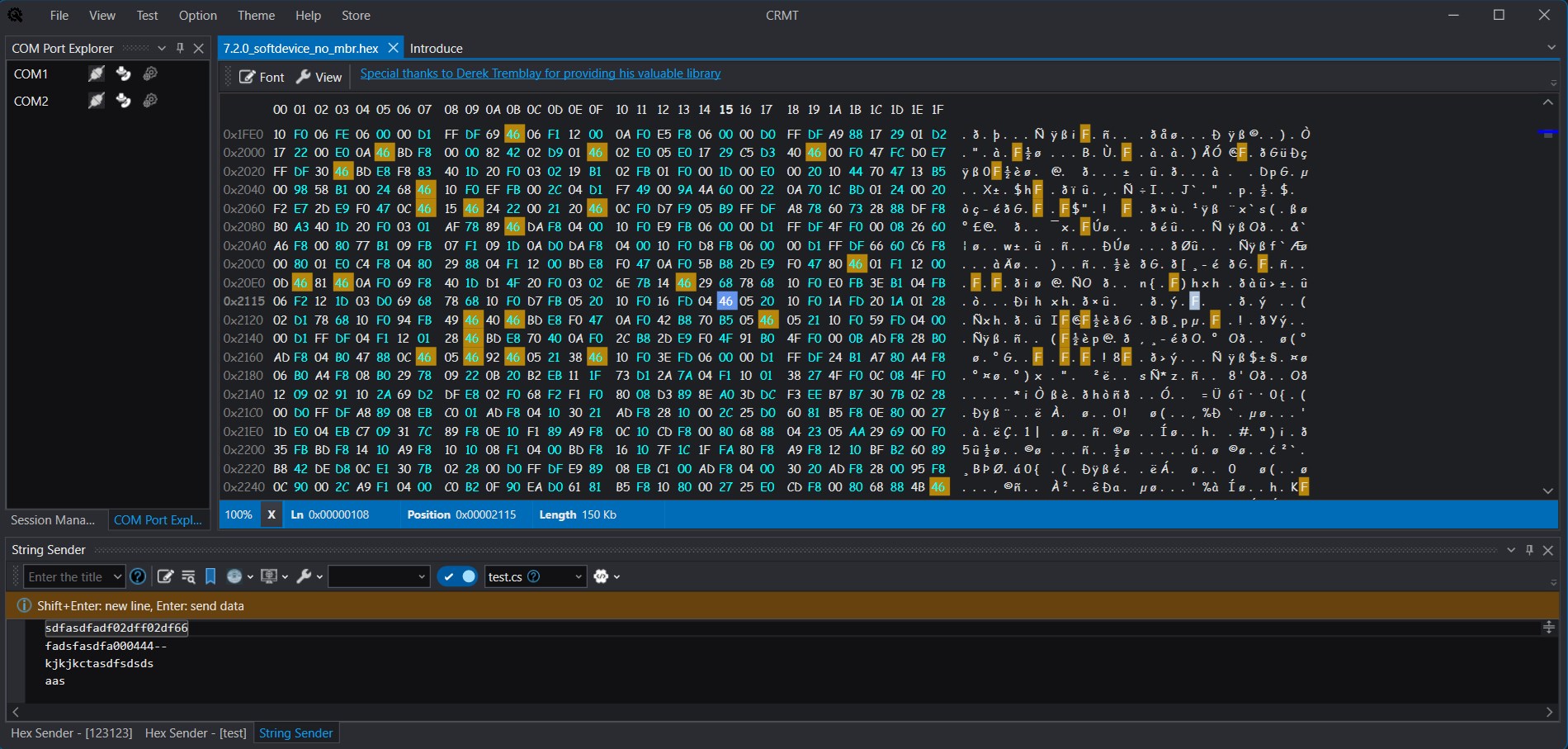
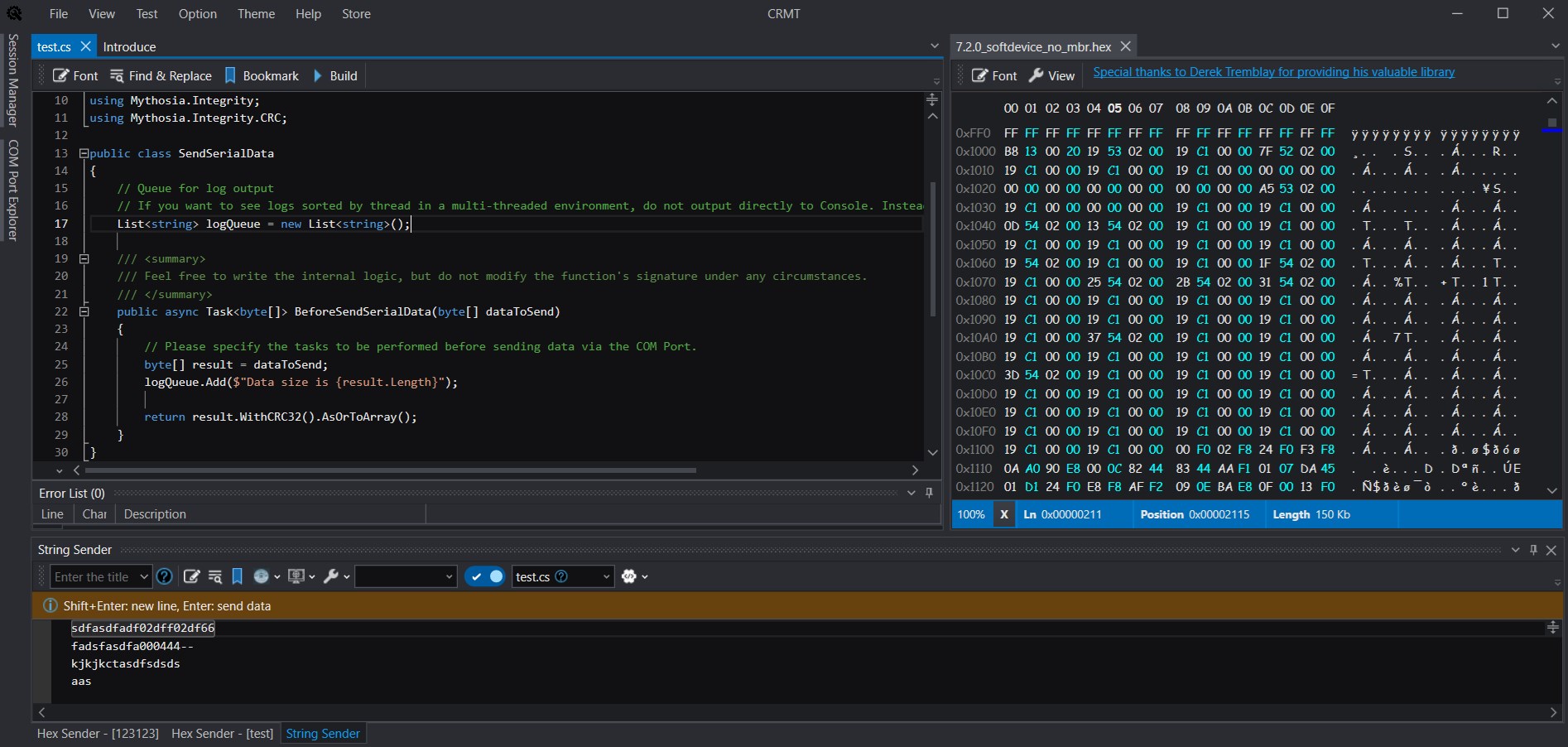
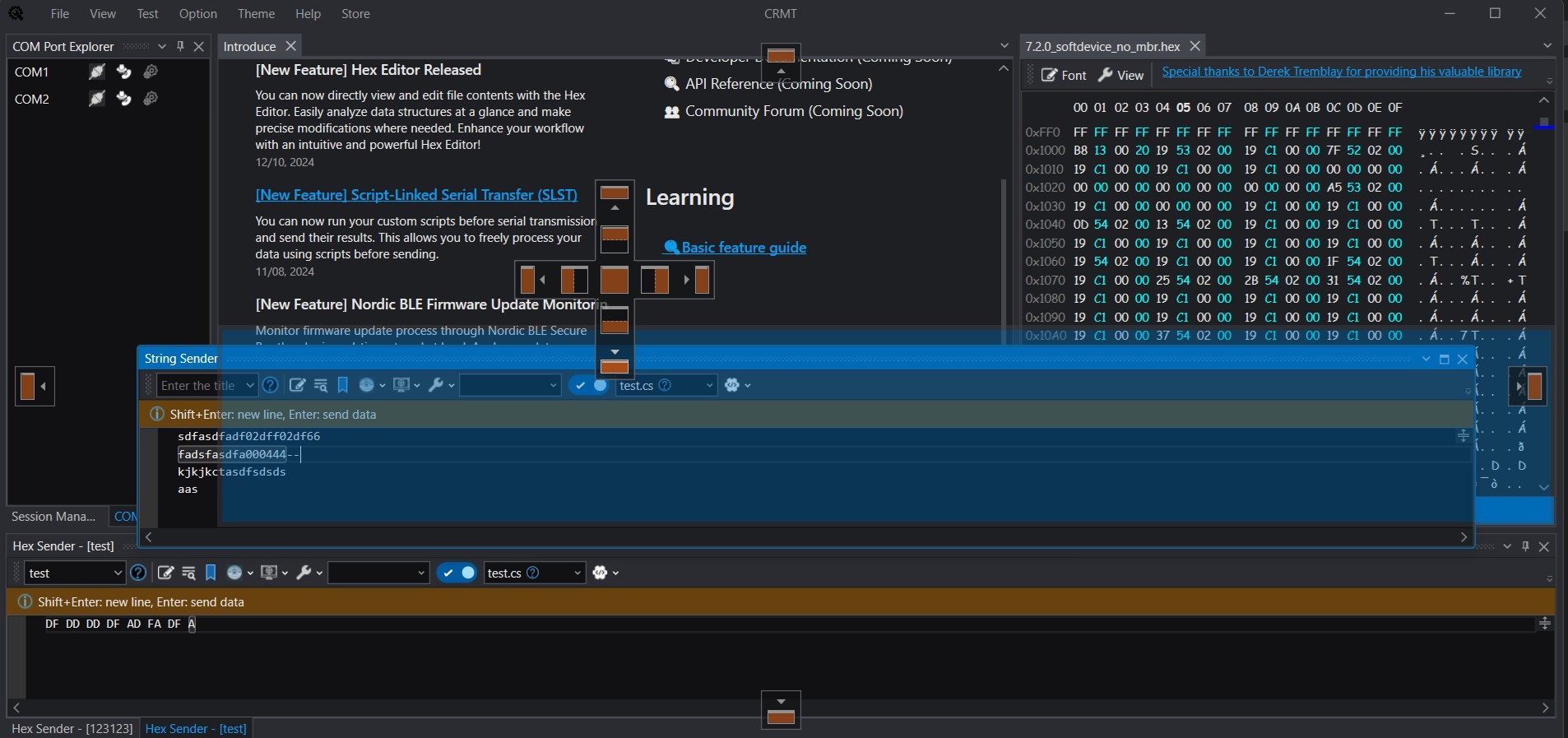
COM Port Debugging Software Features 📡 Basic Connection & Port Management 100% English support Automatic detection of COM port connection and disconnection Multiple COM ports simultaneous opening support Port-specific communication settings (baud rate, data bits, parity bit, stop bits, flow control) 💻 User Interface Visual Studio-style docking-based UI Theme customization Text/Hex view mode switching Font and text size adjustment 📥 Data Reception Features Real-time data reception and display Date and time timestamp display Simultaneous Text and Hex format logging Foreground color and selection background color customization Specific format data color highlighting Automatic same-word highlighting 📤 Data Transmission Features Stable logging at high speeds over 10KB/s Text data transmission via string sender Hex data transmission via HEX sender Automatic CRC calculation and append Transmitted data highlighting Macro functionality (automatic response on specific format reception) 🌐 CoTrace – One-Click Remote Collaboration One-click session sharing so on-site, remote, and external partners can view the same screen in real time Secure token-based access with no VPN or port forwarding required Built-in chat to discuss logs and issues without a separate call Remote command execution to send commands directly to the remote side Safe remote assistance with separate view-only and control-allowed modes 🔍 Data Management & Analysis Received data search functionality Bookmark feature (jump to specific lines) Transmitted data bookmarks Quick line navigation 🤖 Advanced Features AI Assistant-based PowerShell integration
Developer Tools · Windows · Free