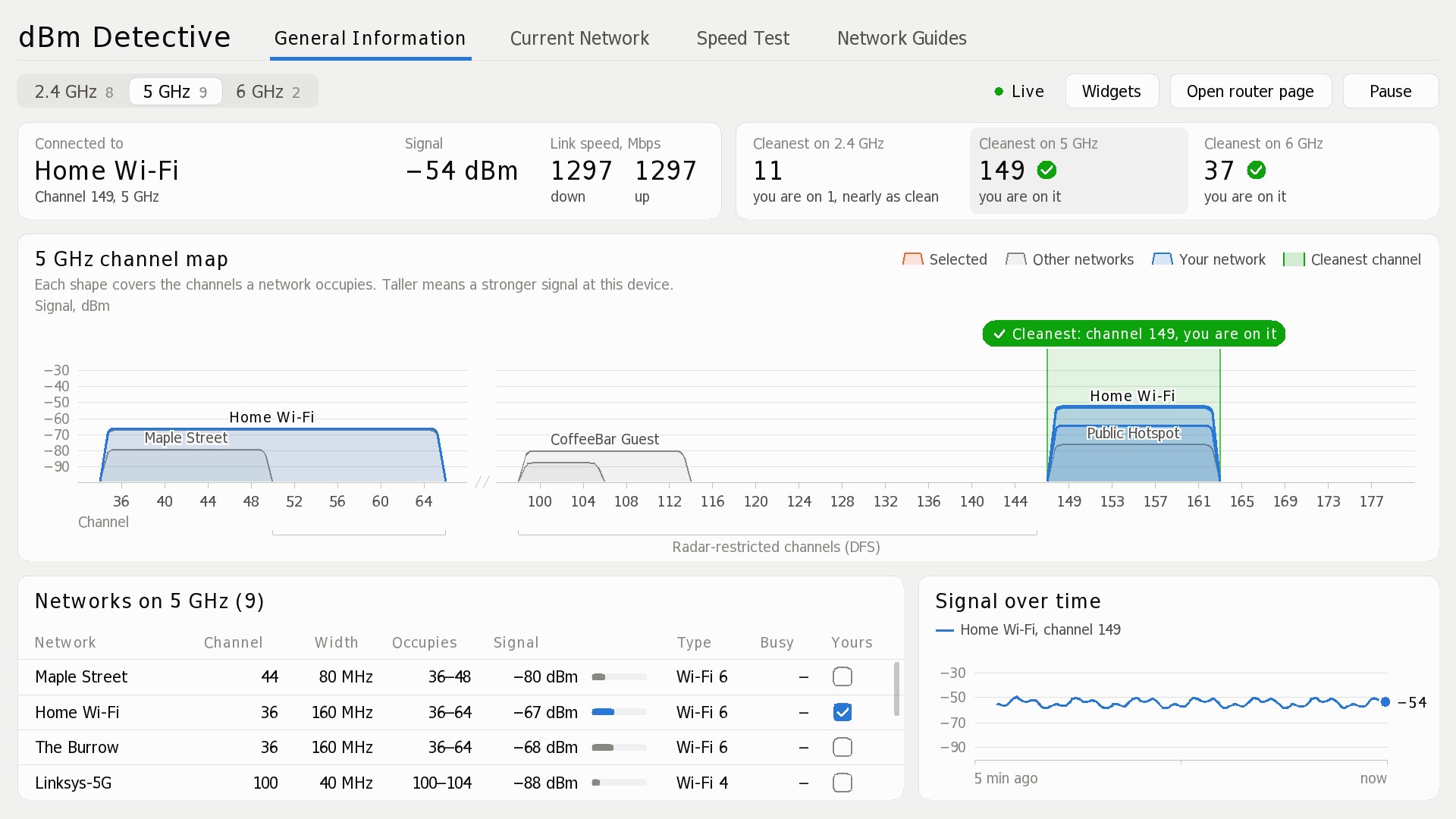
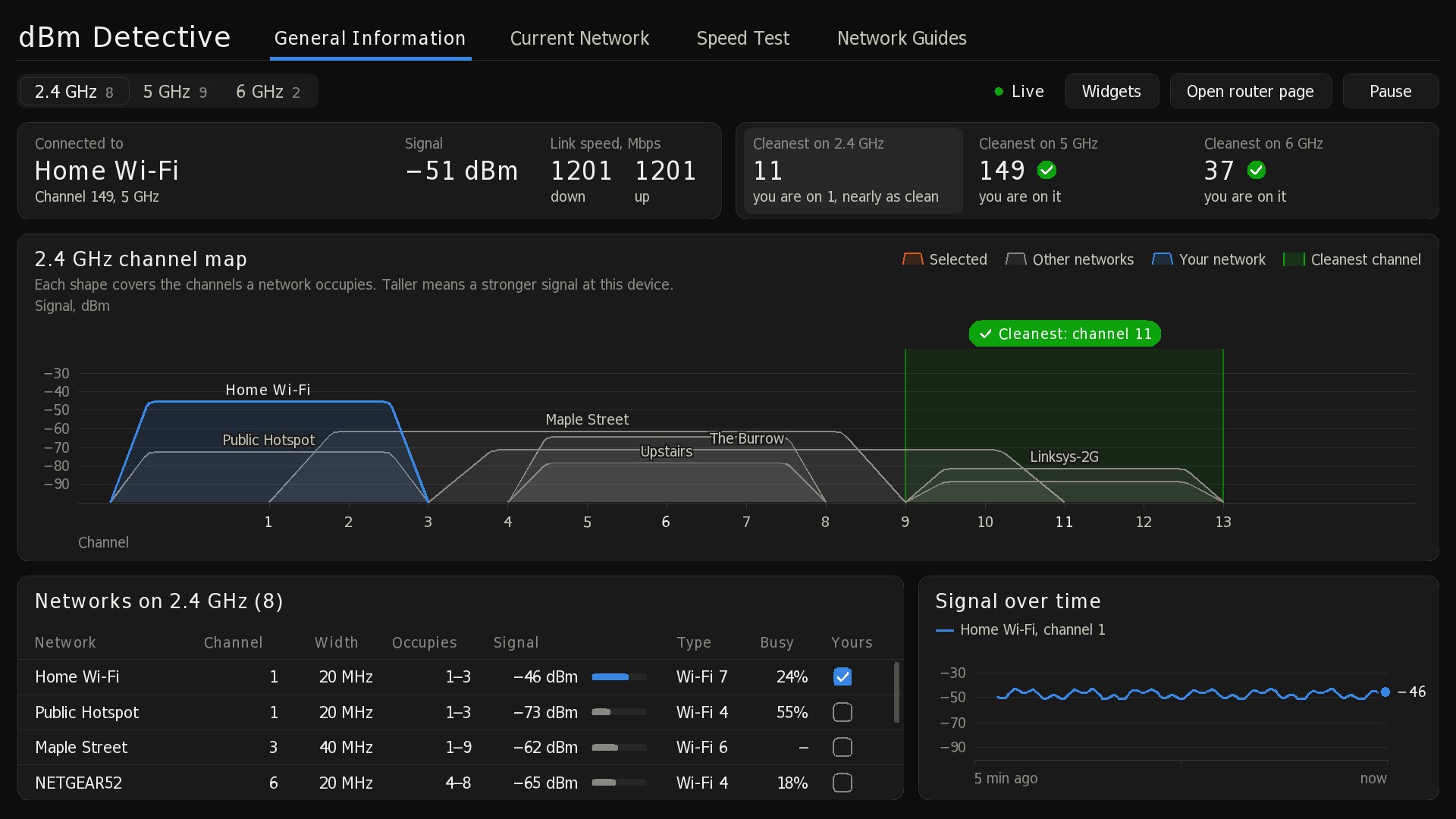
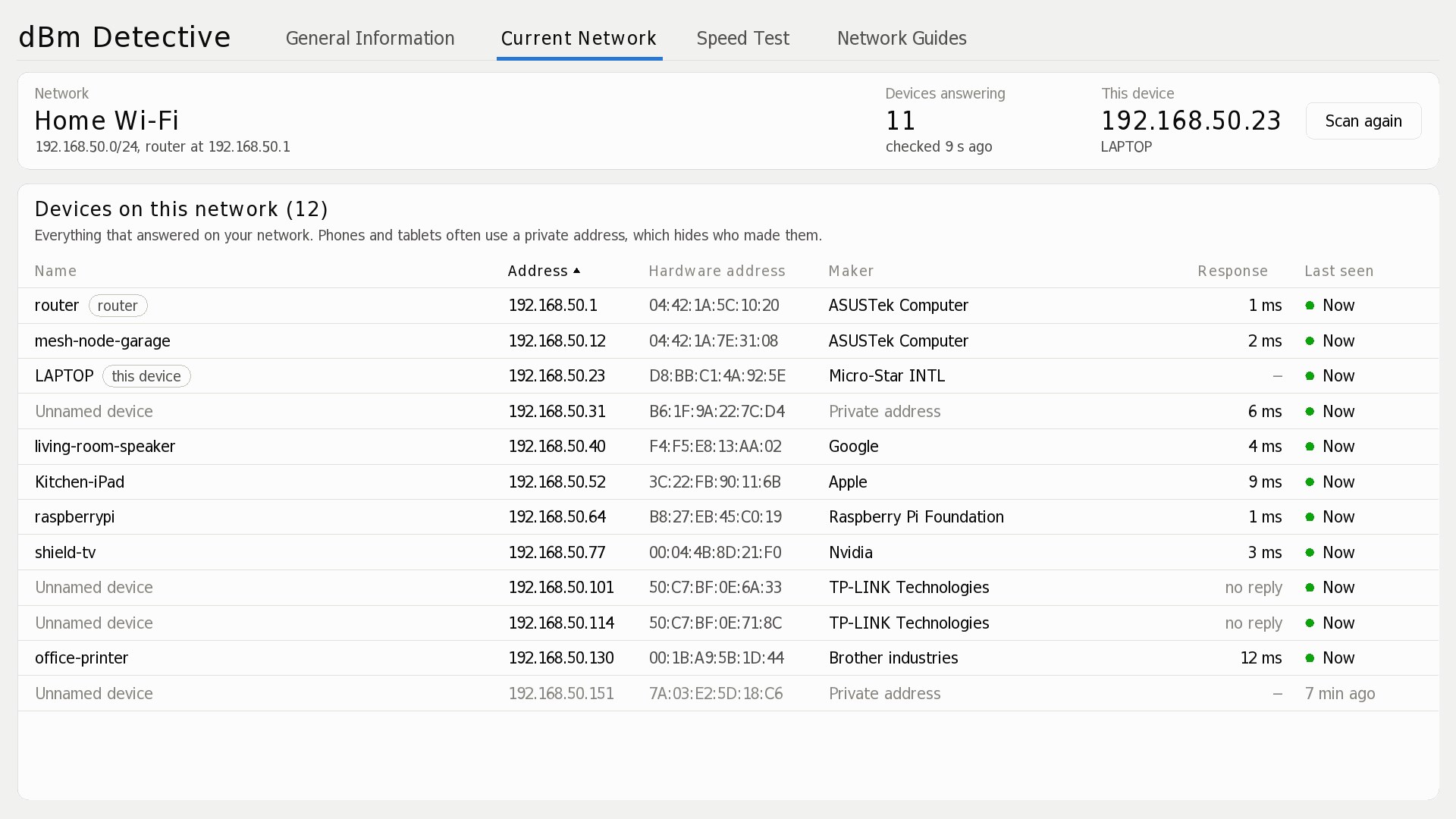
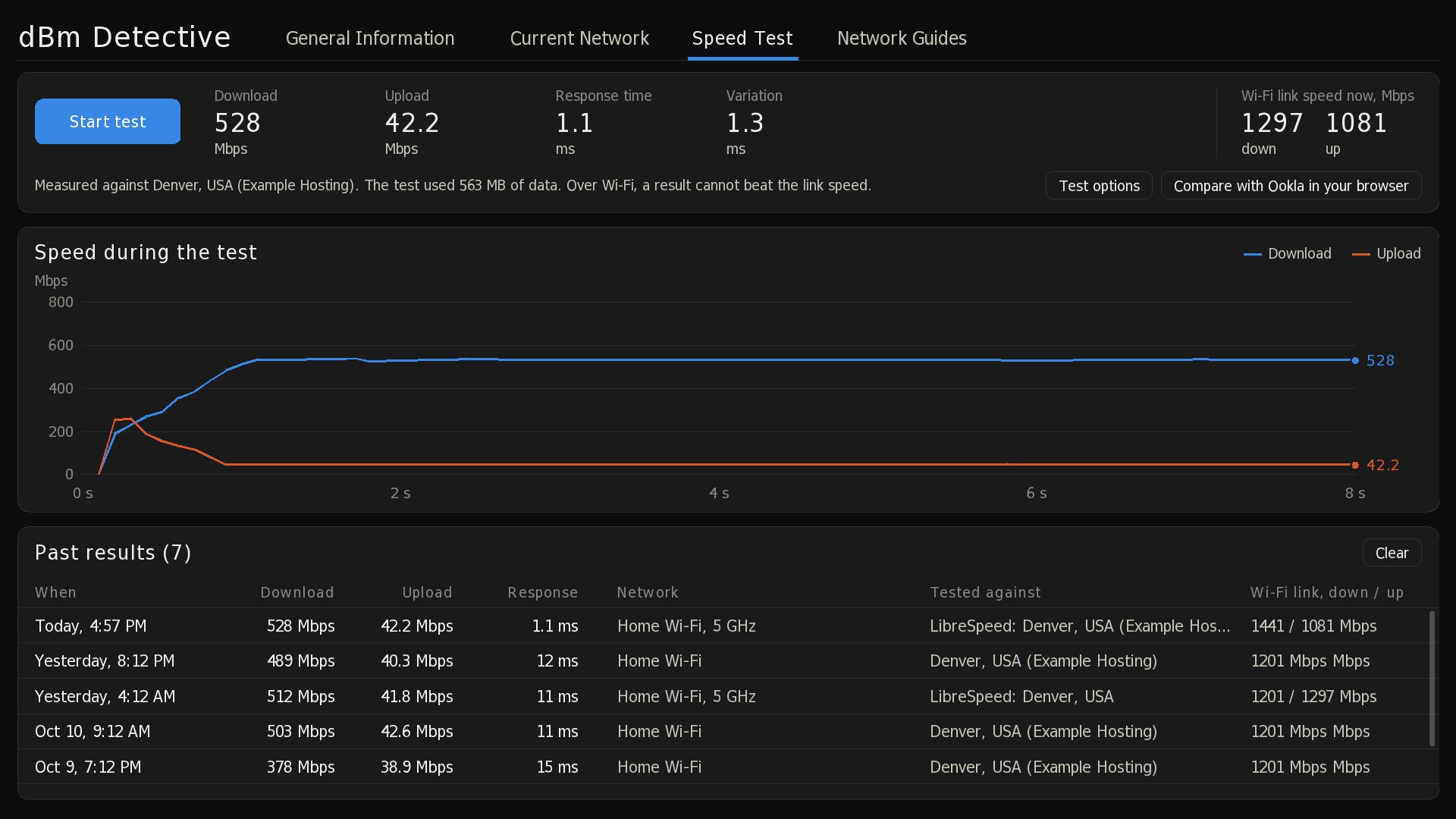
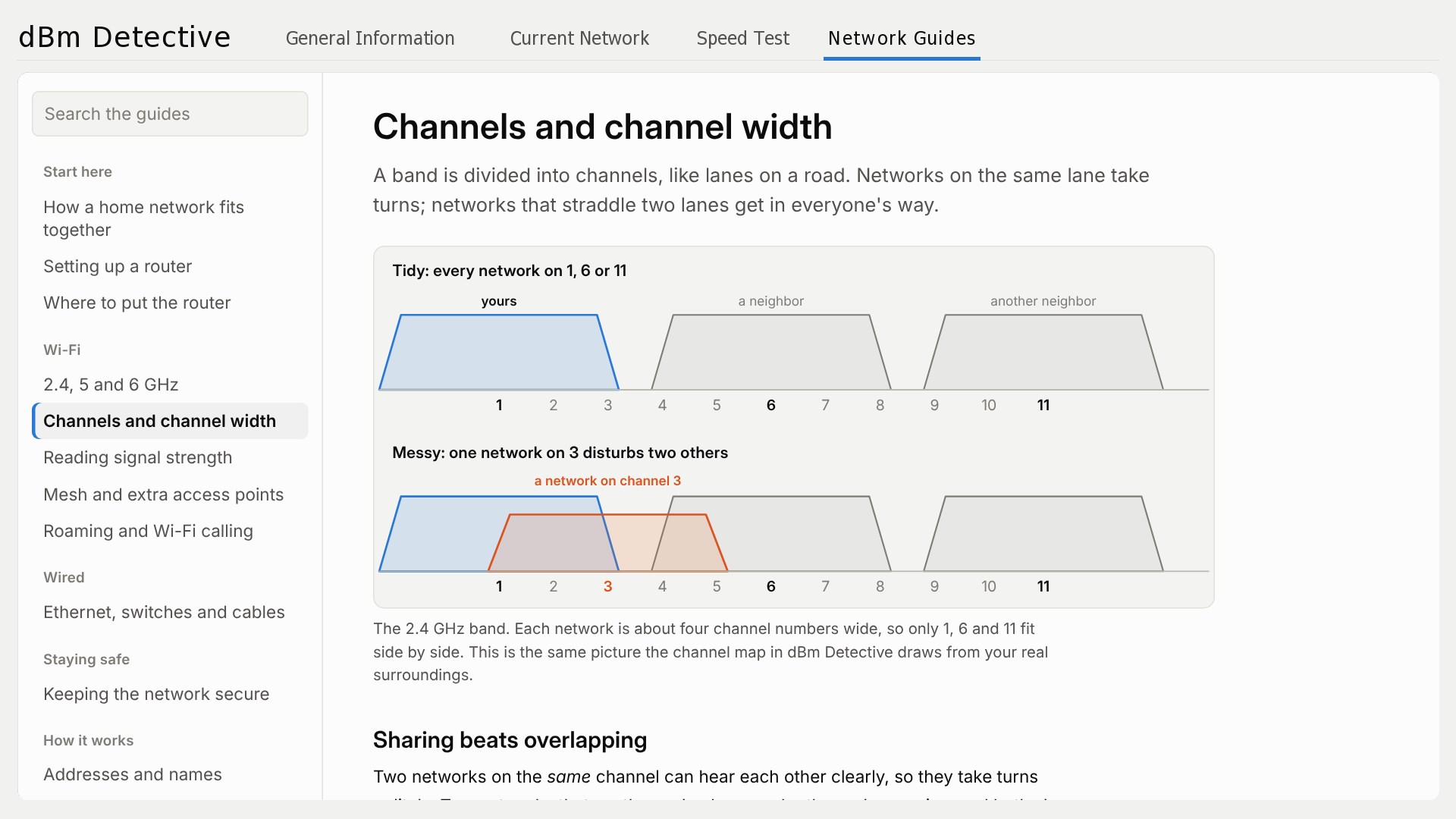
Slow or patchy Wi-Fi is often a crowded channel, not a slow connection. dBm Detective shows you what is happening in the air around you, so you can fix it in a few minutes. SEE EVERY NETWORK ON A LIVE MAP Every Wi-Fi network in range appears on a channel map for 2.4 GHz, 5 GHz and 6 GHz, drawn as wide as the channels it really occupies and as tall as its signal. Your own network stands out, so you can see at a glance who you are sharing a channel with. FIND THE CLEANEST CHANNEL dBm Detective works out the least crowded channel on each band, weighing strong neighbors more than faint ones, and tells you when you are already on it. Open your router's settings page right inside the app and change the channel there. WATCH YOUR SIGNAL Follow the signal of your router and mesh nodes over the last five minutes, with every access point of your network on its own line. Walk around the house and see where coverage drops. KNOW WHAT IS ON YOUR NETWORK The Current Network tab lists the phones, TVs, speakers and computers on your network, with the maker of each device. Give devices your own names so the list makes sense. TEST YOUR SPEED, WITHOUT ADS The built-in speed test measures download, upload and response time against the nearest open-source LibreSpeed server, keeps a history of your results, and shows the Wi-Fi link speed next to them. DESKTOP WIDGETS Put the connection status, cleanest channel, channel map, network list or signal chart on your desktop as small widgets that stay up to date. LEARN AS YOU GO Network Guides explain, in plain English with diagrams, how to place a router, pick bands and channels, set up mesh, secure your network and troubleshoot common problems. READ-ONLY BY DESIGN dBm Detective only reads information. It never changes a setting on your router or your PC. There are no ads, no account and no tracking, and your settings stay on your PC. Windows needs Location turned on before any app can scan for Wi-Fi networks; Windows asks your permission once, and dBm Detective uses it only for the scan.
Utilities · Windows · $1.99