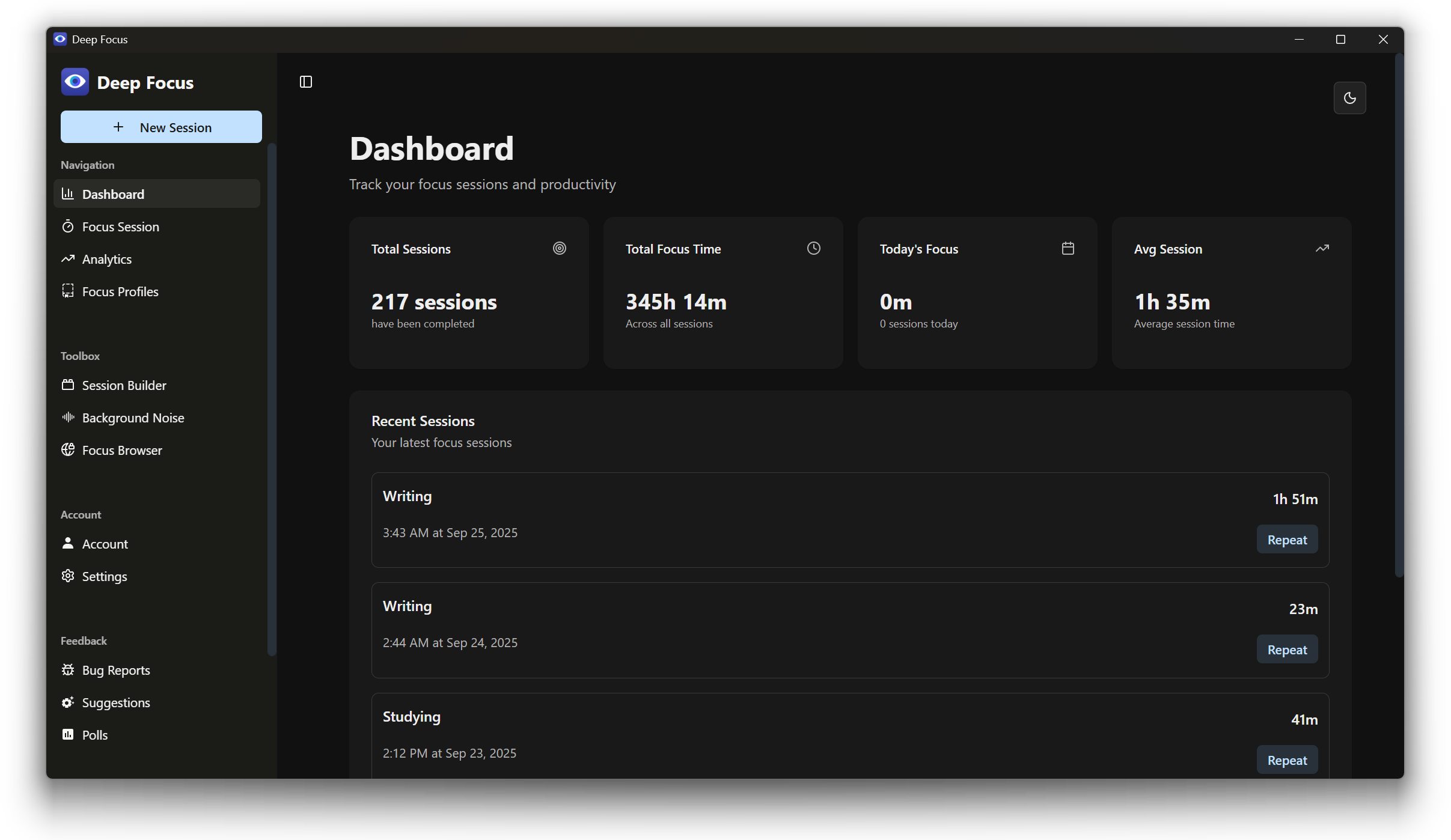
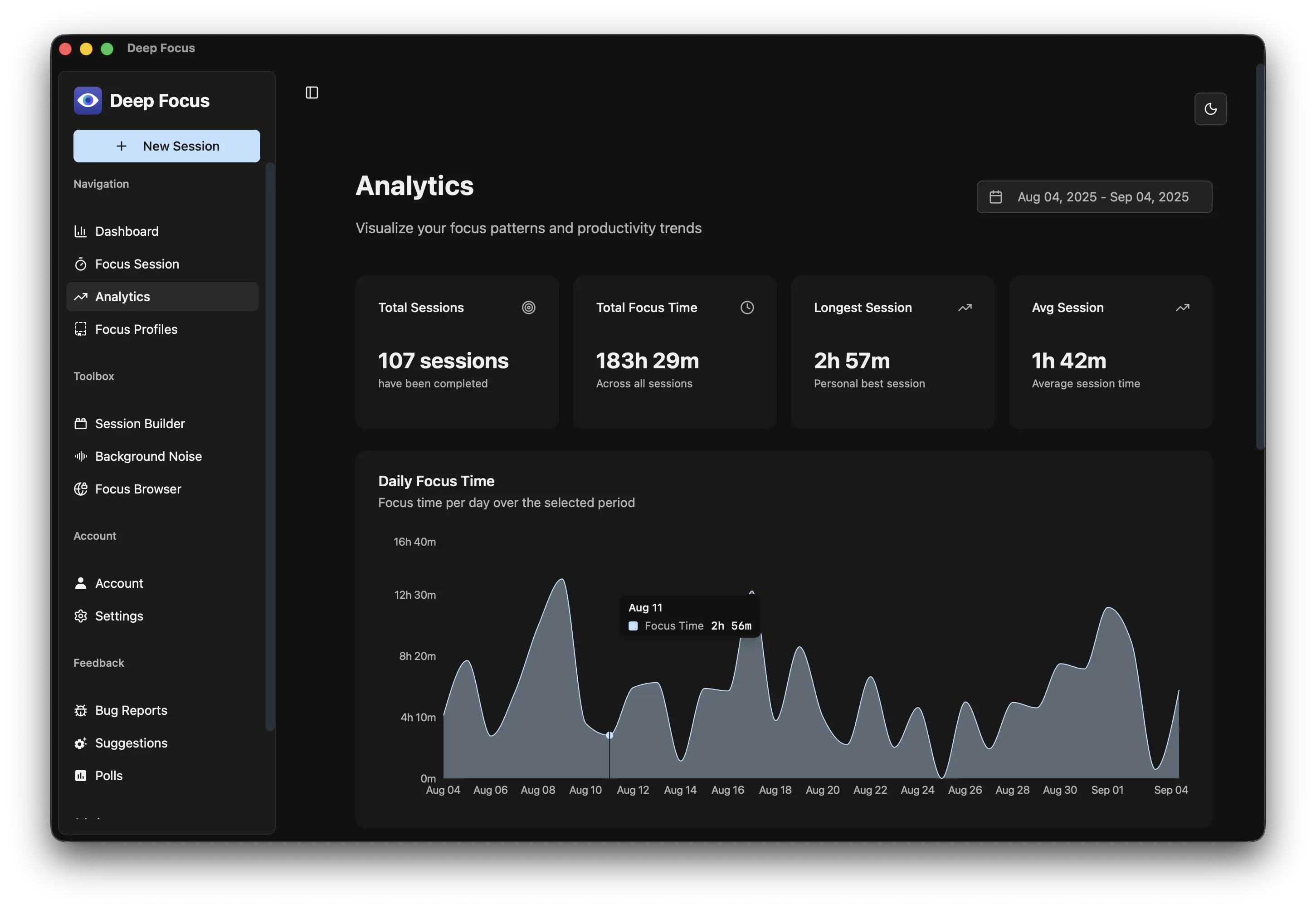
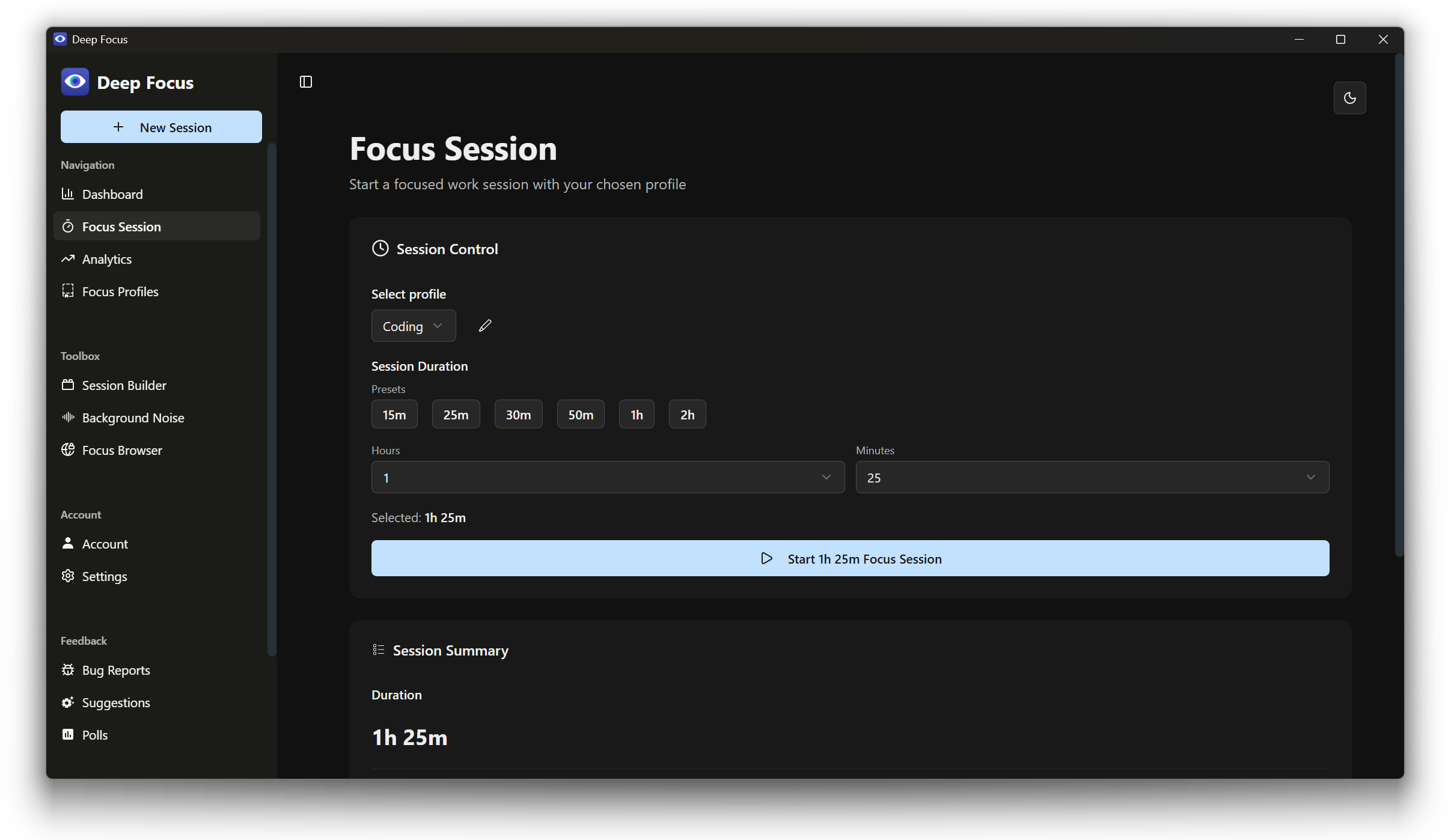
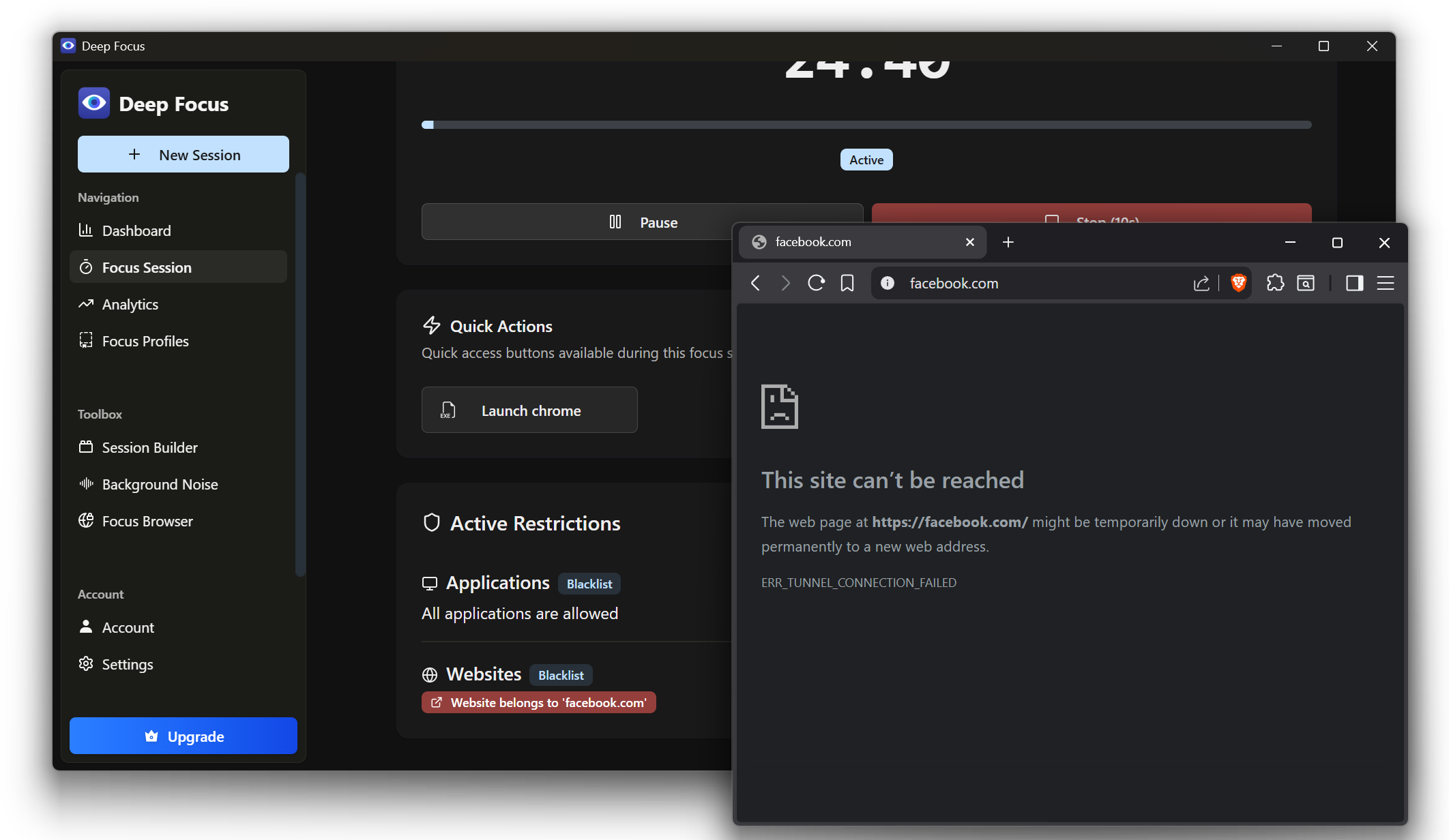
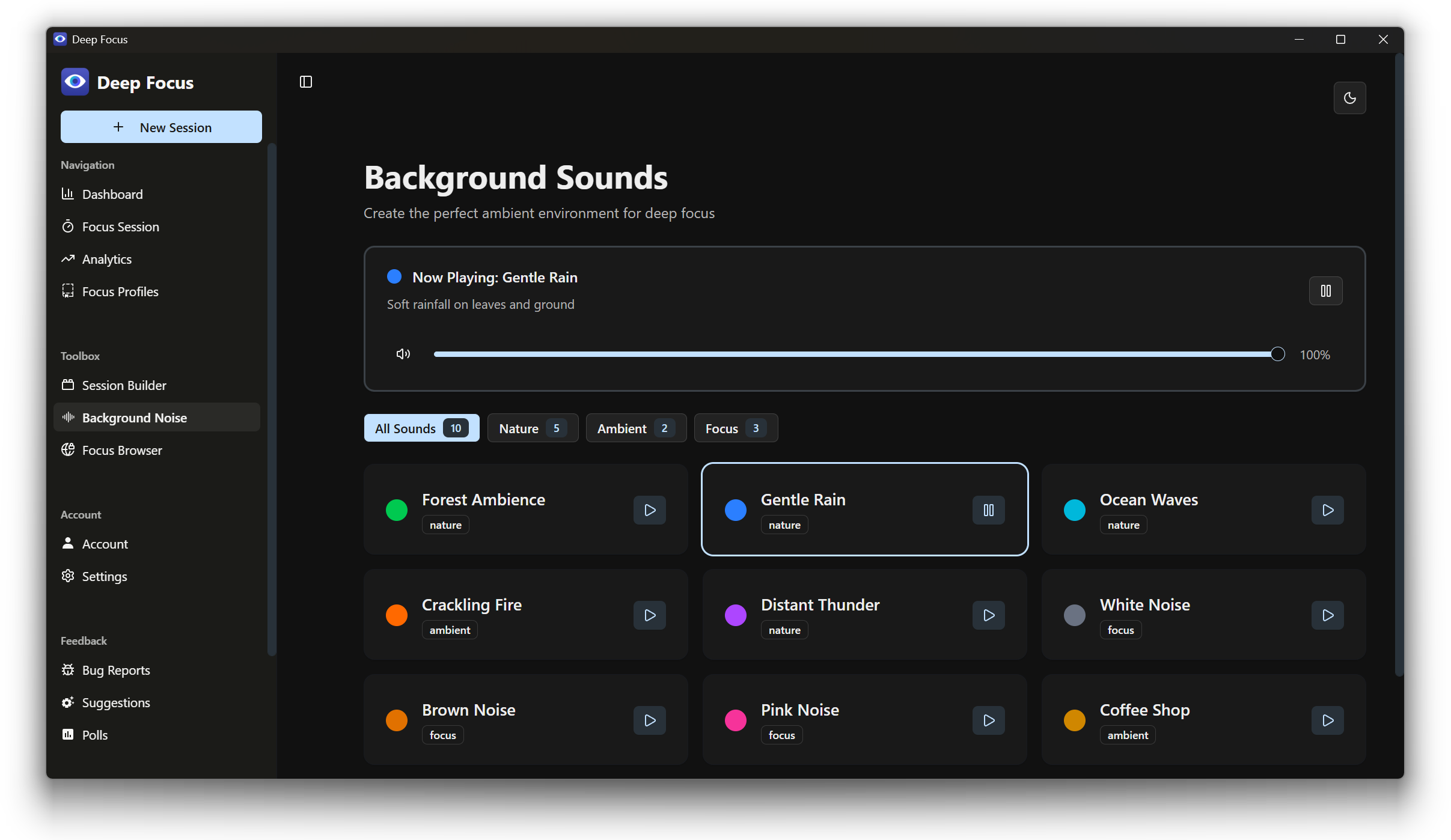
Deep Focus | Pomodoro Timer & Website Blocker for Deep Work Deep Focus is a powerful Pomodoro timer, website blocker, and app blocker that helps you stay focused and get deep work done. Block distracting apps and websites, run structured Pomodoro focus sessions, and track your productivity with detailed analytics. Whether you're studying for exams, doing deep work, writing, coding, managing ADHD, or building a business — Deep Focus keeps you on track. Perfect as a study timer, focus timer, distraction blocker, and productivity tracker all in one. Focus Profiles — App Blocker & Website Blocker Set up custom blocking profiles for different tasks. Block social media, games, news sites, YouTube, or any app that pulls your attention. Choose blacklist mode to block specific distractions, or whitelist mode to only allow the tools you need. You can even lock down Task Manager and system settings so there's no way to cheat. Pomodoro Timer & Stopwatch Start a Pomodoro-style focus timer with any duration you choose, or use the stopwatch for open-ended sessions. Pause and resume anytime. Your session survives app restarts, so you never lose progress. A satisfying reward sound plays when you finish. Session Planner — Pomodoro & Study Schedules Plan your entire work day with a drag-and-drop session builder. Arrange focus blocks and break blocks in any order — perfect for the Pomodoro technique (25/5), study schedules, or custom deep work routines. Assign profiles to each block and set custom durations. Weekly Scheduler Schedule recurring focus sessions for every day of the week. Deep Focus automatically activates the right profile at the right time — even if you forget to open the app. Set it once and stay consistent all week. Background Noise & Ambient Sounds Drown out distractions with 10 built-in ambient soundscapes: rain, ocean waves, forest, thunder, wind, crackling fire, coffee shop, white noise, brown noise, and pink noise. No streaming required — sounds play natively on your PC. Focus Browser Browse the web without distractions using the built-in minimal browser. Install extensions if needed. The focus browser can be disabled per-profile for total offline focus. Analytics & Distraction Tracking Track your focus habits with a visual dashboard. See total sessions, focus time, daily streaks, and average session length. View a focus heatmap, filter by date range, and discover which apps distracted you the most. Cloud Sync & Accounts Sign in with Google, Apple, Discord, or email to sync your profiles, settings, and schedules across all your devices. Changes sync automatically in real time. Dark Mode & Light Mode Choose dark theme, light theme, or let Deep Focus follow your Windows system setting. The app blends seamlessly with your desktop. More Features - Desktop notifications when sessions end - System tray integration for quick access - Launch on startup so your schedule is always ready - Import and export profiles, schedules, and session data - Built-in bug reporting and feature suggestions - Automatic update checks Lightweight, native Windows productivity app. Free to use, with Pro features available. No Electron. No browser tabs. Just pure focus.
Productivity · Windows · Free
Rating: 4.6 out of 5, based on 23 user ratings.