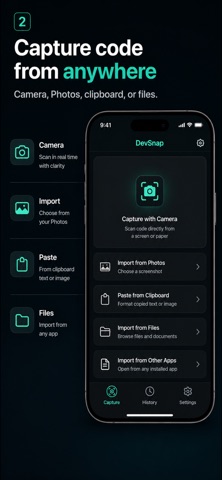
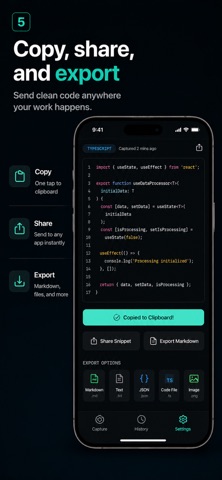
DevSnap turns technical screenshots into clean, reusable developer notes. Import a screenshot, capture with the camera, or paste text or an image. Text Scan is selected by default and recognizes code, logs, JSON, stack traces, and terminal output on your device. It works offline and does not upload your input to the DevSnap transform service. Need richer structure? Switch to optional AI Transform to turn a selected image into organized Markdown, plain text, a summary, or a Mermaid diagram. DevSnap clearly identifies this cloud-processing mode before upload. See the result before you scan: - Open built-in JSON, TypeScript error, and npm log examples - Preview finished results without granting Photos access - Examples do not enter History or use AI Transform credits Use every result: - Copy cleaned text with one tap - Export Markdown or a language-specific source file - Create a polished Share Card from a cleaned excerpt - Share Cards exclude the original screenshot by default - Render Markdown as a readable document, then edit its source - Rename, favorite, search, and reopen saved snippets Your searchable history is stored locally on your device. No account is required. DevSnap does not use your content for advertising or tracking. AI Transform is optional and requires an internet connection. When enabled, the selected image, transform setting, and an app-generated device identifier are sent to DevSnap's processing service.
Developer Tools · iPhone, iPad · Free