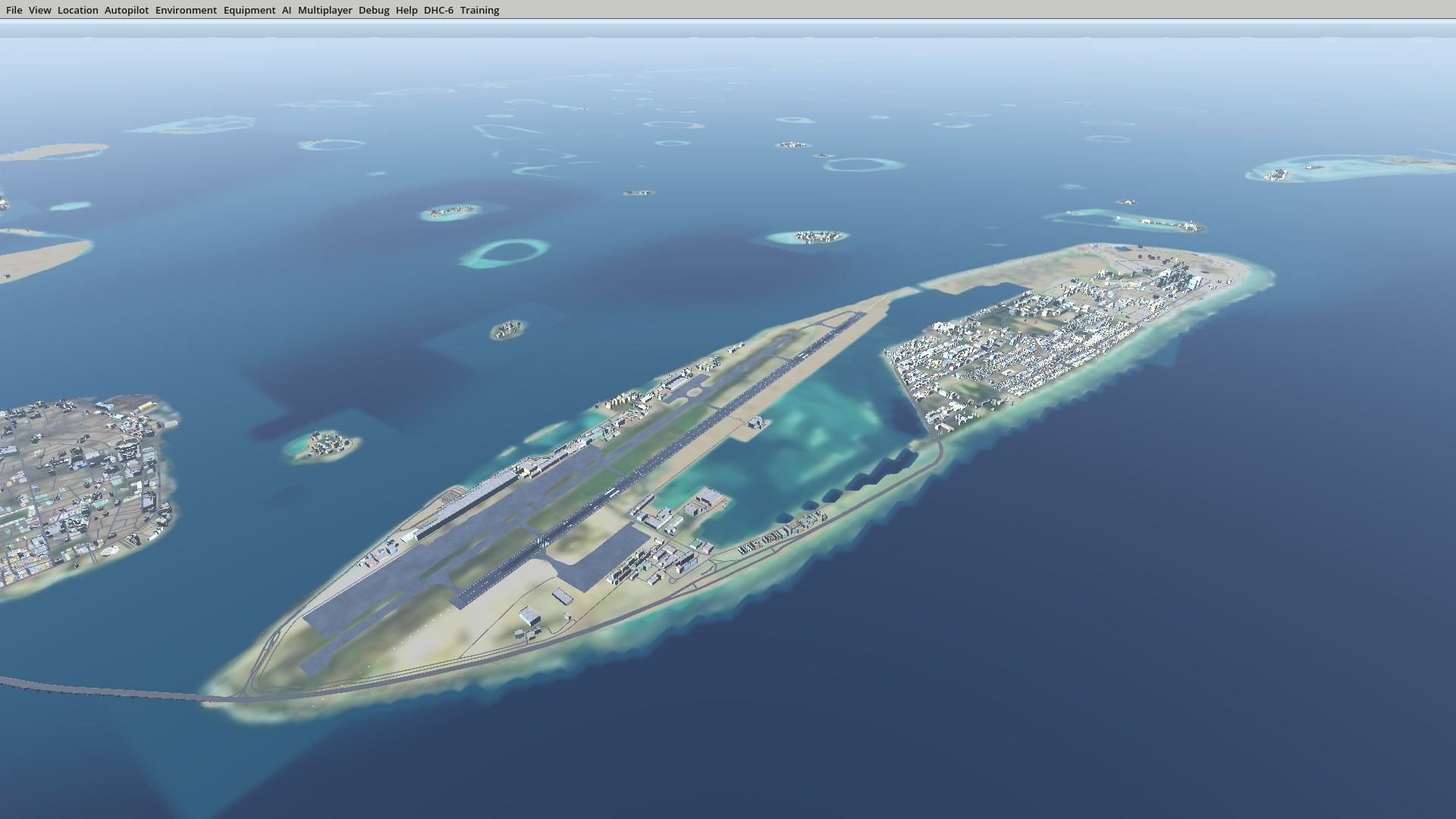
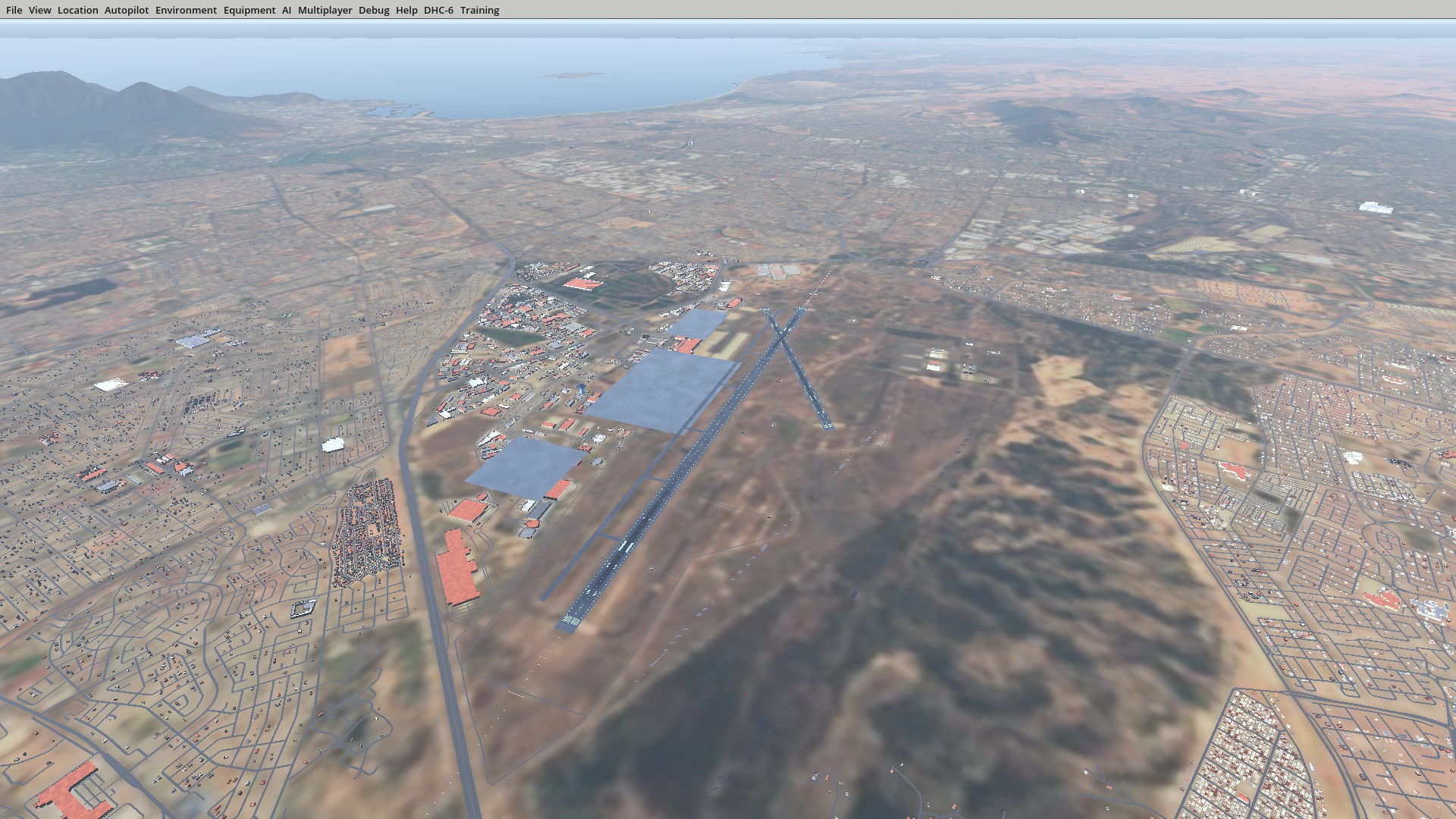
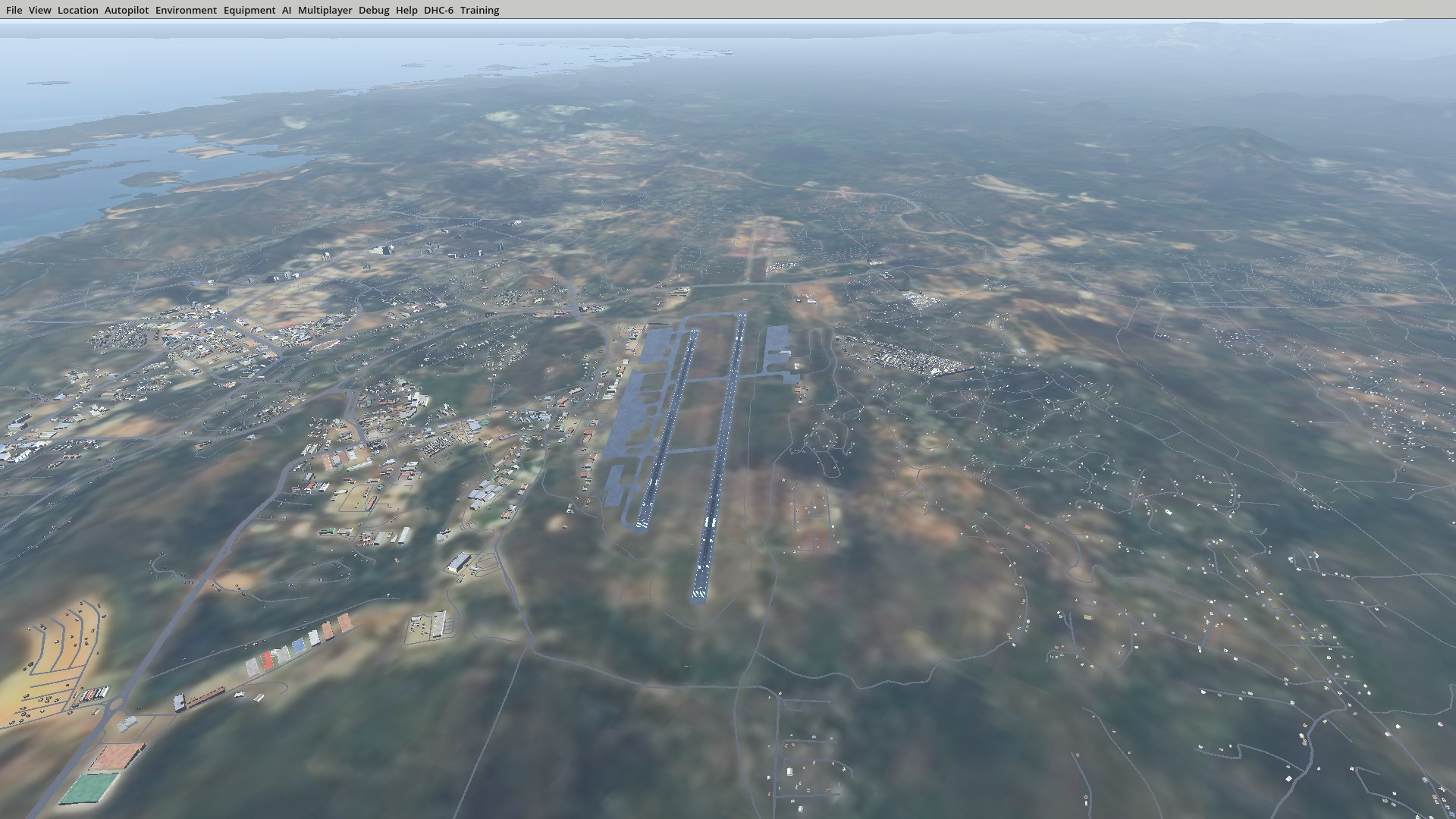
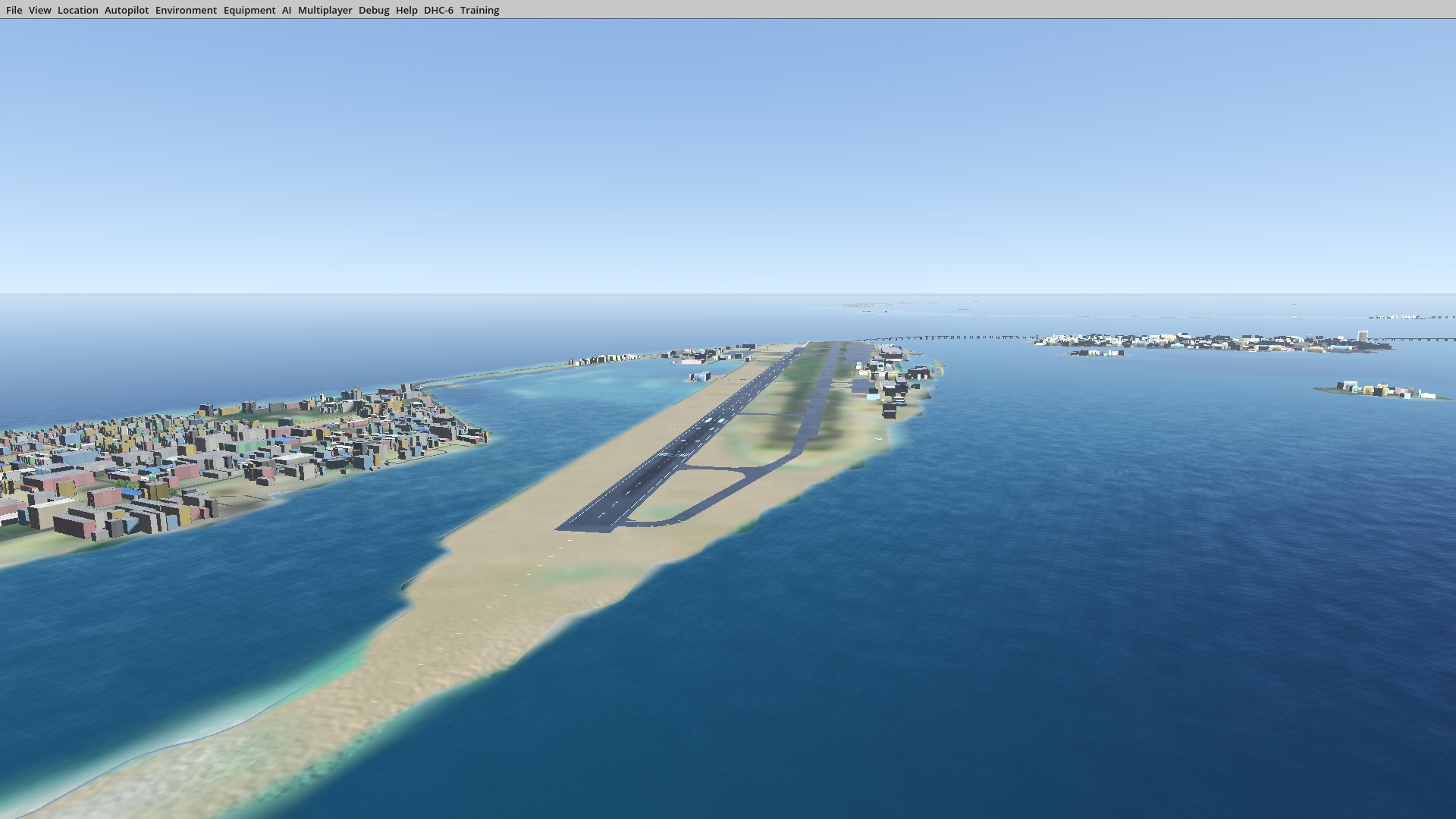
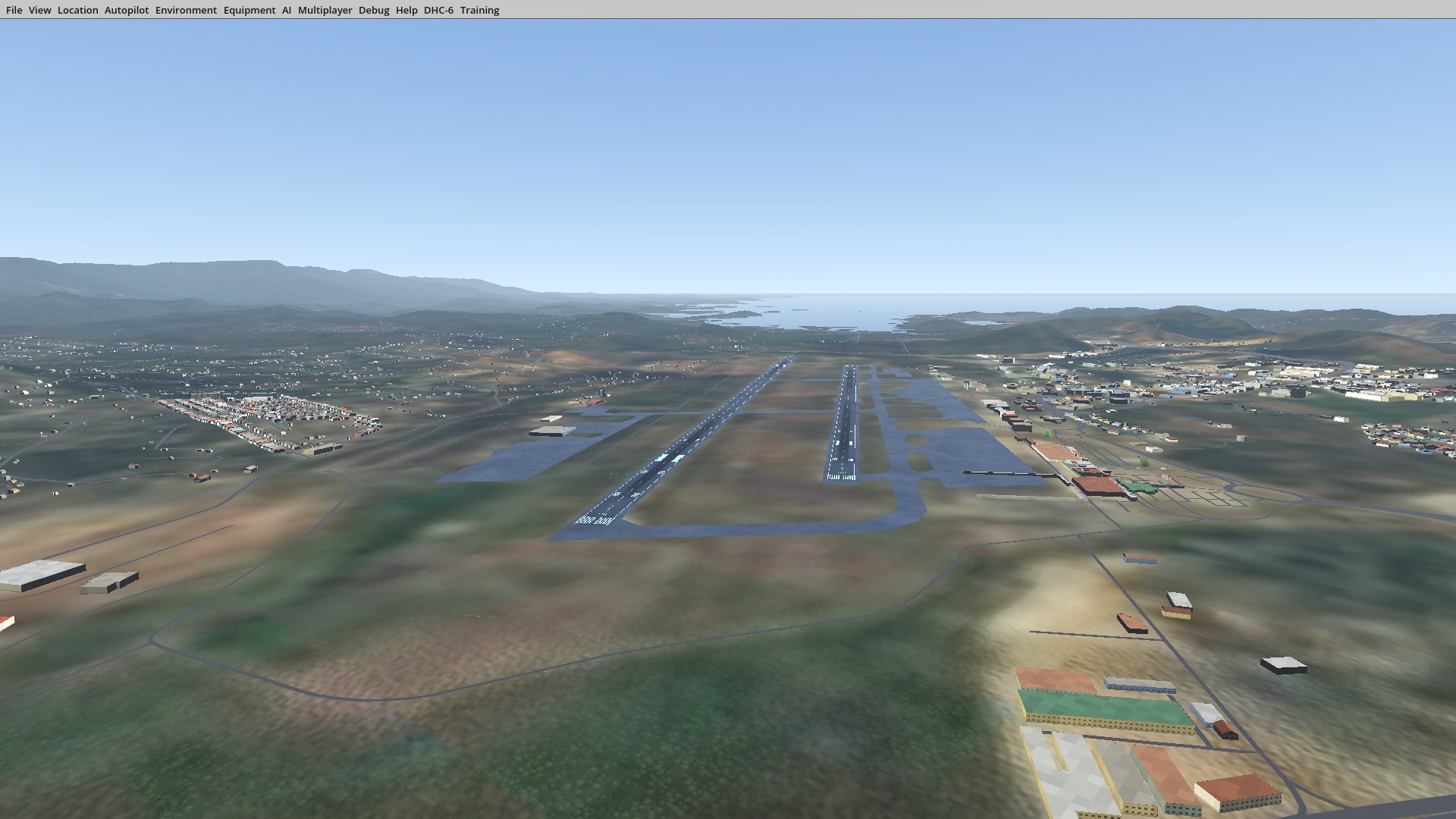
Explore the DHC-6 Twin Otter on your Windows PC with cockpit familiarization, procedure study and desktop flight simulation. DHC-6 Trainer brings aircraft systems and operating flows into a 3D environment for focused practice and review. THREE AIRPORTS INCLUDED Cape Town, South Africa (FACT): explore the airport, surrounding city and coastal terrain. Port Moresby, Papua New Guinea (AYPY): explore Jacksons International Airport, nearby hills and urban scenery. Malé, Maldives (VRMM): explore the island airport, runway 18/36, lagoons, bridges and water villas. Terrain, satellite ground imagery, buildings and roads for all three airports are included in the installation. Airport scenery does not require a separate download. Switch between day and night lighting and explore the runway environments from the simulator's 3D views. STUDY IN COCKPIT CONTEXT Practice procedures and QRH drills, review cockpit controls and aircraft systems, and use the study tools alongside the flight simulator. Instructor and content-editing tools are available with the appropriate subscription entitlement. SUBSCRIPTION ACCESS A TJ Aeronautical account and an eligible paid DHC-6 Trainer subscription are required to use the desktop simulator. Registering a free account alone does not unlock desktop access. An internet connection is required for sign-in and access verification. FOR SIMULATION AND STUDY This app supports familiarization and study. It does not replace approved aircraft manuals, company procedures or real-world navigation information. The VRMM scenery update does not include VRMM ILS/procedure navdata or seaplane operations. ORIGINAL AIRCRAFT MODELS The original aircraft and cockpit 3D visual models, including the GLB assets, were created by Trevor John Pretorius for TJ Aeronautical. Third-party simulator software and scenery data are credited separately. SCENERY CREDITS © OpenStreetMap contributors. Sentinel-2 cloudless 2016 imagery by EOX IT Services GmbH, licensed under CC BY 4.0; contains modified Copernicus Sentinel data 2016. Terrain data: NASA/USGS SRTM. Full scenery notices are included with the app.
Education · Windows, Android · Free