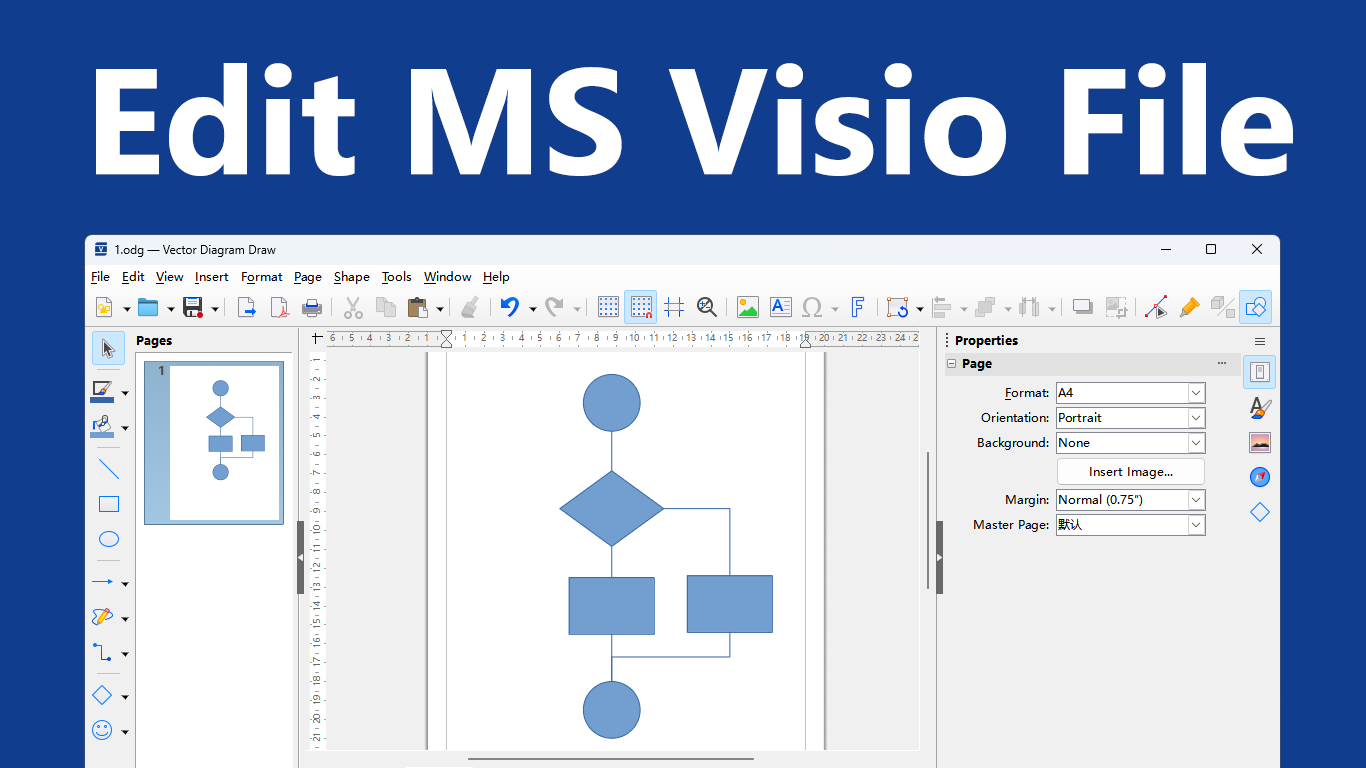
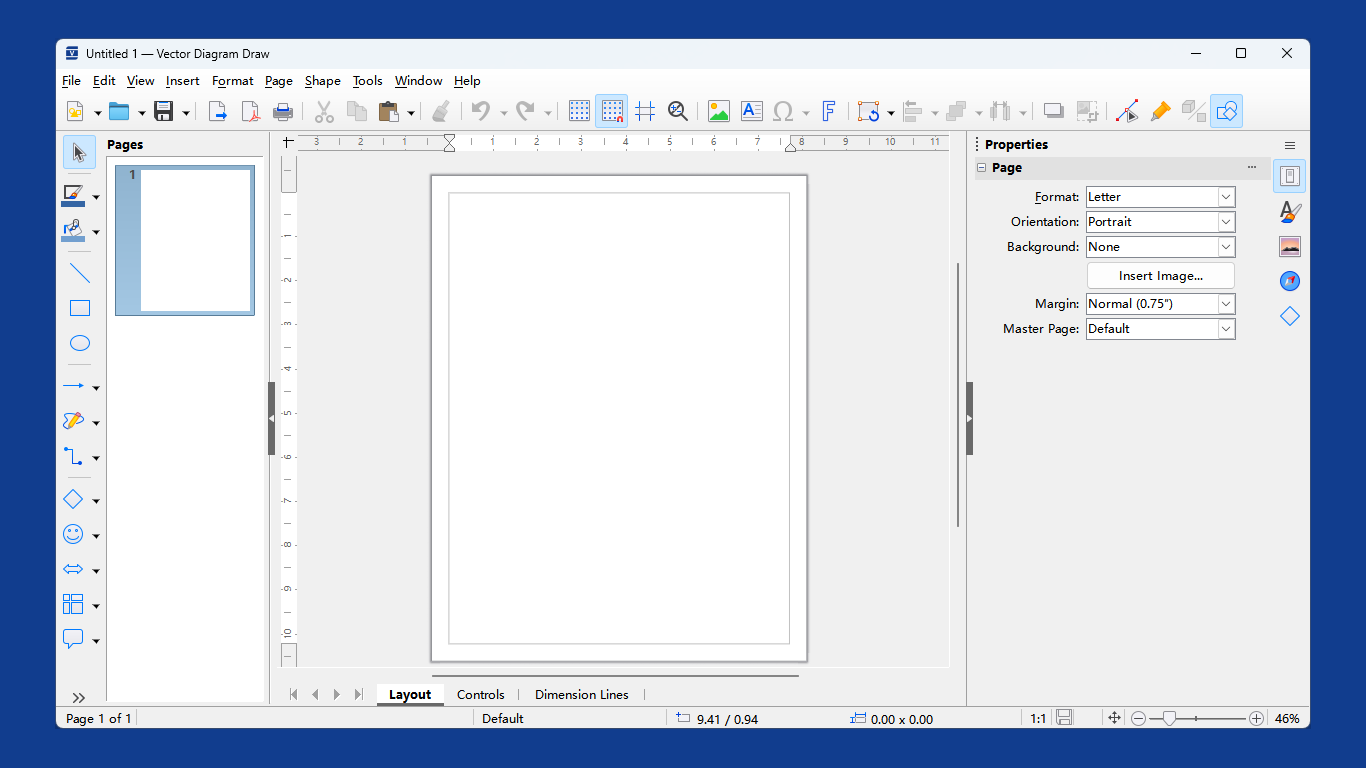
Diagram Vector is a powerful and intuitive diagramming application designed as a complete alternative to Microsoft Visio. It enables users to easily create, edit, and manage a wide range of diagrams—such as flowcharts, system architectures, network diagrams, UML diagrams, and process maps—with precision and flexibility. Whether for technical drafting, engineering design, business presentations, or educational materials, Vector Diagram delivers a stable, smooth, and fully‑featured creative experience. Diagram Vector also supports opening, creating, and editing Microsoft Word (.docx, .doc, .rtf) documents, Excel (.xlsx, .xls, .csv) and PowerPoint (.pptx, .ppt) files, as well as other Office documents. Opening – Supports importing common image formats such as SVG, PNG, and JPG, with the ability to edit imported images in vector mode (resizing, cropping, adding annotations, etc.). Also supports directly opening PDF files for light‑weight editing, including modifying text, adding images, and adjusting objects. Additionally, it supports importing Microsoft Visio VSD files. Editing – Provides a complete vector graphics editing environment, supporting the creation of basic shapes including rectangles, ellipses, polygons, and Bézier curves. Shape structures can be modified through grouping and Boolean operations (Merge, Intersect, Subtract); grid snap and alignment tools ensure precise positioning. Layer management is supported for organizing complex drawings; dimension lines and measurement display are available for technical drawing. The tool also supports gradient fills, pattern fills, transparency adjustments, shadows, and lighting effects; 2D objects can be converted to 3D objects with texture and lighting adjustments. Additionally, certain editing operations can be performed on raster graphics (e.g., photographs). Generating – Supports multi‑page drawings, allowing multiple pages to be stored as a single file – ideal for multi‑page flowcharts or information booklets. For output, drawings can be exported to a variety of formats including PDF, SVG, PNG, JPG, BMP, GIF, and TIFF, meeting diverse needs such as printing, sharing, and archiving.
Productivity · Windows · Free
Rating: 4.8 out of 5, based on 11 user ratings.