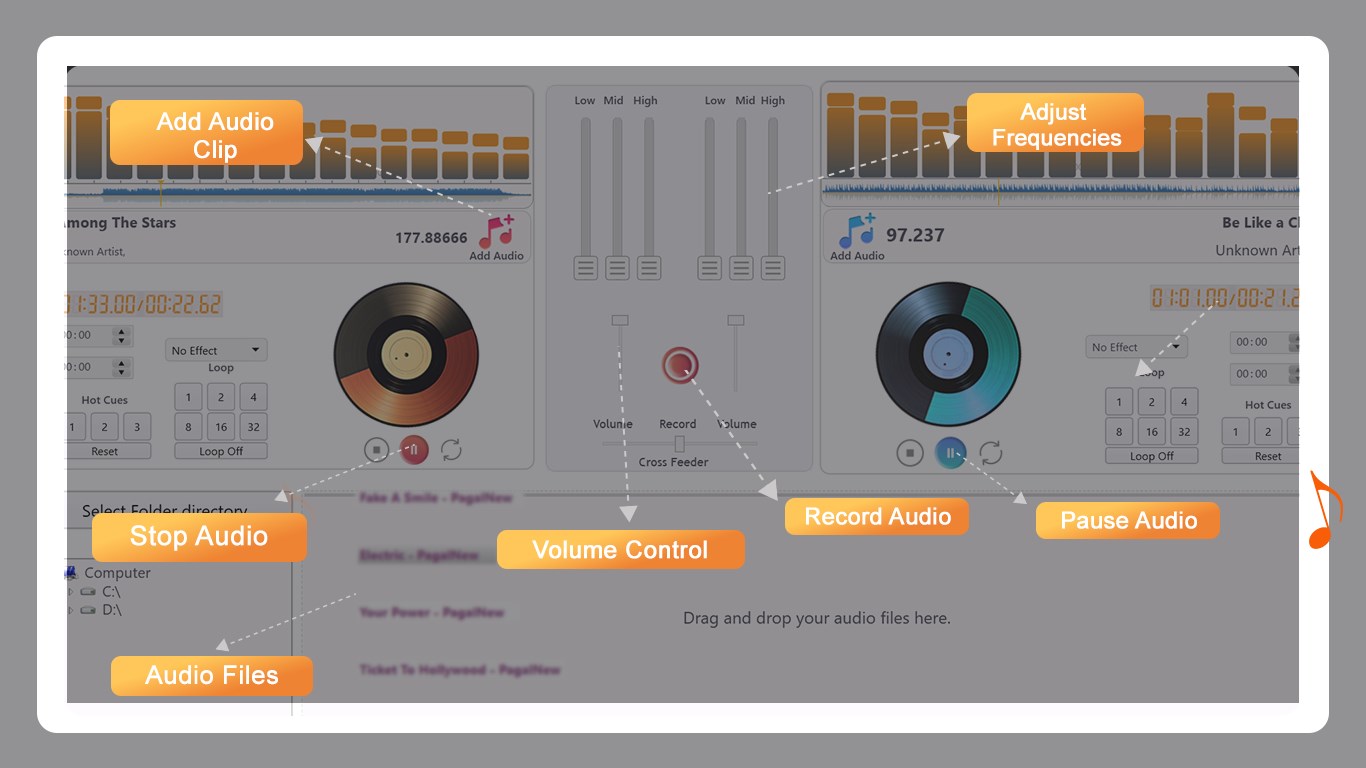
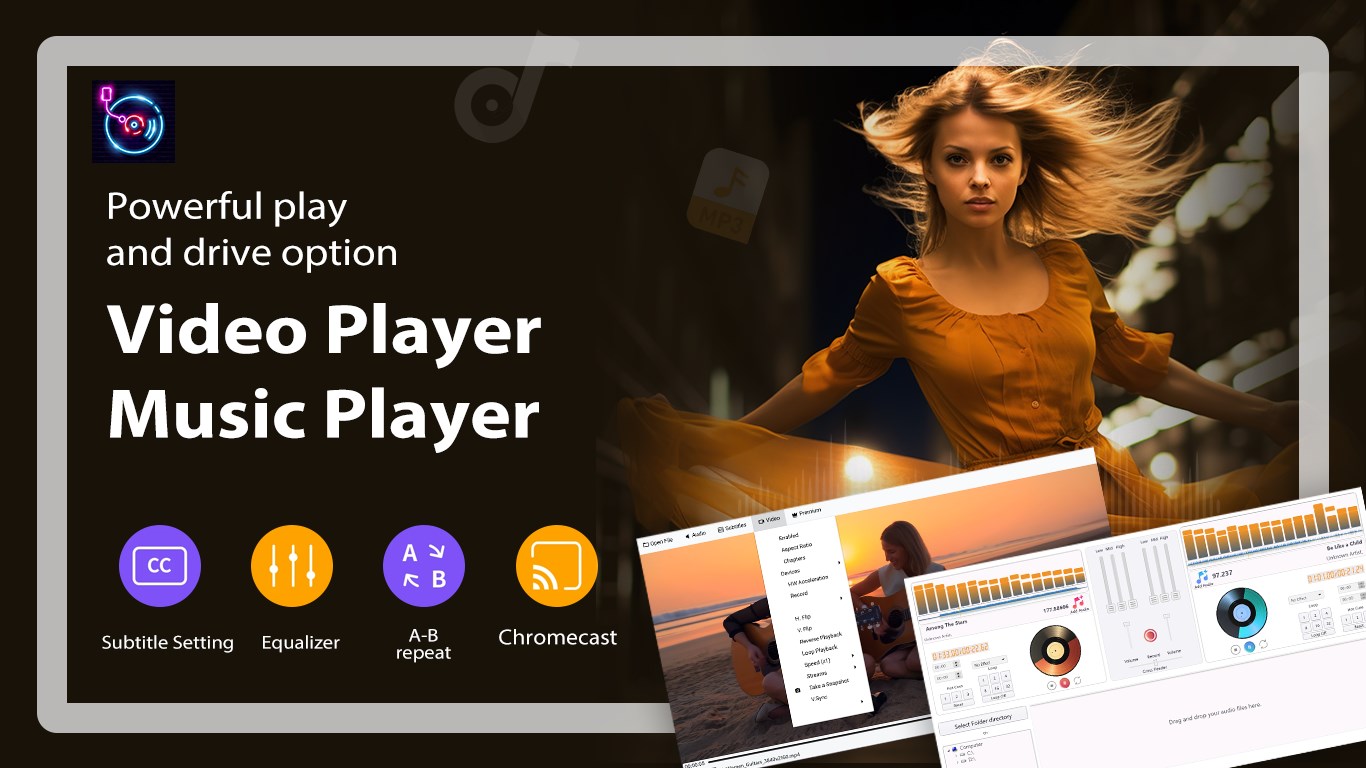
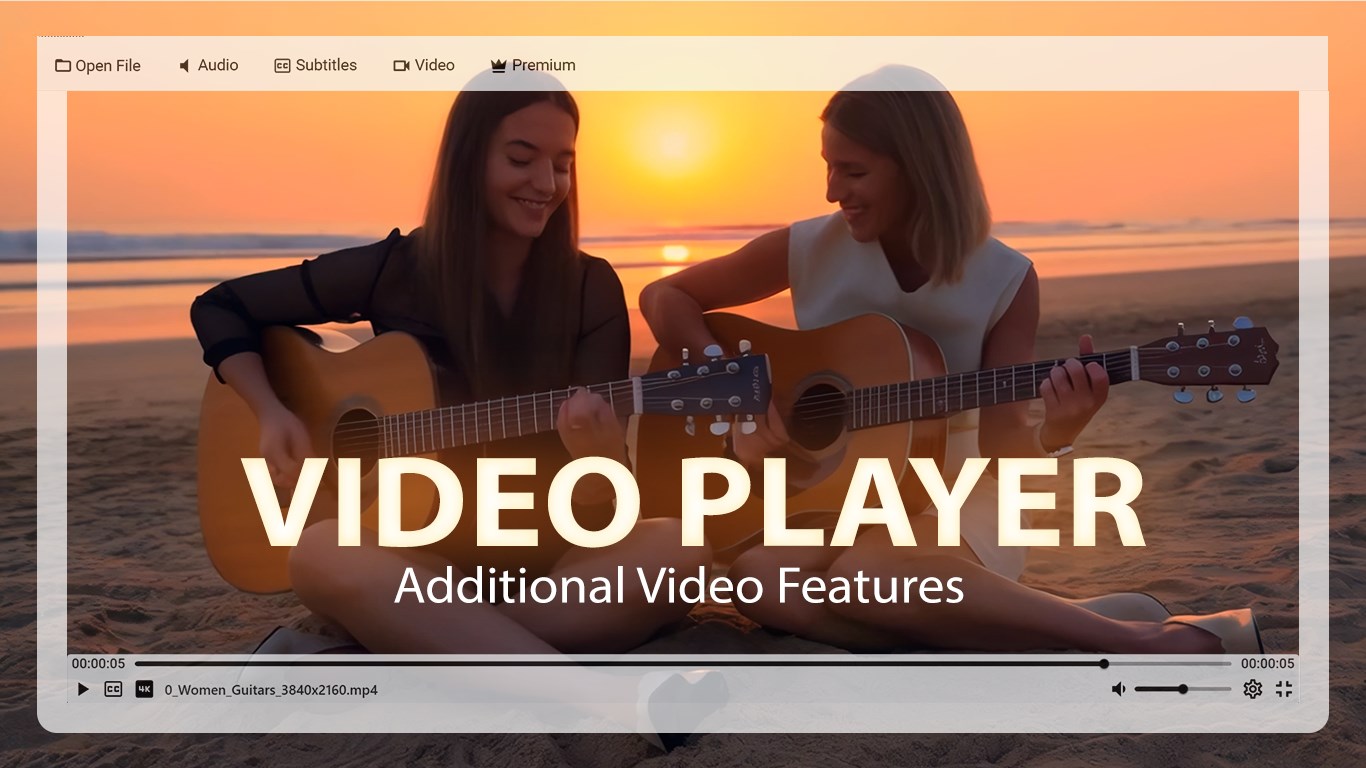
DJ Mixer Studio – Virtual DJ turns your Windows device into a complete DJ mixing setup. Tutorial: https://whiteserif.com/dj-mixer-studio-virtual-dj/ Built for beginners and experienced DJs alike, it helps you mix tracks, remix songs, apply effects, and record sessions with ease. The interface is simple, responsive, and designed to feel natural while mixing. You can mix multiple audio tracks smoothly, create loops instantly, and control sound using real-time effects. The built-in audio tools let you adjust volume, balance, and equalizer settings while experimenting with creative transitions. Every action is heard instantly, so you always stay in control of your mix. Whether you are practicing, creating remix tracks, or recording full DJ sessions, DJ Mixer Studio – Virtual DJ delivers clean sound output and reliable performance on Windows. Key Features • Mix multiple audio tracks with smooth and seamless transitions • Built-in audio effects including equalizer, echo, and filters • Loop, trim, and remix tracks in real time • Record DJ sessions and add voice over music or karaoke • High-quality audio output for clean and professional sound • Real-time processing for instant feedback and control • Clean, modern interface optimized for Windows New Module: Video Player • Play video files directly inside the app • Smooth video playback with accurate audio sync • Support for subtitles and multiple audio tracks • Playback controls including speed, loop, and reverse • Hardware acceleration for better performance • Capture snapshots from video frames • Adjustable video settings for enhanced viewing Why You’ll Love It • Designed for beginners and experienced DJs • Fast and responsive controls for live mixing • Audio and video tools in one powerful app • Stable performance for long mixing sessions • Ideal for practice, remixing, recording, and creative projects DJ Mixer Studio – Virtual DJ brings together music mixing and video playback in one polished Windows experience — helping you create, perform, and refine your sound with ease. Contact us: Tutorial: https://whiteserif.com/dj-mixer-studio-virtual-dj/ Instagram: https://www.instagram.com/aiappsneurovista/ Email: aigeneratorapps@hotmail.com
Music · Windows · Free