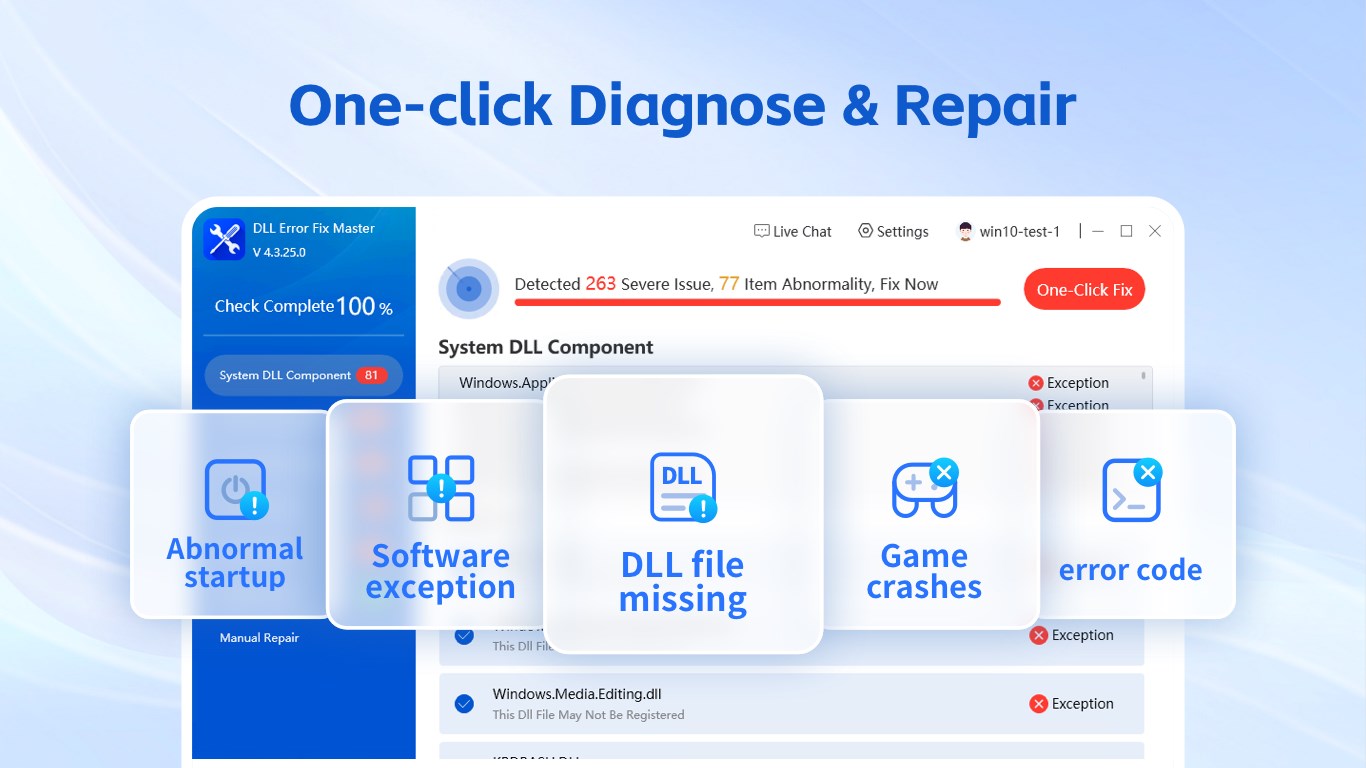
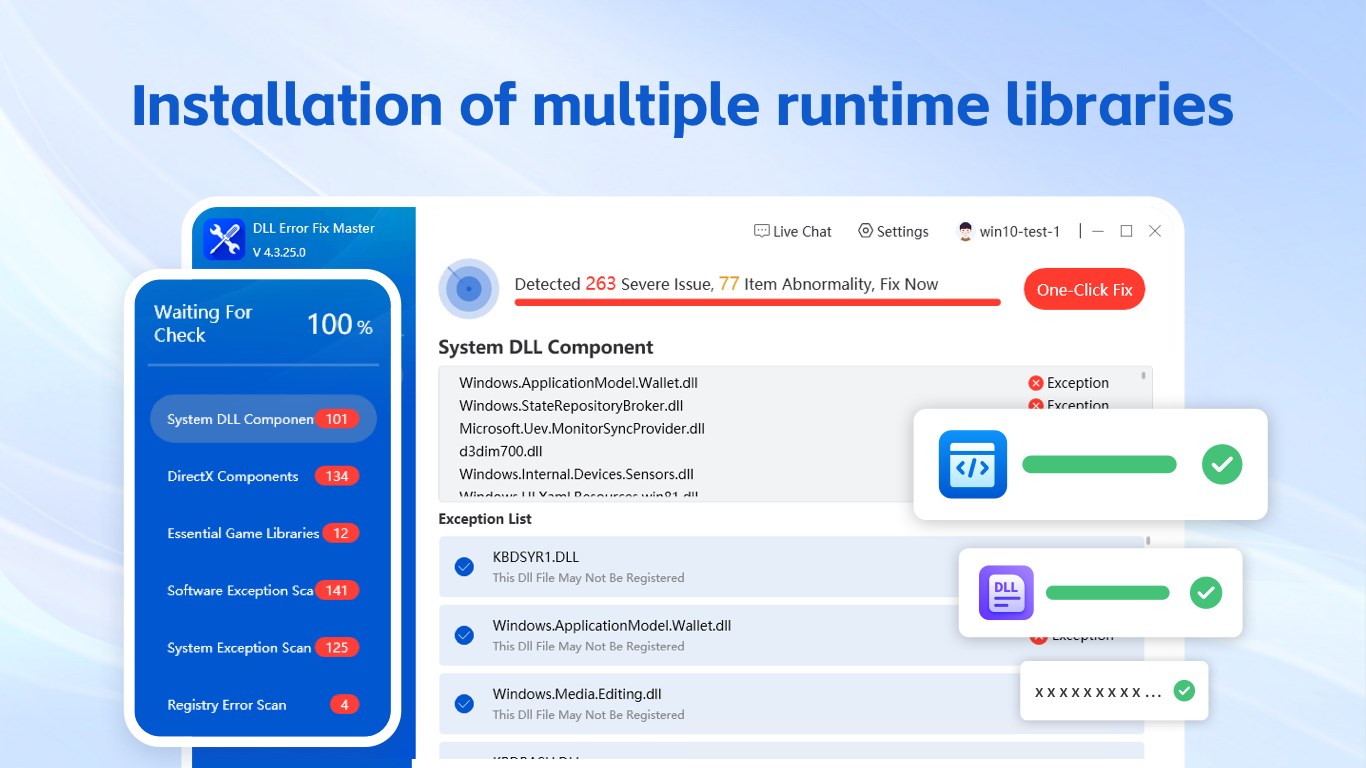
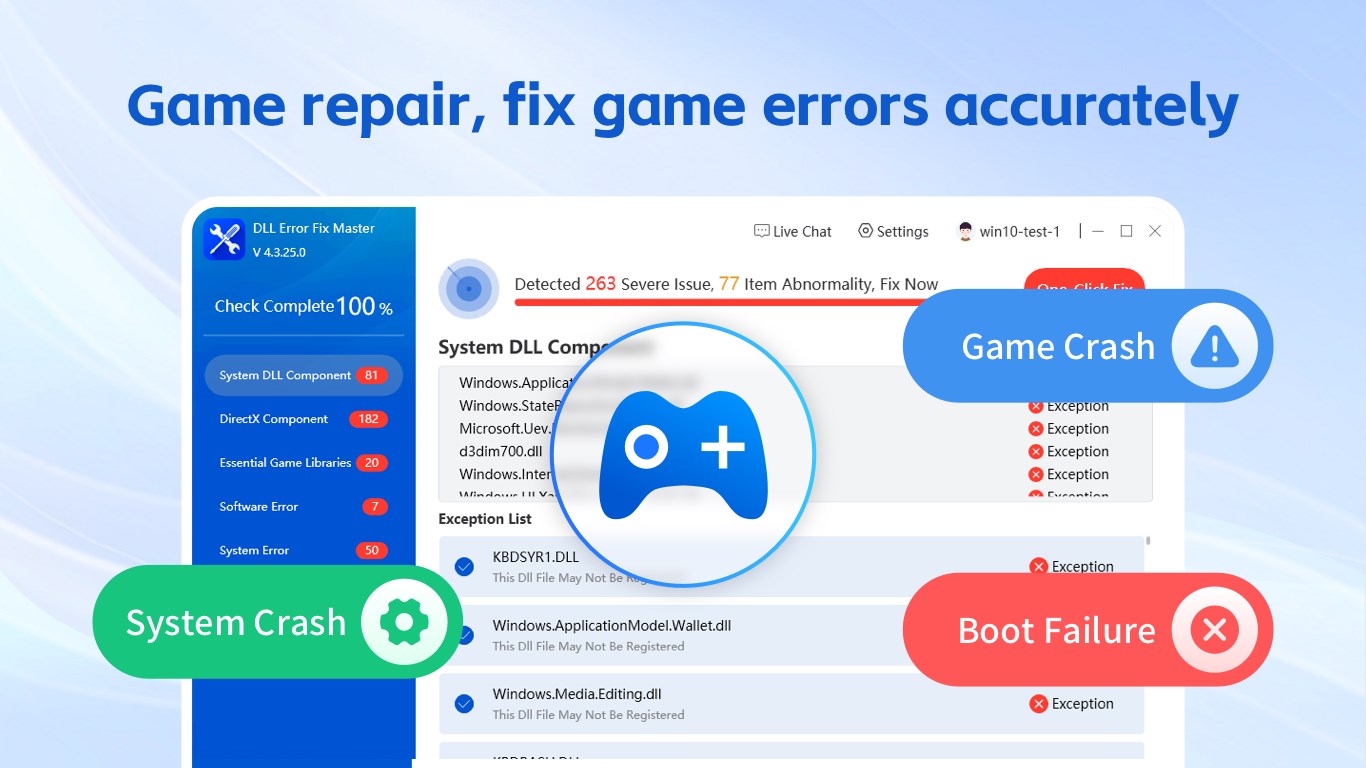
DLL Repair Tool helps diagnose common Windows system and runtime problems that can cause game crashes, app crashes, game launch failures, missing DLL files, DirectX errors, Visual C++ Redistributable issues, .NET Framework runtime errors, and other system errors. Whether a game crashes or won't launch, an app crashes or fails to open, or Windows reports a missing DLL, DLL not found error, DirectX issue, Visual C++ runtime error, or other runtime problem, the tool can scan supported components and guide you through the available repair options. Key Features DLL Error Diagnosis and Repair Scan for missing DLLs, DLL not found errors, corrupted DLL files, incompatible files, and DLL version conflicts that may prevent apps and games from starting correctly. The tool identifies supported DLL errors and provides available automatic repair options to restore required components. Microsoft Visual C++ & Runtime Repair Detect supported Microsoft Visual C++, Visual C++ Redistributable, and runtime component issues required by many Windows apps and games. Repair options may help resolve Visual C++ runtime errors, missing runtime libraries, startup failures, and related DLL errors. .NET Framework Troubleshooting Check supported .NET Framework and runtime-related issues that may cause applications to fail to launch, crash, or display component and runtime errors. The tool helps identify supported problems and provides available repair options when compatible components can be restored. DirectX & Game Crash Repair Troubleshoot supported DirectX errors, DirectX runtime issues, game crashes, game launch errors, and missing game components that may prevent games from starting or running normally. The tool can help diagnose supported DirectX and game runtime problems and guide users through available fixes. Application Crash Troubleshooting Check supported runtime libraries, DLL files, Visual C++ components, and system dependencies related to app crashes, unexpected shutdowns, software startup failures, and applications that fail to open correctly. Common System Repair Detect supported Windows system problems, including registry errors, damaged system files, incorrect file associations, missing components, and other common issues that may affect application stability and normal system operation. Updated Repair Database Use an updated repair database containing supported DLL files, runtime components, Visual C++ information, DirectX-related components, and known error data. Database updates help the tool identify newer error cases and compatible repair solutions. Simple Repair Process The interface is designed for users with different levels of technical experience. Scan the computer, review detected issues, and apply supported repairs through a clear step-by-step process without manually searching for individual DLL files or runtime components. Supported Error Examples The tool may help diagnose supported errors related to: • VCRUNTIME140.dll • msvcp140.dll • msvcr100.dll • xinput1_3.dll • d3dx9_43.dll • D3DCOMPILER_43.dll • Missing DLL files • DLL not found errors • Microsoft Visual C++ runtime issues • Visual C++ Redistributable errors • .NET Framework runtime problems • DirectX runtime errors • Game crashes and game launch failures • Application startup failures • Registry associations • Corrupted or missing system components Repair results depend on the specific cause of the error, the Windows environment, and whether the affected DLL file, runtime component, or system issue is supported by the repair database. ⚠️This is the free basic version. Users can use the ""Fault Detection"" function for free indefinitely. To perform repair operations, users need to purchase a membership to unlock the feature. If you are satisfied with the product, you can experience the full functionality by purchasing in-app services: You can choose monthly, quarterly, or annual subscriptions (charges will be deducted from your Microsoft account at the renewal time); you can purchase a permanent membership (one-time payment for lifetime use); you can also get a 7-day free trial (unlocks all features during the trial period, and will automatically renew to a quarterly membership after 7 days; you can cancel during the trial period).
Utilities · Windows · Free
Rating: 4.3 out of 5, based on 95 user ratings.