Screenshots
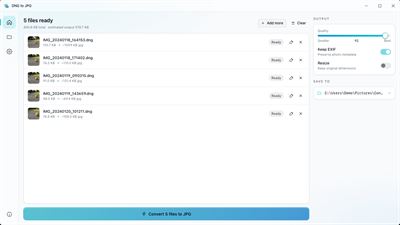
About DNG to JPG | Convert DNG to JPG
Convert dng to jpg on your Windows PC with a simple local utility made for quick, private conversions.
HOW IT WORKS
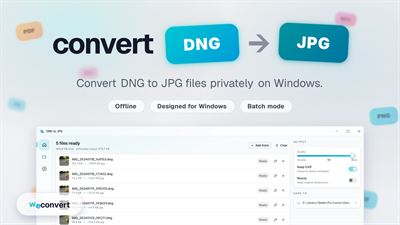
This dng to jpg converter uses exifr to read each file and create a JPG image on your Windows device. The conversion runs locally, so your files stay on your PC while they are processed.
PASTE FROM CLIPBOARD
Press Ctrl+V to add a file from the clipboard straight into the queue. It is a fast way to bring in a copied .dng from File Explorer without browsing for it again.
BATCH CONVERSION
Convert whole folders in one run. The app keeps the sub-folder structure on the output side, so a folder with 200 files in 10 subfolders comes out in the same shape.
AUTO-CONVERT WATCHER
Use the Auto-convert page to pick a watched folder and an output folder. The app stays in the Windows system tray and keeps turning new files into images in the background as they appear.
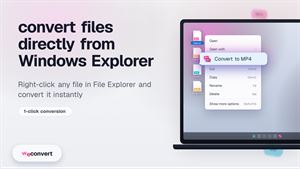
RIGHT-CLICK IN EXPLORER
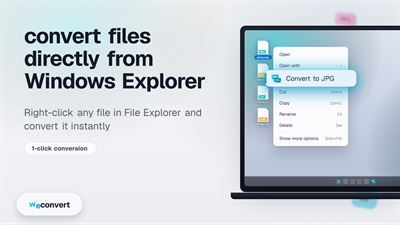
A native shell extension adds Convert to JPG to the right-click menu for .dng files in File Explorer. The app opens with your selection already loaded, so you can start from the context menu when you need it.
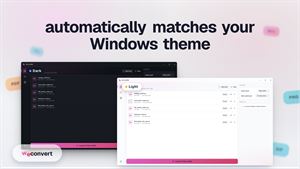
LANGUAGES & THEMES
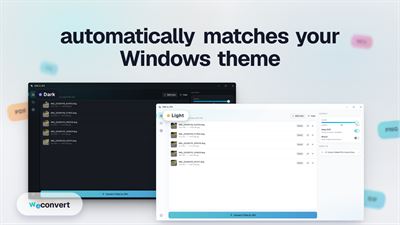
The app ships in ten languages. Light and dark themes follow your Windows system theme automatically.
OFFLINE BY DESIGN
No telemetry, no account, and no upload. Your files never leave the device.
FREE & PRO
The free version lets you convert DNG to JPG with no file size or file count limits. Upgrade to Pro with a one-time lifetime purchase to remove ads and unlock batch conversion. No subscriptions or recurring payments.
--------------
DNG to JPG Converter from weconvert.
Website: https://weconvert.net
Privacy: https://weconvert.net/privacy
Terms: https://weconvert.net/terms
AVALW Coverage
Not yet mentioned in AVALW articles.
Similar apps


 Phone by GoogleGoogle LLCReliable phone calls with spam protection, caller ID and more helpful features★ 4.4 52440k


 Google Play servicesGoogle LLCGoogle Play services - Google services for Android apps★ 4.3 44573k



 Call of Duty®: Modern Warfare® 4 (Windows)Activision Publishing Inc.War erupts on the Korean Peninsula as North Korea launches a full-scale invasion that threatens to destabilize the world in Call of Duty®: Modern Warfare® 4. A ★ 4.3 16579k


 gov.brServiços e Informações do BrasilGov.br is a means of user access to digital public services.★ 4.6 14047k


 MyTelkomsel – Buy InternetTelkomselBuy credit, internet quota, streaming, game voucher & get cashback with e-wallet★ 3.8 12353k


 myIM3: Data Plan & Buy PackageIndosat Ooredoo HutchisonCheck balance & quota, detect & block spam, exchange IMPoin only on myIM3★ 4.4 11302k


 Files by GoogleGoogle LLCClean up your phone, find files, play media, and share files offline★ 4.5 9097k


 CNH do BrasilServiços e Informações do BrasilDigital driver's license and vehicle registration certificate, first driver's license, traffic violation and vehicle information.★ 4.9 8390k
More by this developer
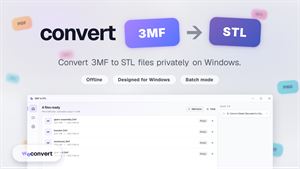
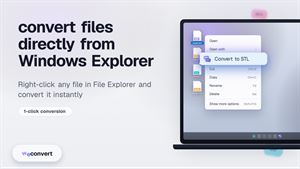
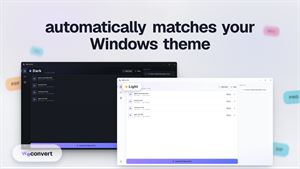
 3MF to STL | Convert 3MF to STLweconvert.netConvert 3mf to stl on Windows with a local app made for quick, private 3D model conversion. HOW IT WORKS 3MF to STL Converter uses three.js to turn your 3MF 3D -
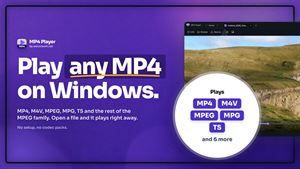
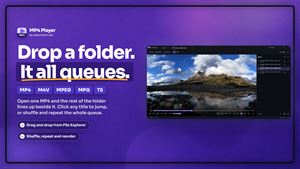
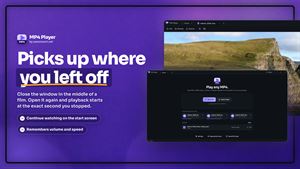
 MP4 Player: Play MP4 & MPEGweconvert.netMP4 Player is a video player for one family of files: MP4 and its siblings, and the MPEG-1 and MPEG-2 formats that DVDs, camcorders and TV capture still produce★ 4.6 10
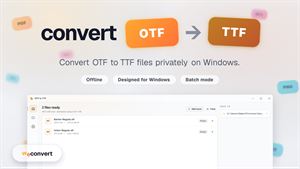
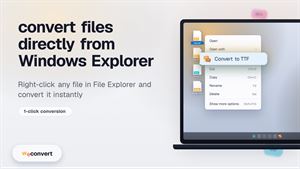
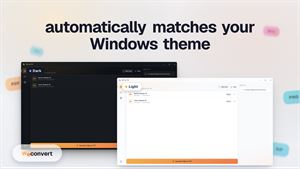
 OTF to TTF | Convert OTF to TTFweconvert.netOTF to TTF Converter runs on Windows to help you convert otf to ttf locally, with no upload and no signup. HOW IT WORKS It uses opentype.js to read OTF fonts an-
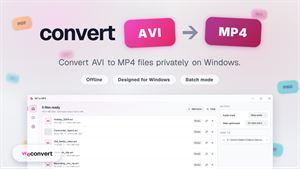
 AVI to MP4 | Convert AVI to MP4weconvert.netConvert avi to mp4 on your Windows PC with a simple app that keeps your videos local and easy to manage. HOW IT WORKS AVI to MP4 Converter uses ffmpeg.wasm to c★ 4.2 15