
Screenshots
About MP4 Player: Play MP4 & MPEG
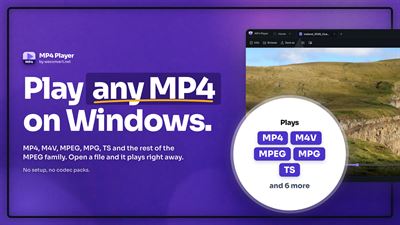
MP4 Player is a video player for one family of files: MP4 and its siblings, and the MPEG-1 and MPEG-2 formats that DVDs, camcorders and TV capture still produce. If your videos are phone recordings, camera clips, a ripped DVD, an AVCHD camcorder folder, a broadcast capture or an old MPG download, this is the player written for them.
THE MPEG FAMILY
MP4, M4V, 3GP and 3G2 share one container, the ISO base media format used by phones, cameras and most video downloads. MPG, MPEG, M2V, TS, M2TS, MTS and VOB are the MPEG-1 and MPEG-2 programme, transport and elementary streams written by DVD rips, AVCHD camcorders, TV tuners and capture cards. MP4 Player opens all eleven, plus M3U and M3U8 playlists.
HOW YOUR FILES PLAY
The app picks one of three routes per file. MP4, M4V, 3GP and 3G2 files with H.264/AVC video play through the decoder built into Windows, as do HEVC files where Windows has that codec installed and AV1 files where the WebView2 runtime supports it. A TS recording whose streams that decoder already understands is rewrapped on the fly, without re-encoding. MPEG-2 material, which means MPG, MPEG, M2V and VOB files and most M2TS and MTS camcorder clips, is converted on this PC by the bundled ffmpeg before it plays: slower on a long file, and never uploaded anywhere. Results depend on the codecs inside the file.
QUEUE AND PLAYLISTS
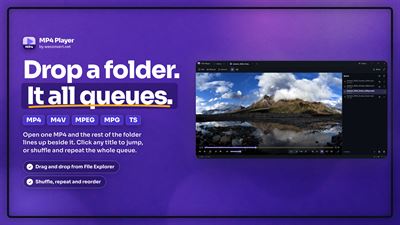
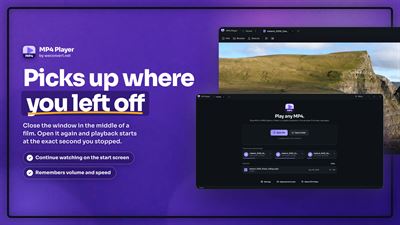
Open several files, or a whole folder, into one play queue and reorder it by dragging. Open M3U and M3U8 playlists, or save the queue you built as a playlist to reuse later. The playback position is remembered per file, and a Continue watching list sits on the Home screen.
ON-SCREEN CONTROLS
Adjust playback speed from 0.25x to 3x, step through video frame by frame, mark an A-B loop to repeat a section, switch between the audio tracks embedded in a file and change the aspect ratio. Subtitles load automatically from a matching SRT or VTT file in the same folder, or pick one yourself.
MINI PLAYER AND EXPORT
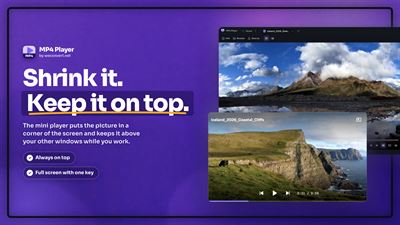
Shrink the window into a small, always-on-top mini player that stays in a corner while you work in another window. Save the frame on screen as a PNG or JPEG image, export a video to MP4, or extract its audio track to MP3.
MADE FOR WINDOWS
Open videos straight from File Explorer's right-click menu with "Open with MP4 Player", switch on Quick View to preview a selected file with the Space key, control playback with your keyboard's media keys, and see what is playing in the volume flyout and on the lock screen. On first run the app offers a desktop shortcut and a Set as default step for its formats. Choose a light, dark or system theme. MP4 Player ships in 24 languages.
Playback, conversion and every other feature run on your PC. The app makes no network requests of any kind: nothing is uploaded, and there is no account, no telemetry, no ads and no in-app purchase.
AVALW Coverage
Not yet mentioned in AVALW articles.
Similar apps


 YouTubeGoogleGet the official YouTube app on iPhones and iPads. See what the world is watching -- from the hottest music videos to what’s popular in gaming, fashion, beauty,★ 4.7 49315k


 InstagramInstagram, Inc.Little moments lead to big friendships. Share yours on Instagram. — From Meta Connect with friends, find other fans, and see what people around you are up to an★ 4.7 29567k



 Affinity by CanvaCanvaONE APP TO CRAFT IT ALL, FOR NO COST AT ALL. Design. Edit. Lay it out. Affinity gives you vector, pixel, and layout tools, all in the same professional-grade ap★ 4.8 27291k


 Video Editor & Maker - InShotInShot Video EditorAI video editor with music! Edit video with effects, slideshow & slow motion★ 4.8 24760k


 MX PlayerAmazon Mobile LLCPowerful video player with advanced hardware acceleration and subtitle supports★ 4.2 14336k


 VivaVideo - Video Cut & EditorQuVideo Inc. Video Editor & Video Maker AppAI Video Editor: AI Templates, Text to Video, Extract Audio, Auto Caption.★ 4.3 12268k


 YouCut - Video Editor & MakerInShot Video EditorAI Video Editor with Music, Filter, Slideshow, Effect, Merge & Trim Video.★ 4.8 8635k


 Screen Recorder - XRecorderInShot Inc.Record games with audio. Smooth, HD screen capture & Built-in video editor.★ 4.7 7662k
More by this developer
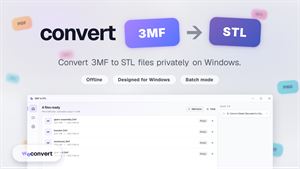
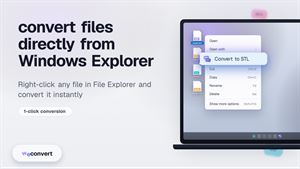
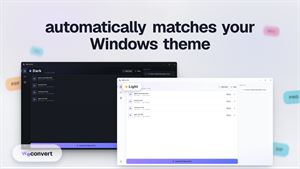
 3MF to STL | Convert 3MF to STLweconvert.netConvert 3mf to stl on Windows with a local app made for quick, private 3D model conversion. HOW IT WORKS 3MF to STL Converter uses three.js to turn your 3MF 3D -
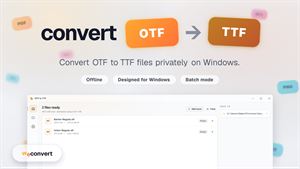
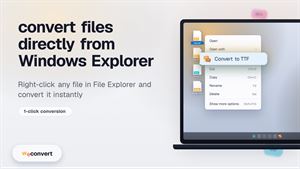
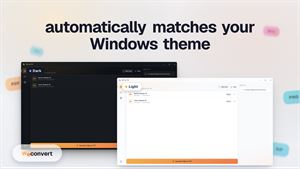
 OTF to TTF | Convert OTF to TTFweconvert.netOTF to TTF Converter runs on Windows to help you convert otf to ttf locally, with no upload and no signup. HOW IT WORKS It uses opentype.js to read OTF fonts an-
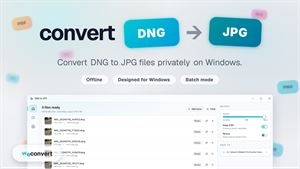
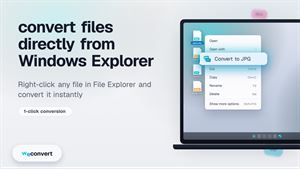
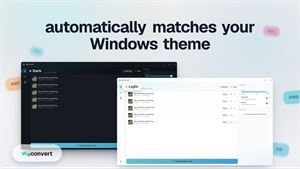
 DNG to JPG | Convert DNG to JPGweconvert.netConvert dng to jpg on your Windows PC with a simple local utility made for quick, private conversions. HOW IT WORKS This dng to jpg converter uses exifr to read-
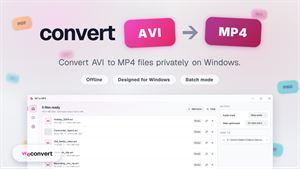
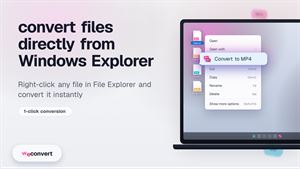
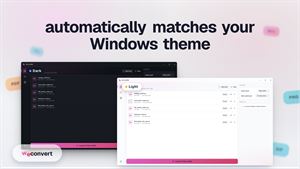
 AVI to MP4 | Convert AVI to MP4weconvert.netConvert avi to mp4 on your Windows PC with a simple app that keeps your videos local and easy to manage. HOW IT WORKS AVI to MP4 Converter uses ffmpeg.wasm to c★ 4.2 15