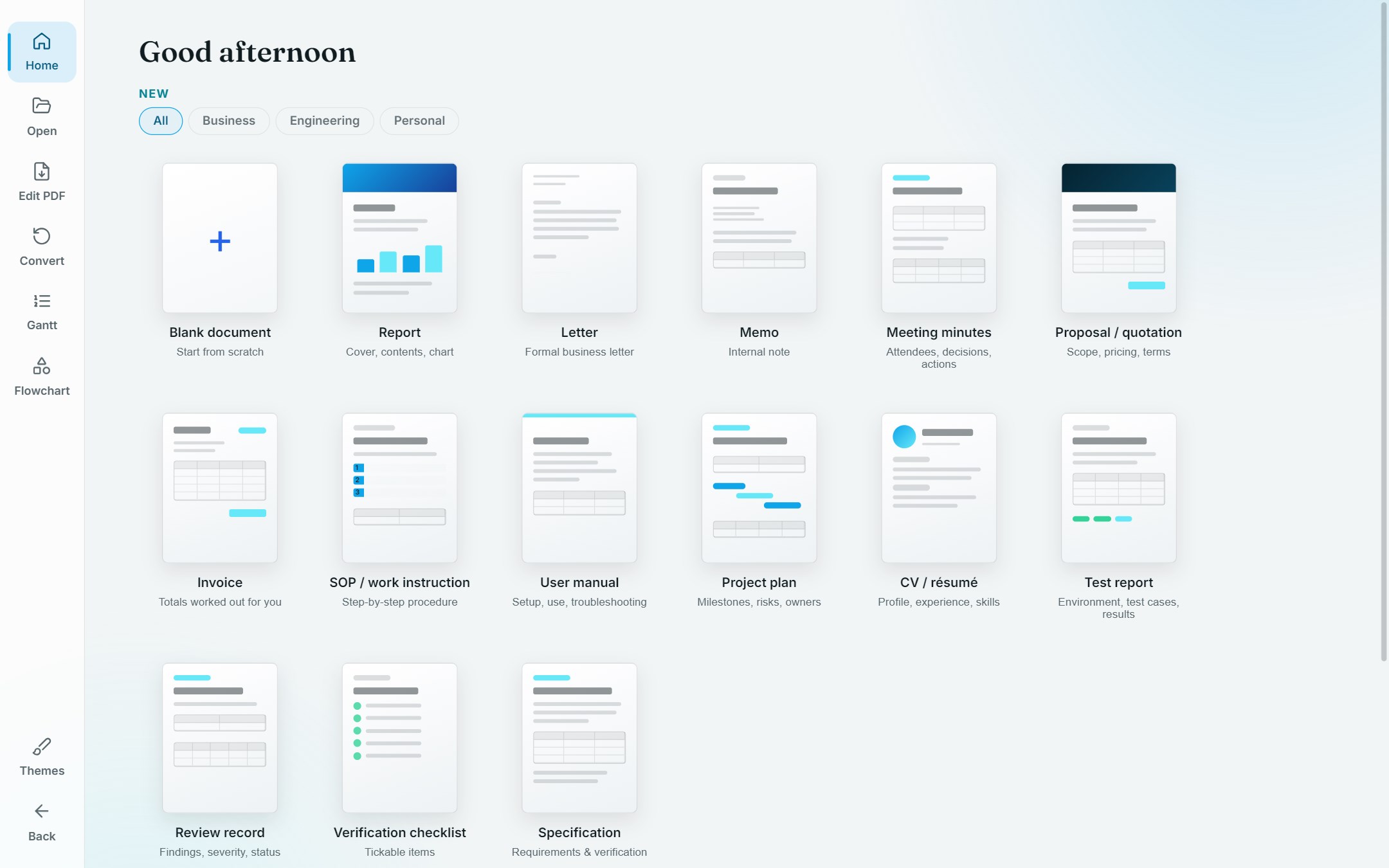
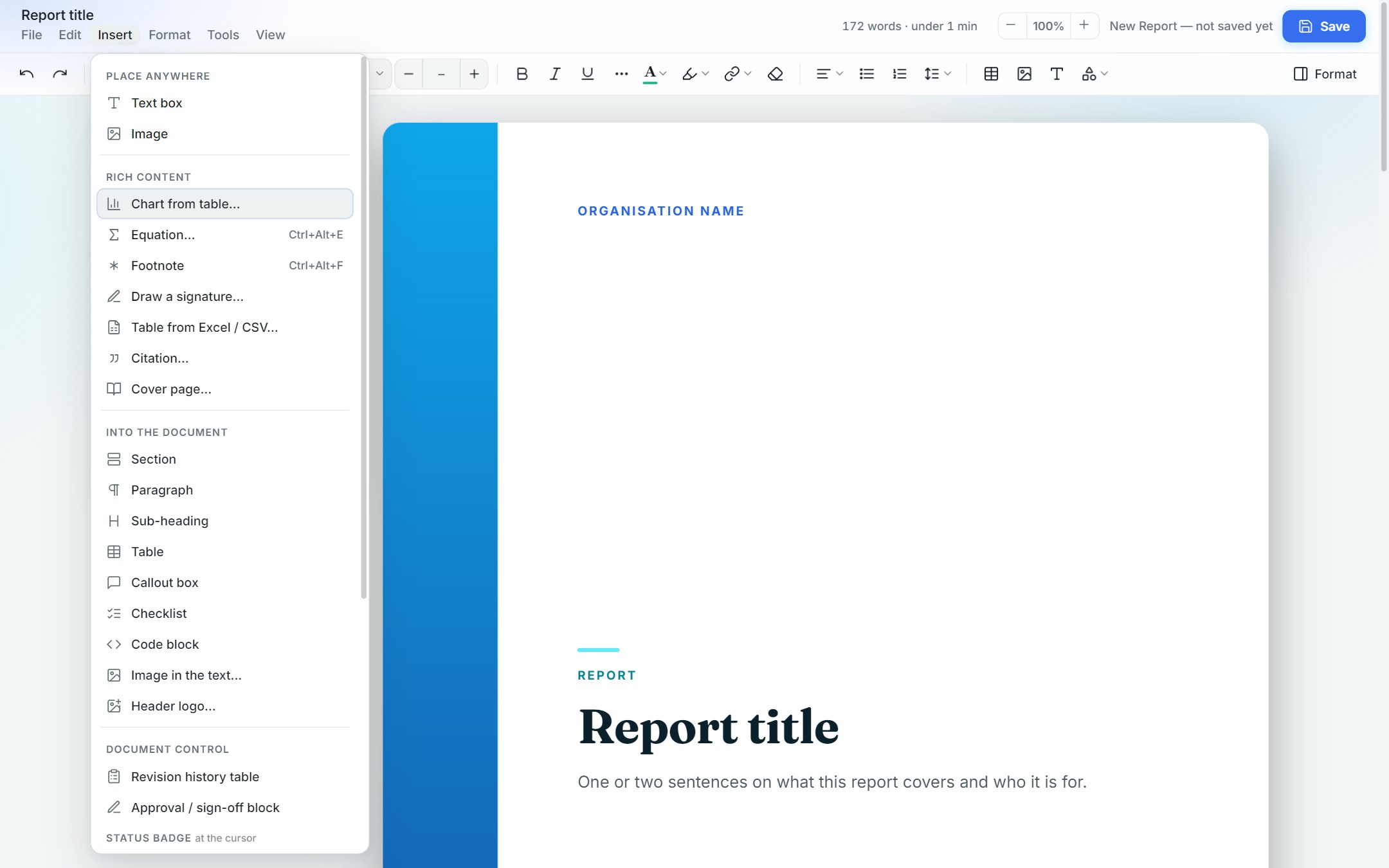
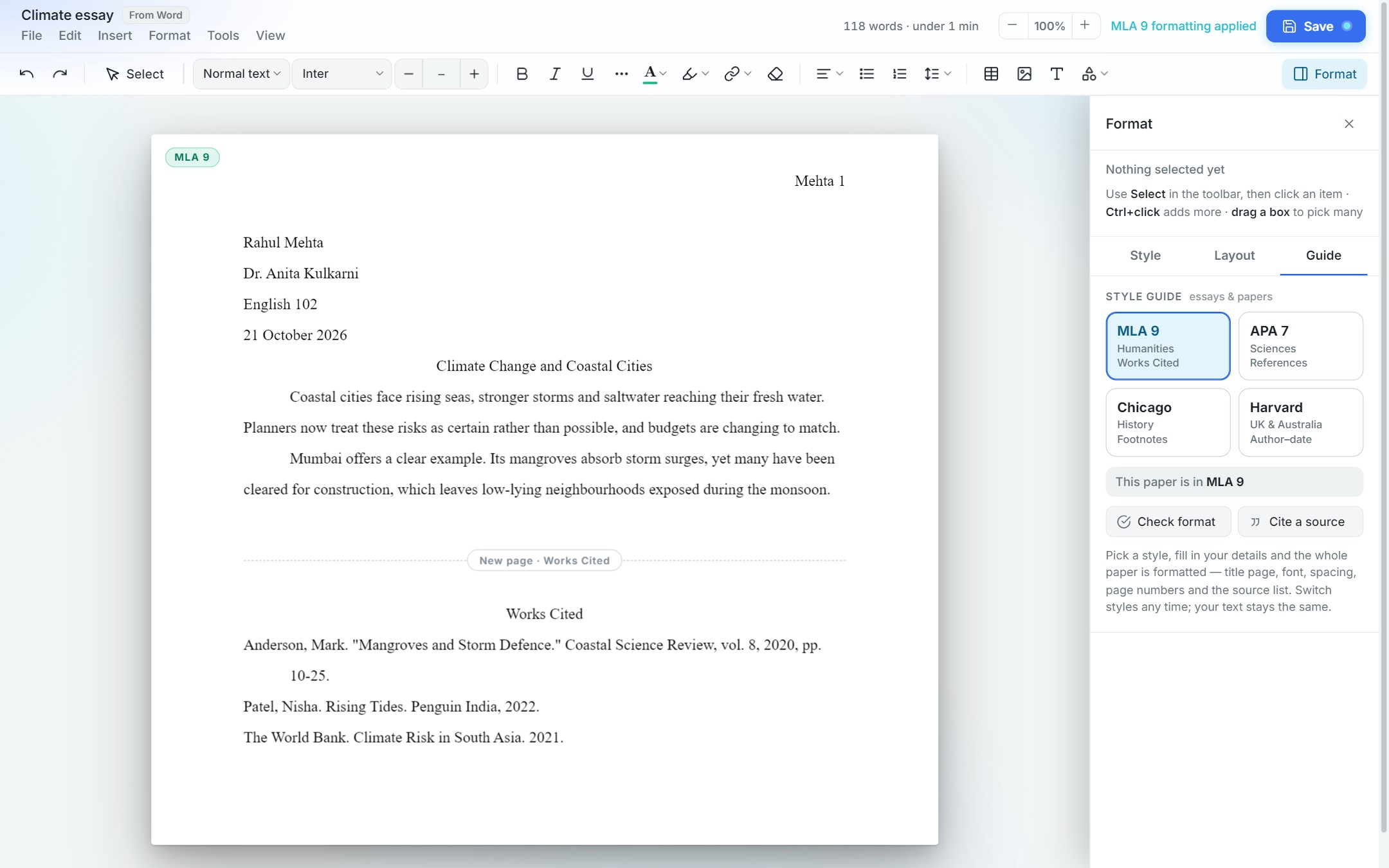
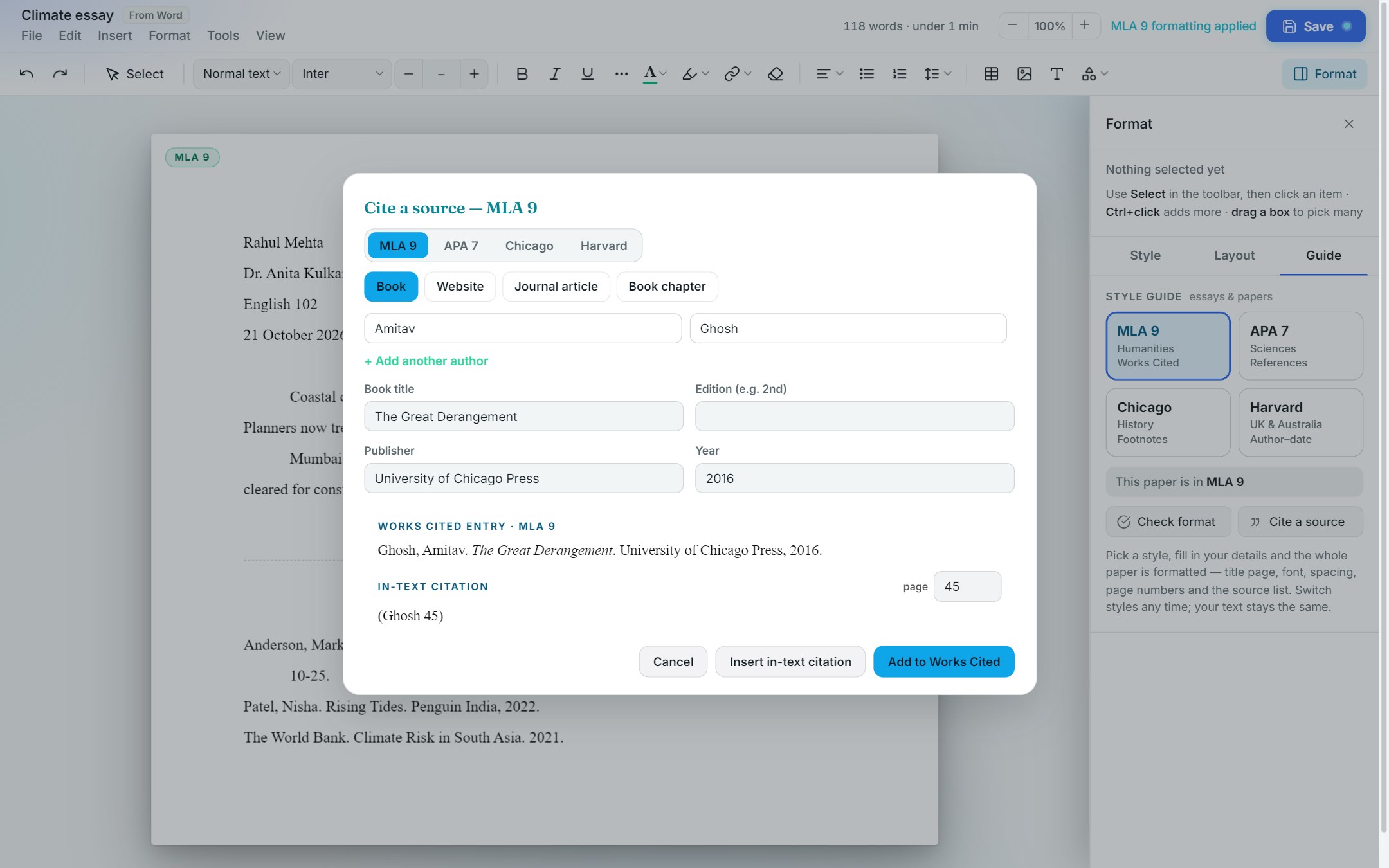
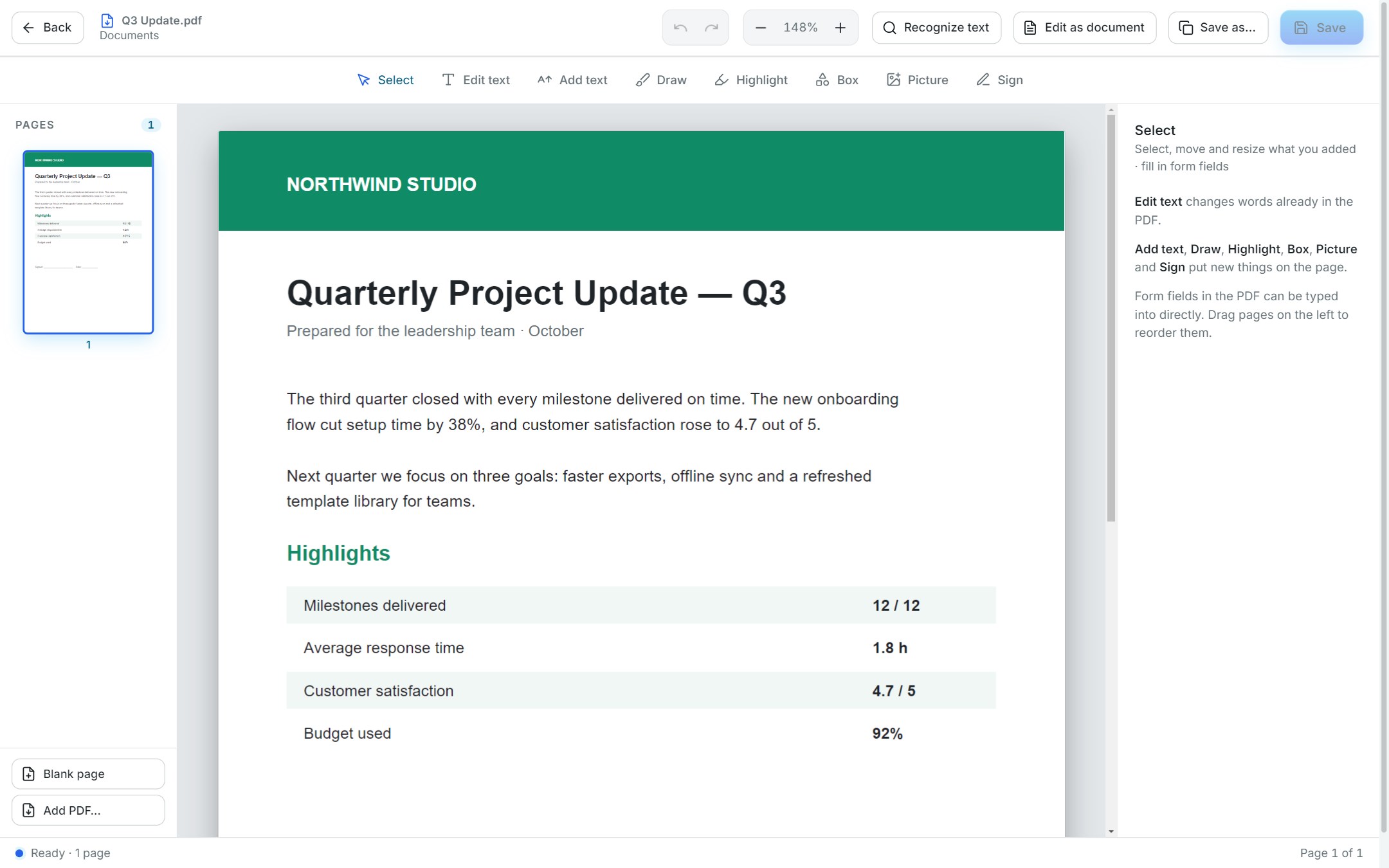
Document Studio brings your everyday paperwork tools into one calm, fast app — and makes the results look good. CREATE BEAUTIFUL DOCUMENTS Start from 14 polished templates — reports, letters, invoices, memos, meeting minutes, proposals, SOPs, user manuals, project plans, CVs, test reports, review records, checklists and specifications — or a blank page. Headings, tables, charts and page numbers stay tidy as you type. Save as PDF, Word, Markdown, plain text or a picture. EDIT ANY PDF Fix a typo in the original text of a PDF and it keeps the same font and position. Add text, highlights, boxes, pictures and your signature, fill in forms, merge PDFs and reorder pages by dragging. READ SCANNED PAGES (OCR) Turn scanned PDFs into searchable, editable text. Text recognition runs entirely on your PC. CONVERT FILES Convert between Word, PDF, Excel, PowerPoint, pictures, web pages, Markdown and text. Your originals are never overwritten. GANTT CHARTS Plan projects in minutes: type tasks or paste them from Excel, drag bars to move them, and let later tasks follow along. Phases, milestones, owners and progress included. Export as a picture or PDF, or drop the chart into a document. FLOWCHARTS Describe steps in simple text (Mermaid) or click to add steps and decisions, and the diagram draws itself. Style it with shapes, colours, gradients and shadows, then export as PNG, SVG or PDF. MAKE IT YOURS Four themes and eleven gradient colour palettes — or your own colour. Your PDFs match what you see. PRIVATE BY DESIGN No account, no ads, no tracking. Your files never leave your PC. Some conversions (Word, Excel, PowerPoint) and "Edit as document" use Microsoft Office if it is installed on your PC. Everything else works without it.
Productivity · Windows · Free