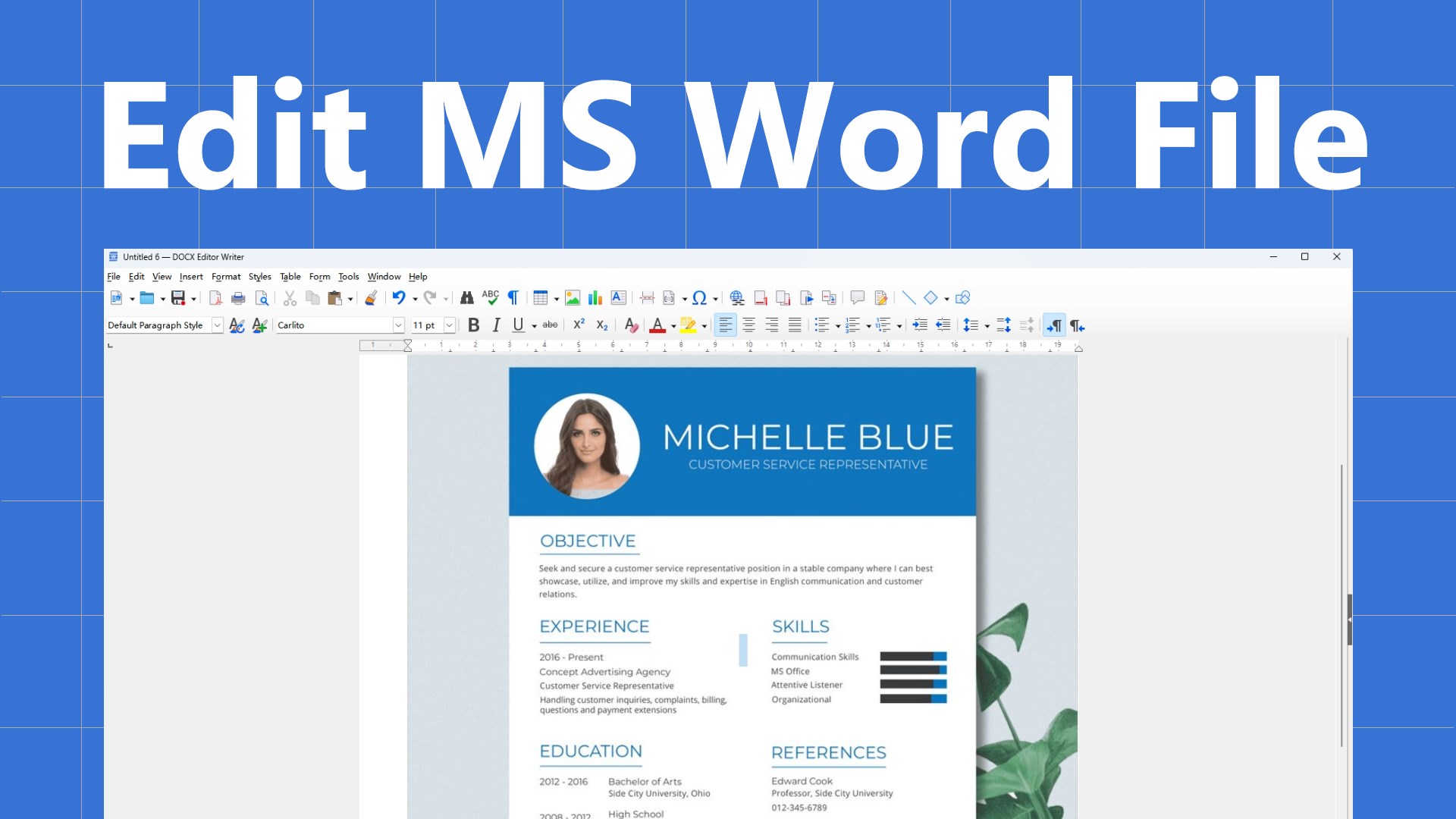
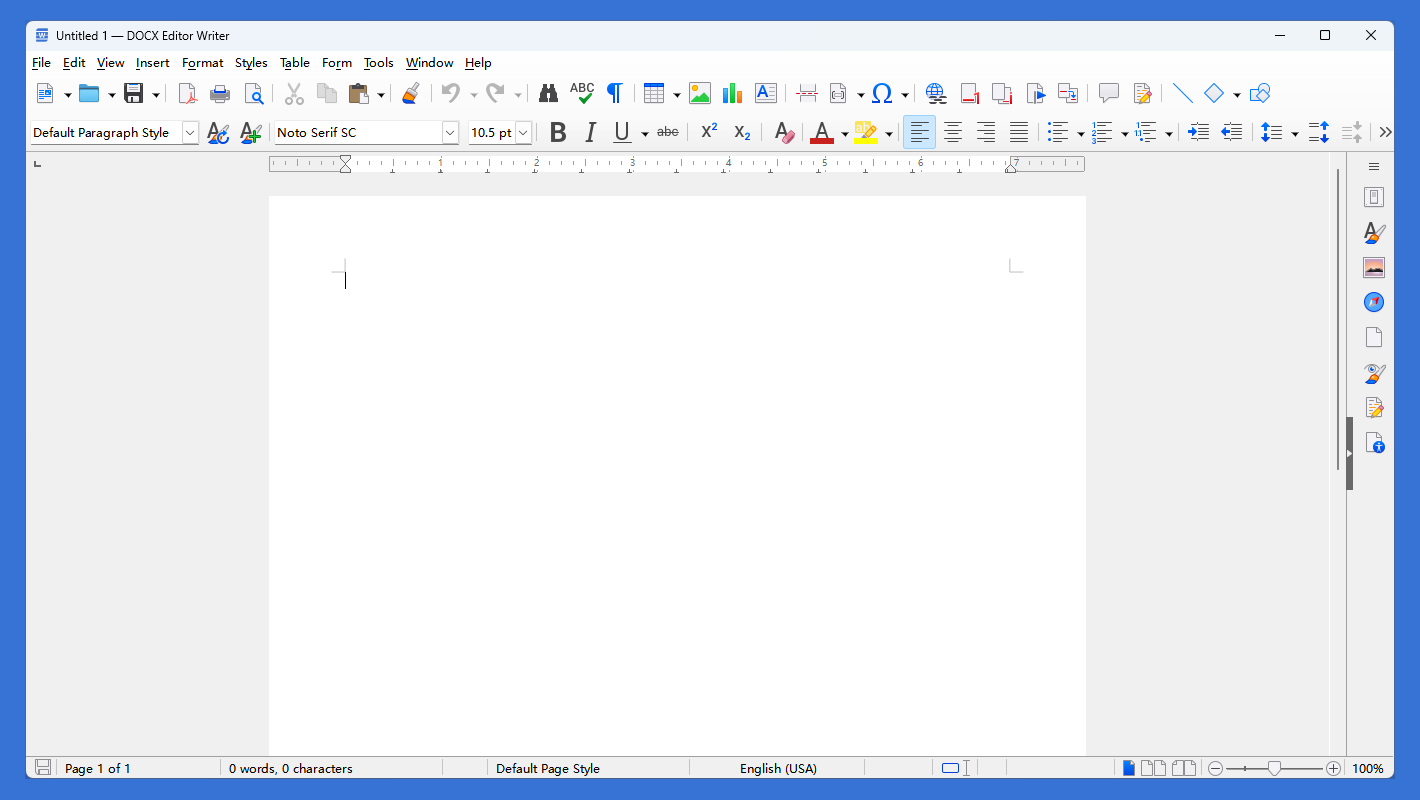
DOCX+ Editor is a modern, high‑performance document editing and processing tool designed to help you efficiently open, edit, and generate .docx, .doc, and other mainstream Word documents. Whether you are writing reports, editing theses, preparing proposals, or handling daily office correspondence, DOCX+ Editor delivers a stable, smooth, and fully‑featured editing experience. DOCX+ Editor now not only supports opening, creating, and editing Microsoft Word (.docx, .doc, .rtf) documents, but also supports editing Excel (.xlsx, .xls, .csv) and PowerPoint (.pptx, .ppt) files as well as other Office documents. DOCX+ Editor now supports batch conversion of Word documents to PDF documents. Opening – Fully compatible with Microsoft Word 97–2021 and Office 365 formats, supporting .docx, .doc, .rtf, .txt, and .odt common document formats. Even documents with complex layouts, multi‑level lists, headers/footers, footnotes/endnotes, text boxes, graphic objects, and embedded tables are loaded quickly while preserving original styling and layout. Editing – Provides a WYSIWYG editing environment with extensive formatting options: rich text styles (fonts, sizes, colors, highlighting, character spacing), paragraph styles (indentation, line spacing, alignment, columns), page layout (margins, orientation, breaks), and insertion of images, tables, charts, hyperlinks, bookmarks, and cross‑references. It also supports change tracking, comments, spell/grammar checking, and find/replace for collaboration and review. Generating – Enables rapid document creation using built‑in templates or custom styles, with automatic generation of tables of contents, indexes, and bibliographies. For output, it exports to PDF, HTML, EPUB, XML, plain text, and more, meeting various needs such as printing, publishing, archiving, and e‑reading.
Productivity · Windows · Free
Rating: 4.4 out of 5, based on 40 user ratings.