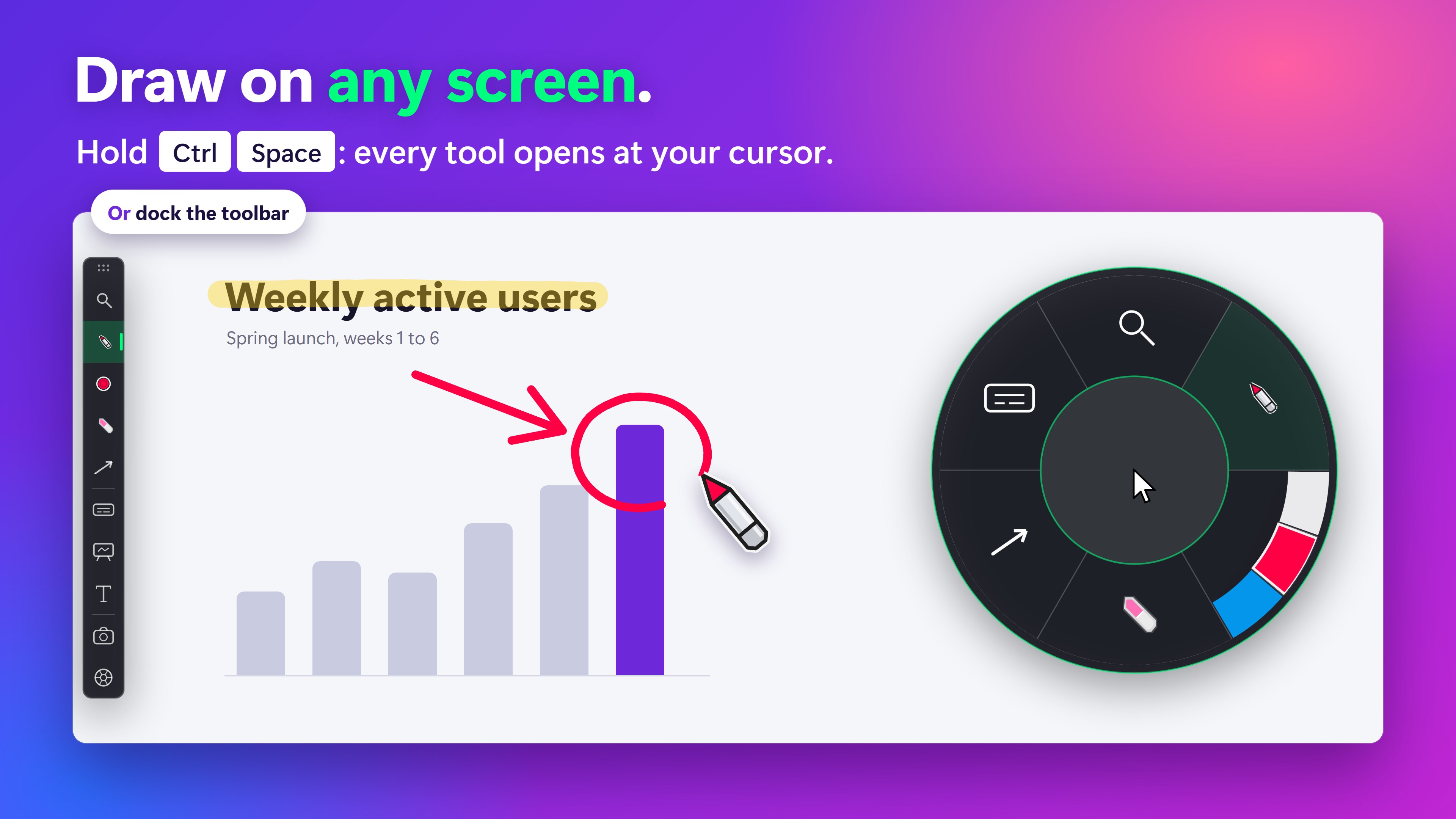
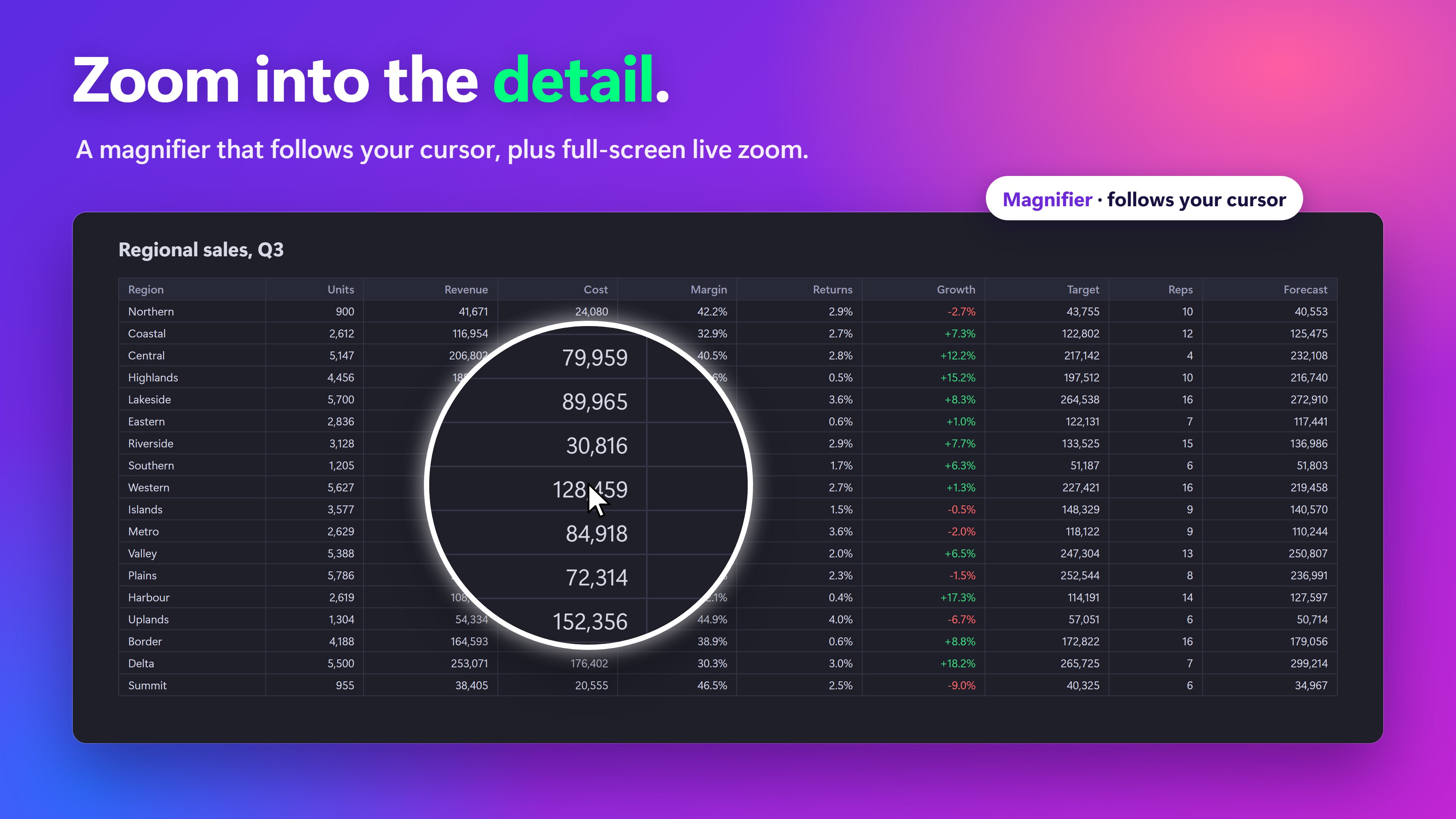
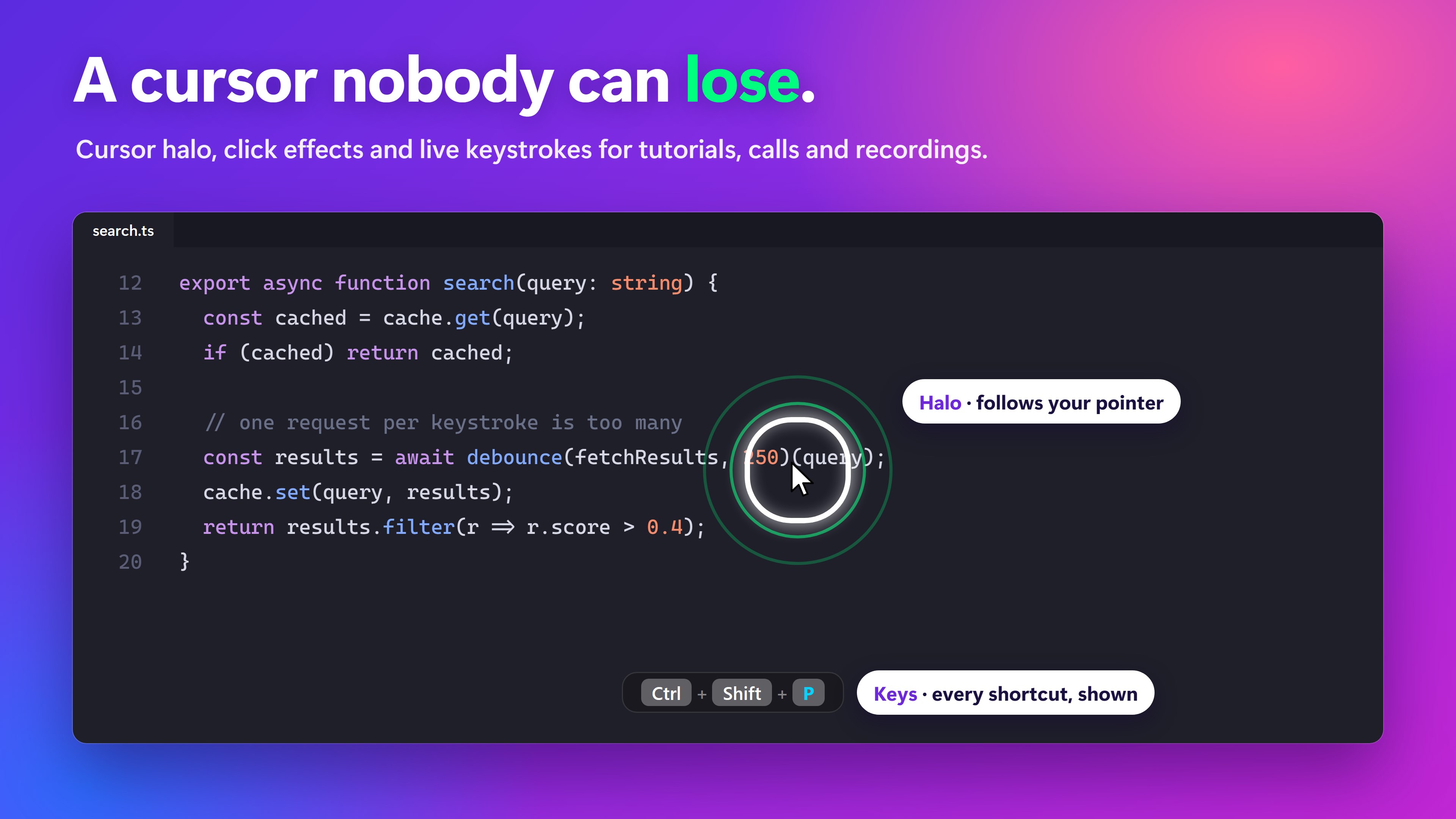
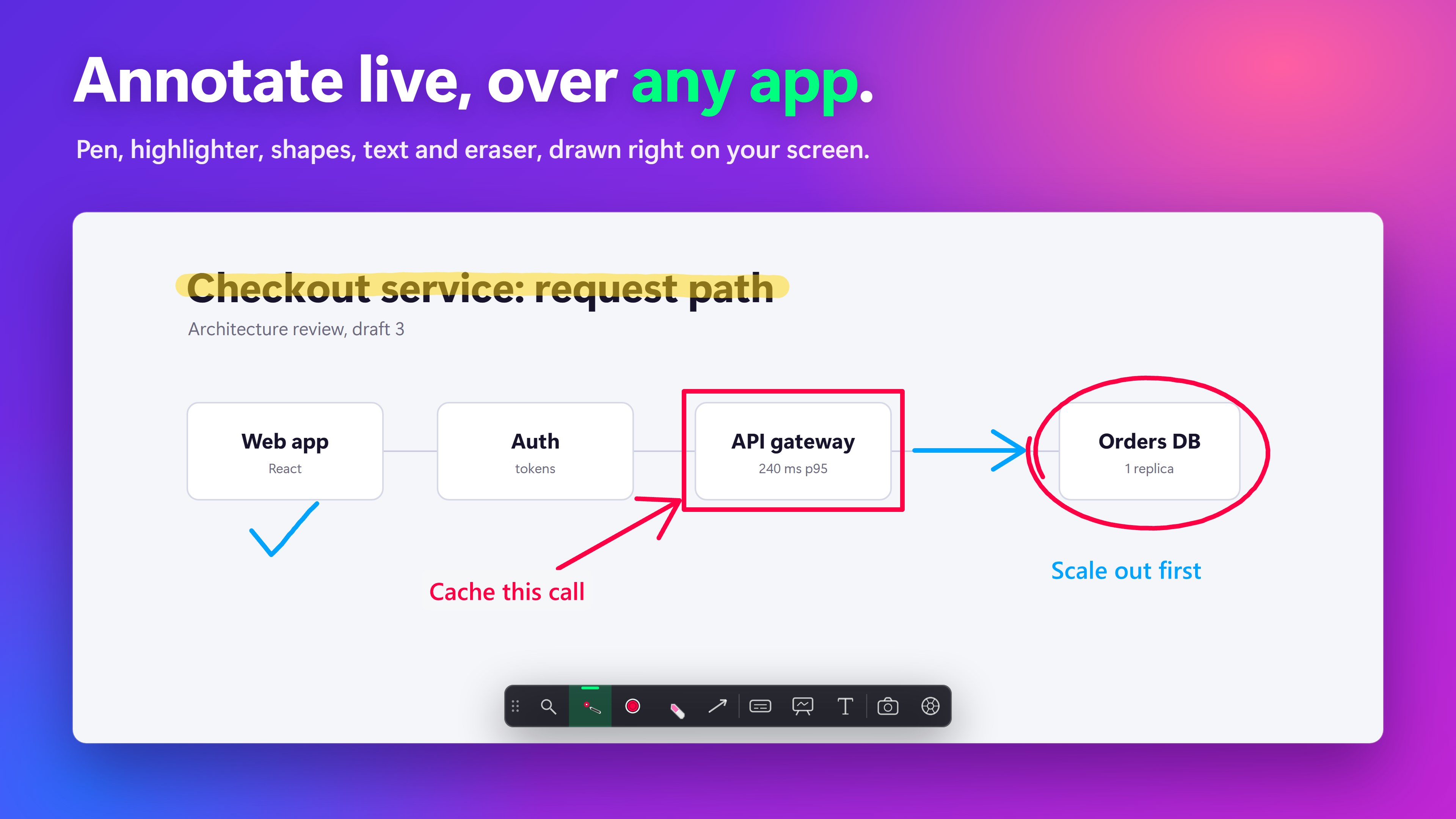
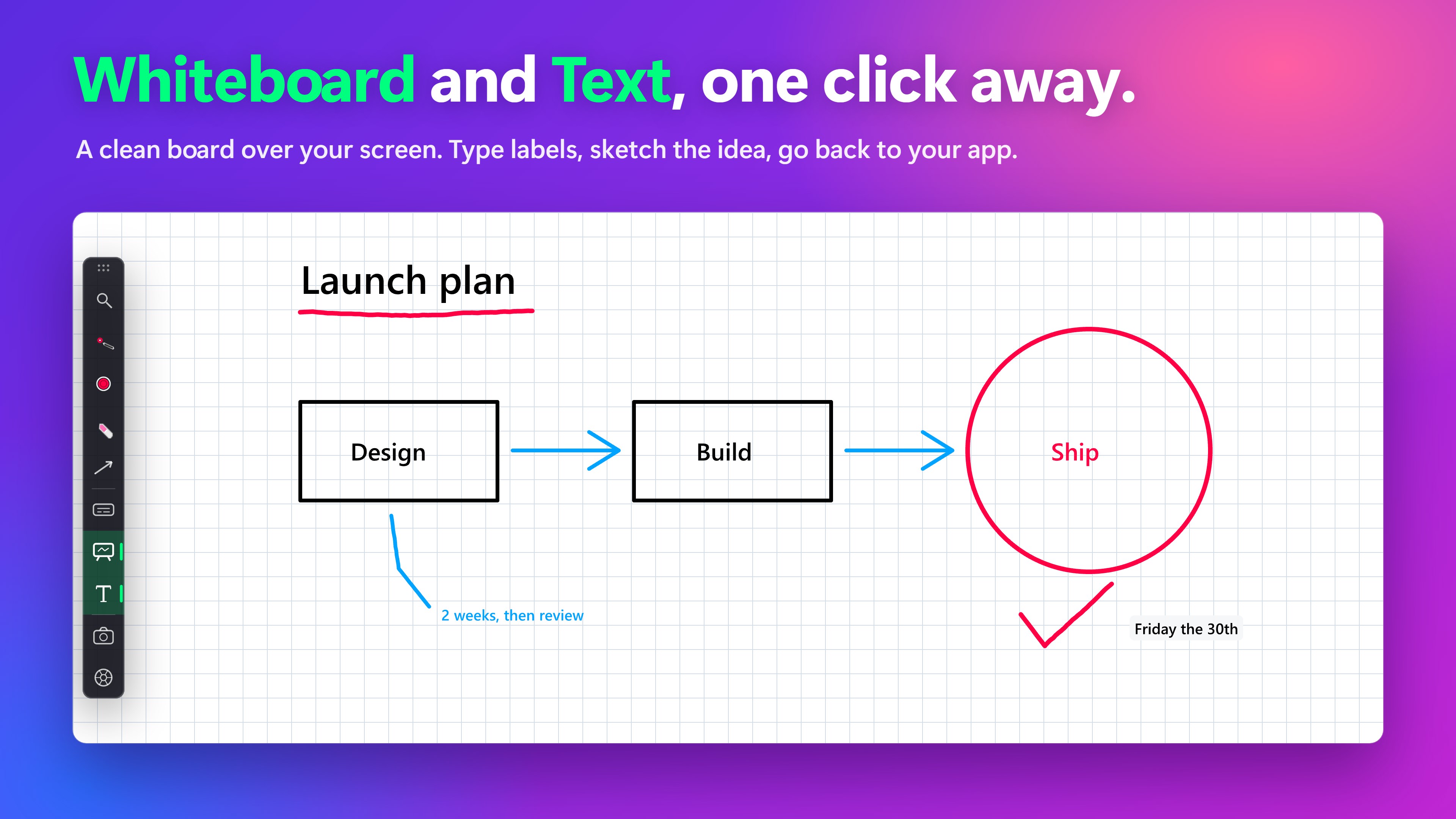
Draw on any screen, highlight your cursor, zoom in, and show keystrokes: one screen annotation tool for presenting, teaching and recording on Windows. SHARA sits on top of whatever you are showing. Pick a tool from a docked toolbar, or hold Ctrl+Space to open the SHARA Wheel at your pointer. Both hold the same tools, and you can switch between them at any time. Draw on Screen Over Any App • Pen and translucent Highlighter for marking up slides, code, documents and web pages. • Laser that fades by itself, for pointing without leaving a mark. • Arrows, lines, rectangles and circles. • Text labels: click, type, press Enter. • Eraser, undo and clear. • Pen tablets and pen displays are read directly, so handwriting stays smooth. Cursor Highlighter and Click Effects • A halo keeps your mouse pointer easy to follow on shared and recorded screens. • Three shapes, three sizes, your own colors, glow, borders and motion. • Left and right clicks show with their own animation and color. Magnifier and Zoom • Magnifier: a lens that follows the mouse. • Spotlight: dims everything except where you point. • Live Zoom: full-screen zoom on the mouse wheel. • Vertical video window: a 9:16 view that follows the cursor, for short-form recordings. • Start the Magnifier from a hotkey or a spare mouse button. Show Keystrokes • Shortcuts, typed text, clicks and scrolling appear on screen as you work. • Password fields are masked automatically. Whiteboard • Open a white, black or grid board over your desktop, write and draw, then close it. Your apps are where you left them. Screenshot • Capture the screen with your annotations: copy it, save it to Pictures\SHARA, or both. Made for Presenting • Works over PowerPoint, browsers, code editors, PDFs and any other desktop app. • Shows in Teams, Zoom, OBS and screen recorders, because it draws on the real screen. • The toolbar and Wheel can be hidden from screen shares and recordings while your ink stays visible. • Every tool has a global hotkey you can change, with conflict detection. • 4K, high-DPI, ultrawide and multi-monitor. Private by Design No SHARA account, no ads, no analytics. Your screen, ink and keystrokes are processed on your PC and are never sent anywhere. SHARA goes online only to show the SHARA Pro price and to complete or restore a purchase. Free to Start Every new install gets all SHARA Pro features for 14 days. After that SHARA stays free with the cursor halo, toolbar and Wheel, Laser, Pen, Arrow, Text labels, Eraser, undo, clear and Screenshot. SHARA Pro is an optional one-time in-app purchase with no subscription. It keeps Highlighter, Line, Rectangle and Circle, the four Magnifier modes, keystroke display, Whiteboard, color sets with instant color keys, and the advanced halo and click effects.
Utilities · Windows · Free